How to get Soulseer Mizutsune in Monster Hunter Stories 3 – Shogun Cenataur Invasive guide
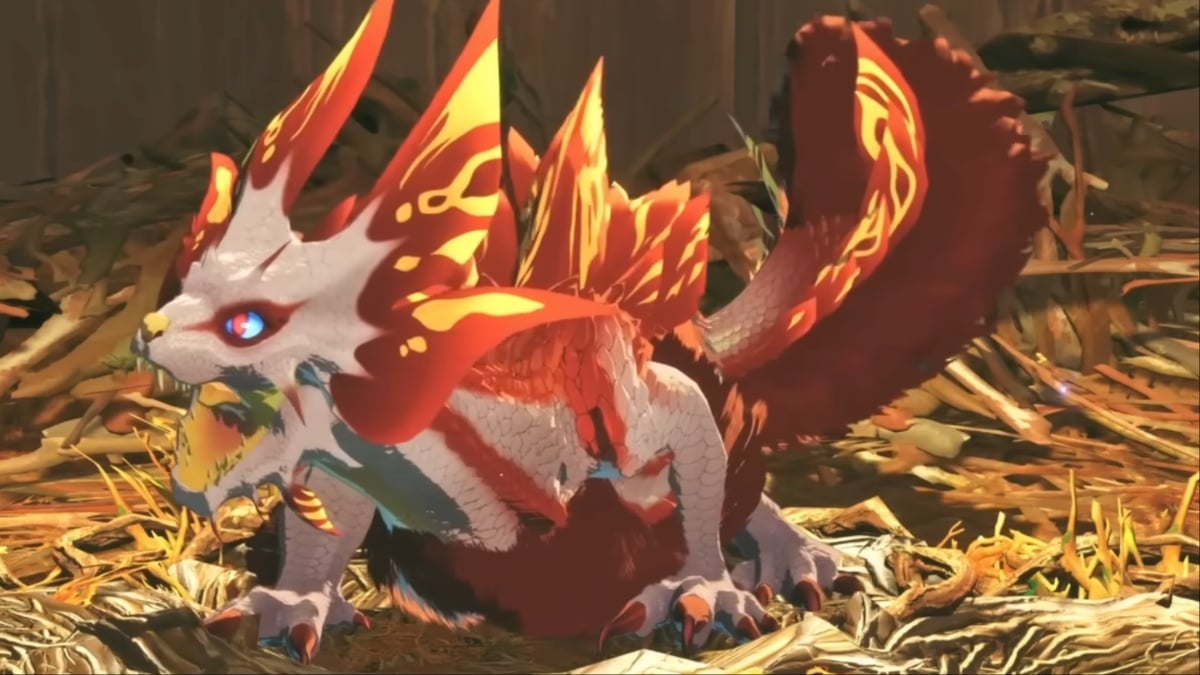
First, you’ll need to find and befriend a Mizutsune, a rare and endangered monstie. You’ll have to defeat a Shogun Cenataur to even reach its den. Here’s a guide on how to unlock the Soulseer Mizutsune.