The classic puzzle game Microsoft Jewel is now available for free on the Xbox PC app, and Xbox Game Pass subscribers get even more benefits! While Game Pass already offers a huge collection of popular games, Microsoft Jewel provides a fun, nostalgic experience. It’s a great option for players who want to earn extra Microsoft Rewards points and Gamerscore.
Many PC gamers will remember Microsoft Jewel as a popular free game once offered on the MSN Zone website. Microsoft has a history of providing free online games, like Solitaire, but these games were supported by advertisements. While enjoyable, players had to put up with ads while playing.
Microsoft Jewel Is Ad-Free for Game Pass Users
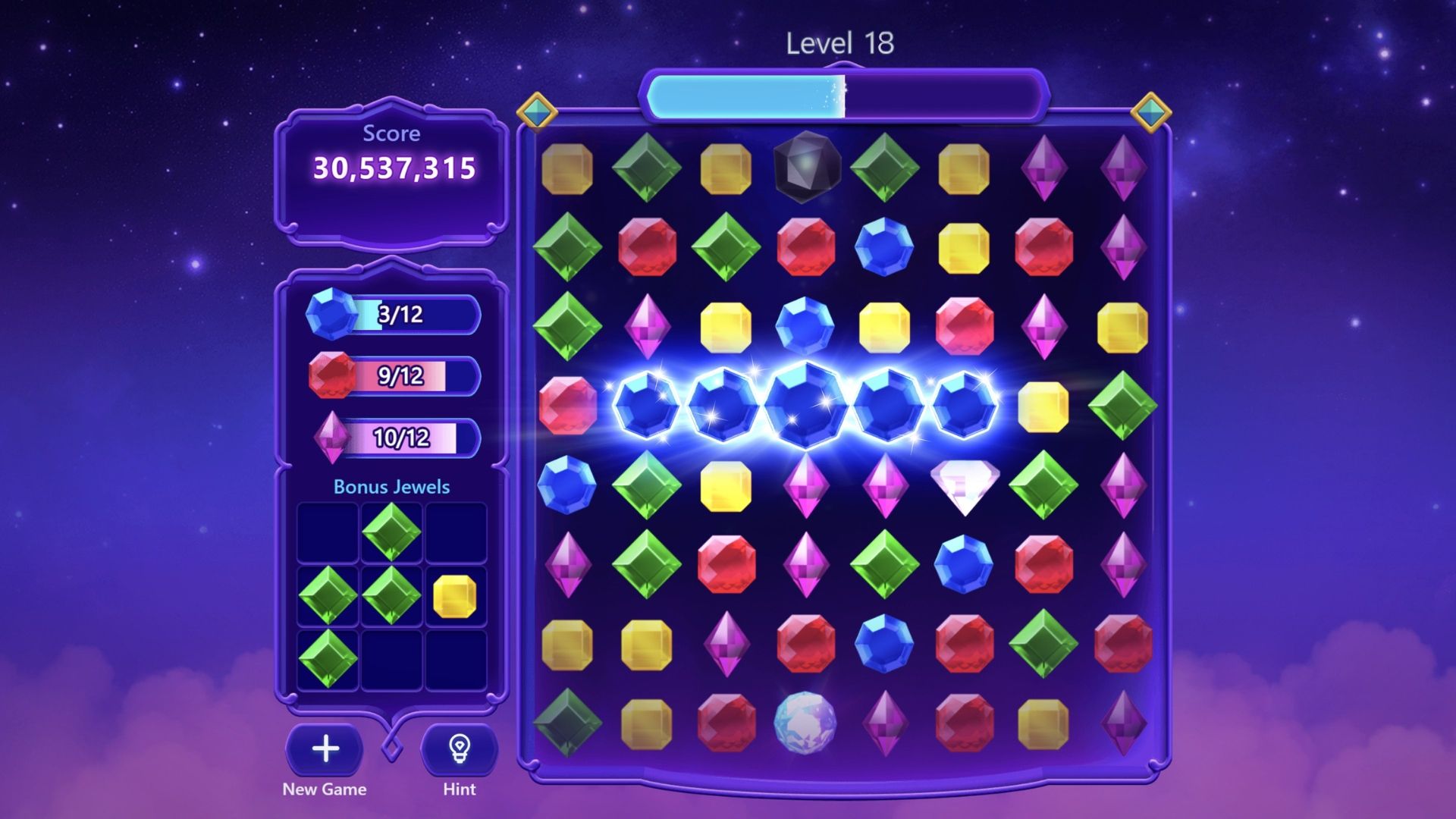
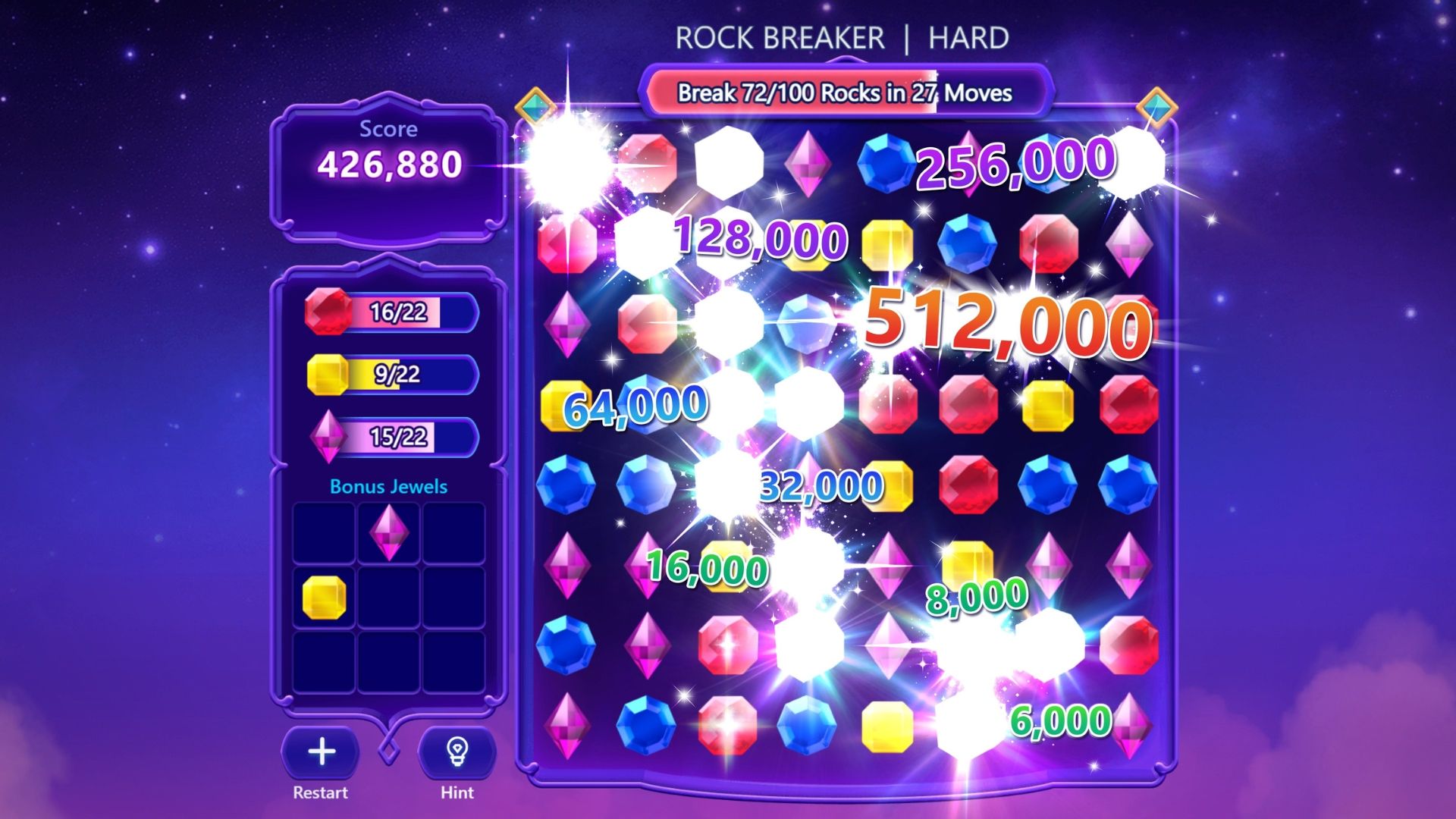
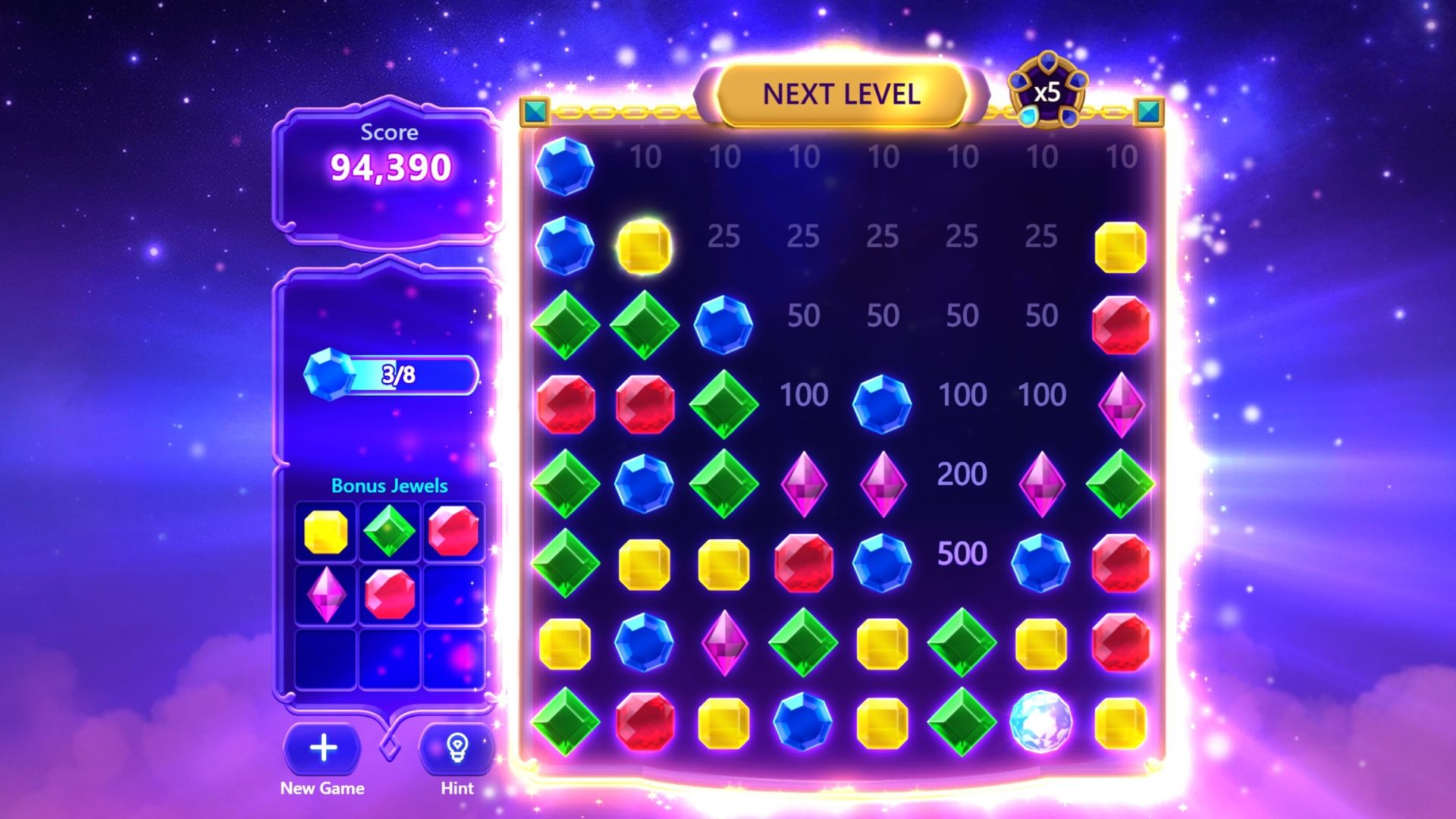
- Download Microsoft Jewel for Free on the Xbox Store
Launching on May 6, 2026, through the Xbox PC app, Microsoft Jewel is a new free game for Windows players. The gameplay is the same as in other versions, but this release offers a couple of benefits on its new platform. Xbox Game Pass members won’t see any ads while playing, offering an uninterrupted experience. Plus, Game Pass subscribers will get “extra bonuses” – the details haven’t been announced yet, but they might include things like bonus Microsoft Rewards Points and other perks.
 Find all 10 pairs
Results
Jewel is a gem-matching puzzle game similar to Bejeweled. It keeps things interesting with quests and daily challenges, and players can use a skill system to create powerful gem-clearing combos. While the basic idea is simple, Jewel is surprisingly challenging. Many players report that it becomes very difficult to progress at higher levels, making the challenges almost impossible to beat.
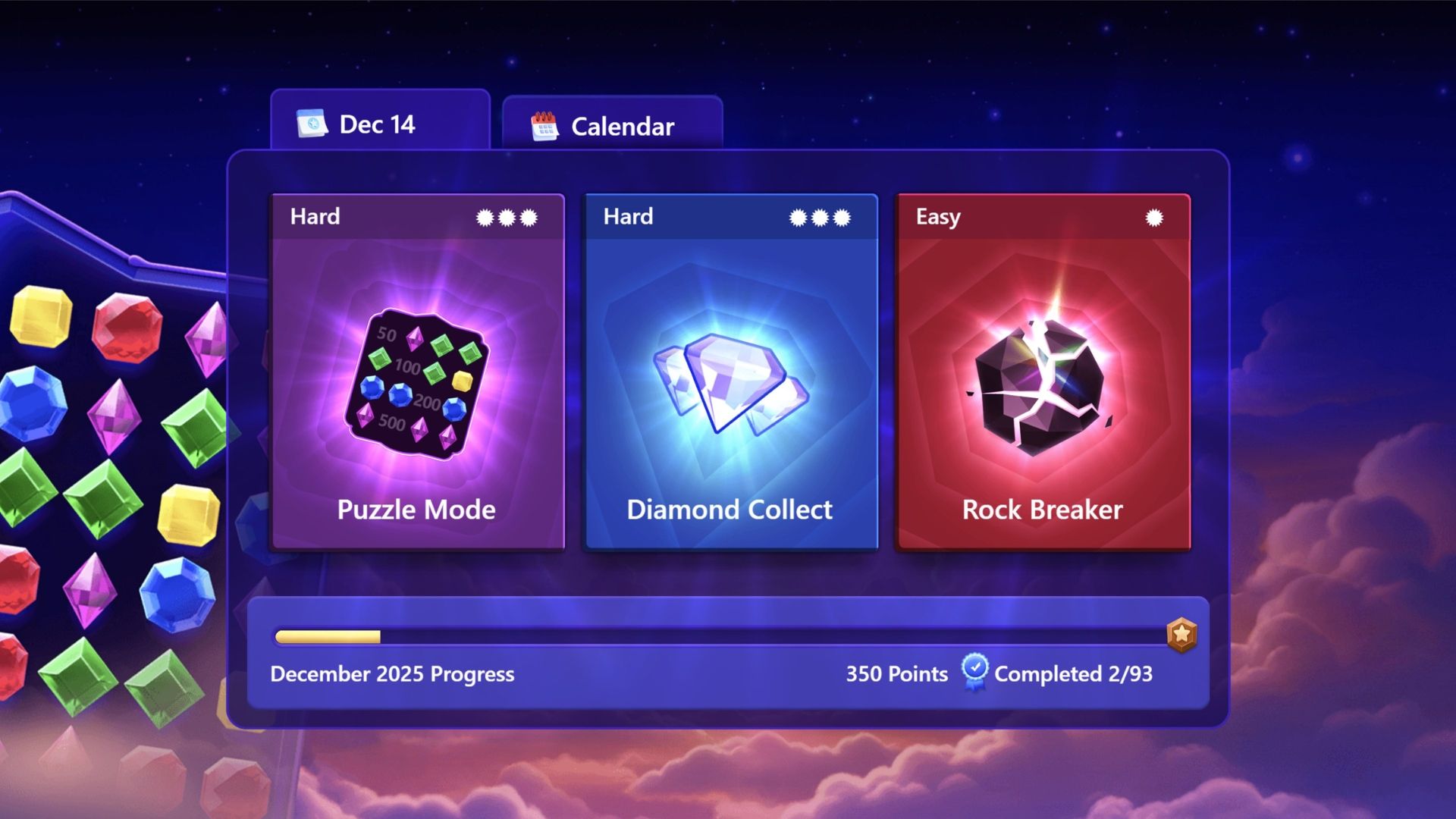
Players are already familiar with using Jewel to earn Microsoft Rewards points and finish Game Pass challenges. The newest update adds even more to the game with 28 Xbox Achievements totaling 1,000 Gamerscore. The best part? Most of these achievements are simple to unlock, making Jewel a great choice for Game Pass subscribers wanting a fast way to boost their Gamerscore.
Players can also download Mahjong for free on the Xbox PC app to earn additional reward points.
Free Game Giveaways
The good news is that Microsoft Jewel can run on most Windows 10 computers, as it doesn’t require a powerful PC. To play, you’ll need Windows 10 version 18362.0 or newer, and a 64-bit processor. The game is also quite small – it takes up less than 500 MB of space on your computer and the download is about 240 MB.
Read More
- Forza Horizon 6: Find the Ohtani Treasure Chest Location
- LEGO Batman Legacy of the Dark Knight Batcave Minikits & WayneTech Caches
- NTE Drift Guide (& Best Car Mods for Drifting)
- Diablo 4 Best Loot Filter Codes
- PS Plus Monthly Games for June 2026 Wish List
- USD CNY PREDICTION
- USD RUB PREDICTION
- GBP CNY PREDICTION
- Cookie Run Kingdom Timeline of Fate Update Guide
- CNY RUB PREDICTION
2026-05-08 01:04