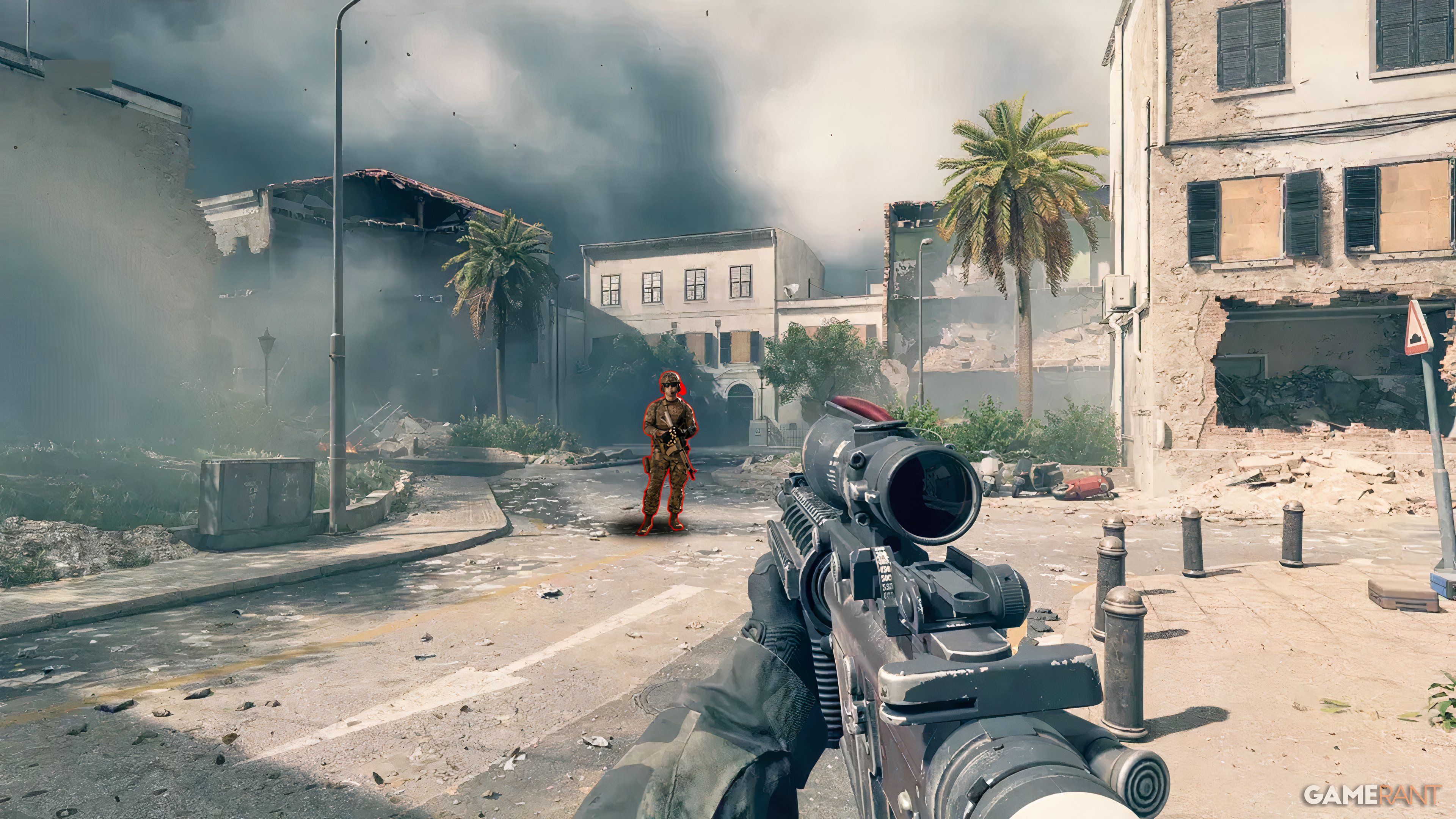
Many Battlefield 6 players believe leaving the SOVIS filter enabled helps make enemies easier to see. Since the game’s beta release, Battlefield 6 has had trouble with visibility – the dynamic weather and large number of players on each map often make it hard to spot opponents.
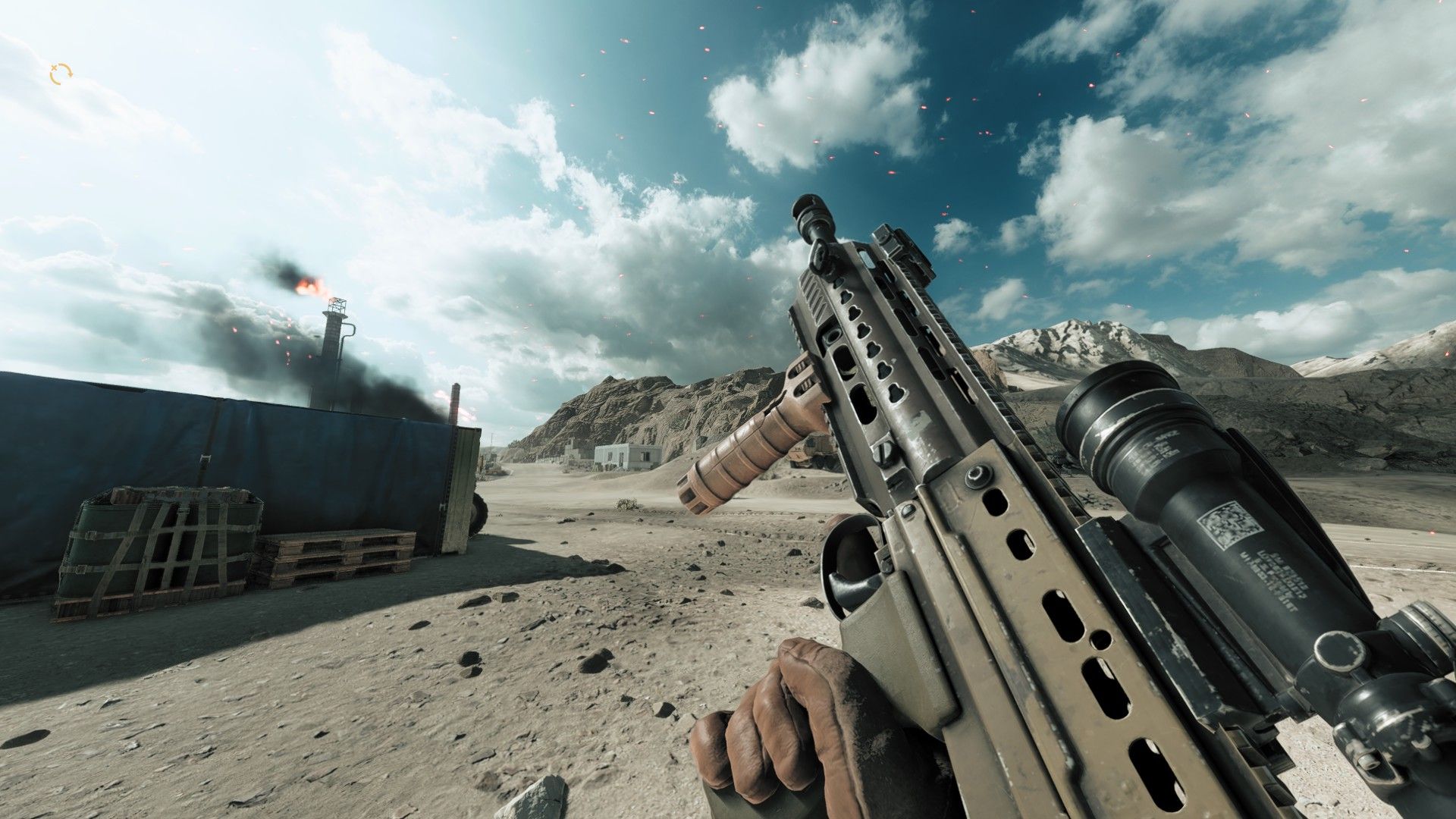
Fortunately, *Battlefield 6* offers plenty of graphics options that can help you see characters more clearly on its large maps. Players have found that tweaking brightness, and adjusting the size, color, and transparency of icons, can really improve visibility. Many also recommend using the SOVIS filter – a simple graphics setting – as the best way to spot enemies.
Battlefield 6’s Soldier Visibility Filter Can Help Spot Enemies
The Soldier Visibility filter, often called SOVIS, makes soldiers easier to see by turning off realistic lighting effects. Normally, these effects help soldiers blend into their surroundings. With SOVIS enabled, soldiers stand out more clearly from the background, unaffected by things like fog, dust, and lighting. Importantly, this filter doesn’t seem to slow down gameplay. You can find the SOVIS setting in the Graphics menu of *Battlefield 6*.
How to Turn the SOVIS Filter On
- Go to Settings
- Select the Graphics tab
- Look for the HUD and interface section
- Toggle SOVIS on if it is not enabled by default
The SOVIS filter functions much like the “Boost Player Contrast” option in *Counter-Strike 2*. Turning on this setting in *CS2* makes enemies easier to see against the background, especially at a distance. *Battlefield 6* has a similar “Soldier Visibility” setting, but it applies the effect to all players, while the *CS2* version primarily highlighted those who weren’t moving.
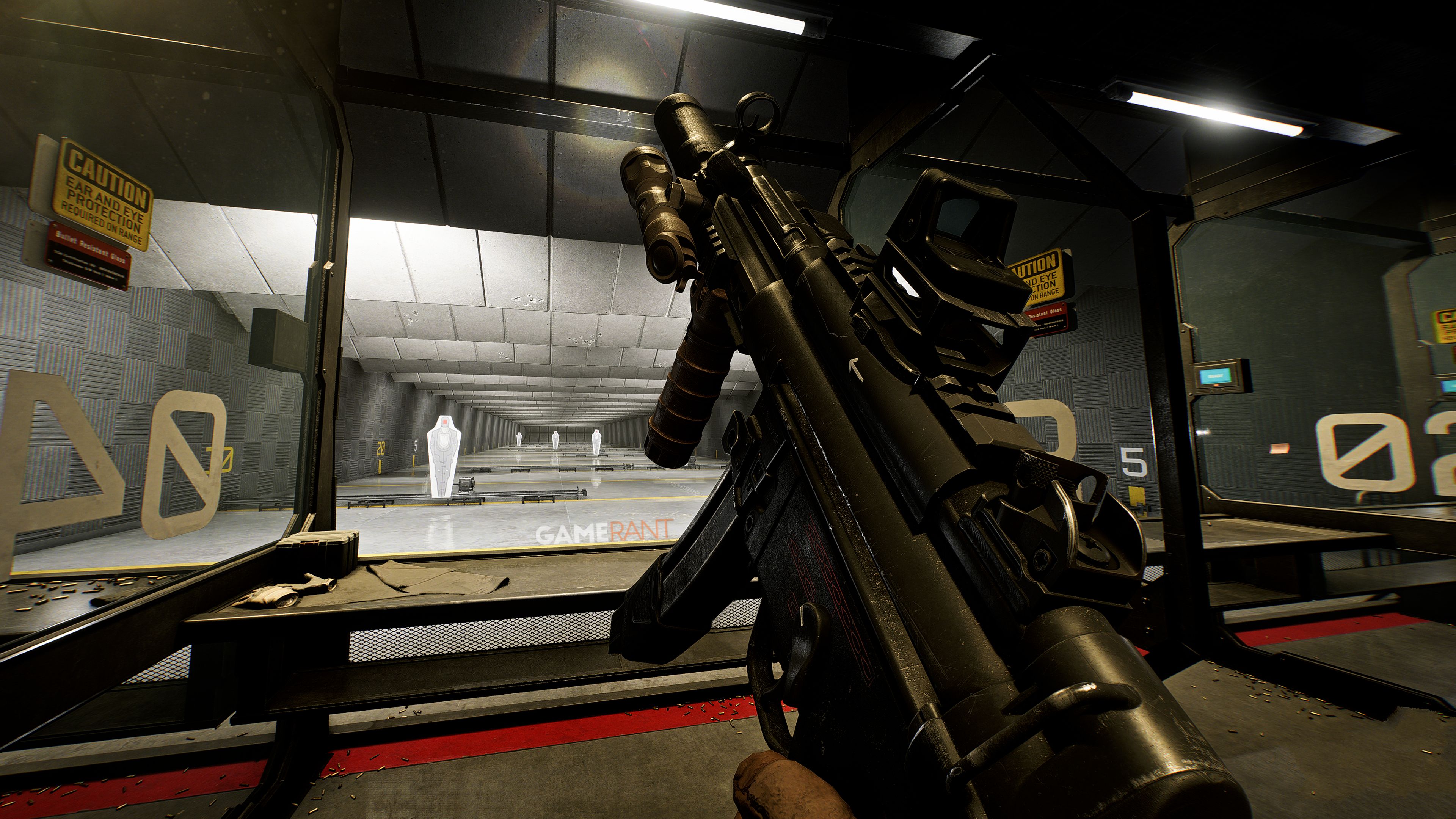
The SOVIS filter in Battlefield 6 is a bit controversial. Some players like it, but many recommend disabling it because it can make the game too bright and wash out details, ironically creating visibility problems. Ultimately, it comes down to what looks and feels best for each player. Those who want a more realistic experience often turn it off, while competitive players sometimes prefer to keep it on. The best approach is to try the filter on different maps and see if it actually helps your performance before making a final decision.
Read More
- Robinhood’s $75M OpenAI Bet: Retail Access or Legal Minefield?
- All Skyblazer Armor Locations in Crimson Desert
- All Hauntingham’s Letters & Hidden Page in New Super Lucky’s Tale
- Speedsters Sandbox Roblox Codes
- How to Get the Sunset Reed Armor Set and Hollow Visage Sword in Crimson Desert
- How to Catch All Itzaland Bugs in Infinity Nikki
- Madden NFL 26 Cover Star Revealed
- Who Can You Romance In GreedFall 2: The Dying World?
- USD RUB PREDICTION
- Invincible: 10 Strongest Viltrumites in Season 4, Ranked
2025-10-19 15:47