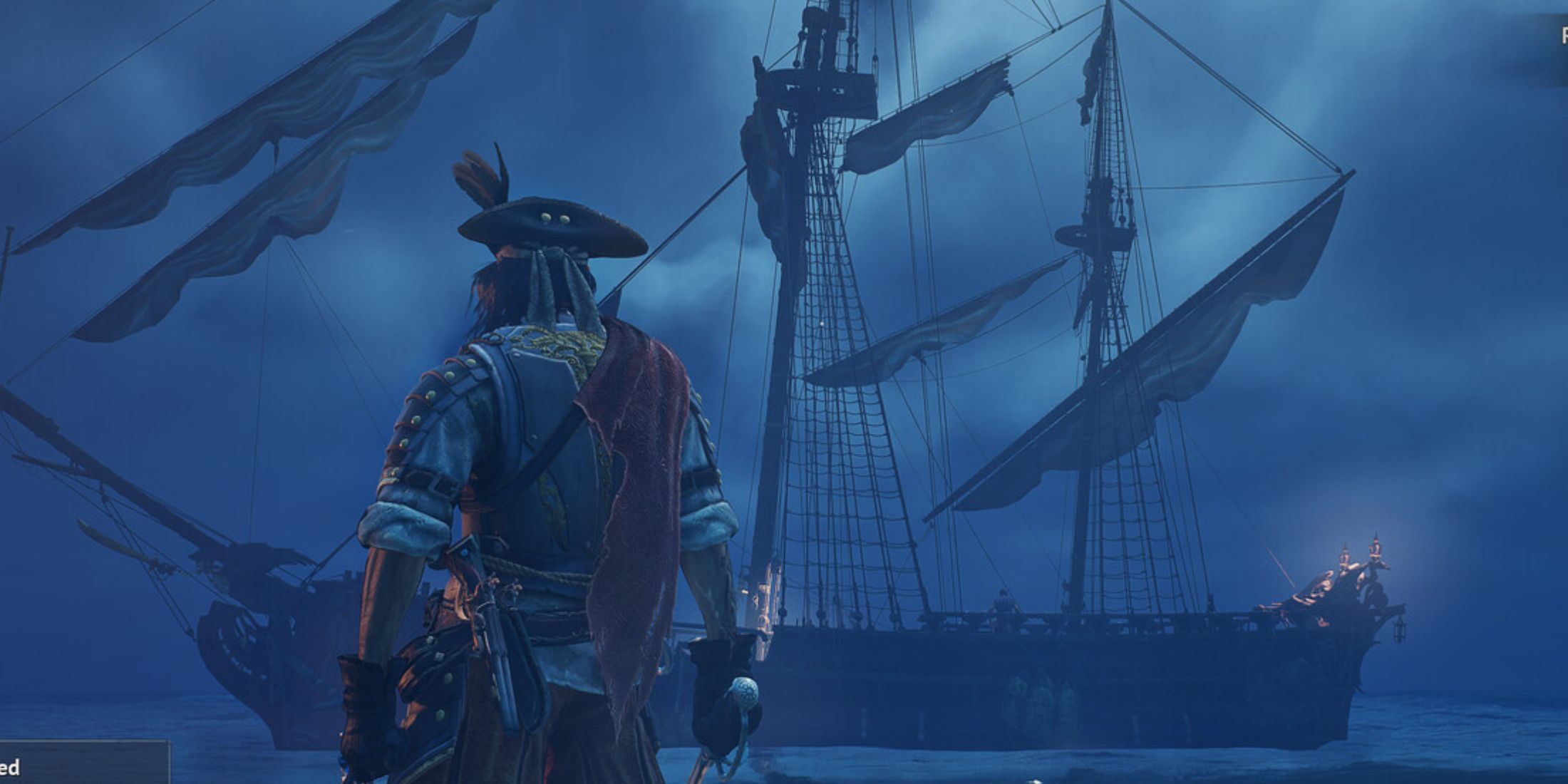
The pirate adventure game, Windrose, is proving popular, and many players are looking for ways to adjust the game’s difficulty to match their preferred playstyle and abilities, even with its exciting action.
If you’re new to this type of game, you might find it quite challenging, or you may prefer to explore the world at a more relaxed pace without constant enemy encounters. Luckily, Windrose lets you adjust the difficulty to suit your playstyle, and we’ll walk you through the options below.
How to Change the Difficulty in Windrose
You can adjust the difficulty level in Windrose, but you have to do it from the main menu—you can’t change it once you’ve started playing in a world. That’s why you won’t find the difficulty setting within the in-game options.
- First, go back to the main menu.
- From there, click on Play and then choose Solo or Offline. You will now see a list of all your worlds. Pick the one you want to change.
- At the bottom, you will see three options: Confirm, Edit, and Delete. Click on Edit, and that’s where the difficulty settings are.
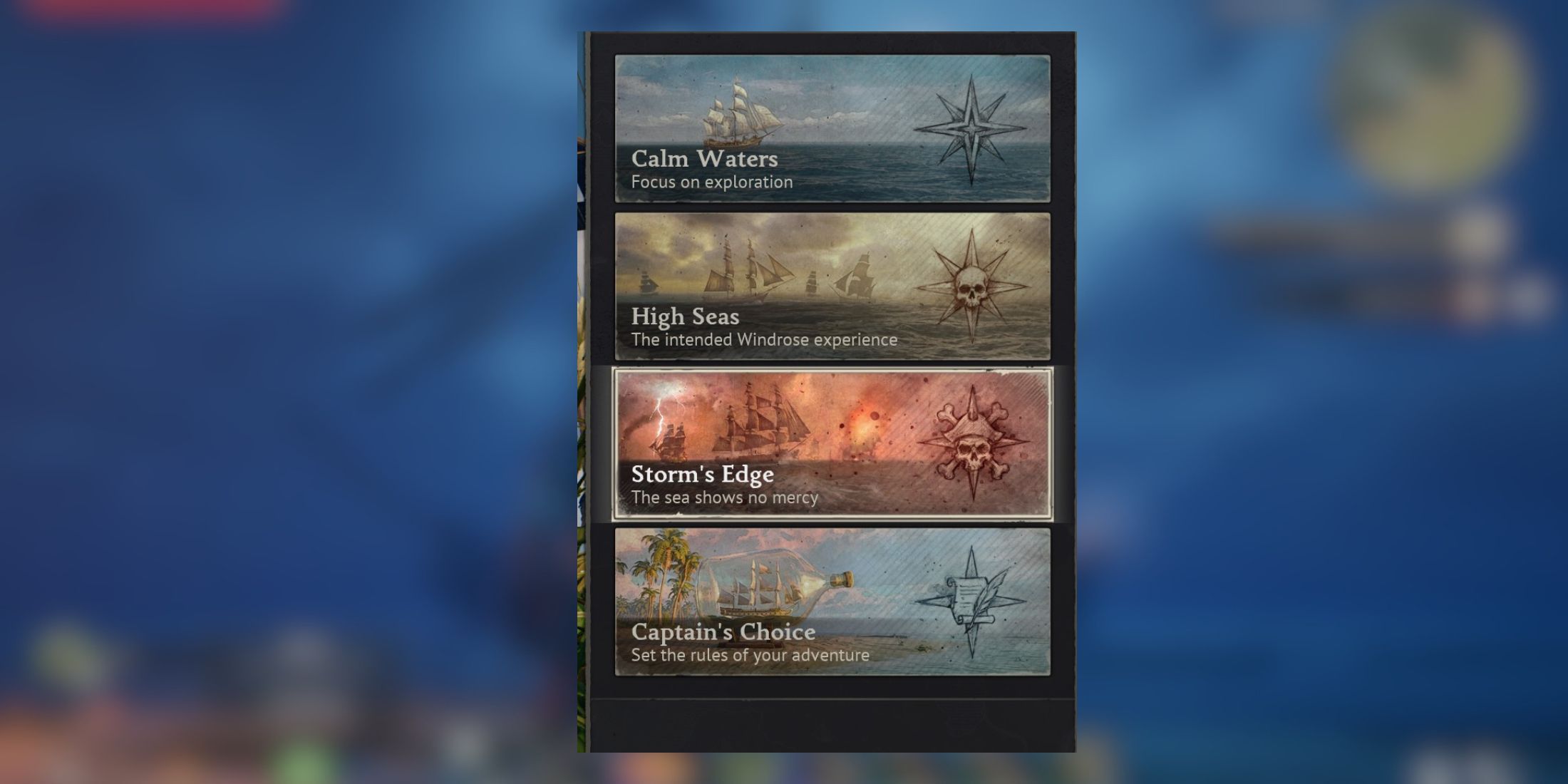
You’ll see four different modes in Windrose:
- Calm Waters (an easy voyage)
- High Seas (the intended Windrose experience)
- Storm’s Edge (the sea shows no mercy)
- Captain’s Choice (set the rules of your adventure)
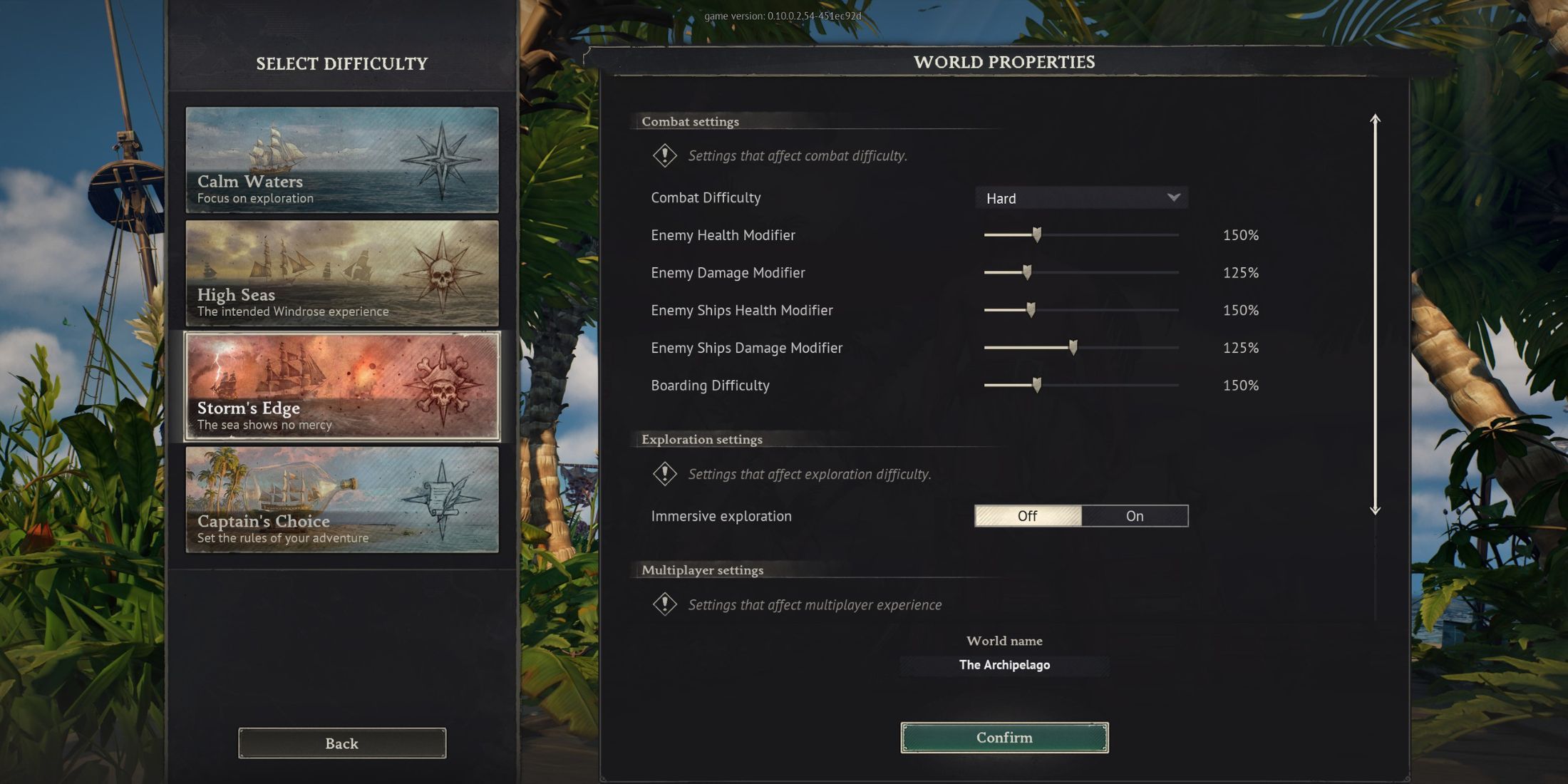
The game lets you customize the difficulty to your liking. You can tweak things like enemy health, damage output, and ship strength to create a challenge that’s just right for you.
Here’s how each difficulty mode breaks down:
Calm Waters
- Combat Difficulty: Easy
- Enemy Health: 70%
- Enemy Damage: 60%
- Enemy Ships Health: 70%
- Enemy Ships Damage: 60%
- Boarding Difficulty: 70%
High Seas
- Combat Difficulty: Normal
- Enemy Health: 100%
- Enemy Damage: 100%
- Enemy Ships Health: 100%
- Enemy Ships Damage: 100%
- Boarding Difficulty: 100%
Storm’s Edge
- Combat Difficulty: Hard
- Enemy Health: 150%
- Enemy Damage: 125%
- Enemy Ships Health: 150%
- Enemy Ships Damage: 125%
- Boarding Difficulty: 150%
If the existing options don’t quite fit, you can select Captain’s Choice for complete customization. This lets you adjust things like enemy health and damage, allowing you to tailor the game to your preferred level of challenge.
What Difficulty Should You Choose in Windrose?
- Difficulty is really a player-dictated experience, but for veterans and newcomers alike, we recommend High Seas.
- High Seas is the difficulty in which the developers intended for the game to be played.
- Wind Seas has decent values for difficulty in terms of health, damage, and more.
- Despite our preference, you should feel no shame in making the game easier to suit your needs.
Another cool feature is called Immersive Exploration. When you enable it, the map removes all points of interest, so you have to discover everything yourself without any helpful markers.
Read More
- Quantum Agents: Scaling Reinforcement Learning with Distributed Quantum Computing
- Boruto: Two Blue Vortex Chapter 33 Preview — The Final Battle Vs Mamushi Begins
- All Skyblazer Armor Locations in Crimson Desert
- Every Melee and Ranged Weapon in Windrose
- How to Get the Sunset Reed Armor Set and Hollow Visage Sword in Crimson Desert
- Zhuang Fangyi Build In Arknights Endfield
- One Piece Chapter 1180 Release Date And Where To Read
- All Shadow Armor Locations in Crimson Desert
- Top 10 Must-Watch Isekai Anime on Crunchyroll Revealed!
- Windrose Glorious Hunters Quest Guide (Broken Musket)
2026-04-21 02:47