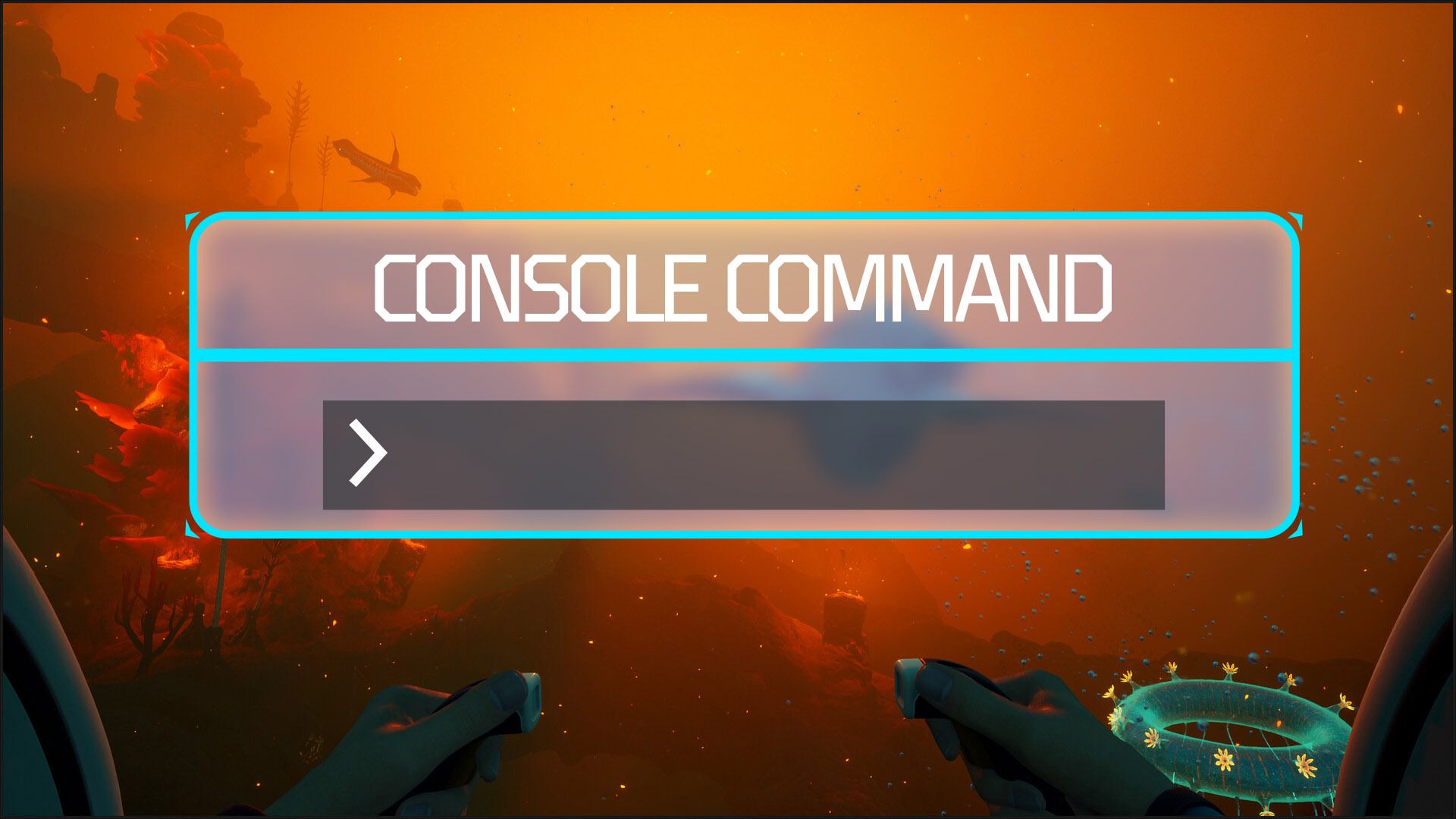
With console commands in Subnautica 2, you can become invincible (god mode), create items, instantly unlock all blueprints, control the time, and build things without needing resources. Because the early access version of the game doesn’t have a built-in debug console like the first Subnautica, PC players need to download two files from NexusMods to activate it. After installing these files, pressing the F2 key will bring up the command menu, allowing you to enter cheat codes in Subnautica 2.
How to Unlock the Console in Subnautica 2
Okay, so right now you can only get to this console by using mods – it’s not built into the game itself. But honestly, if you’re familiar with where your game files are, setting it up is super quick, like a few minutes at most!
- First, download the UE4SS mod for Subnautica 2 from NexusMods. After that, download the Console Commands mod from NexusMods as well.
- Open your Steam library and find Subnautica 2. Right-click the game, select Manage, then choose Browse Local Files. From there, navigate to: Subnautica2\Subnautica2\Binaries\Win64
- Extract the UE4SS files into the Win64 folder.
- Next, open the UE4SS folder, then open the Mods folder inside it. Extract the Console Commands mod files there.
- Launch the game and press F2 to open the debug console.
- You will also see clickable buttons for some basic functions like survival toggles and inventory options, but typed commands unlock far more features.
All Working Subnautica 2 Console Commands
Here are all currently working console commands confirmed in the latest early access build.
| Command | Effect |
|---|---|
| god | Enables god mode with unlimited health, oxygen, food, and water |
| invisible | Prevents hostile creatures from detecting you |
| nocost | Lets you craft without using resources |
| unlock all | Unlocks all recipes, blueprints, and journal entries |
| kill | Instantly kills and respawns your character |
| night | Changes time to nighttime |
| day | Changes time to daytime |
| daynight # | Sets a specific time using a number value |
| FOV # | Changes field of view |
| item [name] [amount] | Spawns items directly into inventory |
| oxygen | Freezes oxygen levels |
| togglehud | Hides the HUD completely |
Best Console Commands to Use Early
If you want to skip repetitive tasks, the ‘nocost’ command is currently the most helpful in the game. It eliminates all the materials needed for crafting, so building a base or improving your equipment becomes much faster and easier.
The item command proved extremely useful for us when certain materials become hard to find.
To explore risky areas or test vehicles without attracting unwanted attention from large sea creatures, using invisibility alongside divine powers is very effective. Our tests showed that Leviathans didn’t react to us at all when we were invisible.
Adjusting how much you can see in the game can significantly improve the experience, particularly if you’re playing on an ultrawide monitor.
As a big fan of Subnautica 2, I just wanted to mention that because the game is still being developed and updated, sometimes certain commands might temporarily break after a new update rolls out. It’s just part of the process of building something awesome!
FAQs
Can you use console commands without mods?
Currently, the game doesn’t have a standard in-game console. PC players need to use mods to access commands.
Can console commands corrupt saves?
While most commands are generally safe to use, games still in early access can sometimes be unstable. It’s always a good idea to back up your saved game data before trying out any cheats, just in case.
Read More
- NTE Drift Guide (& Best Car Mods for Drifting)
- All Aswang Evidence & Weaknesses in Phasmophobia
- Diablo 4 Best Loot Filter Codes
- Conduit Crystal Location In Subnautica 2
- Where to Find Prescription in Where Winds Meet (Raw Leaf Porridge Quest)
- Forza Horizon 6: Find the Ohtani Treasure Chest Location
- Boruto: Ikemoto Has Already Hinted At Sasuke’s New Eye After Return
- Best Burst & Full Auto Builds for the M16A4 in BF6
- Brent Oil Forecast
- Deltarune Chapter 1 100% Walkthrough: Complete Guide to Secrets and Bosses
2026-05-23 14:07