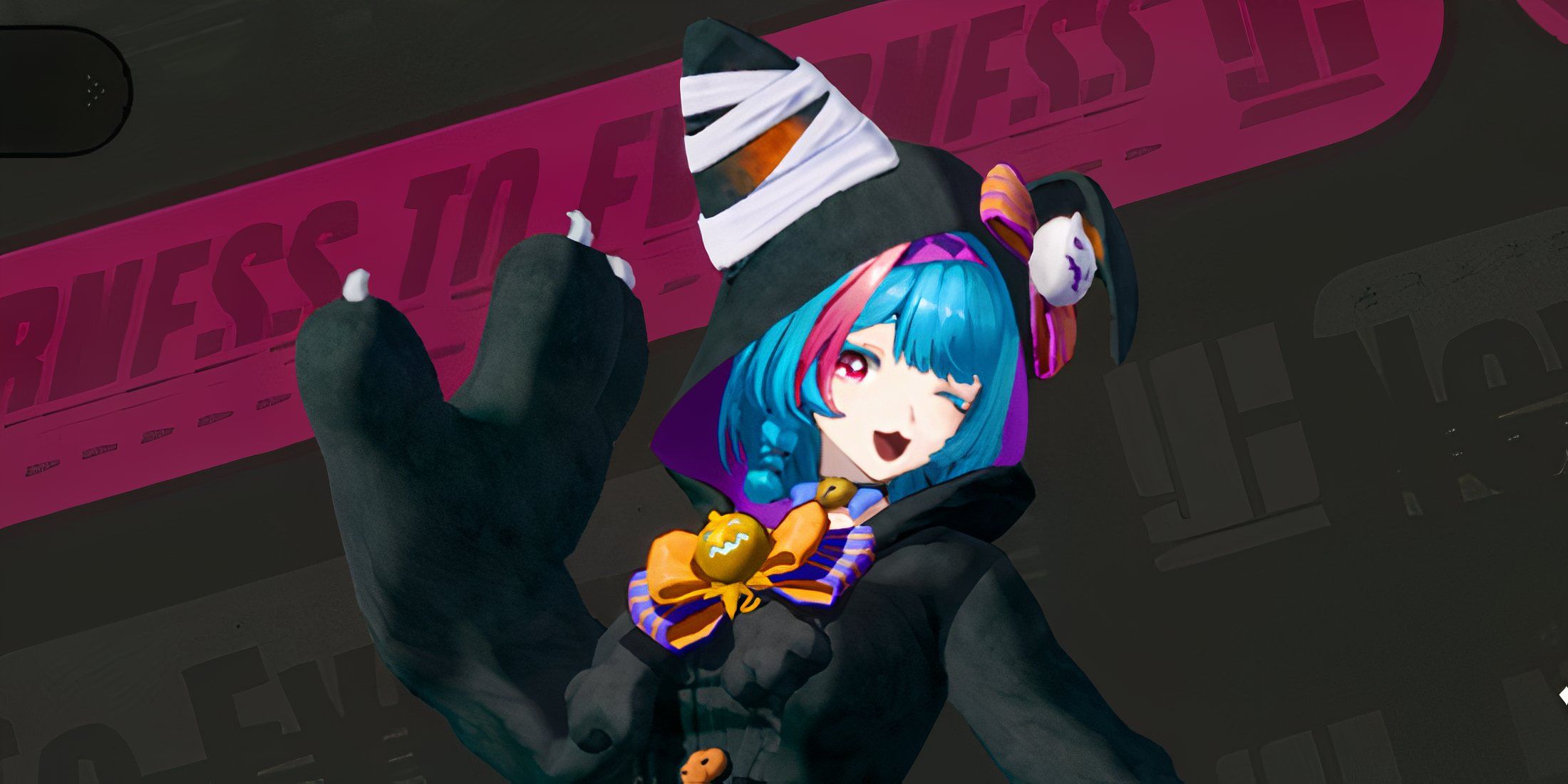
If you’ve spent a lot of time playing Neverness to Everness, you might be getting tired of the characters wearing the same clothes. Luckily, many characters have alternate outfits you can unlock to change up their appearance and give your team a fresh look.
Okay, so these outfits don’t actually do anything in the game – they won’t make you stronger or change how you play. But honestly, they’re just really fun to collect and wear! I love mixing and matching them with different gliders to create some awesome looks while I’m running around the city. I’m gonna show you some of my favorite combinations below!
How to Change Outfits in NTE
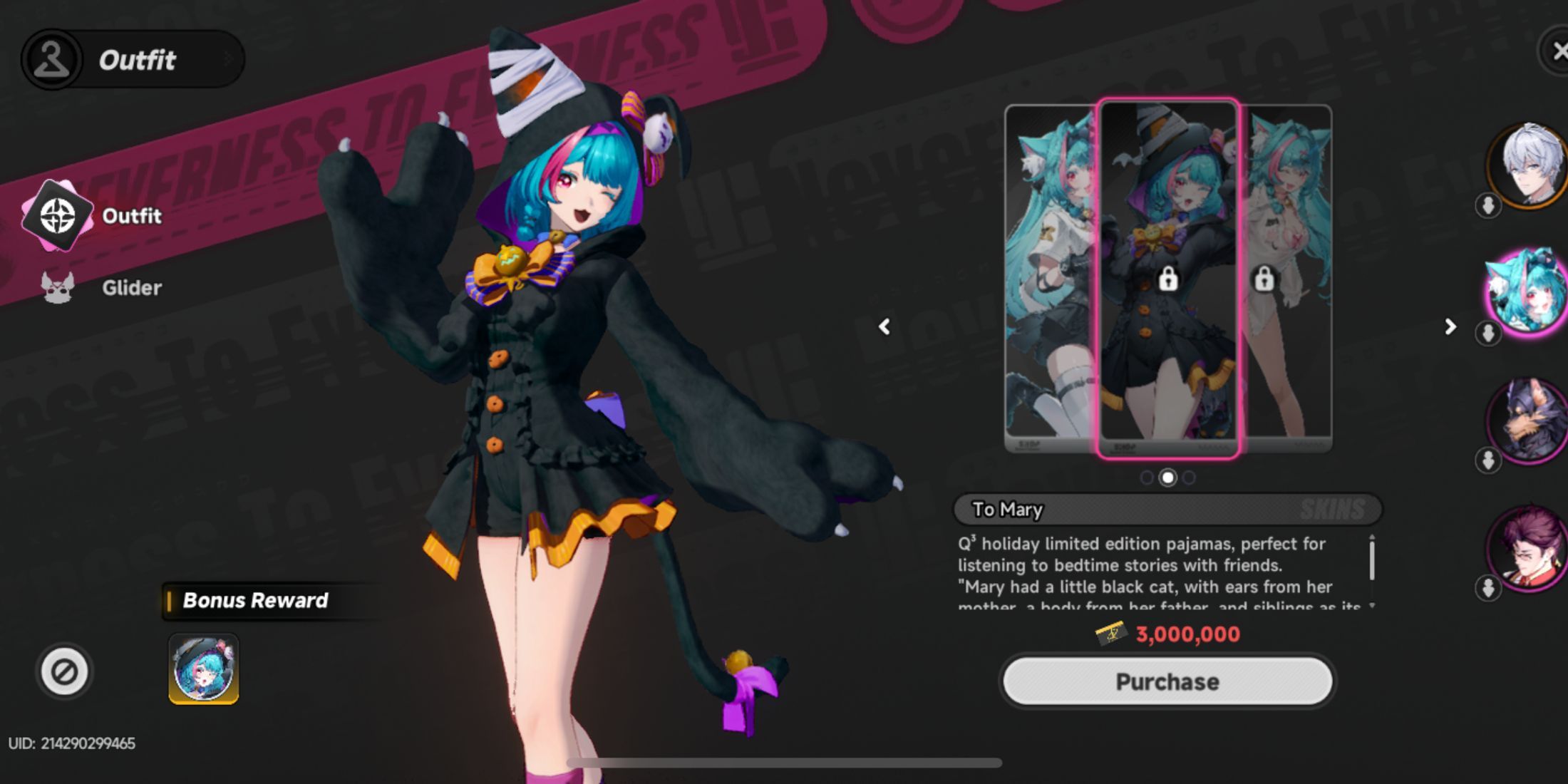
Okay, so changing my character’s look in NTE is super simple. I just pull out my phone and head to the Character tab. That’s where I can see all the characters I’ve unlocked so far.
First, select the character you’d like to customize from the side menu. Then, when the character’s page loads, find and open the ‘Outfit’ option in the bottom left corner. This will show you all the outfits available for that character.
Not all characters have alternate outfits yet, and some have more choices than others. Mint, for instance, currently has a good selection available.
How to Get More Outfits in NTE
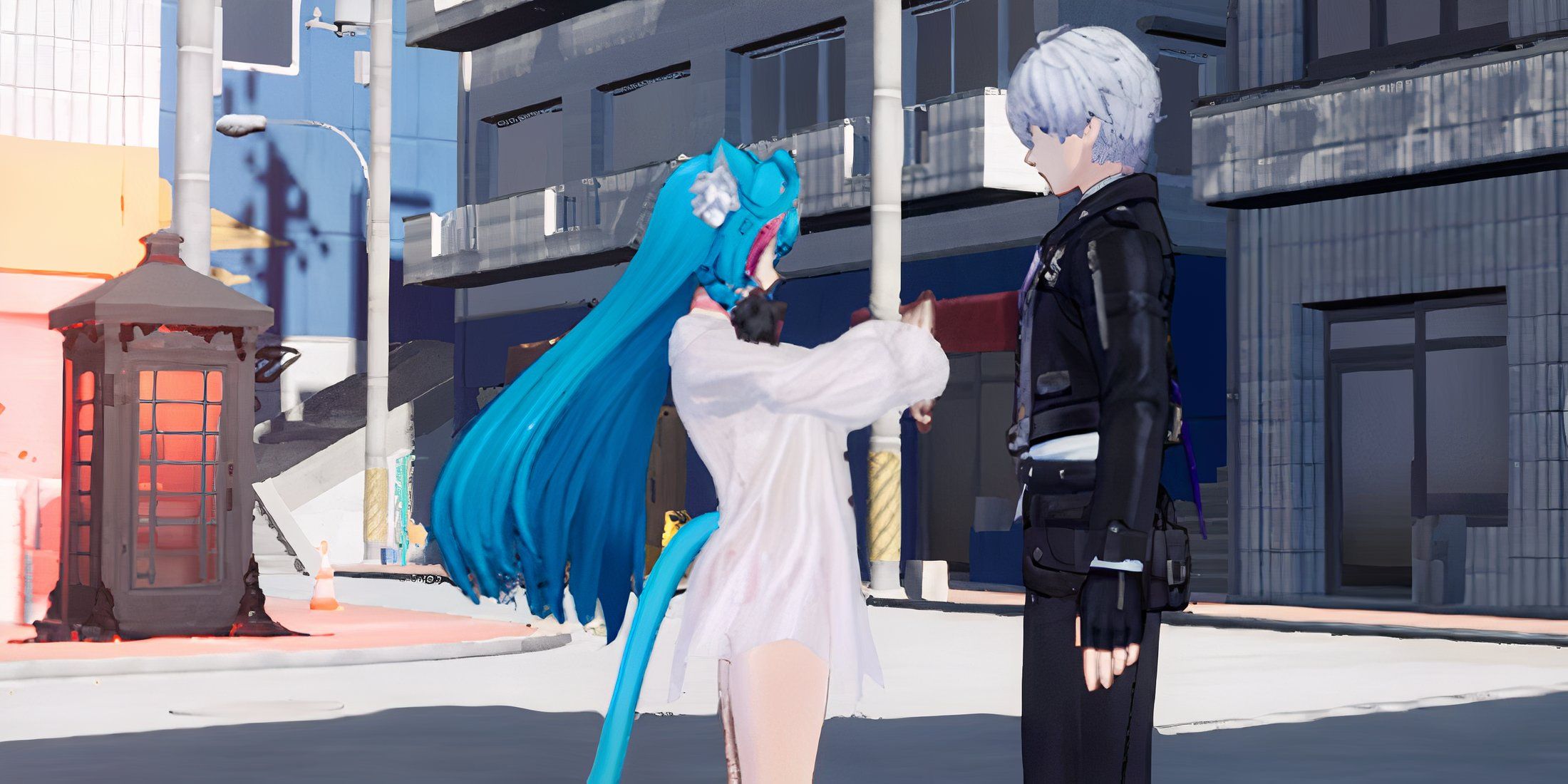
In Neverness to Everness, you can purchase most outfits using Fons. One of the fastest ways to get Fons is by opening safes. You can also earn them through quests, Anomaly Commissions, hobbies, and Pink Paw Heists.
You can earn some outfits by completing special challenges! Plus, certain characters will reward you with a free outfit once you become best friends with them – that is, when you max out their bond level. Specifically, reaching bond level 10 with Chiz, Mint, Nannaly, Fadia, and Jiuyuan unlocks a unique outfit for each of them. It takes effort and time to build those bonds by giving gifts and spending time with them, but it’s definitely achievable.
You can also get exclusive outfits! Find them in the Fashion Shop, located in the Mall menu on your phone.
How to Change the Glider in NTE
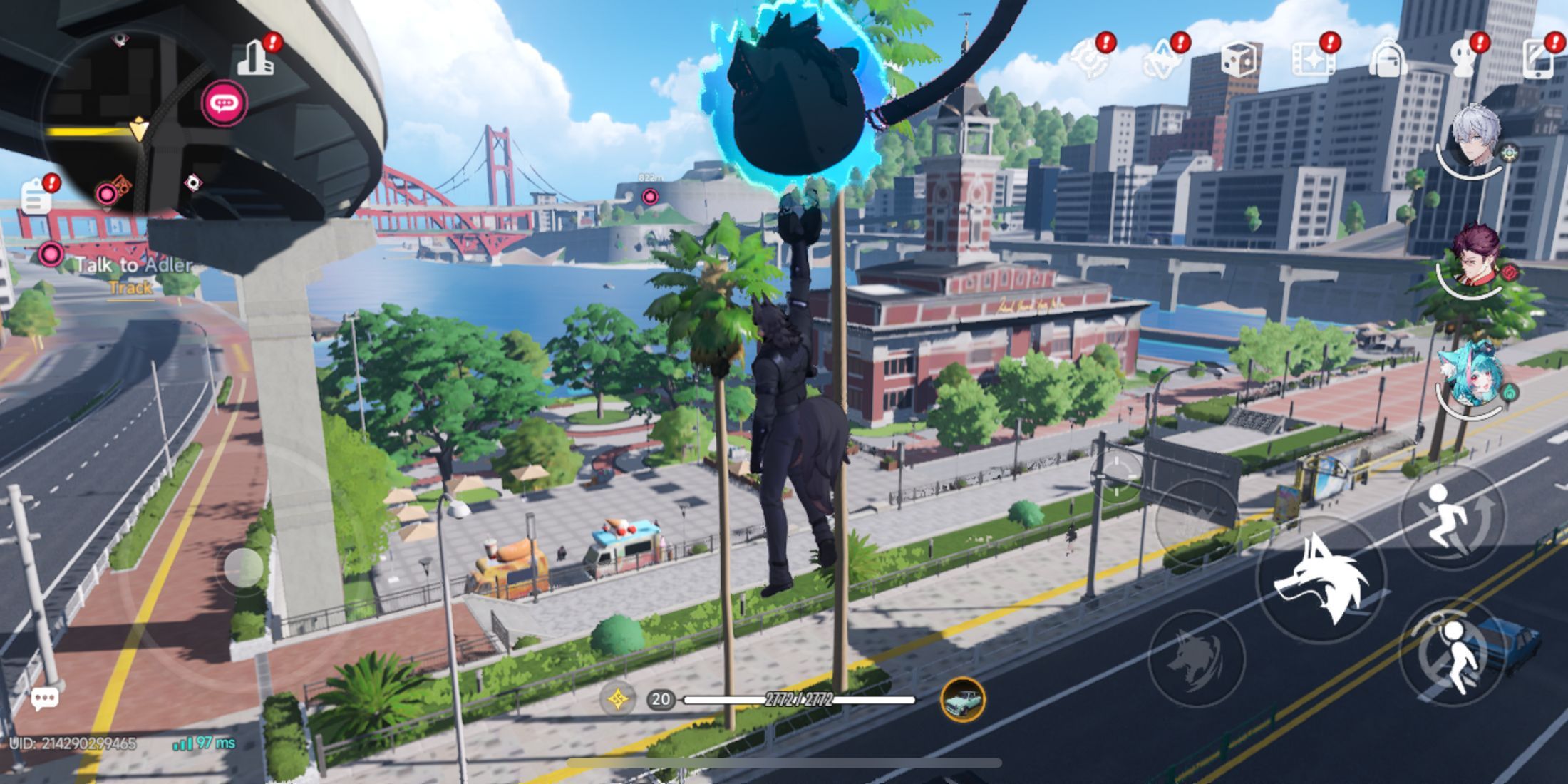
Switching gliders is very similar to changing outfits. In the Character menu, go to the Outfit section, and you’ll find the Glider option directly below. Clicking on it will show you all the gliders you have.
NTE offers a lot of ways to customize your experience, and I especially appreciate being able to use different Gliders for each character. However, if you find a Glider you love, you can easily apply it to all of your characters with a single option.
Read More
- NTE Drift Guide (& Best Car Mods for Drifting)
- How to Get the Wunderbarrage in Totenreich (BO7 Zombies)
- How to Beat Turbines in ARC Raiders
- Change Your Perspective Anomaly Commission Guide In NTE (Neverness to Everness)
- NTE Fan Shows Off Mint Cosplay
- Diablo 4 Best Loot Filter Codes
- Deltarune Chapter 1 100% Walkthrough: Complete Guide to Secrets and Bosses
- Top 8 UFC 5 Perks Every Fighter Should Use
- Danganronpa 2: A Complete Guide To Gifts
- Brent Oil Forecast
2026-05-12 21:40