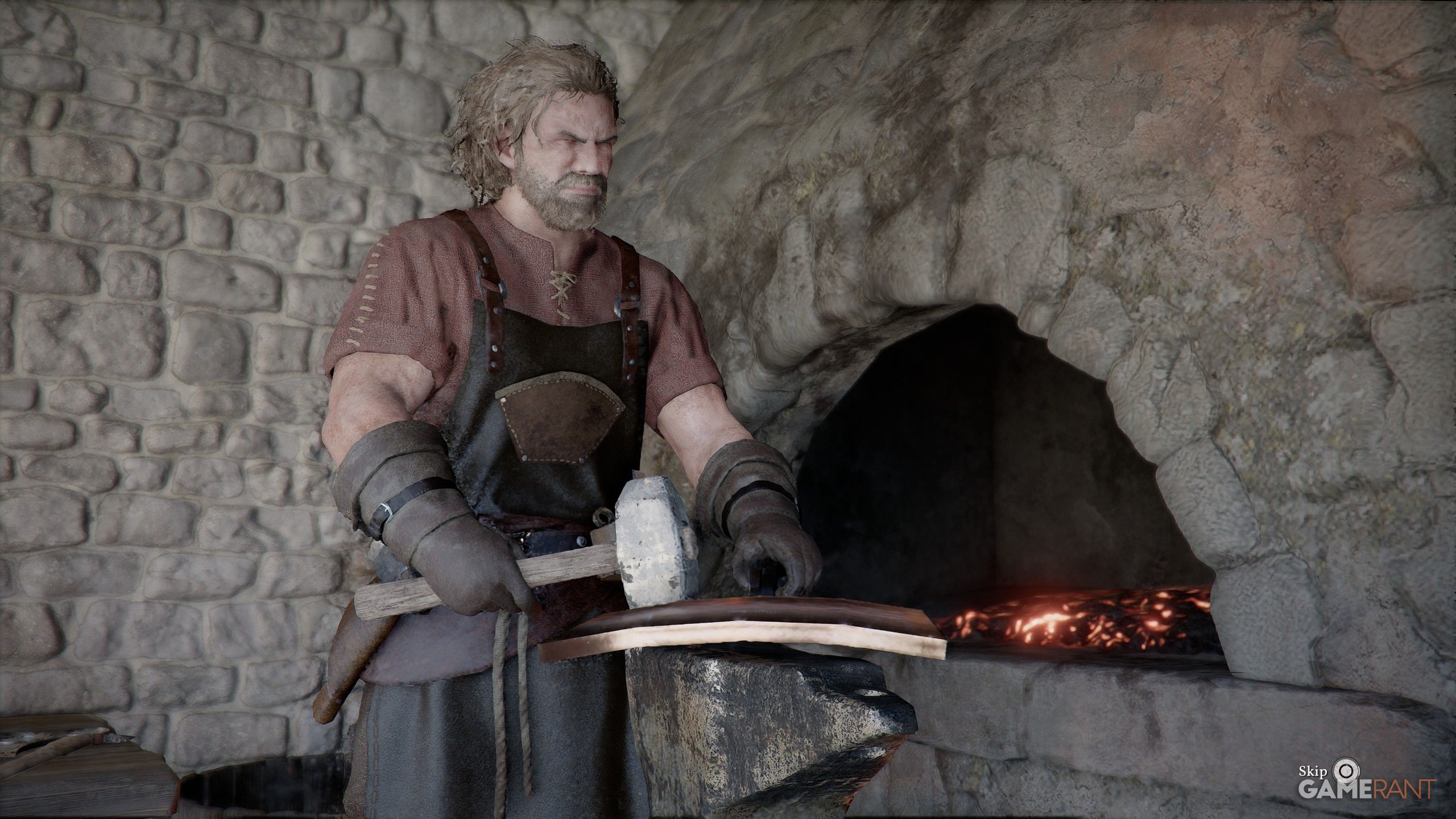
Upgrading your gear used to mean constantly losing valuable materials like Abyss Artifacts and Iron Ore, making it hard to experiment with new weapons. But with the recent 1.06.00 update to Crimson Desert, that’s no longer a problem.
Crimson Desert introduces a new feature called Extraction, letting you get your materials back when you upgrade weapons. This means you can undo upgrades and reuse those resources on different equipment. Here’s a detailed guide on how it works.
How to Use Extraction in Crimson Desert
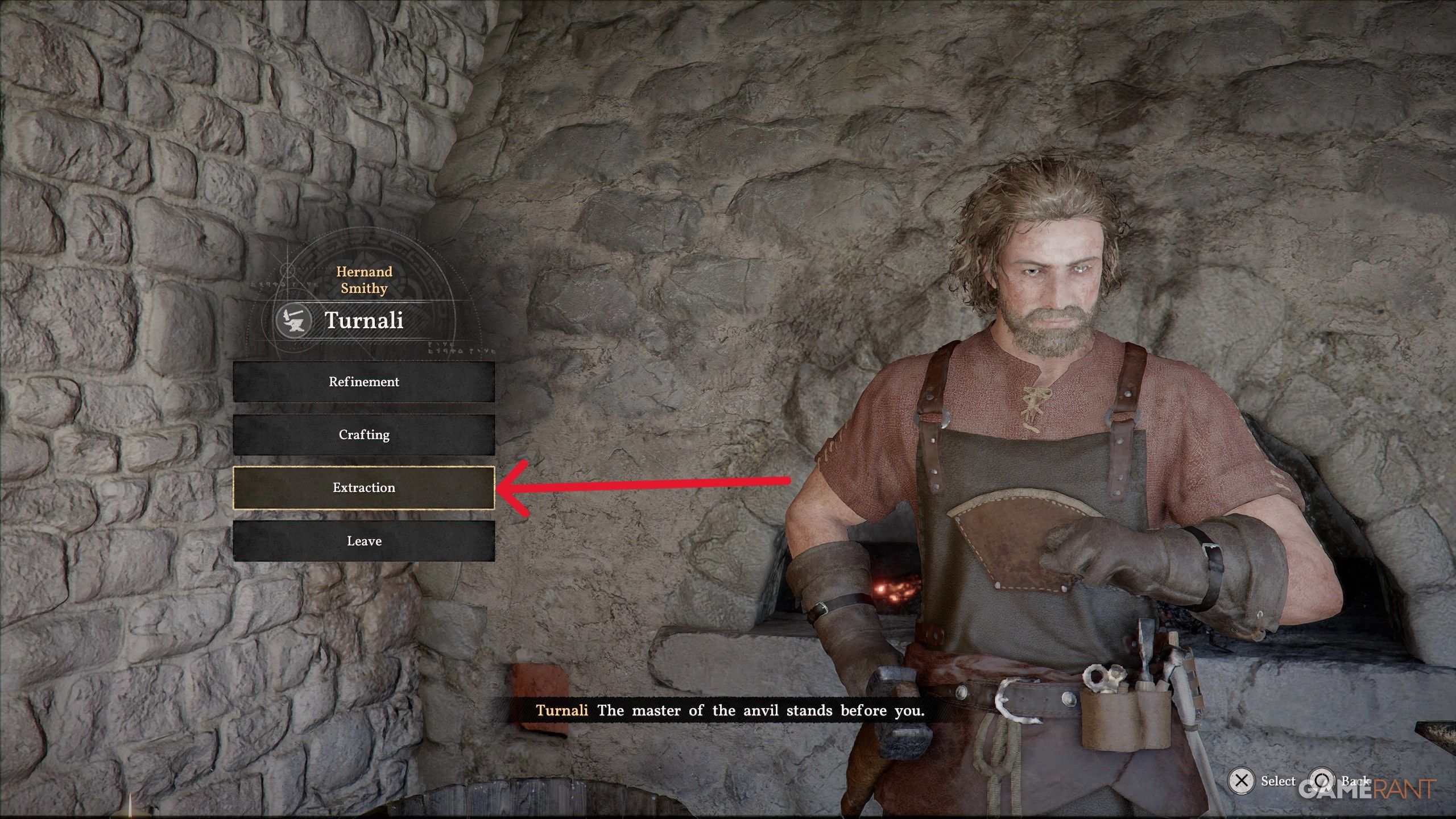
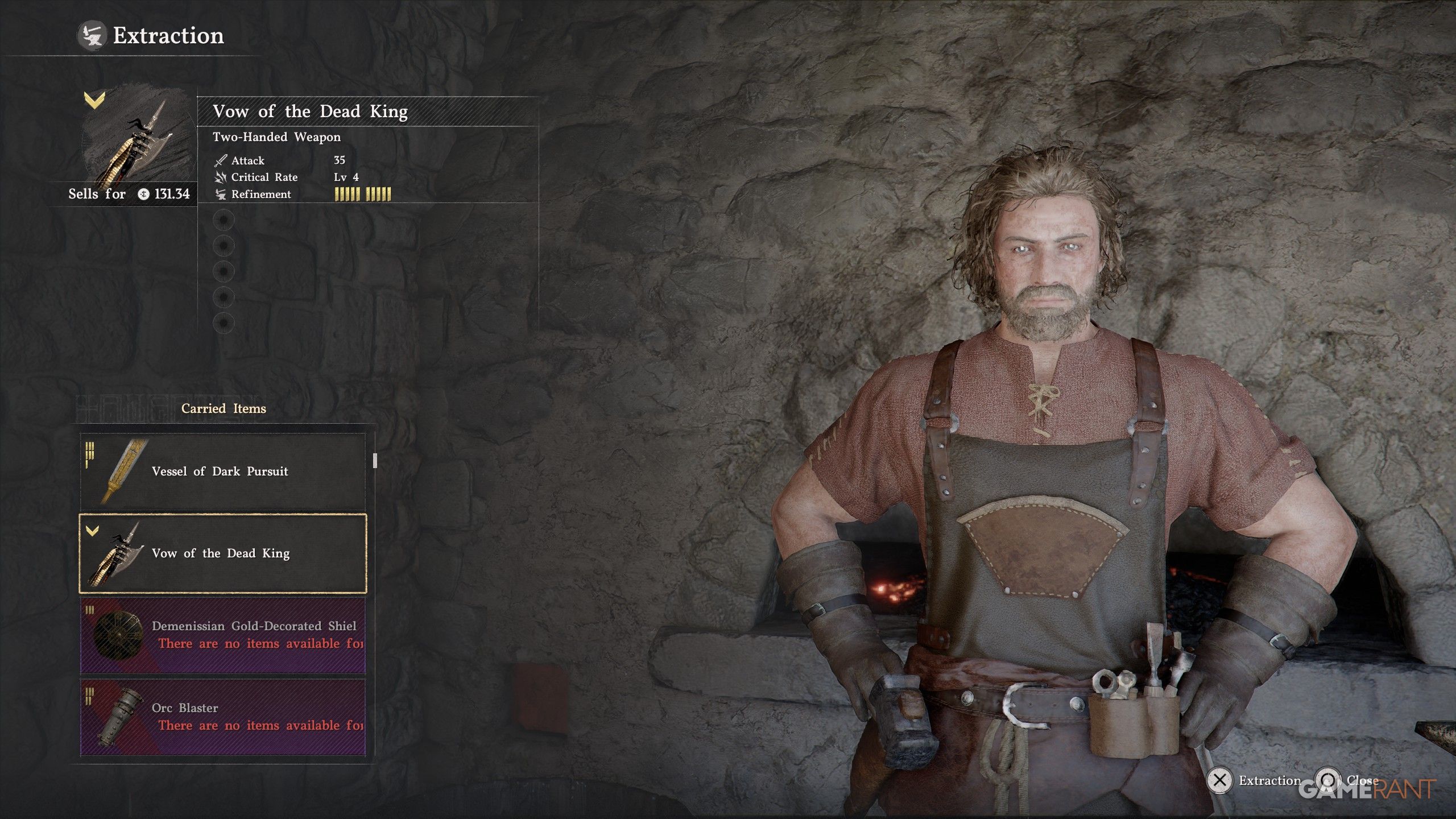
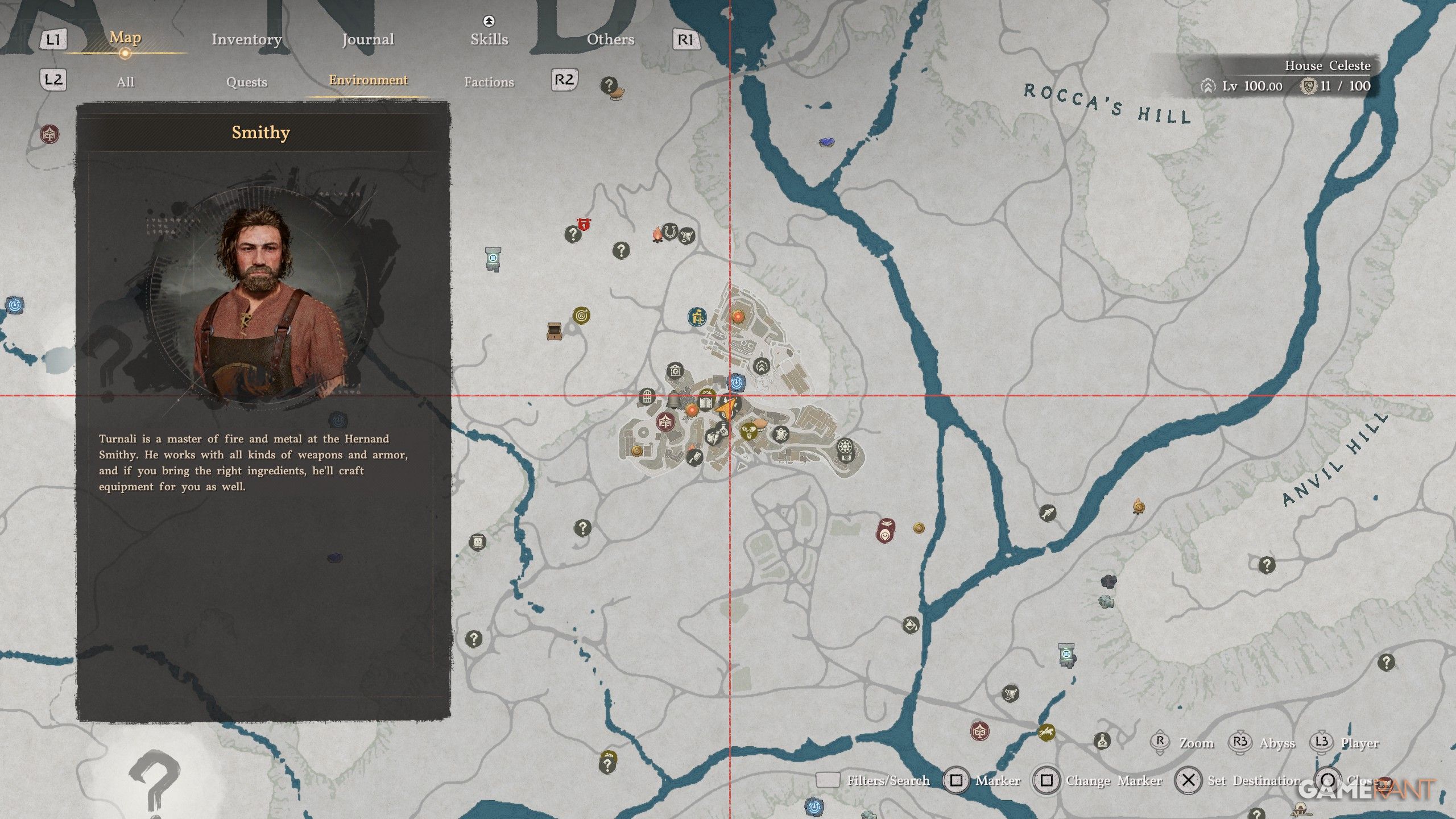
You can use the Extraction feature by visiting any Smithy. After interacting with a Smithy, you’ll find a new “Extraction” option in their inventory. Selecting this will let you get back materials and refinement levels you’ve previously used.
In the Extraction menu, you can choose any item you want to break down. Just keep in mind that you can’t extract items while they’re equipped, so be sure to unequip them first if you want to remove any Refinement levels.
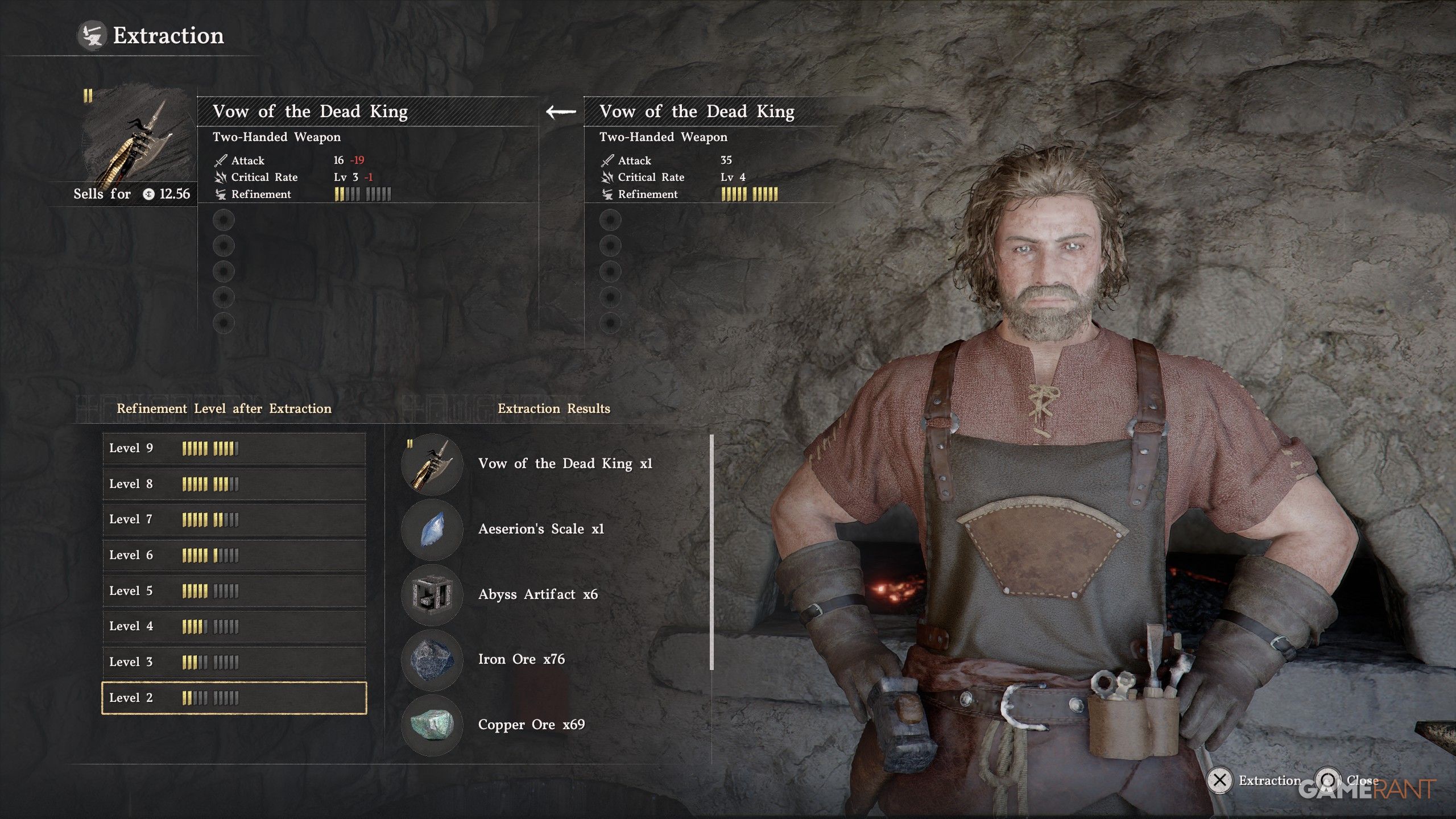
Simply choose the item you want to break down, and then select the desired Refinement level to stop at. You can lower the Refinement level to as low as 4, and the Extraction Results screen will show you exactly how many materials you’ll receive.
This ability requires weapons that have been upgraded to Refinement Level 4 or higher. When using it, you’ll get all of your rarer materials back, like those from the Abyss and Aeserion’s Scale. However, you’ll only recover 70% of standard materials.
Read More
- NTE Drift Guide (& Best Car Mods for Drifting)
- How to Get the Wunderbarrage in Totenreich (BO7 Zombies)
- Change Your Perspective Anomaly Commission Guide In NTE (Neverness to Everness)
- How to Beat Turbines in ARC Raiders
- NTE Fan Shows Off Mint Cosplay
- Deltarune Chapter 1 100% Walkthrough: Complete Guide to Secrets and Bosses
- Diablo 4 Best Loot Filter Codes
- How to Unlock the Mines in Cookie Run: Kingdom
- All Nameless Hospital Endings Full Guide In NTE
- Top 8 UFC 5 Perks Every Fighter Should Use
2026-05-11 21:06