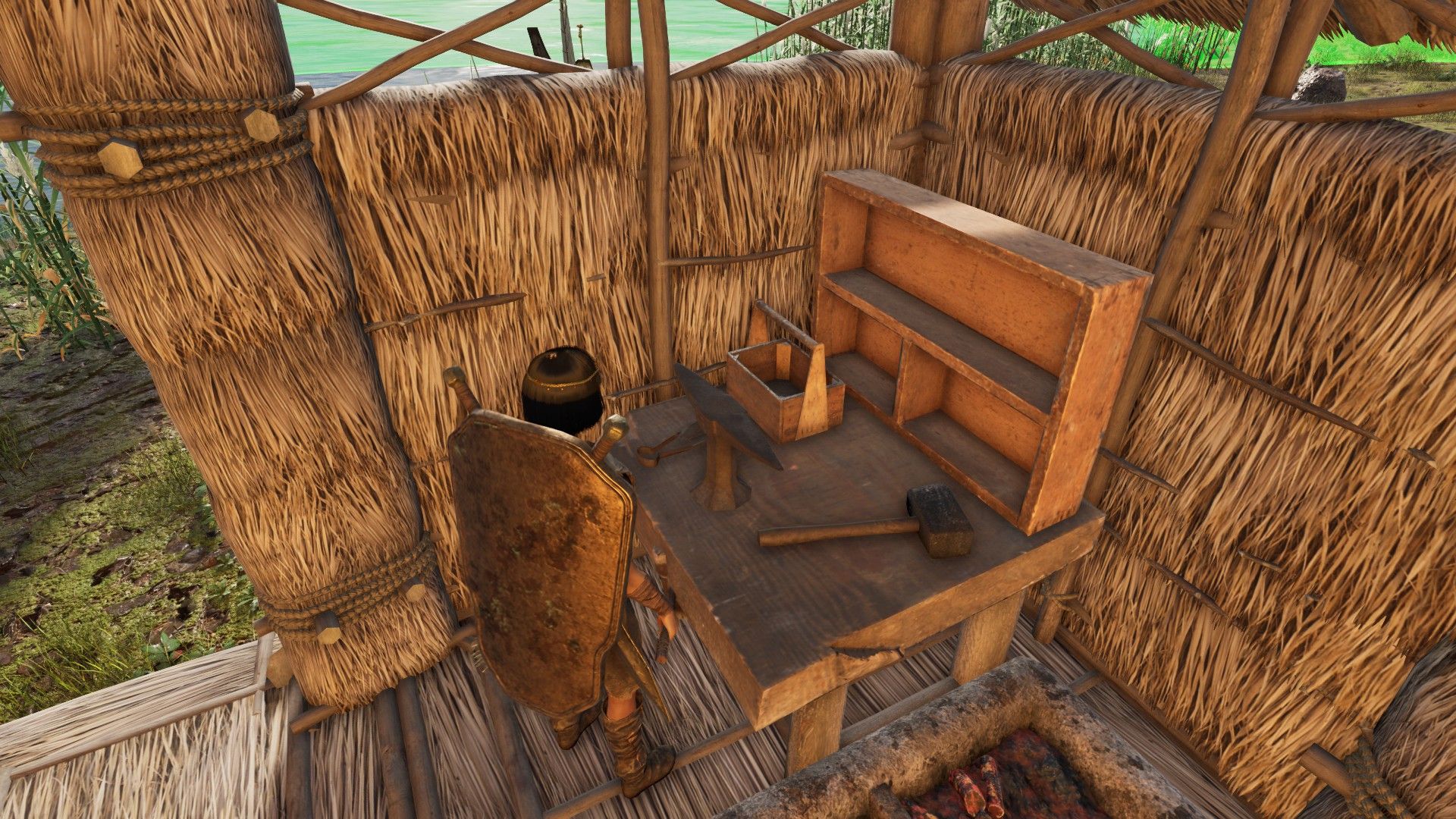
In Soulmask, you can fix broken items either by hand or using a Repair Bench. While you can repair things manually, the Repair Bench is generally better because not all equipment can be fixed that way. Plus, Repair Benches let your tribe members automatically repair their gear, which saves you a lot of time and keeps everyone working at their best. If you’re unsure how to repair items, here’s a simple guide.
How to Repair Equipment in Soulmask
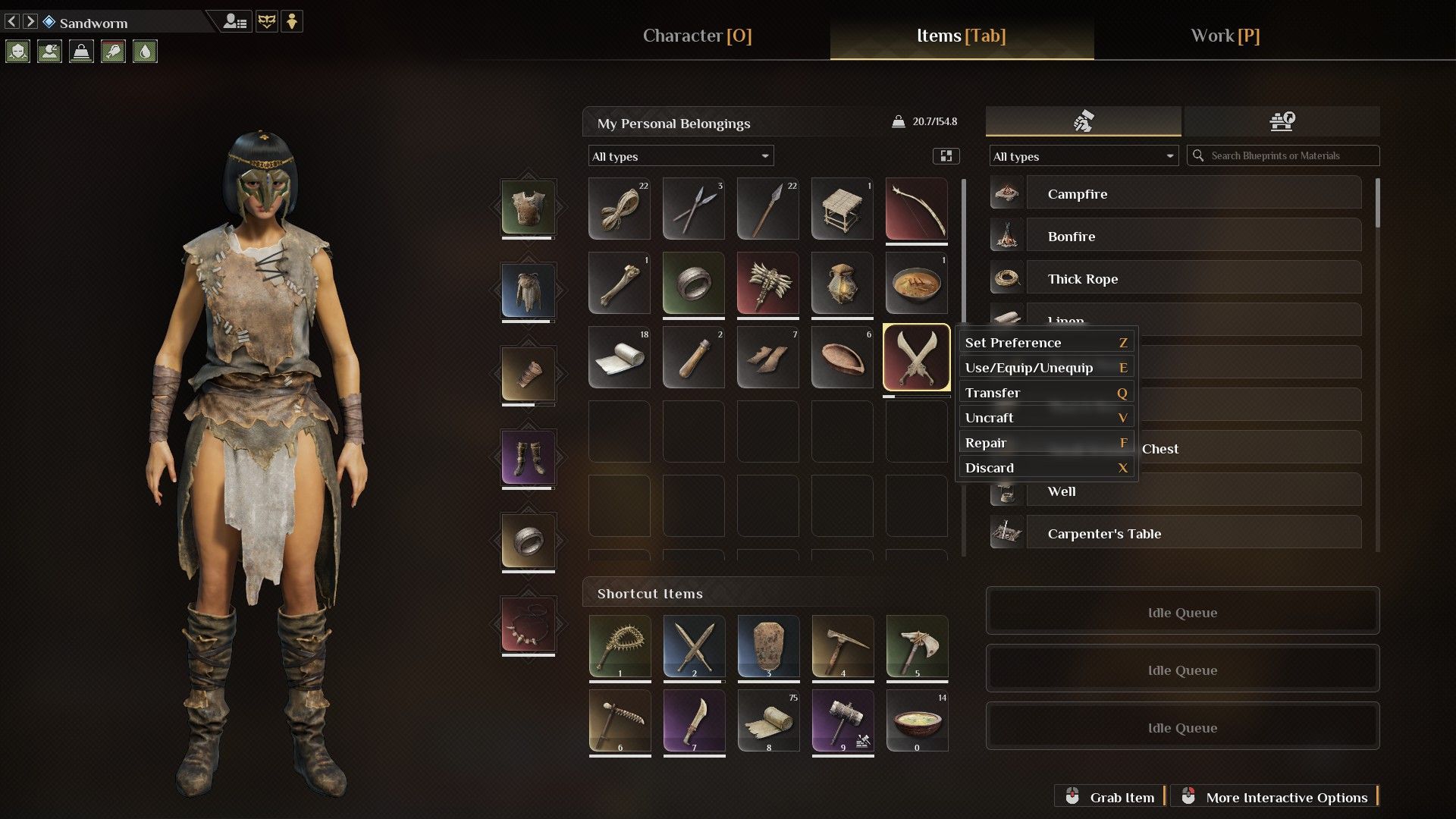
You can easily fix simple equipment made from wood, stone, or bone directly in your inventory. Just right-click the item and choose ‘Repair’. You’ll need the necessary materials, but if you’re near your Bonfire, those materials will be automatically taken from any storage containers nearby, saving you a trip!
How to Use the Repair Bench in Soulmask
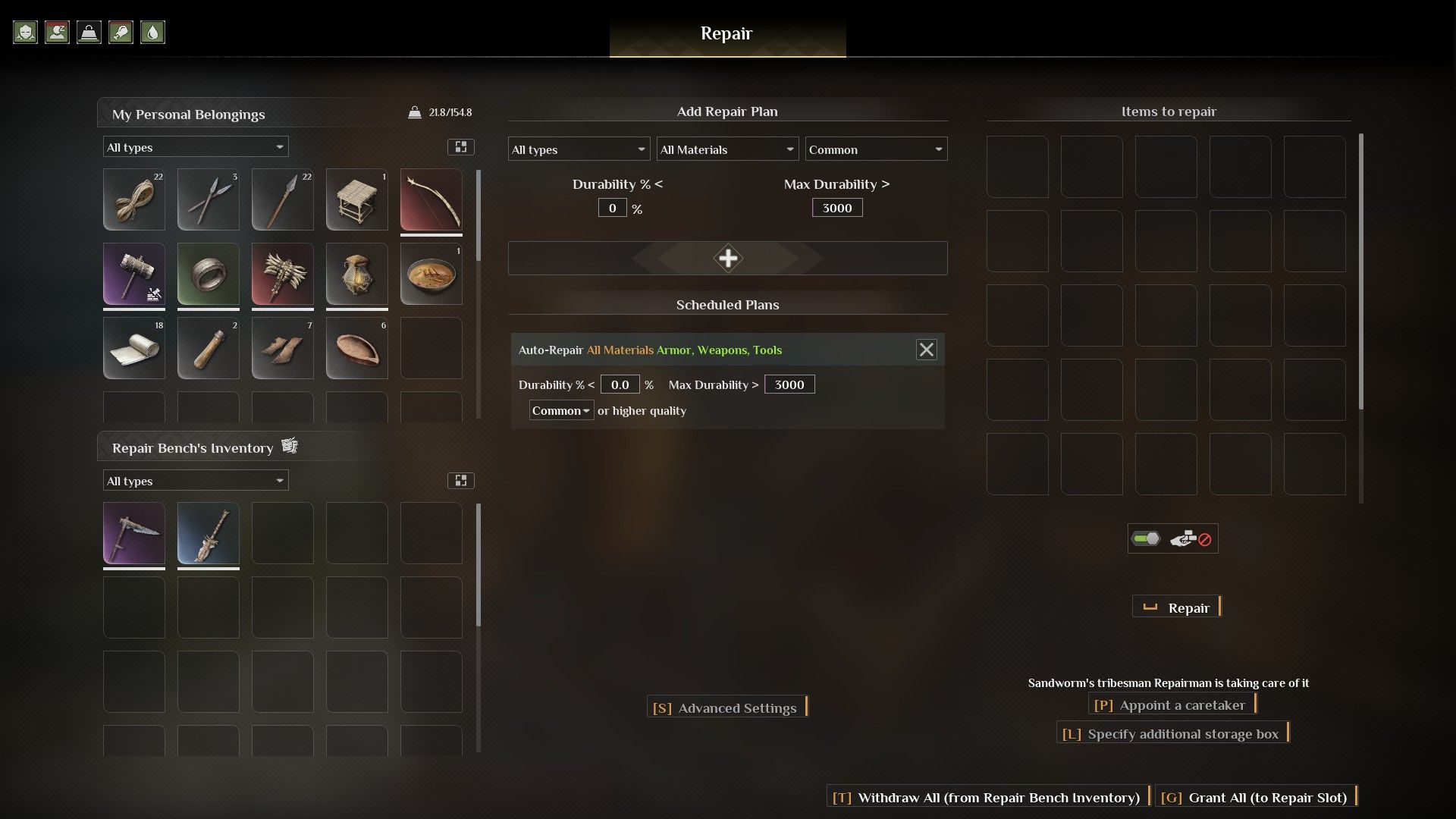
Okay, so first things first, you gotta unlock the Repair Bench on the tech tree. It’s under Medium Craftsmanship, in the second tier. Once you’ve done that, build one back at your base. When you walk up to it, you’ll see a grid on the side – that’s where you drag all your broken stuff. Then, just hit the ‘Repair’ button and it’ll automatically fix everything in the grid, one item at a time. Easy peasy!
Can You Automate Repairs with a Repair Bench?
Currently, it’s unclear whether tribespeople will automatically fix their damaged equipment using a Repair Bench. We once saw a tribesperson repairing a scythe, but it happened while we were testing the automatic repair system. We’re not sure if the tribesperson themselves did the repair, or if it was the designated repair NPC who collects broken items. The way the game handles automatic gear repair isn’t working perfectly yet, and we’re still trying to figure out how to get it functioning reliably.
To test if Repair Bench automation is working, first create an Auto-Repair Plan using the plus sign on the Repair Bench menu. Then, assign a character to manage that specific Repair Bench. While ordering NPCs to take items from boxes can help, remember to disable the auto-store function within the Repair Bench itself.
How to Repair Boats and Buildings in Soulmask
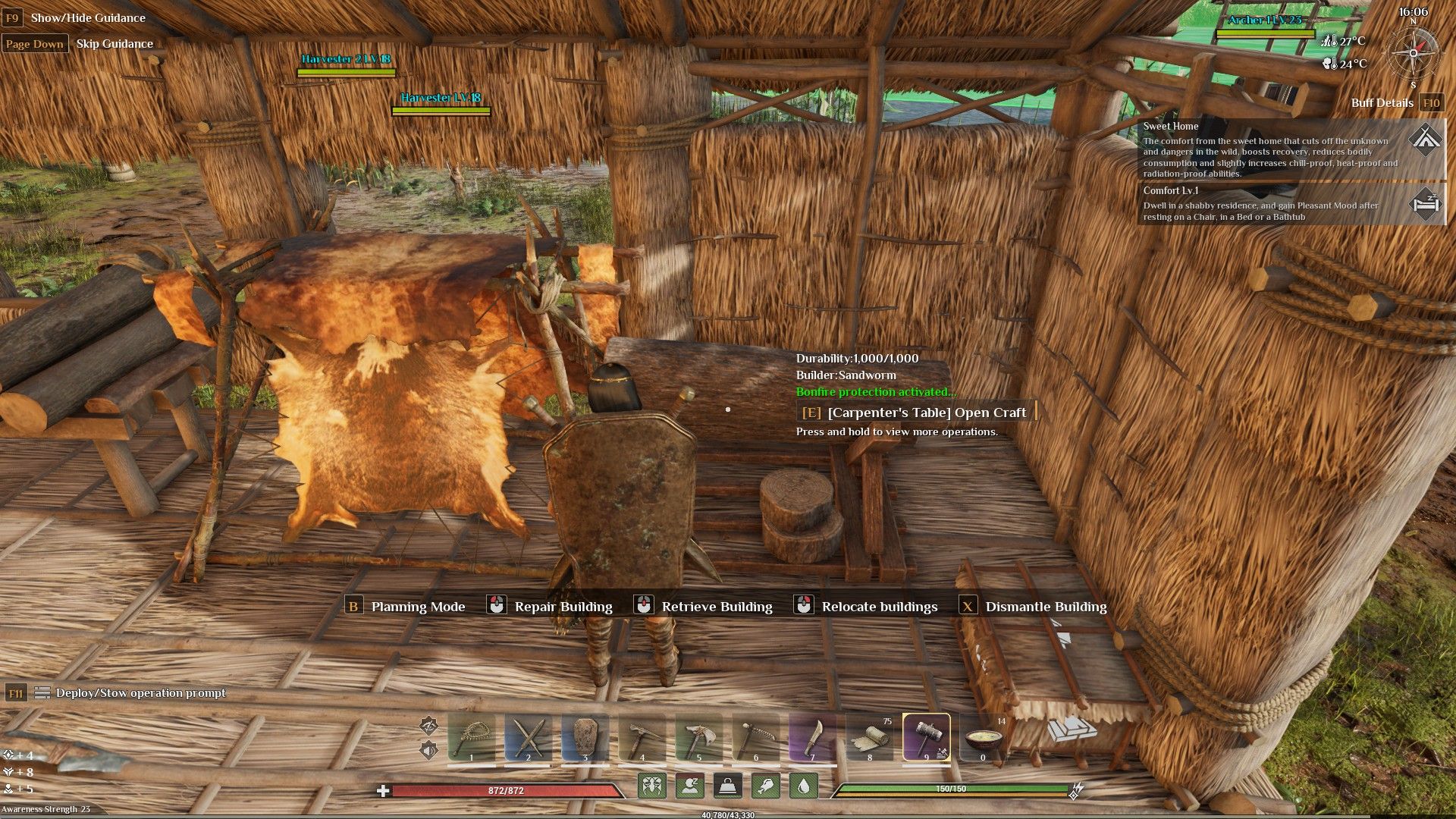
When enemies attack, your buildings will likely take damage. To fix them – including your boat on the Shifting Sands map – you can craft a Construction Hammer. You’ll find the recipe for it in the Medium Building section of the Dawn of the New Tribe tier.
Using the Construction Hammer brings up on-screen controls and displays the health of any building part you’re looking at. Click the left mouse button to repair it. This uses materials from your inventory, and if you run out, the game will automatically grab them from nearby chests and storage containers within your base’s building area.
Read More
- NTE Drift Guide (& Best Car Mods for Drifting)
- Diablo 4 Best Loot Filter Codes
- All Aswang Evidence & Weaknesses in Phasmophobia
- Conduit Crystal Location In Subnautica 2
- Where to Find Prescription in Where Winds Meet (Raw Leaf Porridge Quest)
- Forza Horizon 6: Find the Ohtani Treasure Chest Location
- Boruto: Ikemoto Has Already Hinted At Sasuke’s New Eye After Return
- Best Burst & Full Auto Builds for the M16A4 in BF6
- Brent Oil Forecast
- USD RUB PREDICTION
2026-04-11 20:04