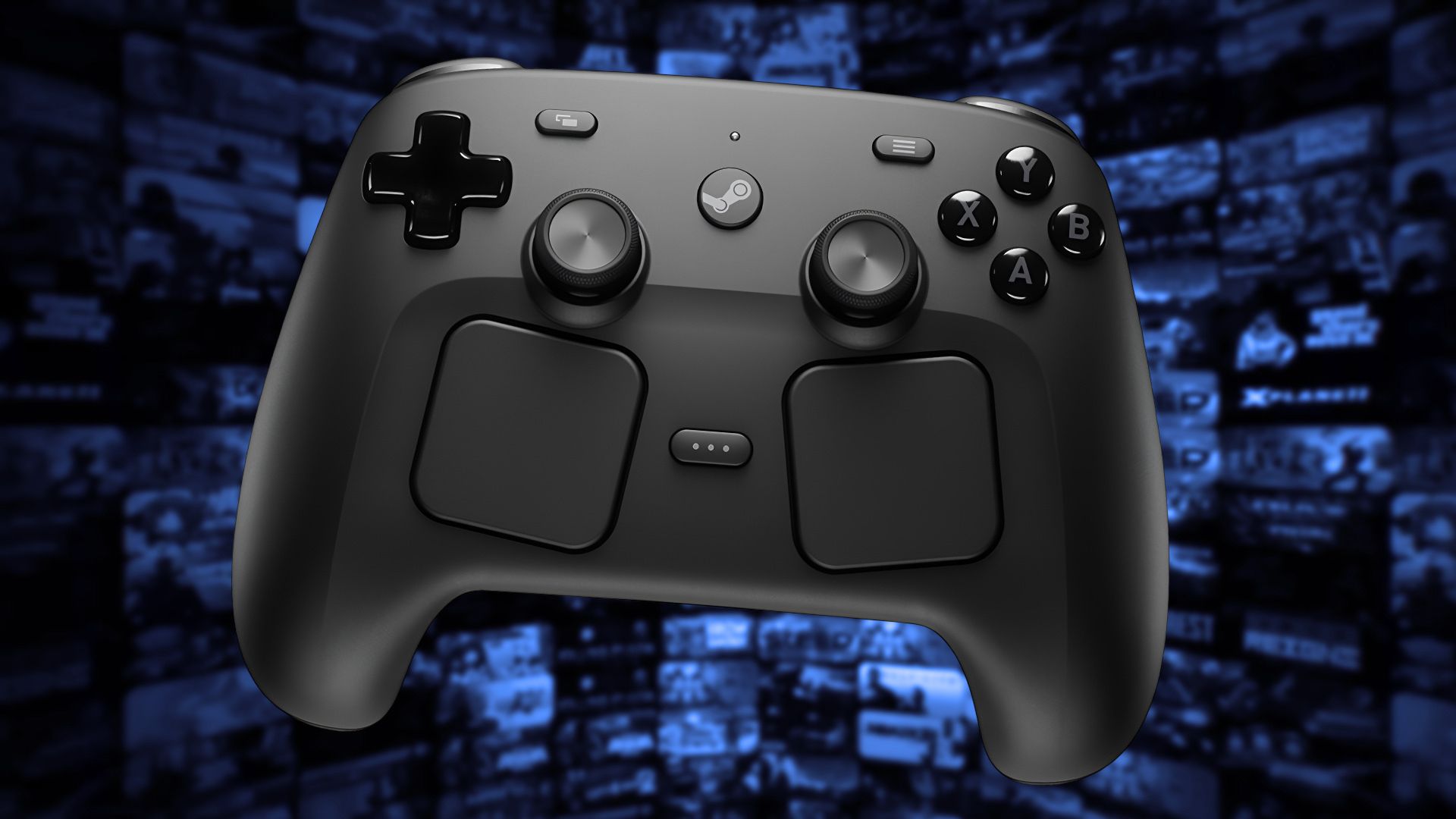
Valve has clearly demonstrated its commitment to creating hardware, especially with the success of the Steam Deck. They have even more products planned, including the Steam Machine and the Frame, and now the Steam Controller. The Steam Controller launched on May 4, 2026, and is currently available for order, though it may be temporarily out of stock.
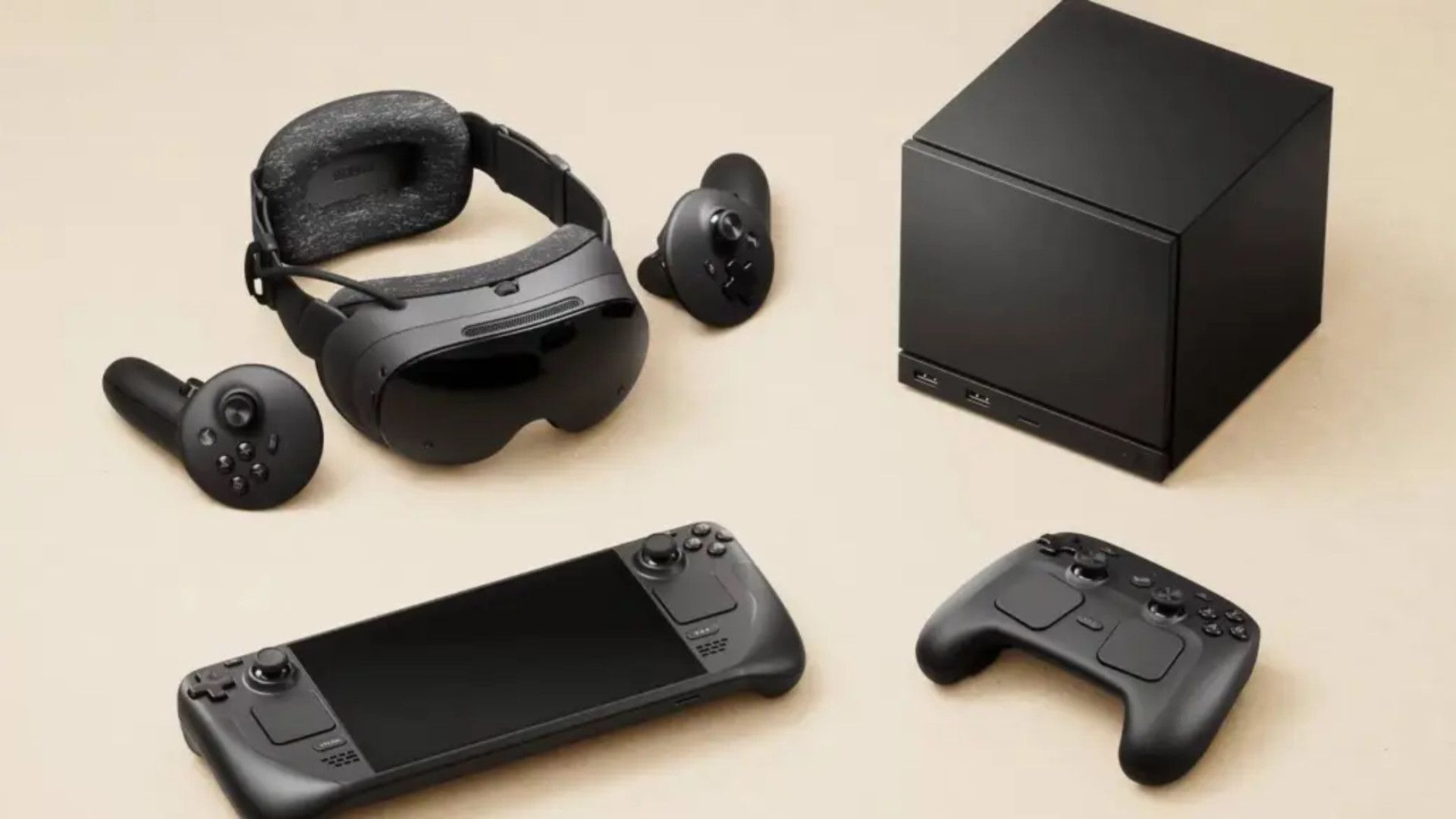
Valve has released controllers before – the first one came out over ten years ago. This new version clearly builds on that original design, but also incorporates improvements from the Steam Deck, such as the dual touchpads and additional buttons on the back.
The price of $99 has been a point of discussion, and it’s understandable why some people are questioning the value. While high-end controllers like the Xbox Elite series (which start at $180) are popular, proving there’s a demand for quality, it’s important to know what this controller offers and whether it’s worth buying now, or if waiting for a price drop would be smarter.
Tech Specs
It’s All In The Numbers
Details:
- 35+ hours of gameplay
- 292g, so slightly heavier than other consoles
The Steam Controller’s technical features are particularly important. It’s one thing to create a high-end controller, but it needs quality components inside to be truly good. The battery life is excellent, offering around 35 hours of gameplay – much better than controllers for systems like the PlayStation 5 and Xbox Series X, which often last less than 20 hours, especially when used with the Steam Link.
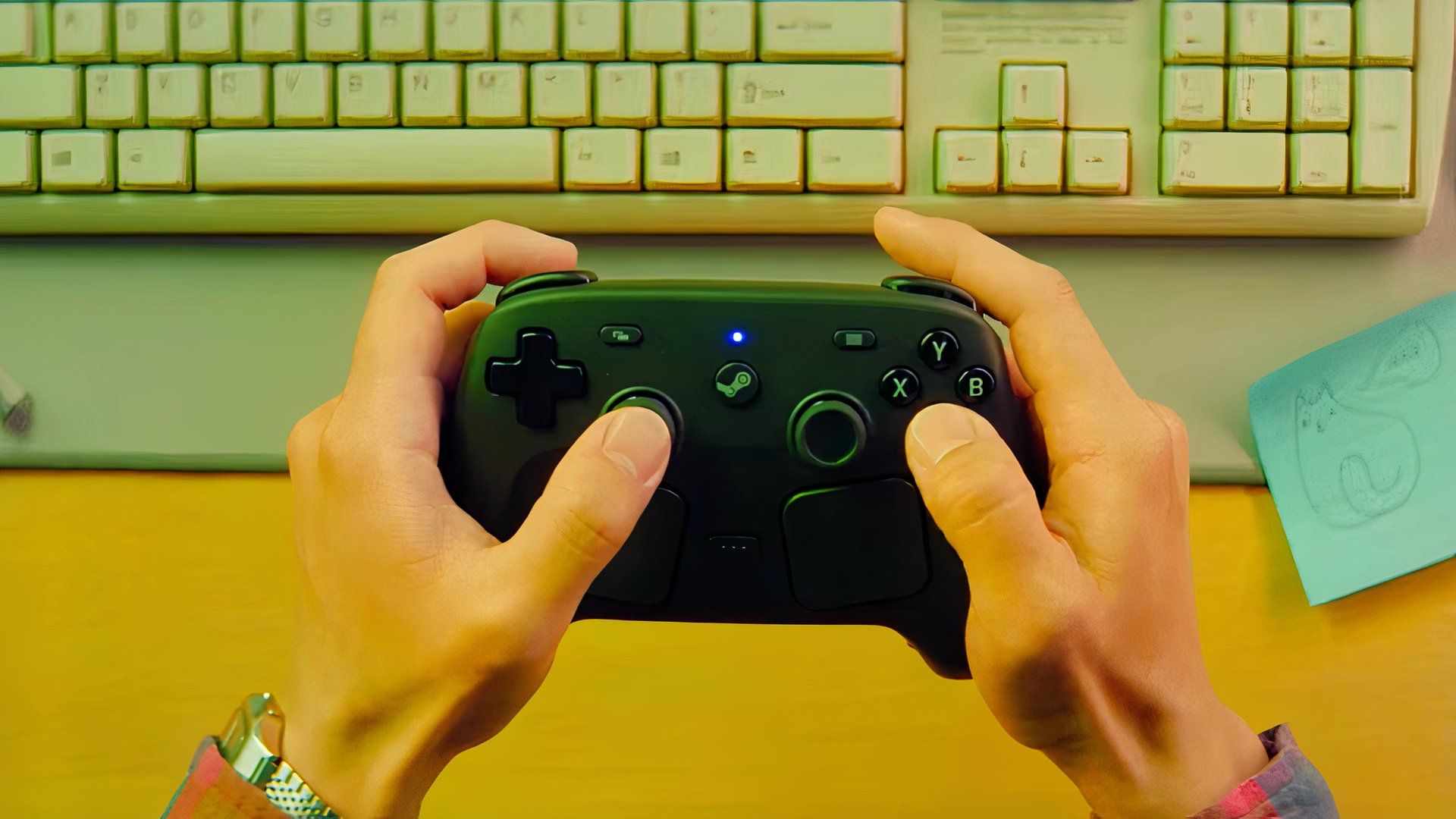
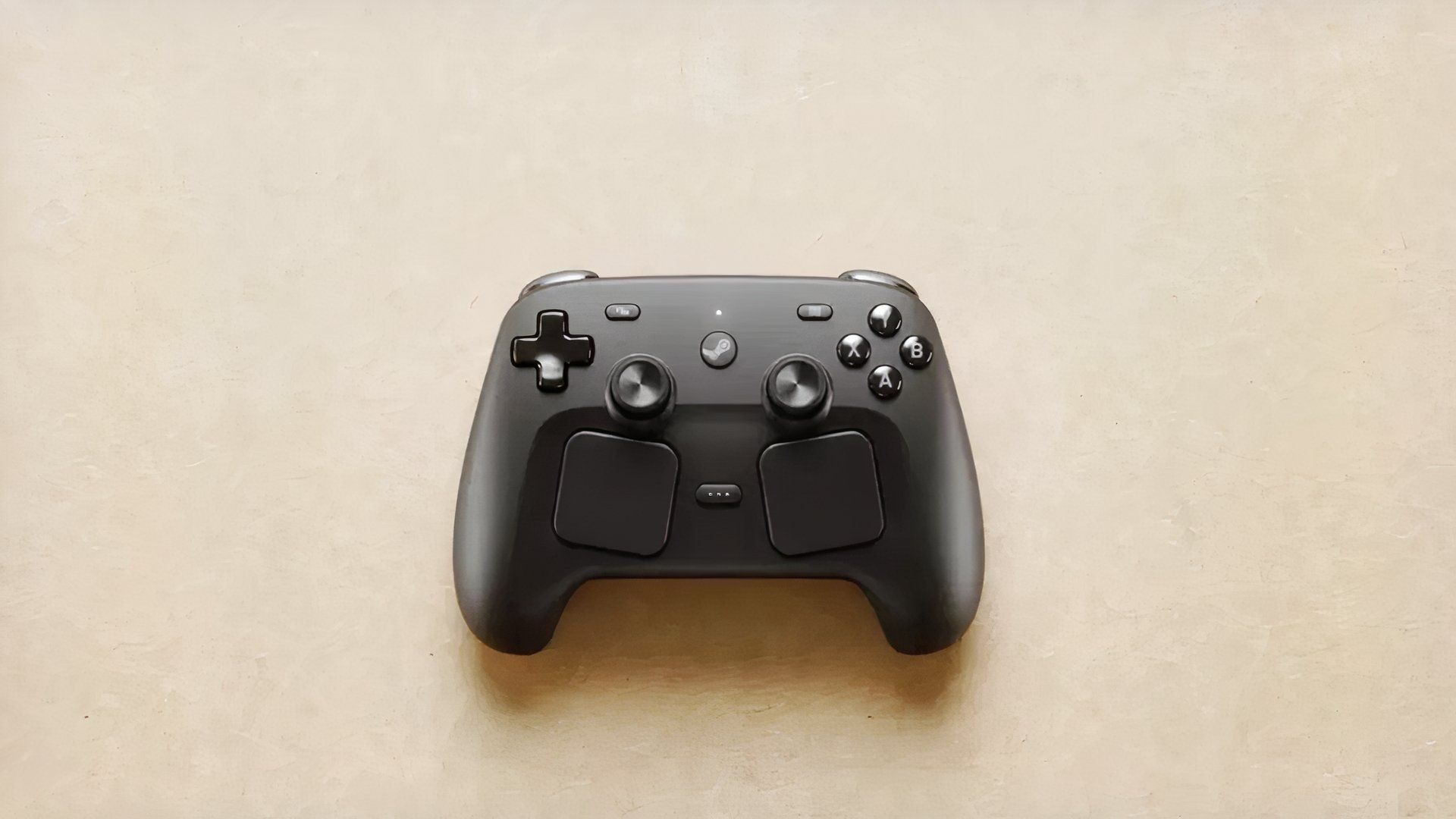
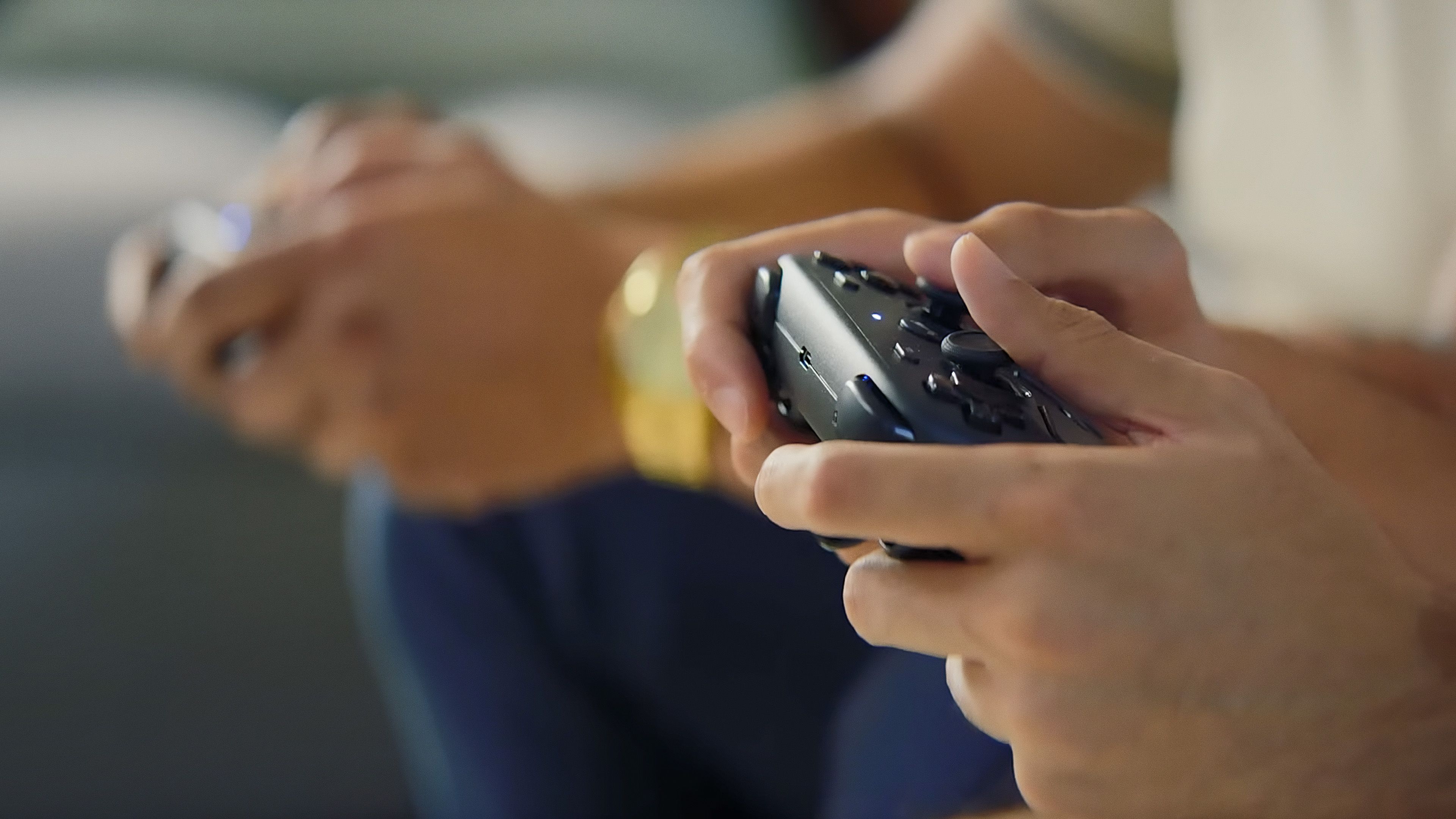
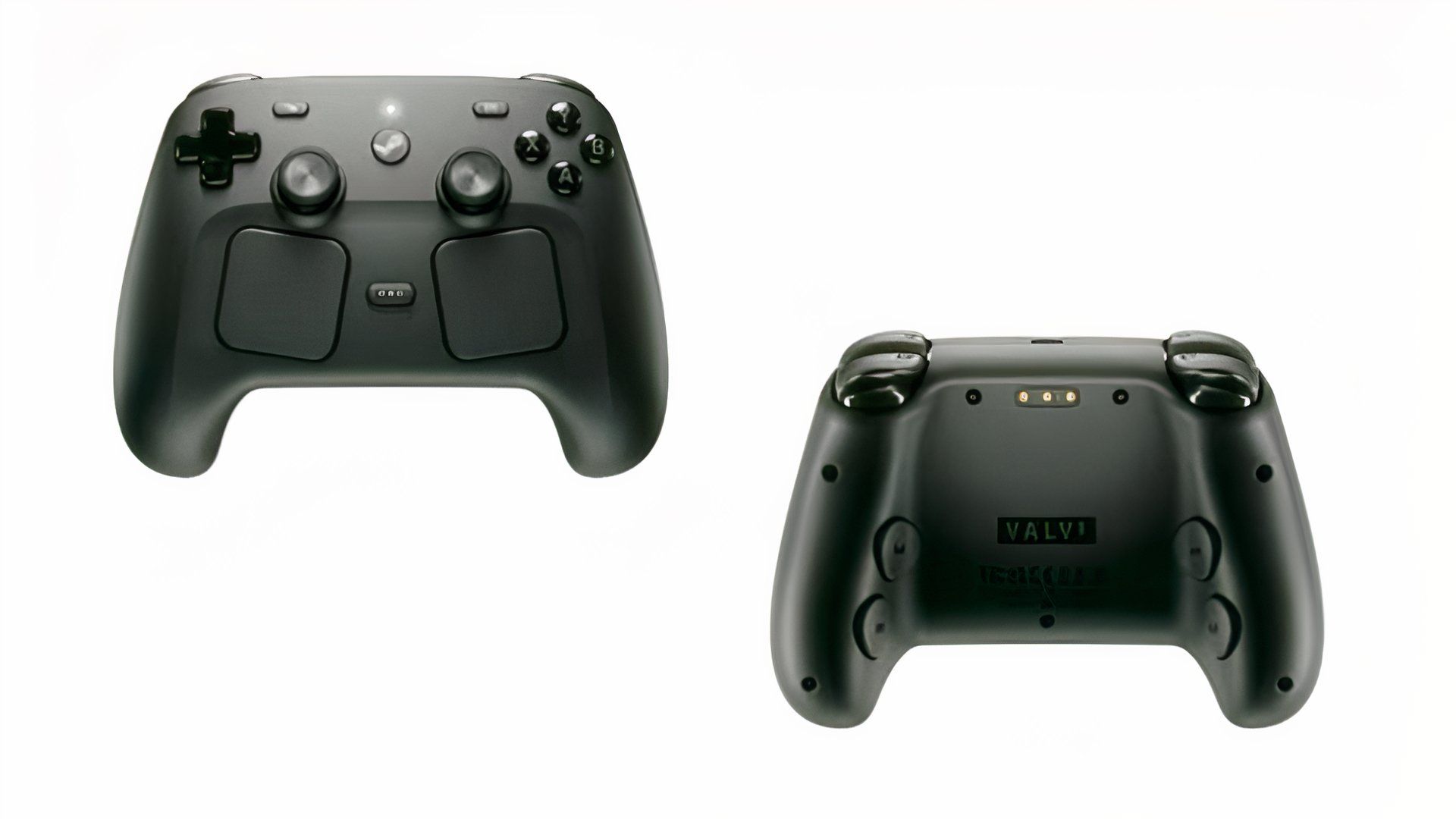
The controller feels similar in size and weight to a DualSense, but slightly heavier and more square. Technically, it’s an upgraded version of the standard console controller, featuring a much larger battery for extended playtime. The dimensions are similar enough that it should feel instantly comfortable and easy to use for anyone.
The Buttons
More Choice Than Ever
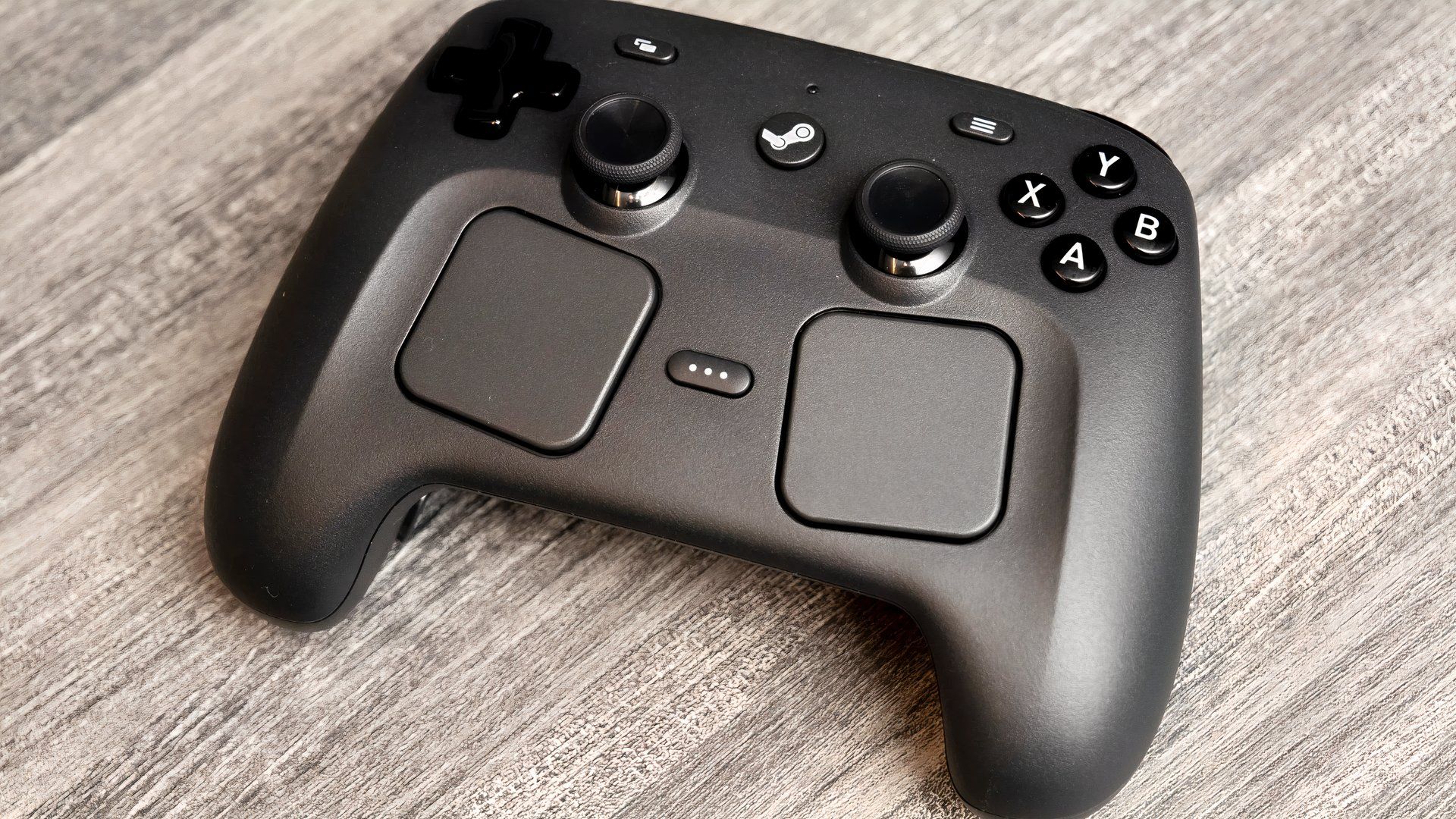
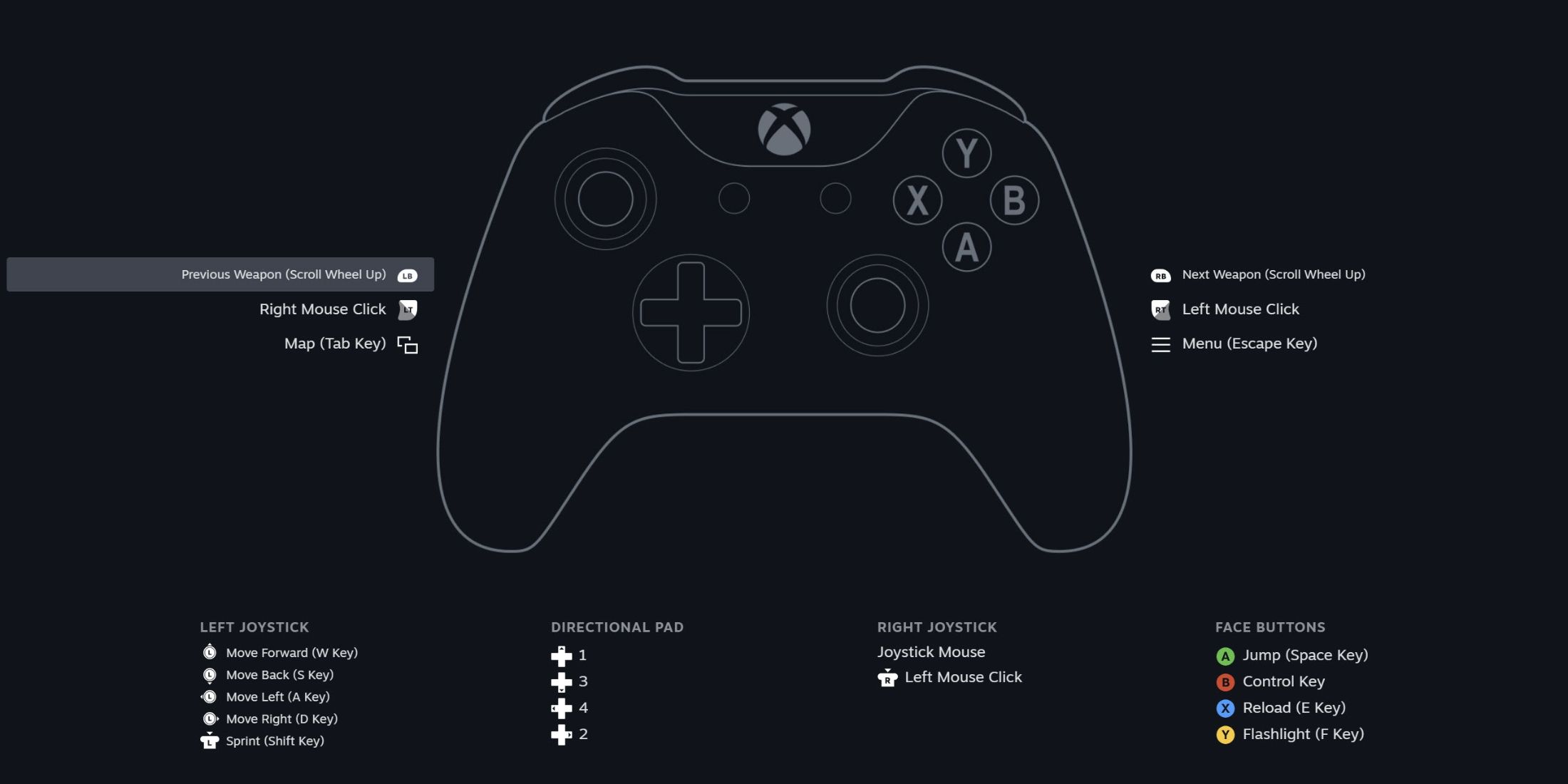
Details:
- Trackpads for cursor support and additional functionality
- 4x rear assignable buttons
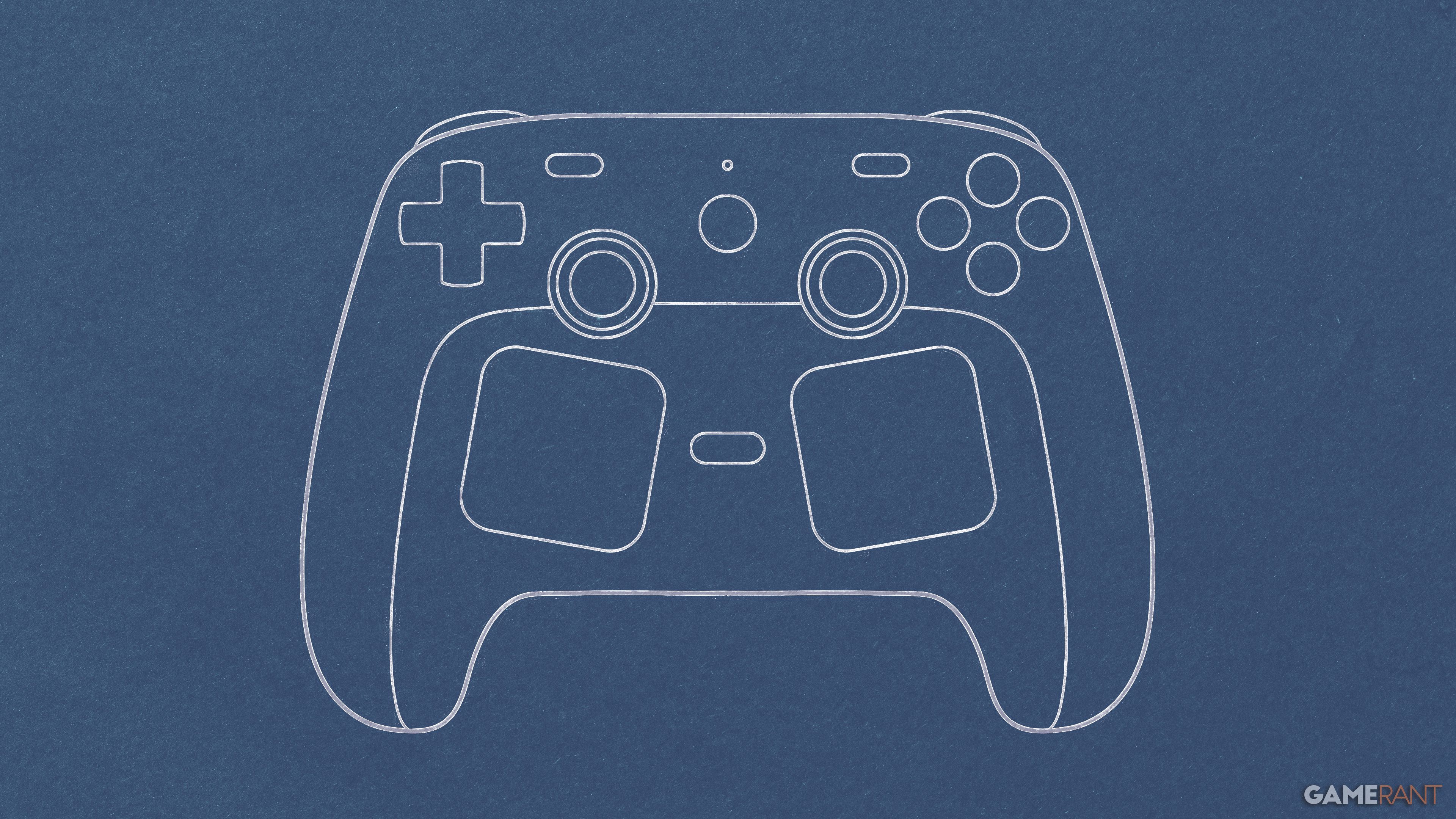
The Steam Controller’s button arrangement is heavily inspired by the Steam Deck, featuring dual trackpads and plenty of extra inputs designed to give players exactly what they need, when they need it. Built with Steam users in mind, it includes a quick access button for things like your friends list and other options. The controller also prioritizes customization, especially with the rear buttons which can be programmed for hotkeys or any other function you desire.
If you’ve used a Steam Deck before, it will feel comfortable and familiar in your hands. The trackpads are a great addition, making it easier to navigate and enjoy certain games compared to a regular controller. The central Steam button is also useful – it powers the device on and off, connects to your Steam account, and provides quick access to your game library, store, and settings, which should make menu browsing smoother.
Hardware
Underneath The Hood
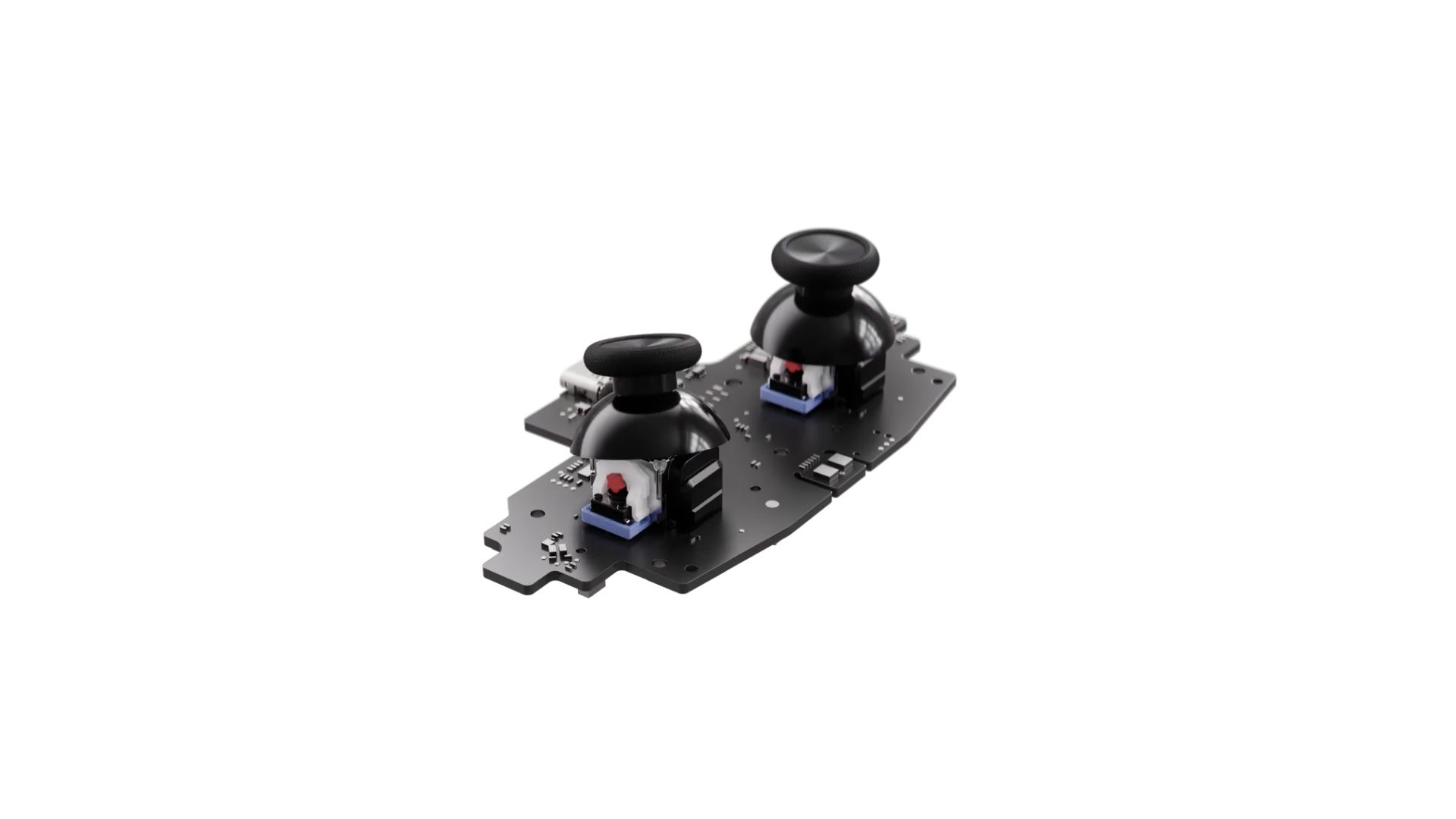
Details:
- Next generational magnetic thumbsticks for long-term reliability and feel
- Grip Sense, i.e., gyro for aiming, turning, etc.
The Steam Controller is clearly the result of a lot of careful design and development. Its joysticks use advanced magnetic technology, which should make them both more responsive and last longer – a common weakness in controllers. It also features capacitive touch, letting players use motion controls, and a unique gyro system that allows for aiming simply by tilting the controller.
The controller also features excellent haptics – it uses four motors in the trackpads and grips to create realistic in-game vibrations and make touching the controls feel more responsive. It’s impressive that all these features are packed into one device, and being able to use them within a single game makes this a strong competitor for the best PC controller. The gyro and trackpad aiming are particularly good, surpassing most other controllers on the market.
Controller Puck
Something Entirely New
Details:
- Dual charging and Bluetooth functionality
- Up to four controllers per puck
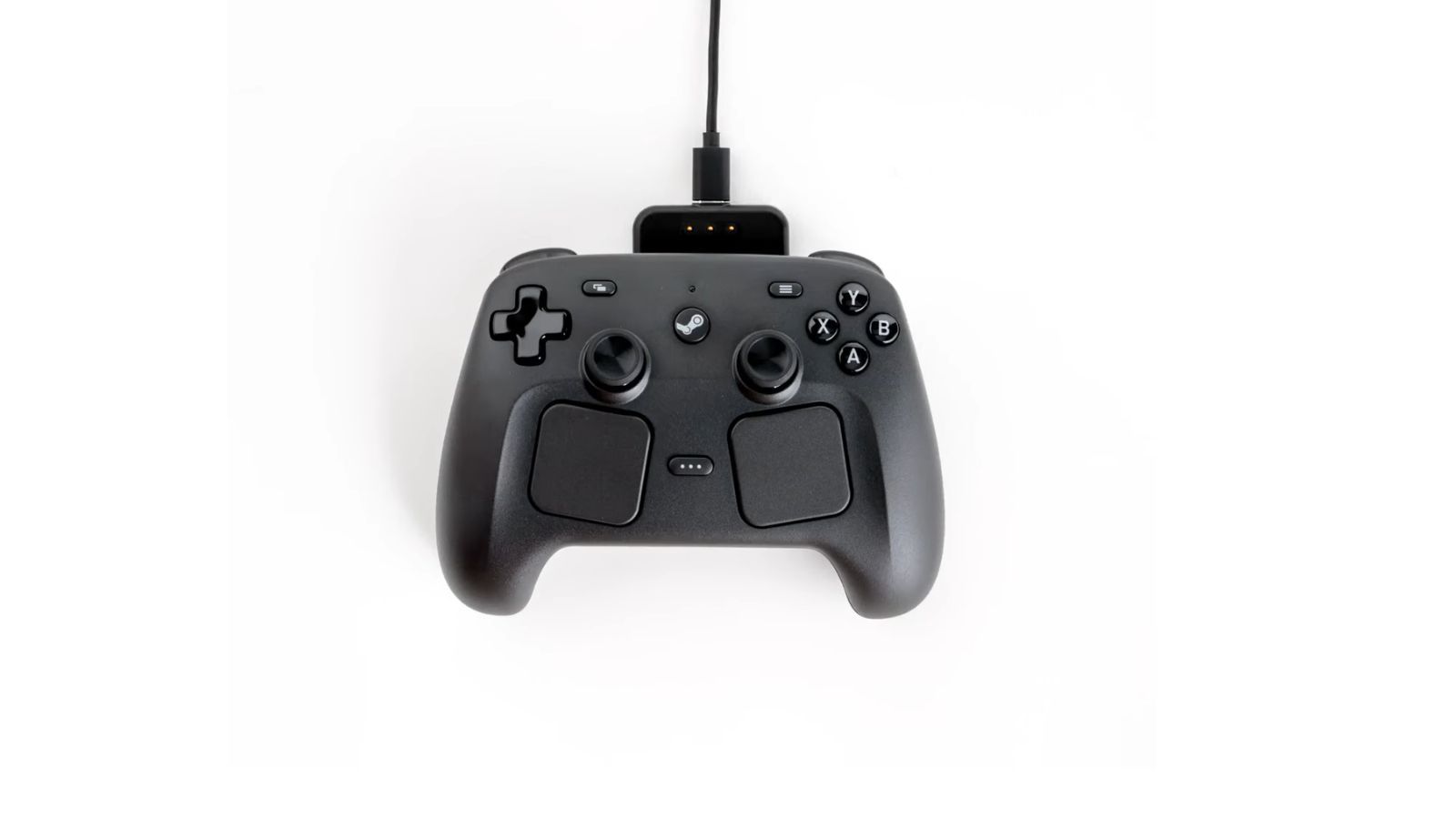
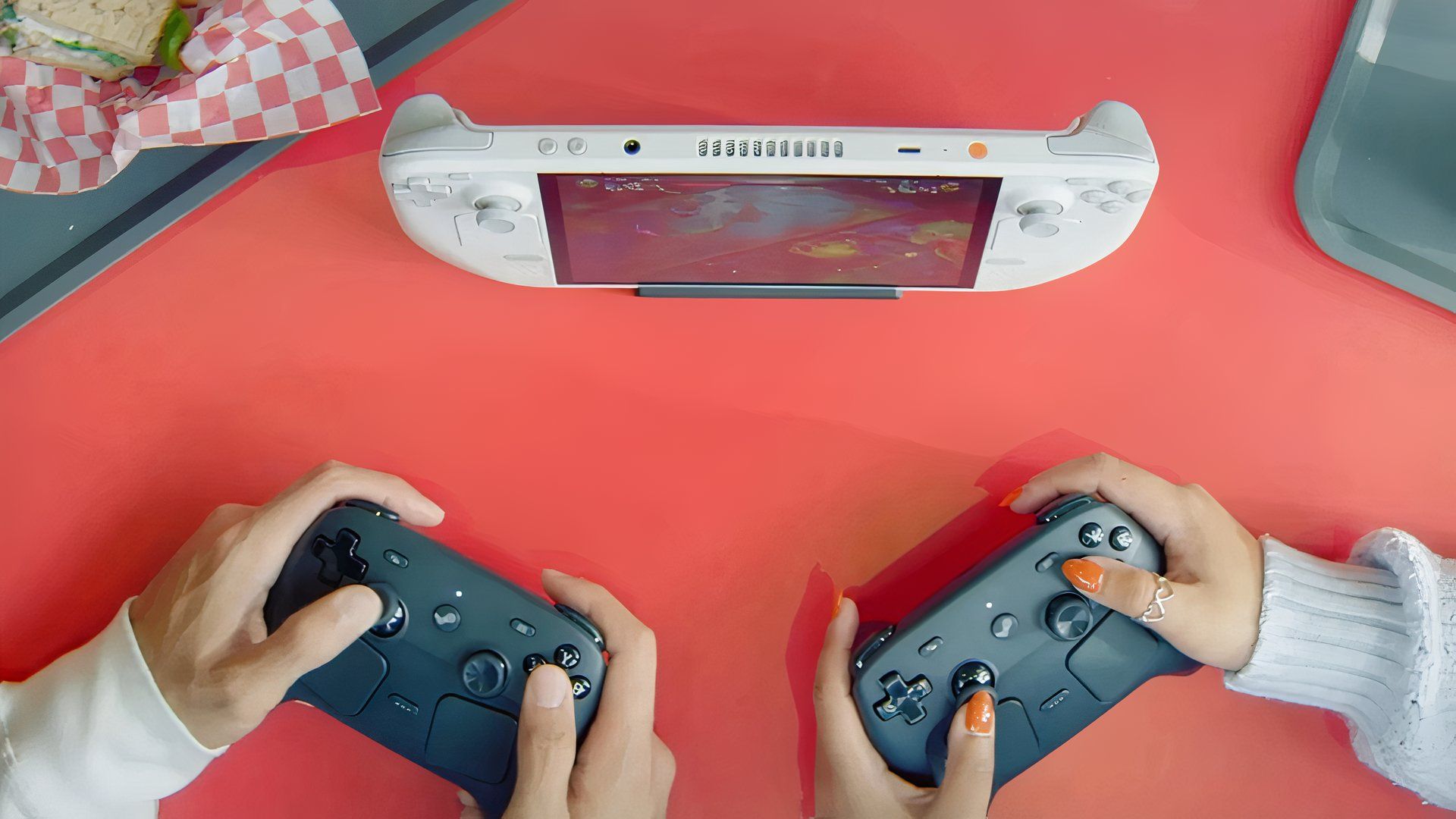
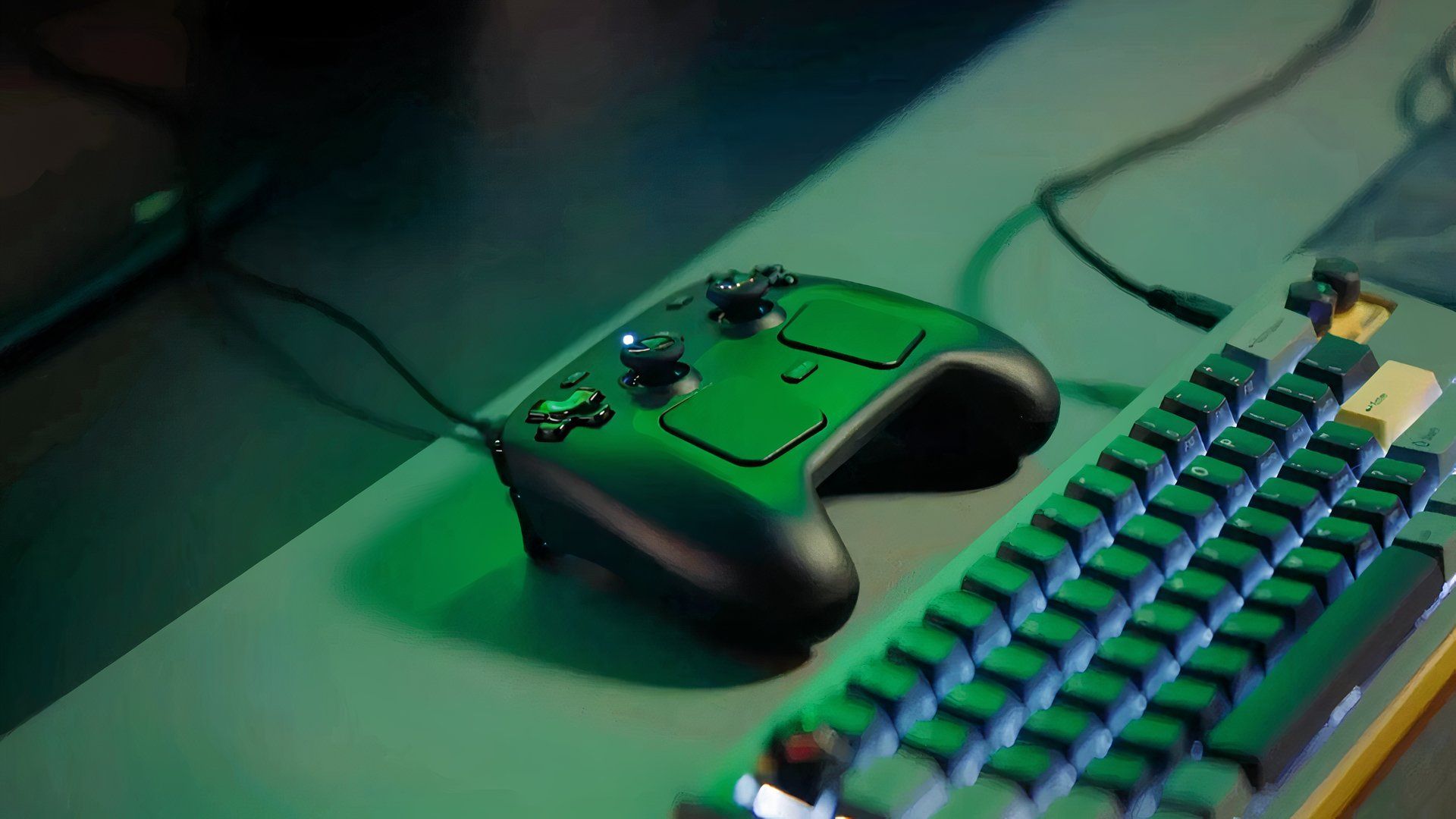
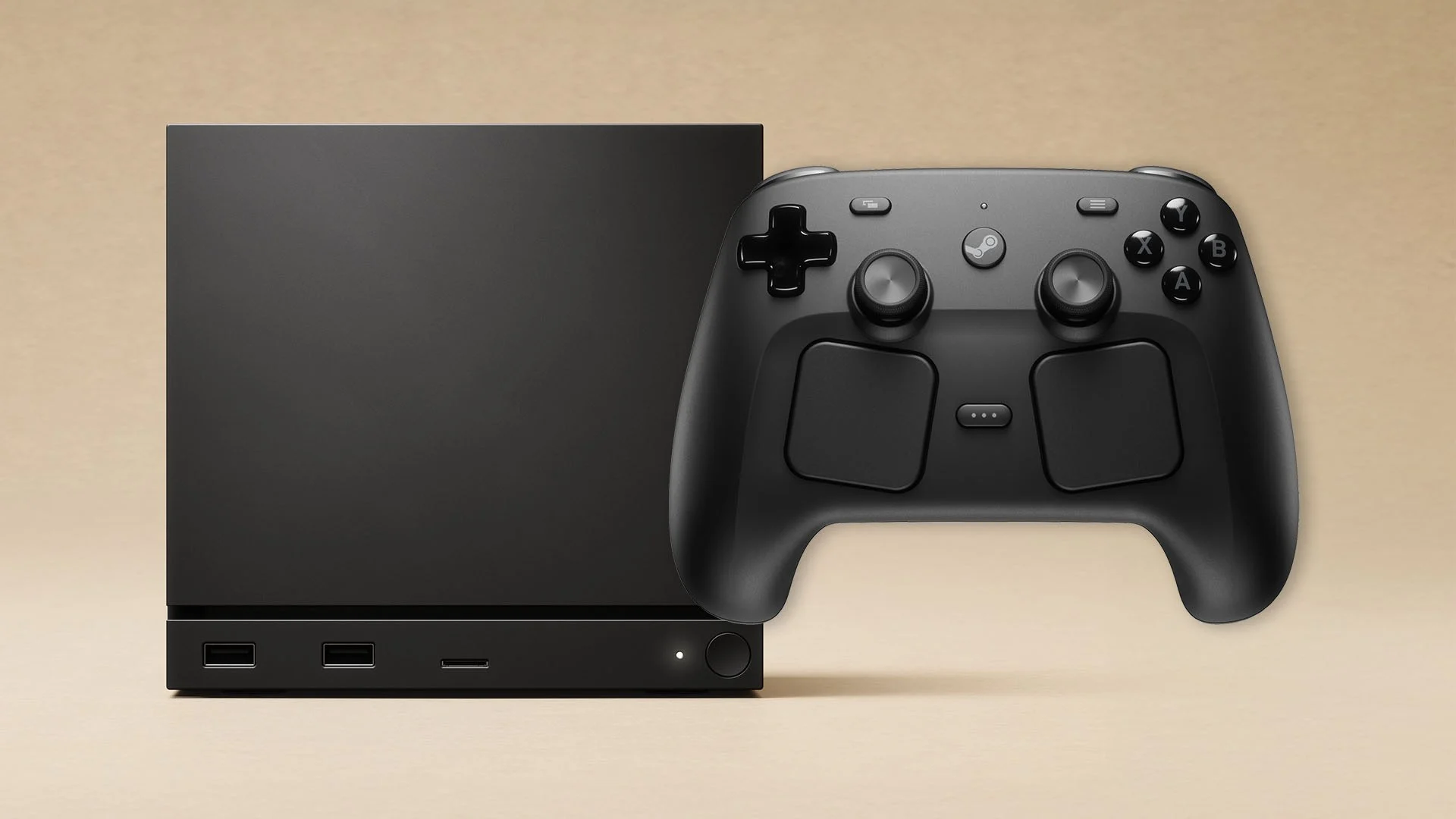
Usually, a new Bluetooth controller connects easily, but like all technology, connections can sometimes be unreliable. The Steam Controller includes a handy accessory that solves this. This small device works as both a wireless receiver and a charging station, providing a more stable connection. Plus, you can connect up to four Steam Controllers to it at the same time, making it perfect for competitive gaming with friends.
I really like that you can charge the controller with the special puck – it even clicks when it connects, which is neat! But honestly, it’s great that you can still use the USB-C port or just regular Bluetooth if you don’t have the puck handy. It feels like the idea is to have everything set up like a Steam Machine – controller and puck always connected for a super reliable, seamless gaming experience. The puck is meant to be a permanent connection point, so you never have to worry about dropouts or syncing issues. It just works.
Software
A Whole Ecosystem In One
Details:
- Integrates with any device running Steam
- Buttons designed with Steam app in mind
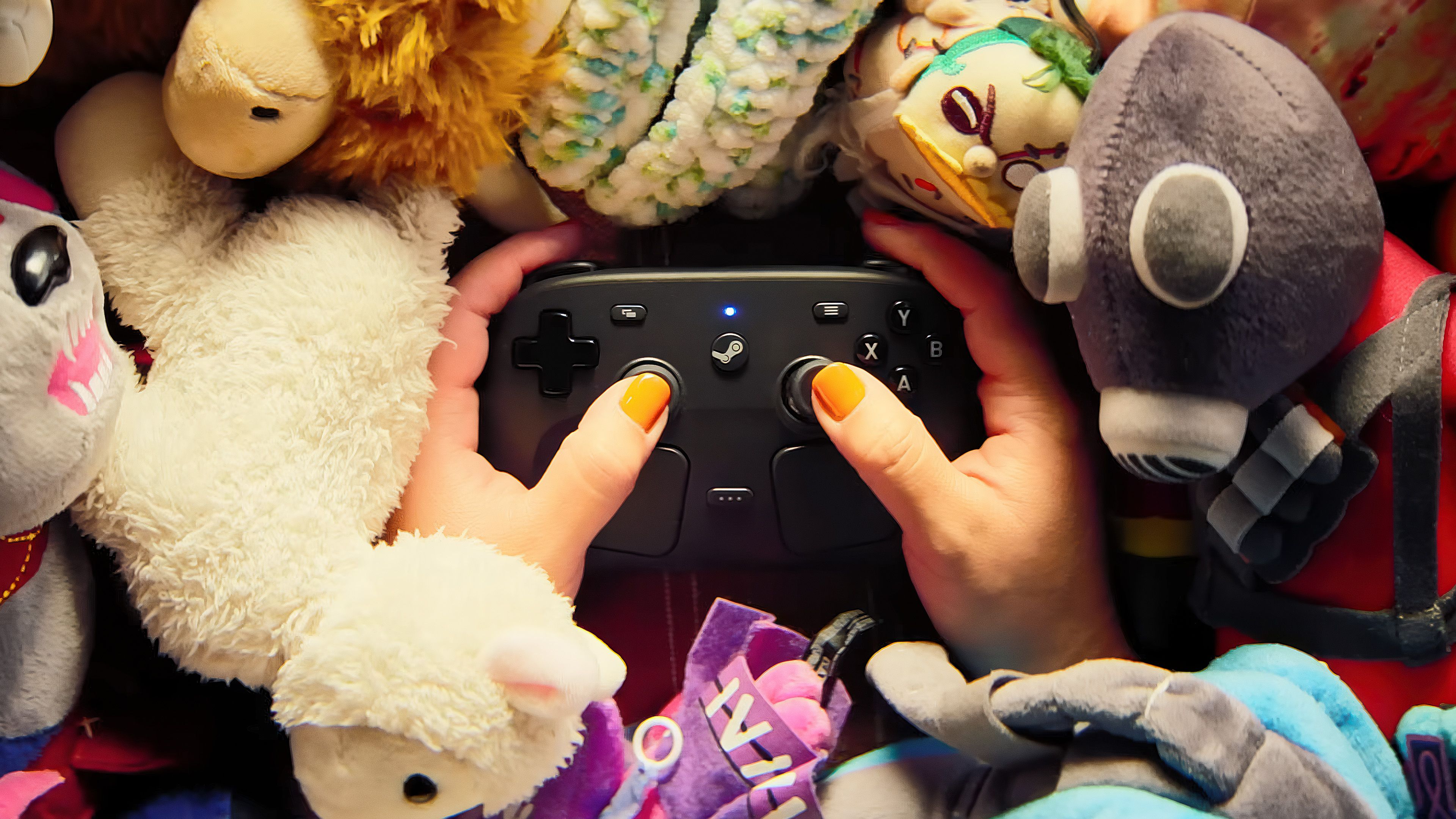
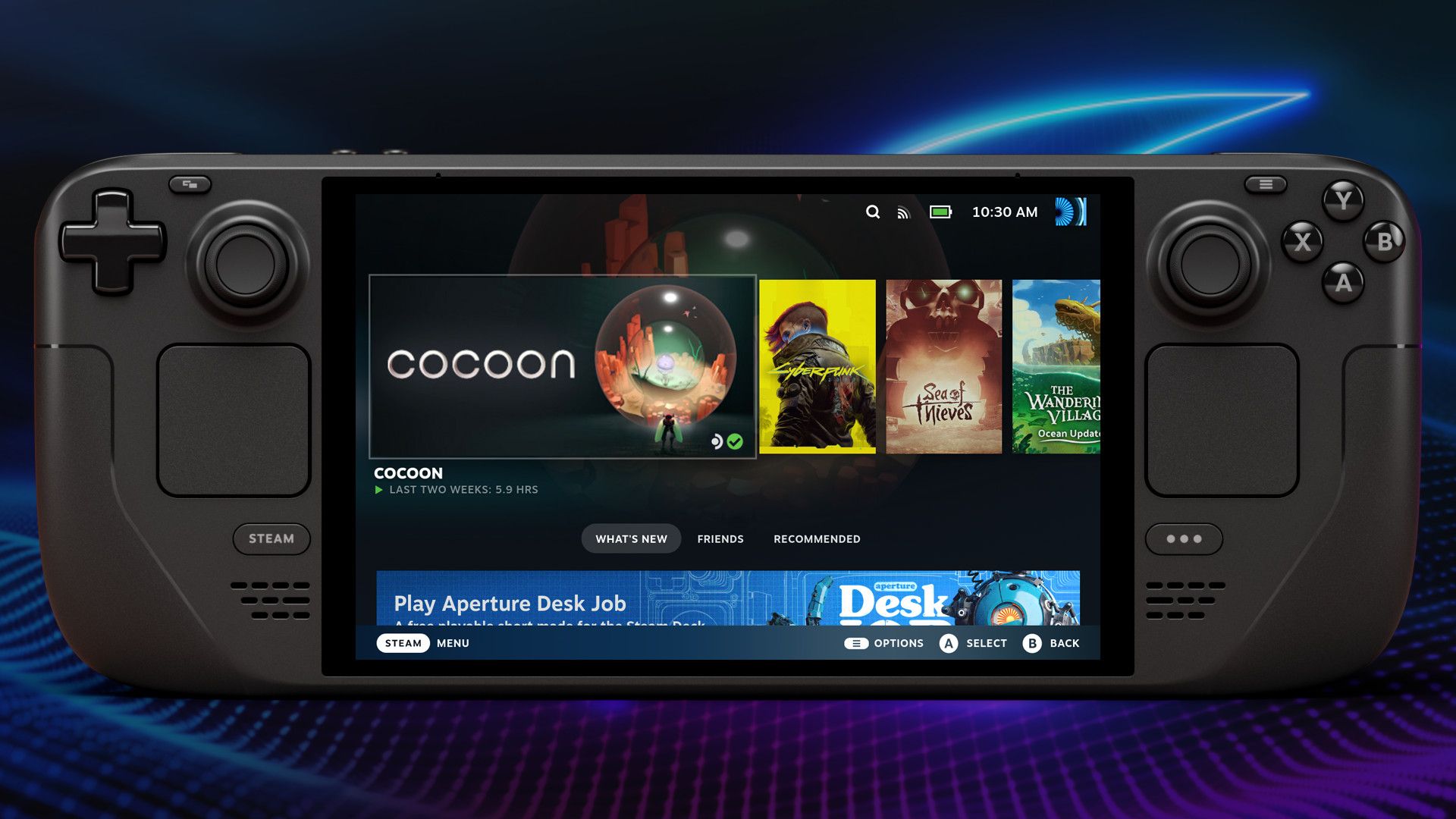
For years, Valve’s Steam has been the leading platform for PC gaming. Now, with the Steam Controller, they’re aiming to improve the controller experience even more, making games feel just as intuitive to play with a controller on Steam as they do on consoles.
The best part about the Steam Controller is its broad compatibility – it works with any device that runs Steam or the Steam Link app. This means you can use it with everything from tablets to Macs without complicated setup processes when switching between devices. Plus, Valve consistently updates its software, so any problems are quickly fixed. With everything working together seamlessly, SteamOS is becoming a very attractive choice as a main gaming platform.
Read More
- Forza Horizon 6: Find the Ohtani Treasure Chest Location
- LEGO Batman Legacy of the Dark Knight Batcave Minikits & WayneTech Caches
- Diablo 4 Best Loot Filter Codes
- NTE Drift Guide (& Best Car Mods for Drifting)
- USD RUB PREDICTION
- USD CNY PREDICTION
- Top 10 Must-Watch Isekai Anime on Crunchyroll Revealed!
- GBP CNY PREDICTION
- Cookie Run Kingdom Timeline of Fate Update Guide
- PS Plus Monthly Games for June 2026 Wish List
2026-05-07 18:05