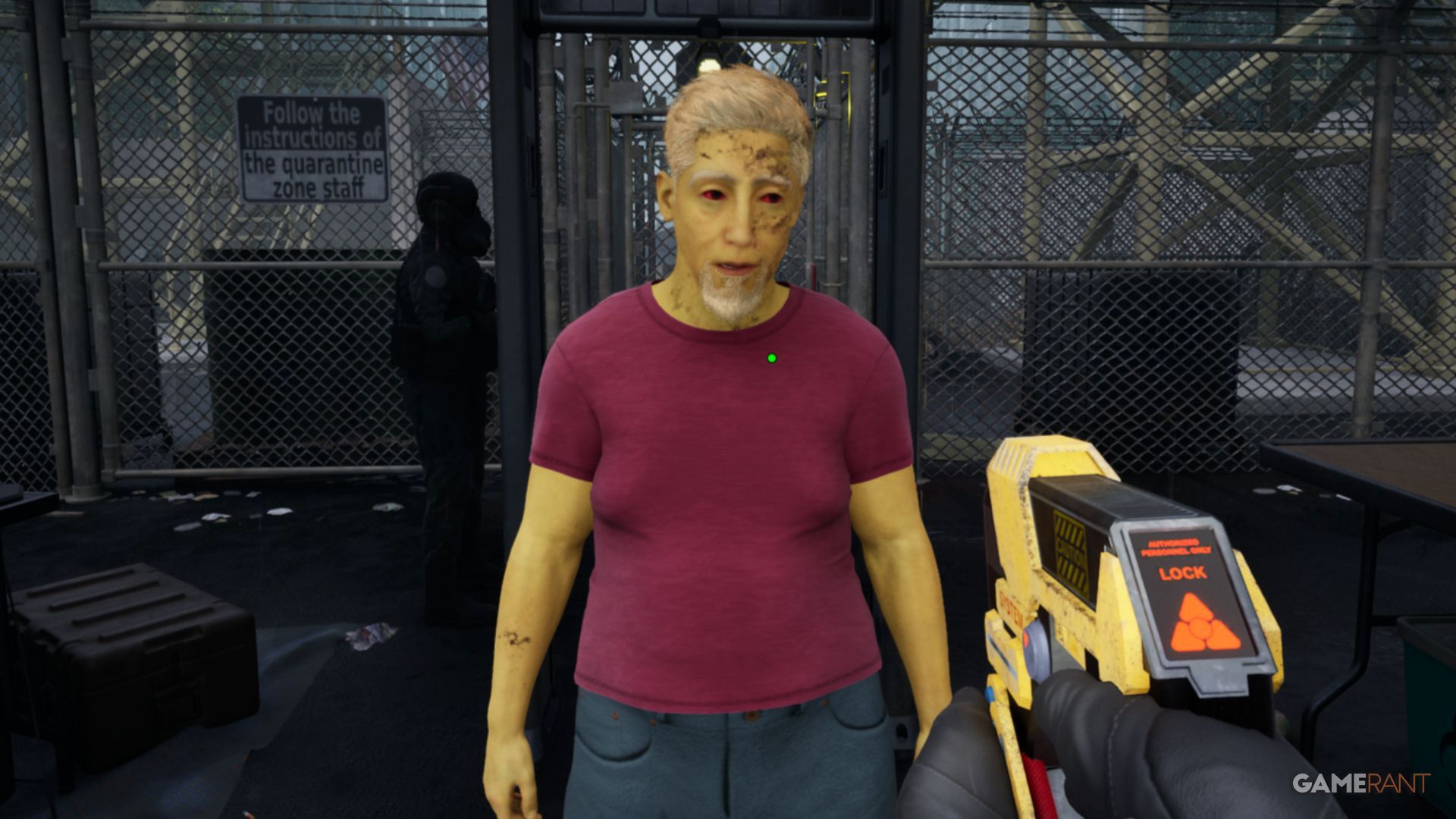
As a critic, I’ve been diving into “Quarantine Zone: The Last Check,” and let me tell you, the pressure is real. You’re basically a frontline health worker tasked with identifying who’s sick before they turn into zombies. One missed symptom, and boom – your safe zone is overrun. This guide is essentially a walkthrough of how to expertly screen people for the telltale signs of infection, teaching you to use all the tools at your disposal to keep the healthy safe and the undead… well, contained. It’s all about meticulous checking, and this guide aims to make you a pro at it.
How To Check For Signs Of Infection In Quarantine Zone: The Last Check

Players begin the game with only a flashlight, which they’ll use to search for clues about what’s wrong. They can view a complete list of possible clues by pressing the ‘C’ key or the down button on the D-pad.
All symptoms will appear in one of three boxes. When you see a symptom, please click the corresponding box. Remember that survivors can experience several symptoms, so continue checking for others.
Green – Sick
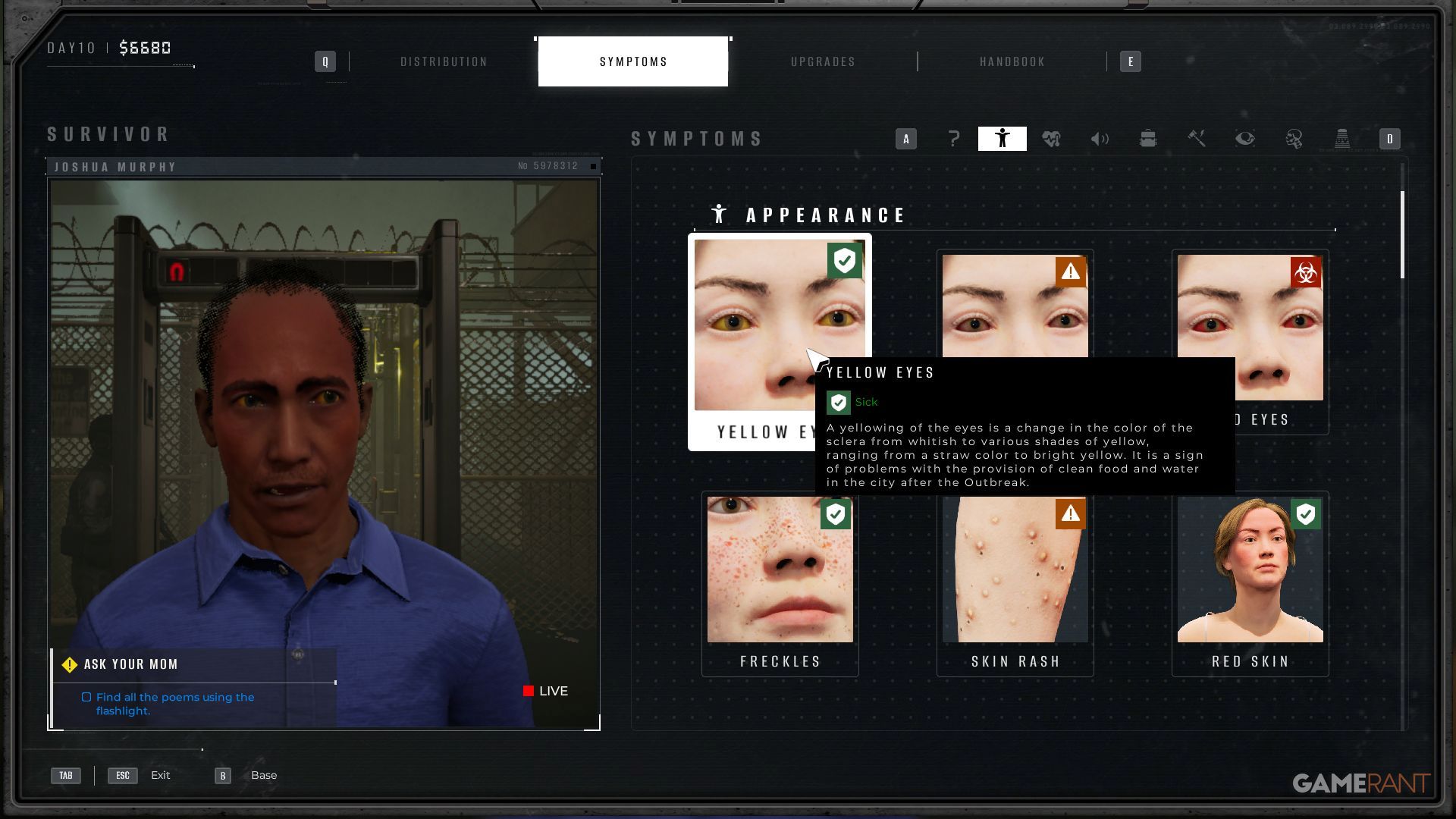
This indicates illness, but not an infection. If someone only shows signs of being sick, they can be moved to the Survivor’s Block while they wait for rescue.
Orange – Sick Or Infected
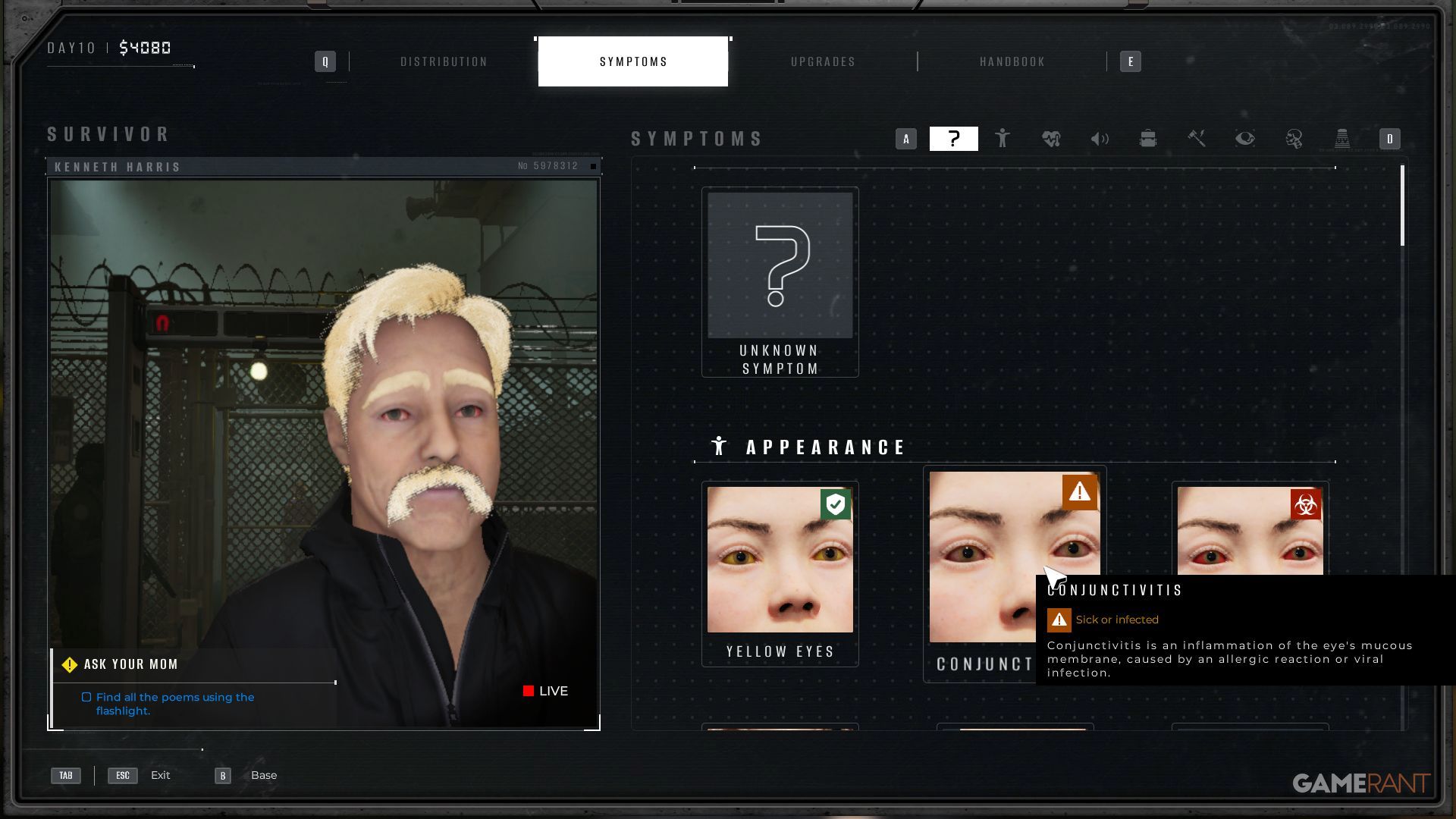
People showing orange symptoms might simply be sick, but it’s also possible they have an infection. Please send anyone displaying these symptoms to Quarantine and check on their condition tomorrow.
Red – Infected
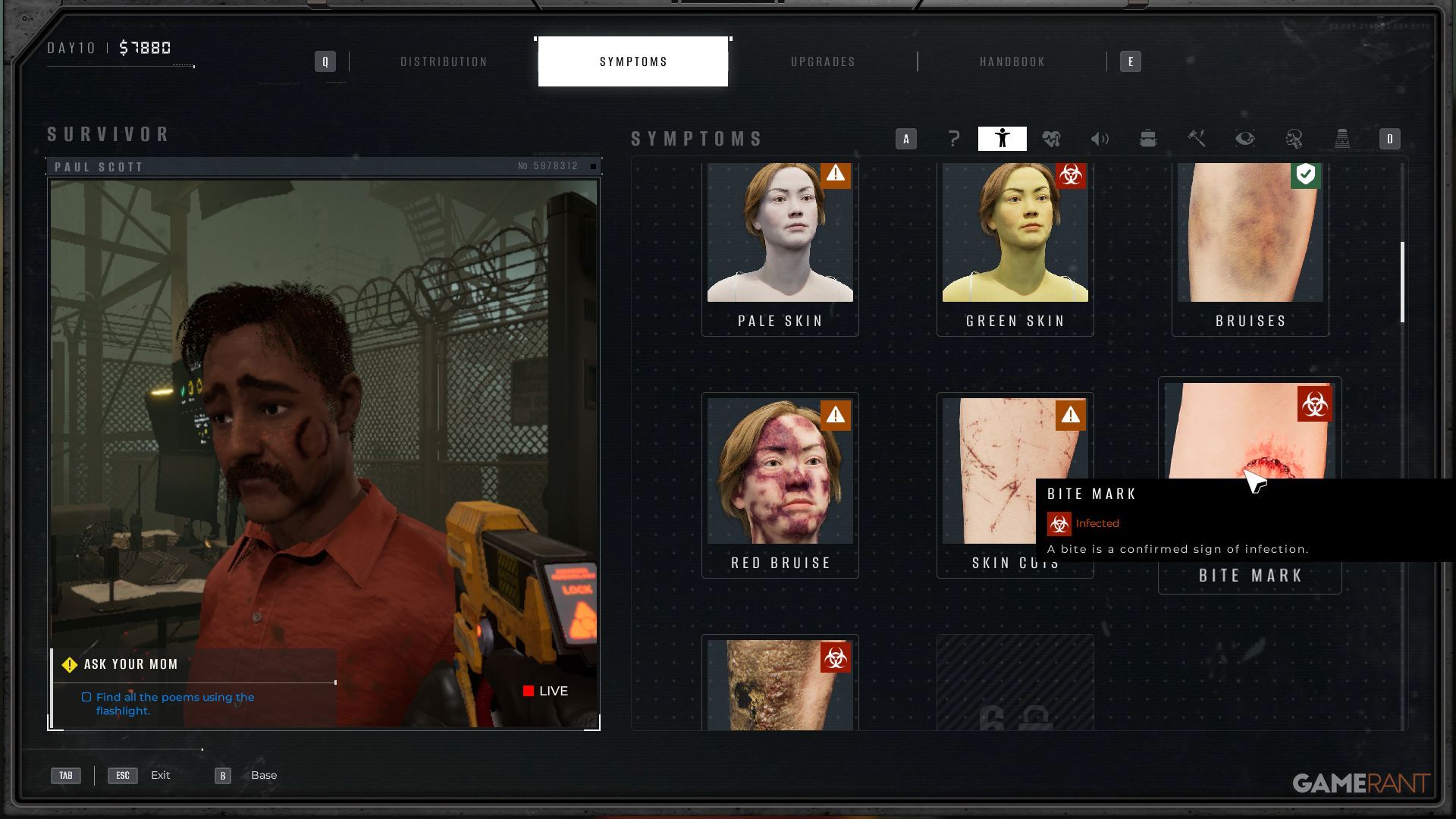
Anyone showing signs of infection must be sent to Liquidation and will be terminated.
Sending Them To The Right Area

Once you’ve reviewed all the symptoms, open the Distribution Menu using the TAB or Back Button. All identified symptoms will be listed on the left side of the screen. Use this information to assign survivors to the appropriate block: Survivors, Quarantine, or Liquidation.
If someone shows many signs of illness, even without the most obvious ones, they might be infected. To be safe, it’s crucial to eliminate the threat they pose.
Recheck Those Quarantined Each Day In Quarantine Zone: The Last Check
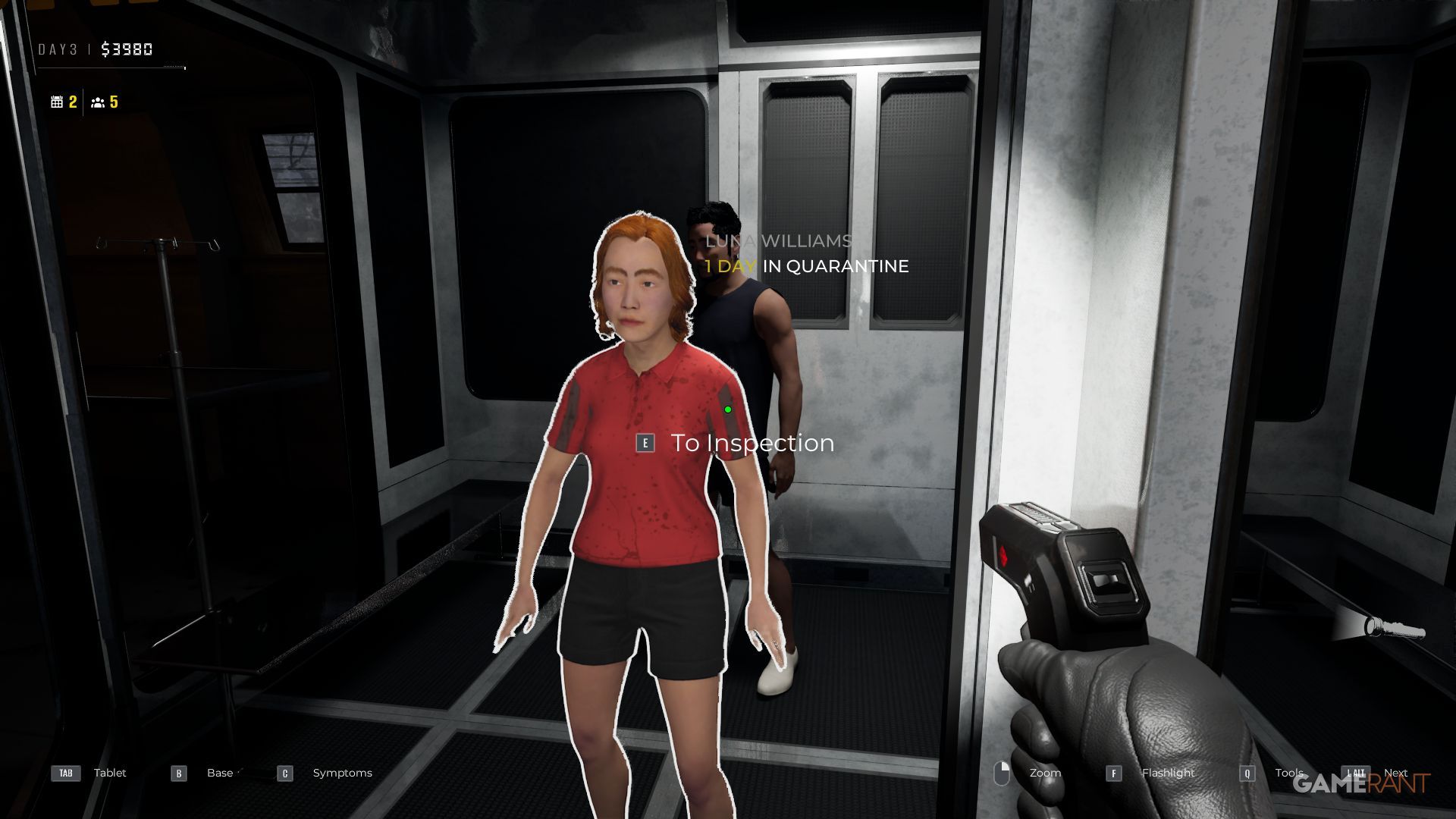
Each morning, check on everyone who’s been quarantined after they’ve rested. If they no longer show any symptoms, they’re considered healthy and can be moved to the Survivors Block.
To interact with them, simply approach and press the designated button (E, X, or Square). This will bring them out of the glass enclosure for inspection, after which you can adjust their assignments as needed.
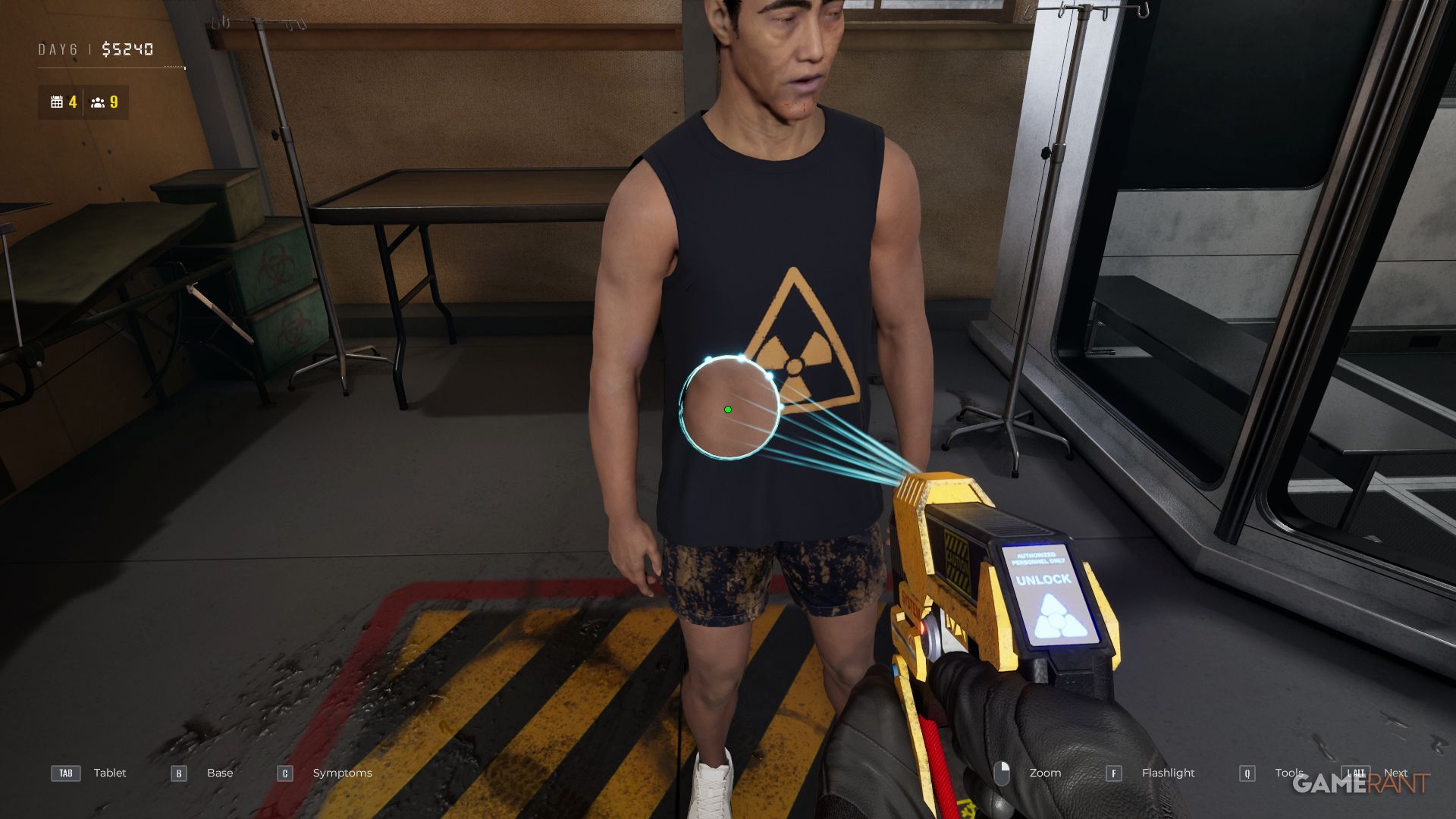
Any symptoms a patient had in the past will already be listed, so if a symptom is no longer present, simply remove the checkmark next to it.
If someone unexpectedly becomes a zombie, use the Clear button to safely destroy them inside the glass container.
Using Advanced Tools To Look For Infection In Quarantine Zone: The Last Check
As you play, you’ll gain access to new tools that help you identify infections. These tools typically become available when new symptoms appear. You can also improve these tools by using Research Points.
Thermopulsometer

Available starting on day two, this tool helps detect unusually high temperatures or pulse rates, which may indicate an infection.
Before getting your final temperature reading, give the thermometer a few seconds to stabilize. A temperature above 41°C or a pulse rate over 180 bpm indicates a possible infection. Lower readings can also suggest illness, and you can find specific ranges in the menu. Getting the upgrade that adds color coding is very helpful, because it eliminates the need to remember those ranges.
If someone is sneezing or hiccuping, it could be a sign of a problem, so be sure to check on them.
Reflex Hammer
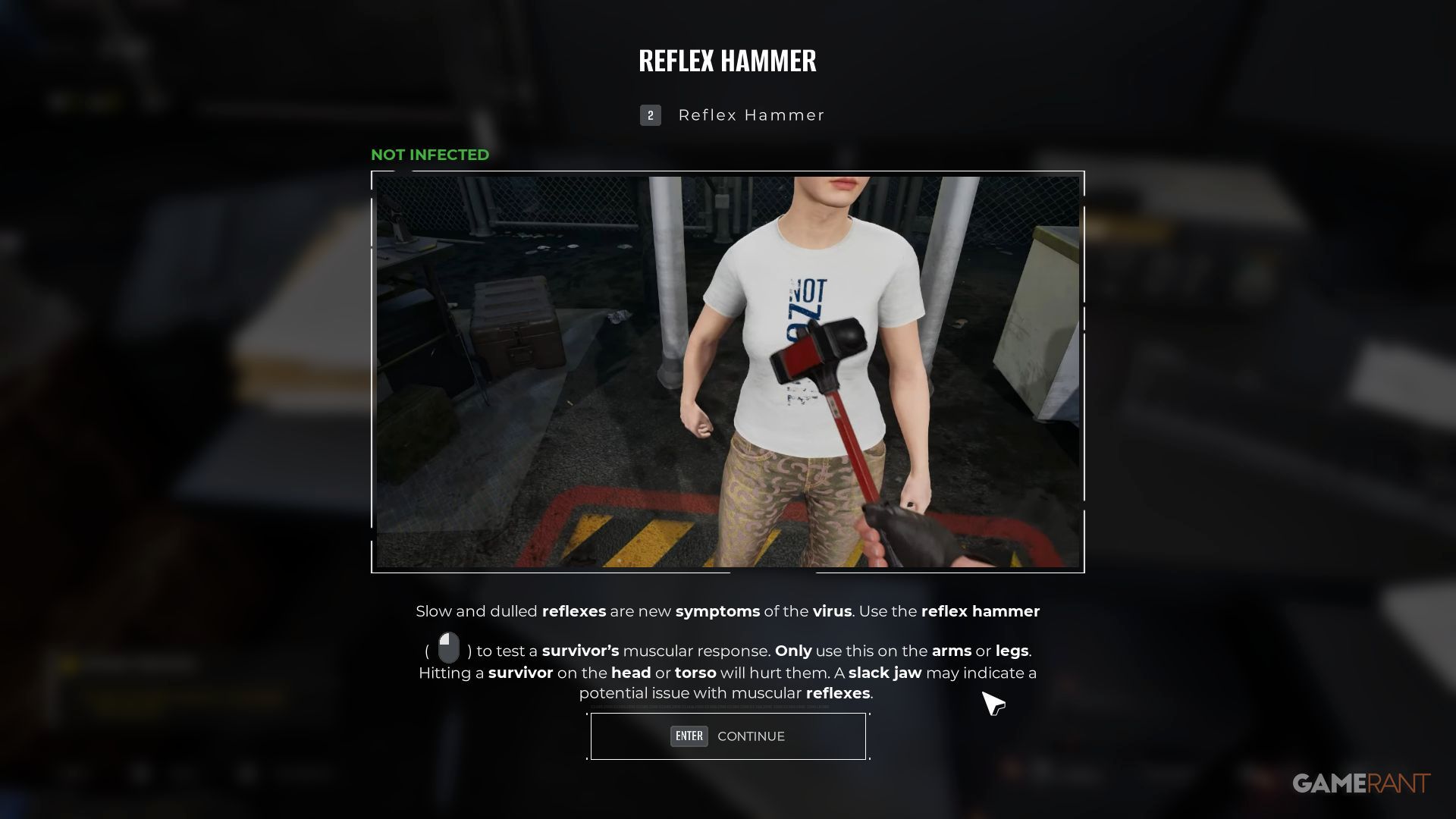
Gently tap survivors on their arms or legs to check how quickly they respond. Avoid hitting their heads or chests, as this could cause injury. If someone reacts slowly, it might mean they’re infected.
If someone doesn’t react at all, it likely means they’re ill. However, if they become aggressive, there’s a risk of getting infected. If they react by moving the limb opposite to the one affected, it confirms they have the virus.
Be aware of people with a noticeably relaxed jaw, as it could indicate slow reflexes or a possible infection.
Scanner
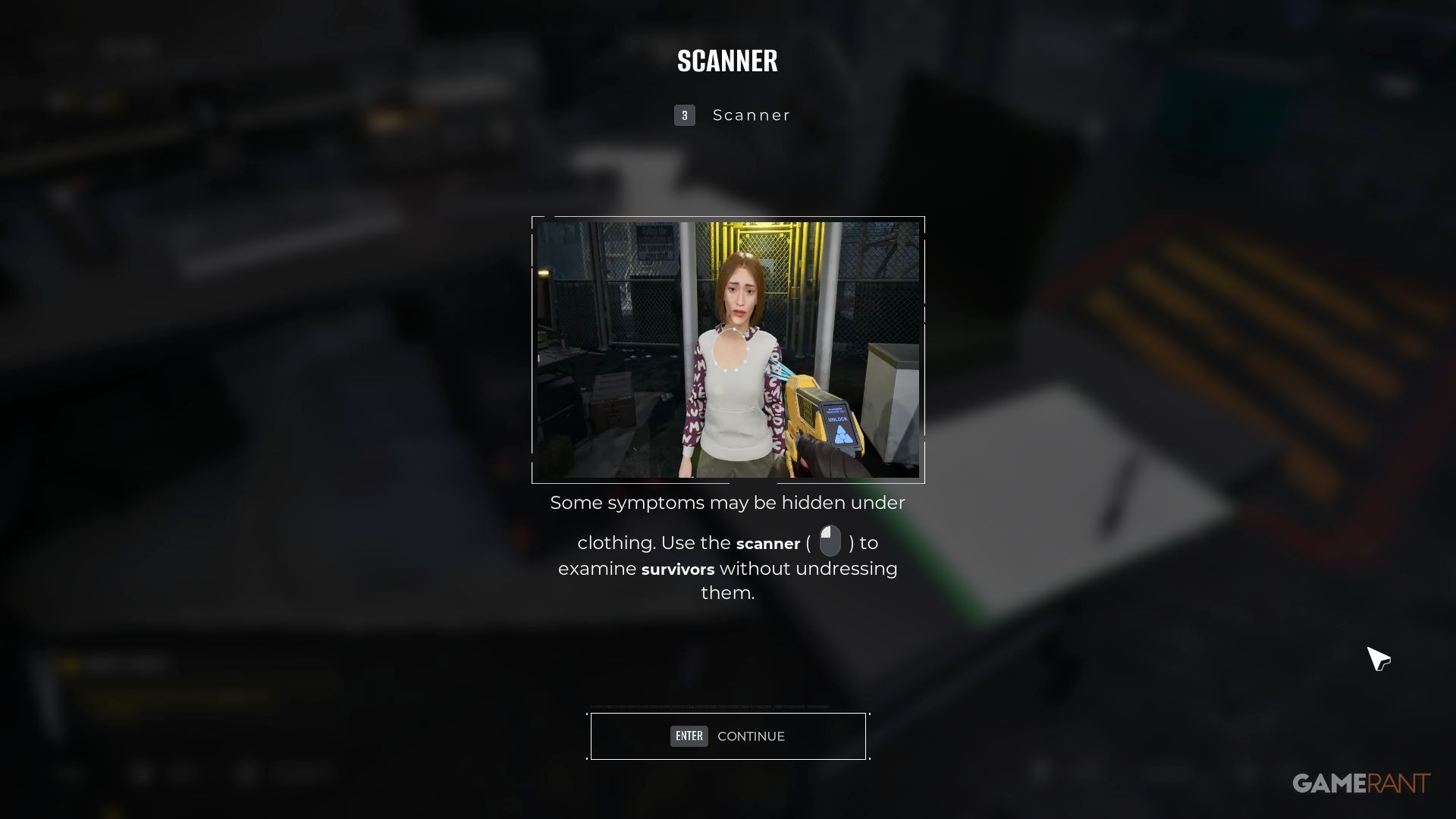
If bite marks might be concealed by clothing, always use the Scanner. You’ll unlock it after the first time you evacuate.
Players need to thoroughly scan their entire body, checking every area – including under their shoes – for any hidden bite marks.
Stethoscope
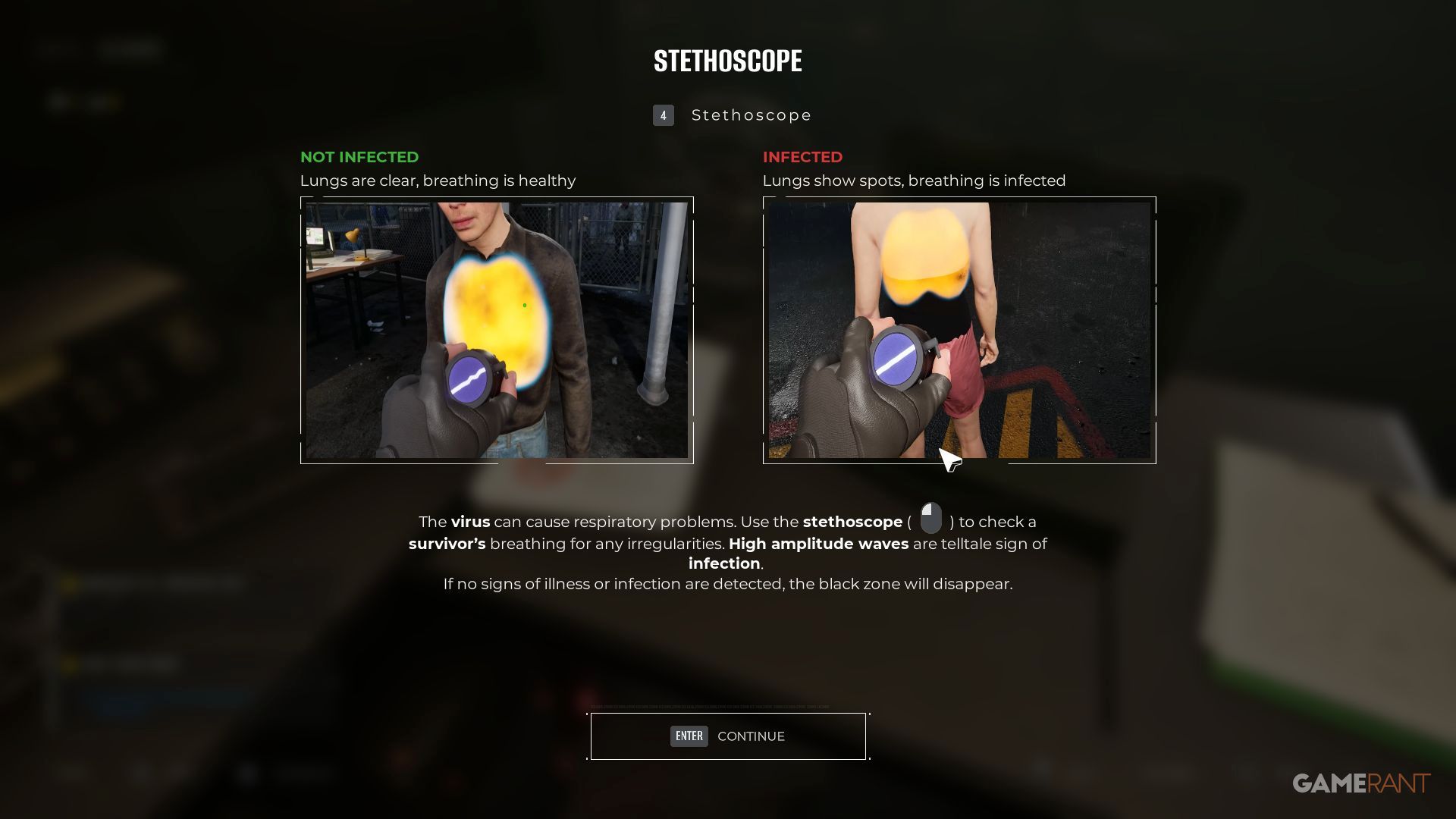
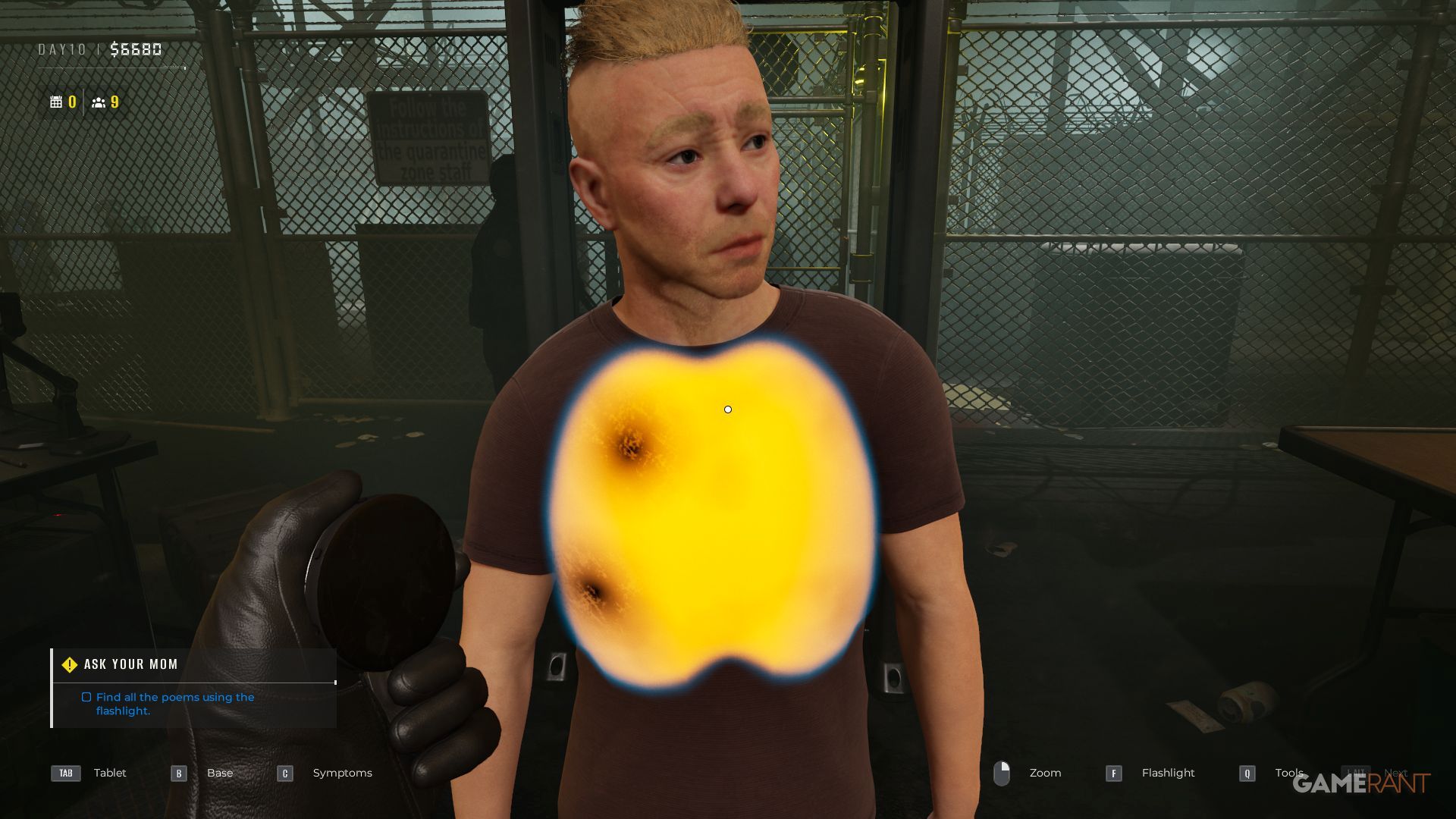
If someone who’s been injured is having trouble breathing, use a stethoscope to listen for signs of infection. Healthy lungs will sound clear and yellow when listened to with the stethoscope.
If you see a dark spot, move your cursor over it and check the stethoscope for wave patterns. Strong waves indicate illness. Listen carefully to the sound and compare it to known symptoms. You’ll also need to explore the lab to find more clues, including a sound that resembles a lion’s roar.
Once I get through these current challenges, a few more helpful tools will become available, though it might take some time. Hopefully, by then, I’ll really understand how to figure things out and make accurate diagnoses – that’s the main goal right now!
Tips For Spotting Symptoms In Quarantine Zone: The Last Check
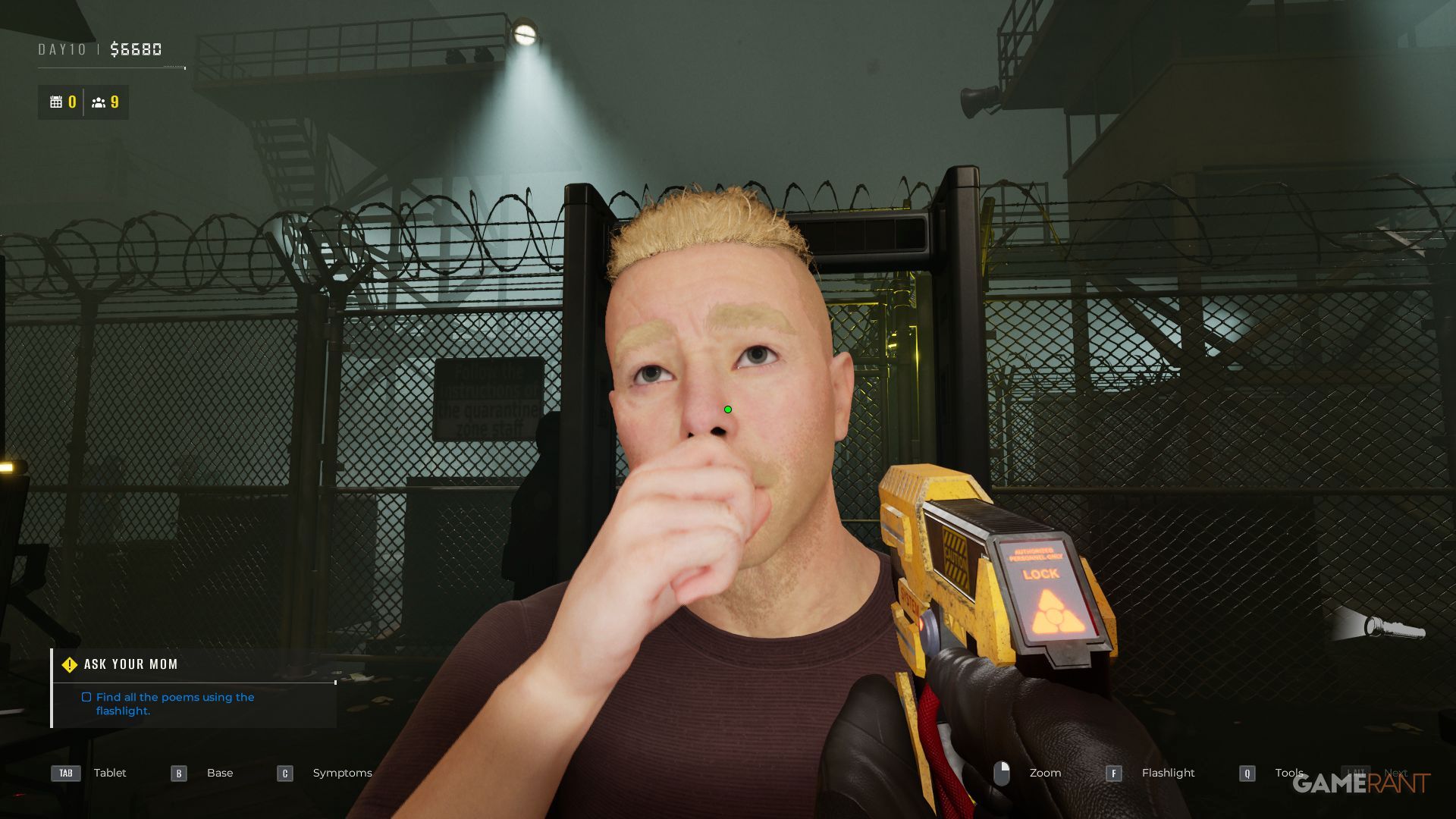
Here are some ways to tell if characters are getting sick or infected in the game Quarantine Zone: The Last Check:
Check The Eyes With A Flashlight
Shine a flashlight directly into the survivor’s eyes, getting as close as possible to see everything clearly. If they’re wearing sunglasses, take them off before you begin your inspection. You can turn the flashlight on and off by pressing F, RS, or R3.
Look From Behind & The Sides
As a real cinema fan, I always tell people not to just focus on what’s right in front of you. Seriously, walk all the way around the character! Check out the backs of their legs, arms, and even their neck – you’d be surprised what you might miss. You really need to look at the ‘survivor’ – or any character, really – from every possible angle. A tiny bite mark or crucial clue can be hidden in plain sight if you don’t.
Take Your Time & Double Check
There’s generally no need to hurry, so carefully check each survivor. Be thorough – look at everything and think through all the possibilities. It’s not worth risking letting an infected person spread the illness to those who are healthy.
Use Zoom & Crouch To See Better
Certain details are only visible when you get a closer look. Use the Zoom button (right-mouse button/left trigger/L2) and Crouch (CTRL/B/Circle) to examine areas like legs more carefully.
Bite marks can even appear on feet, so check these with the Scanner once unlocked.
Ignore What Survivors Say
People who have experienced a traumatic event are often frightened and may not accurately describe what happened or how they’re feeling. Instead of relying on what they say, focus on observing the situation and any visible signs yourself.
Remember To Click On Symptoms Before Deciding Their Fate
You’ll earn more Research Points by accurately identifying all symptoms, so be sure to record them even if you’ve already assigned them to the right area.
Don’t Forget To Check Those In Quarantine Each Morning
It’s easy to get caught up in checking new survivors, but don’t forget to check on those already in quarantine. They could be a threat, and checking on them might open up space for others.
Develop A Routine
It’s easy to overlook tools and symptoms as you discover more in the game. To help with this, try creating a consistent check-list and always examine symptoms in the same order.
Zombie Parts In Bags Are A Biohazard, So Treat The Owner As Infected
We should take weapons from anyone we find, but finding a weapon doesn’t mean someone is infected. However, if a survivor is carrying zombie body parts – like a skull – they should be considered infected because they pose a biological risk.
Read More
- Re:Zero Season 4, Episode 6 Release Date & Time
- How to Get the Wunderbarrage in Totenreich (BO7 Zombies)
- NTE Drift Guide (& Best Car Mods for Drifting)
- How to Beat Turbines in ARC Raiders
- All Aswang Evidence & Weaknesses in Phasmophobia
- How to Get Necrolei Cyst & Strong Acid in Subnautica 2
- Alan Wake Event in Phasmophobia, Explained
- Diablo 4 Best Loot Filter Codes
- Best Where Winds Meet Character Customization Codes
- How to Craft Repair Tools in Subnautica 2
2026-01-13 03:36