
Steam offers several ways to control your privacy, but the “Mark as Private” feature isn’t always obvious. It lets you hide games from your friends or prevent your playtime from being tracked, which is helpful if you prefer to keep some of your gaming activity private.
One of the best things about Steam is its friend system. It lets players easily chat with each other—through text or voice—while they’re playing games. Steam also tracks what games your friends are playing, which is great for quickly joining each other in a shared game. However, some users might not want their activity visible to everyone on their friend list.
Steam Mark as Private Feature Gives More Nuanced Controls

I used to keep my Steam profile totally private, hiding what I was playing from everyone. But that got annoying when I wanted to play with friends! Now, Steam lets me mark specific games as private. It’s awesome because I can control what people see without locking down my entire profile – my friends don’t have to miss out on seeing everything else I’m up to or my achievements just because I don’t want to broadcast this particular game.
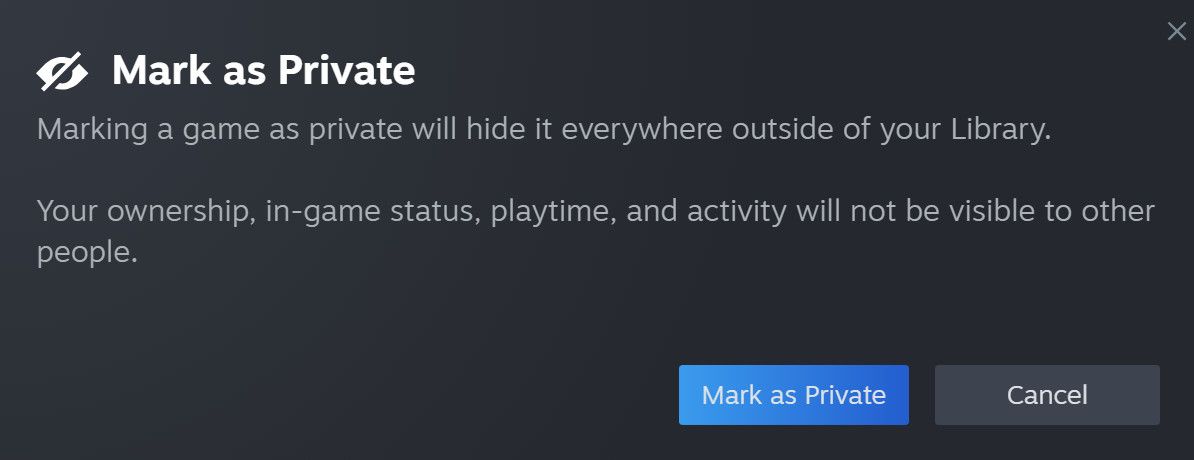
On Steam, you can hide any game from other players by marking it as private. This means no one – even your friends – will be able to see it in your game list. It will look like you don’t own the game, and your playtime and achievements will also be hidden. This feature is useful for anyone who wants to keep their gaming activity private.
How to Private a Game on Steam
There are three main ways to mark a game as private in a Steam library.
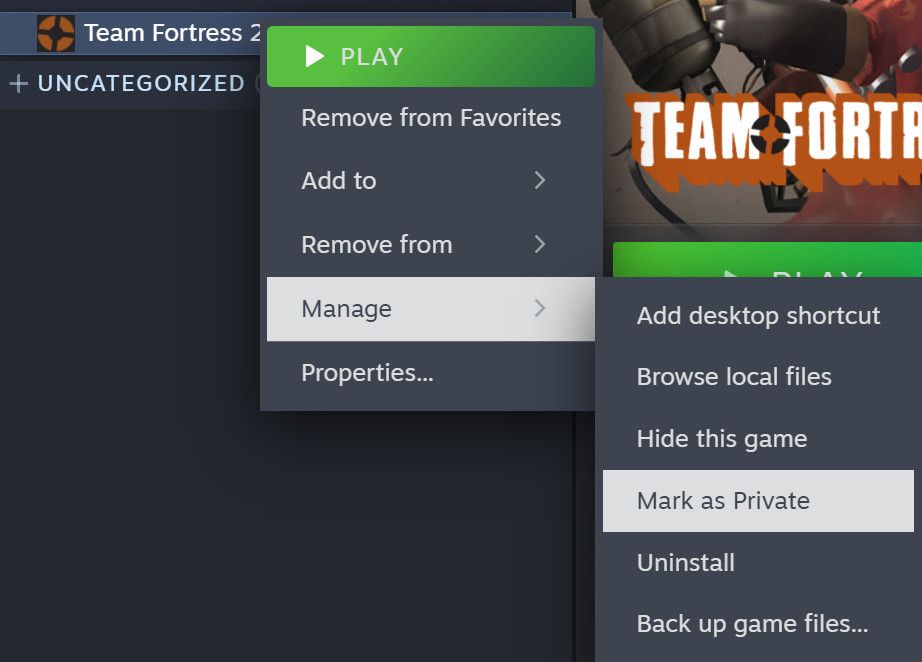
- For games that already owned, users can simply navigate to the game in their library, right-click it, navigate to Manage, and then choose Mark as Private.
- Users who have access to the web but not the Steam client can instead navigate to their Steam Community Profile game list on the Steam website and mark it as private from there.
- The feature can also be used to hide new purchases from ever showing up on the user’s profile or account. To do that, users should just select the option to mark a game as private while it’s still in their shopping cart, before completing the purchase.
Steam Private Game Feature Has Some Caveats
This new feature should be useful for many players, but it’s important to understand how it works. When you use it, your profile will show that you don’t own any games set to private, which means people might gift you games you already have. You also won’t be able to earn Steam Trading Cards while playing games marked as private. Finally, you won’t be able to download or update games using local network transfers while they’re set to private.
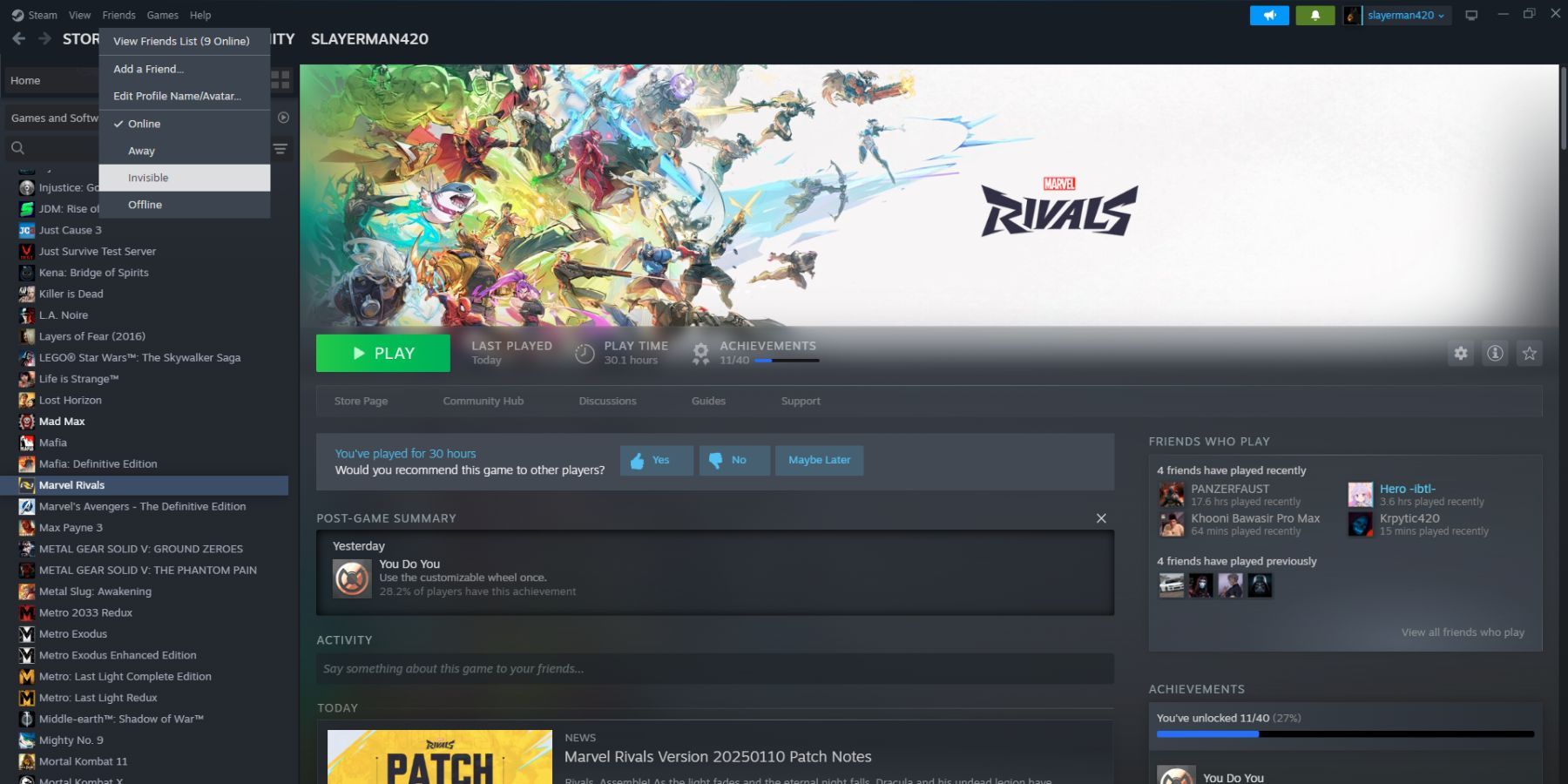
This feature works with multiplayer, so you can still play with friends who have the same game. Even if you set a game to private, you can invite a friend to join. When you do, your friend will see you’re playing, but no one else will – they won’t see the game in your library or know you’re currently active.
Even though Steam is still working on adding some requested features, this new update should be useful for many players.
Read More
- NTE Drift Guide (& Best Car Mods for Drifting)
- All Aswang Evidence & Weaknesses in Phasmophobia
- Where to Find Prescription in Where Winds Meet (Raw Leaf Porridge Quest)
- Conduit Crystal Location In Subnautica 2
- How to Get Necrolei Cyst & Strong Acid in Subnautica 2
- Diablo 4 Best Loot Filter Codes
- Boruto: Ikemoto Has Already Hinted At Sasuke’s New Eye After Return
- How to Get the Wunderbarrage in Totenreich (BO7 Zombies)
- Best Burst & Full Auto Builds for the M16A4 in BF6
- USD RUB PREDICTION
2026-01-16 10:04