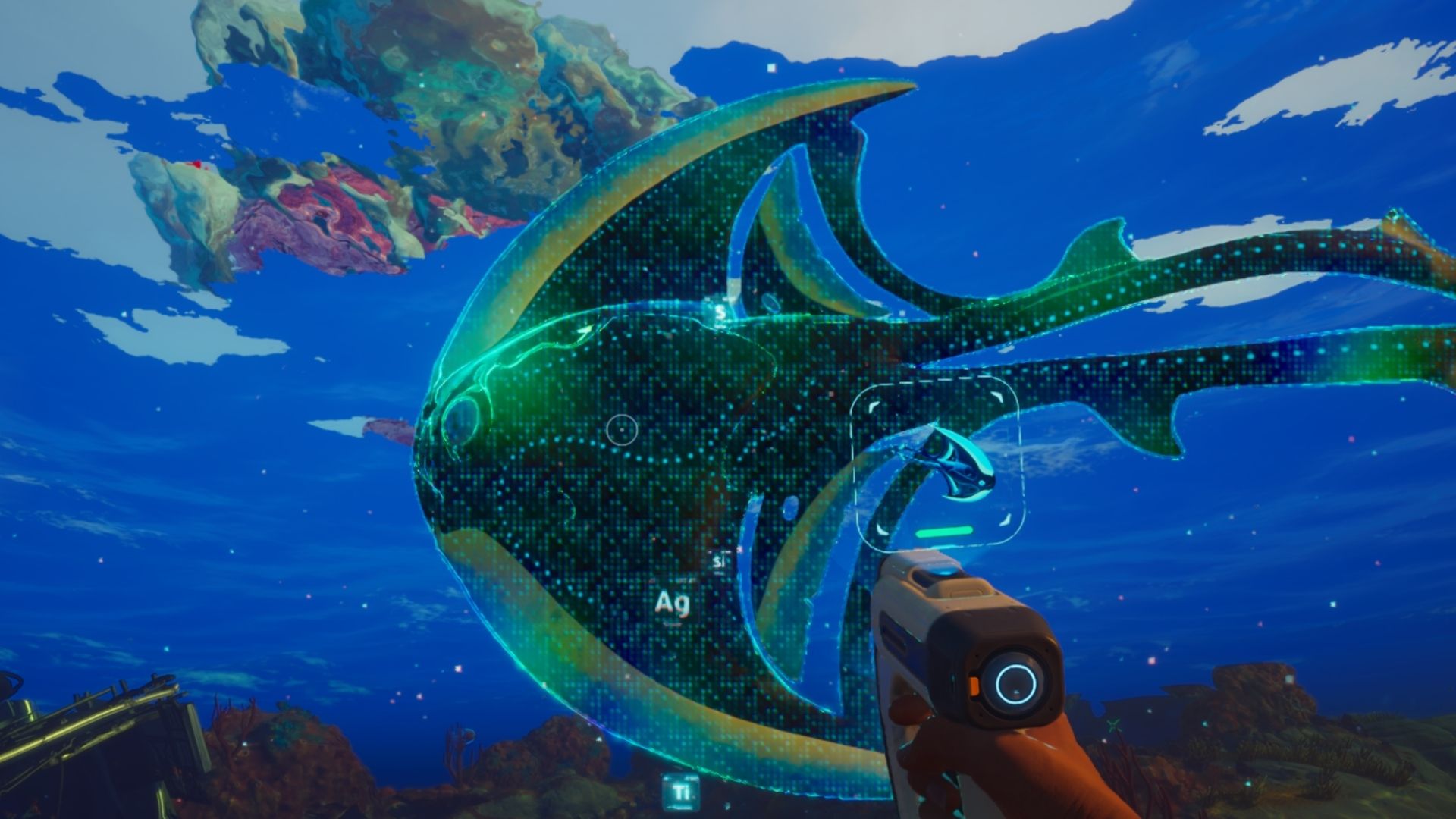
In Subnautica 2, the Scanner is a key tool for discovering and learning about everything around you – plants, creatures, and structures. Scanning these objects unlocks new blueprints, adds information to your database, and teaches you how to craft new items.
The Scanner is one of the first two items you’ll need to craft when you begin the game – the other is the Survival Multitool. Here’s how to make it.
How to Craft a Scanner in Subnautica 2
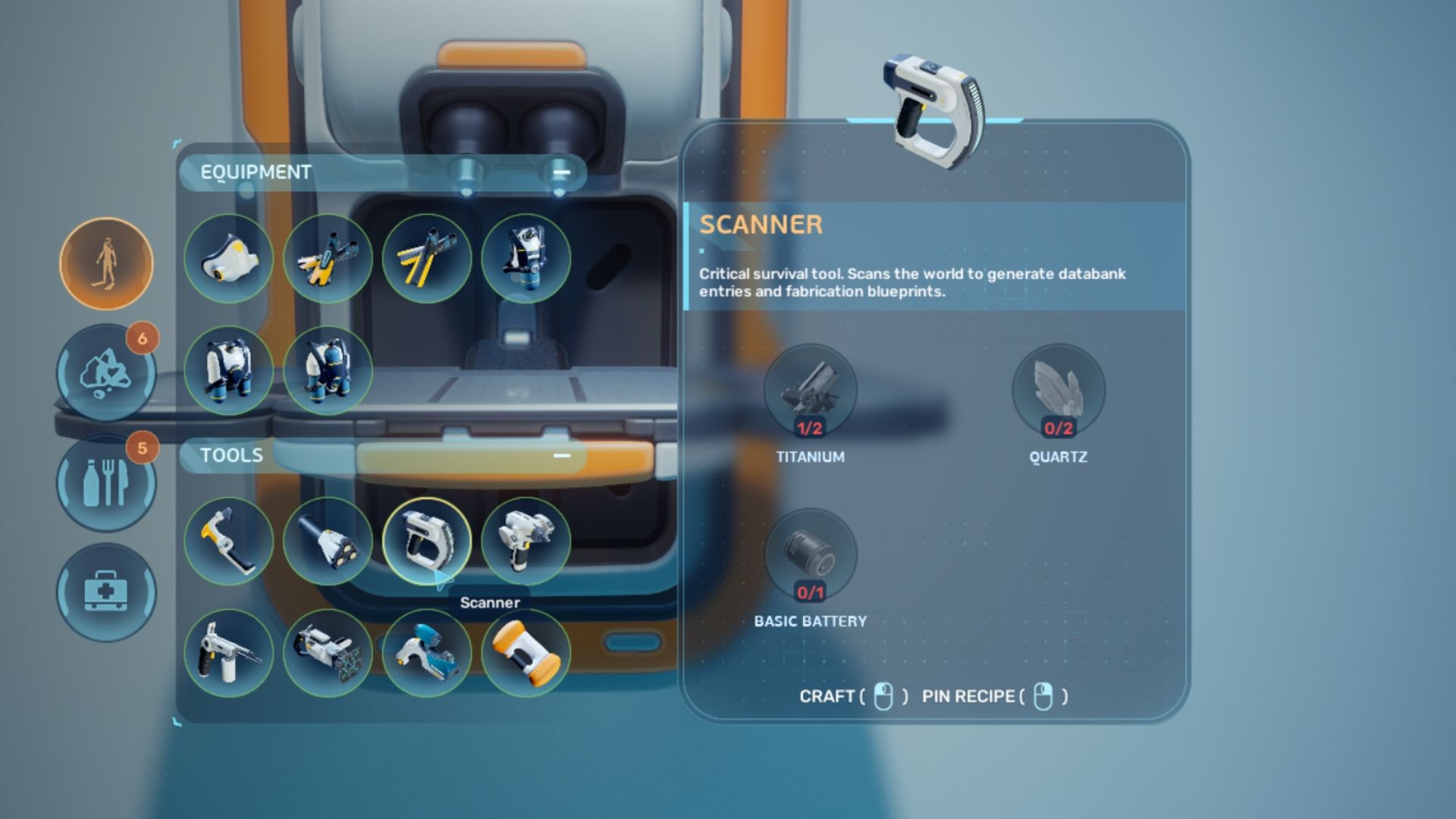
In Subnautica 2, players can create a Scanner using a Fabricator with these materials.
- Titanium x2
- Quartz x2
- Basic Battery x1
Titanium
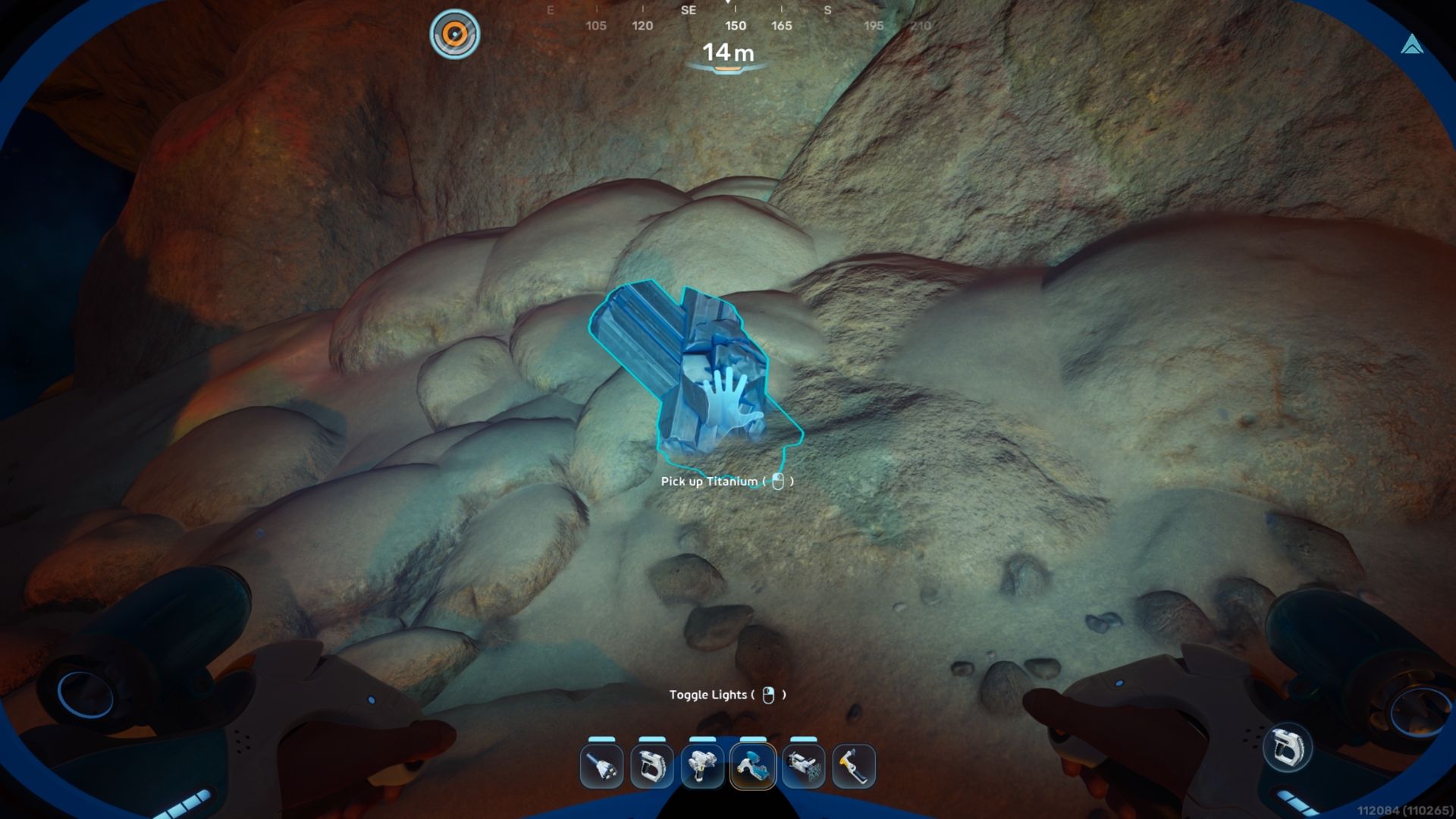
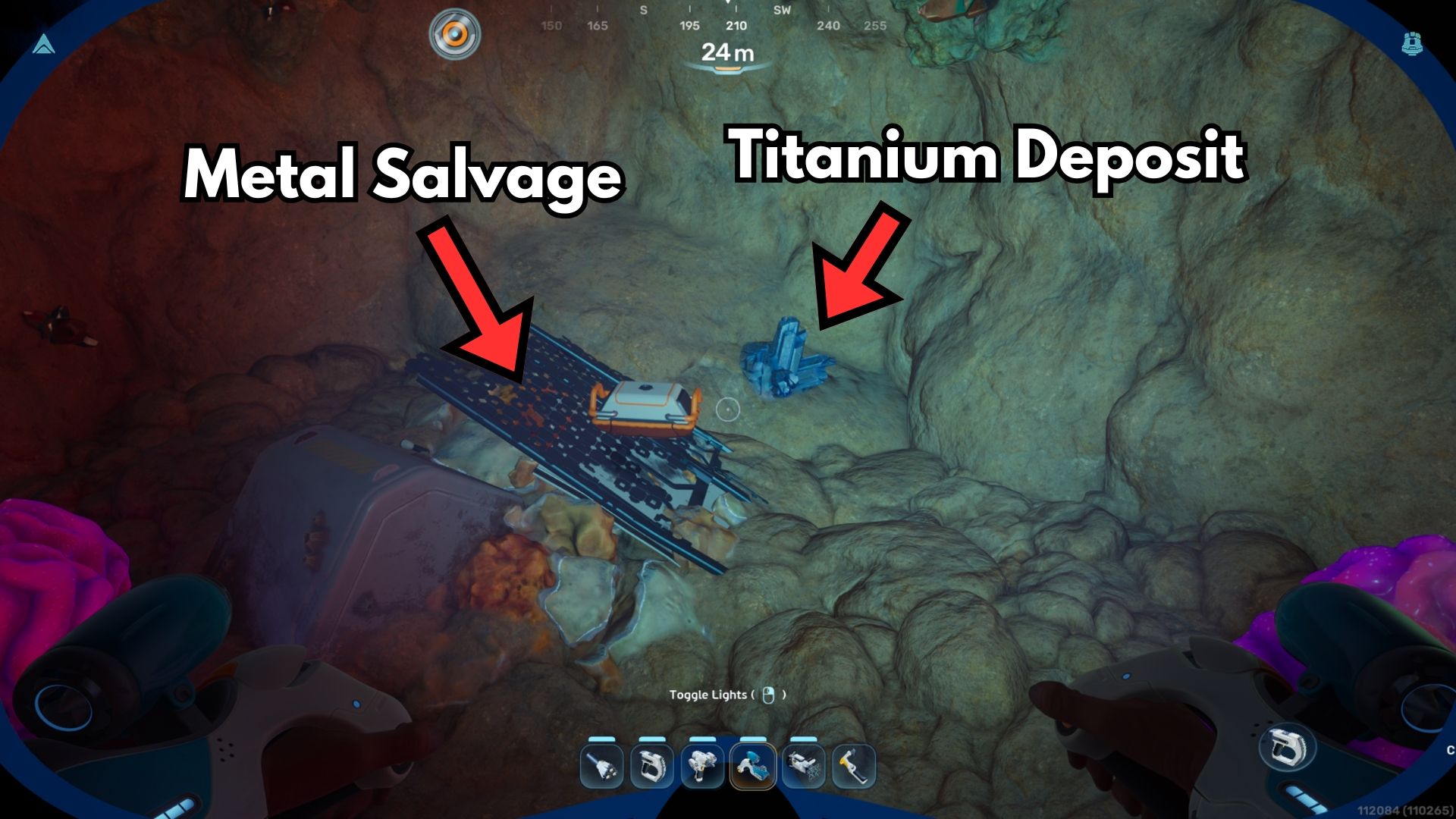
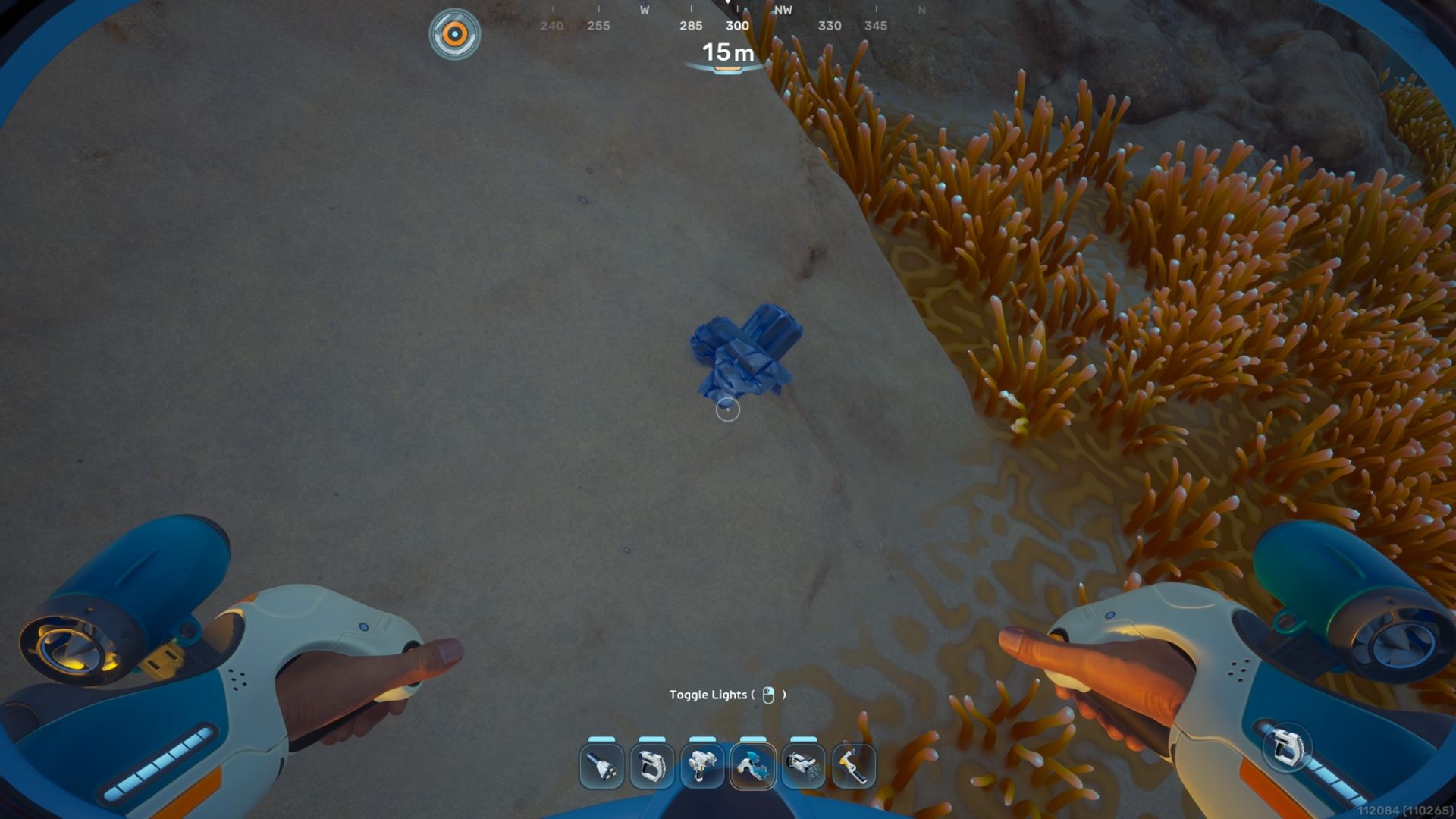
As a big fan of Subnautica 2, I’ve found Titanium is super common! You can grab it around your Lifepod, especially down on the ocean floor, but also by exploring those cool underground caves and even inside the coral formations. Seriously, it’s the easiest ore to find – you’ll have plenty to build the Scanner, don’t worry!
At the Fabricator, you can turn Metal Salvage into Salvaged Titanium, and the game treats it just like regular ore.
Quartz
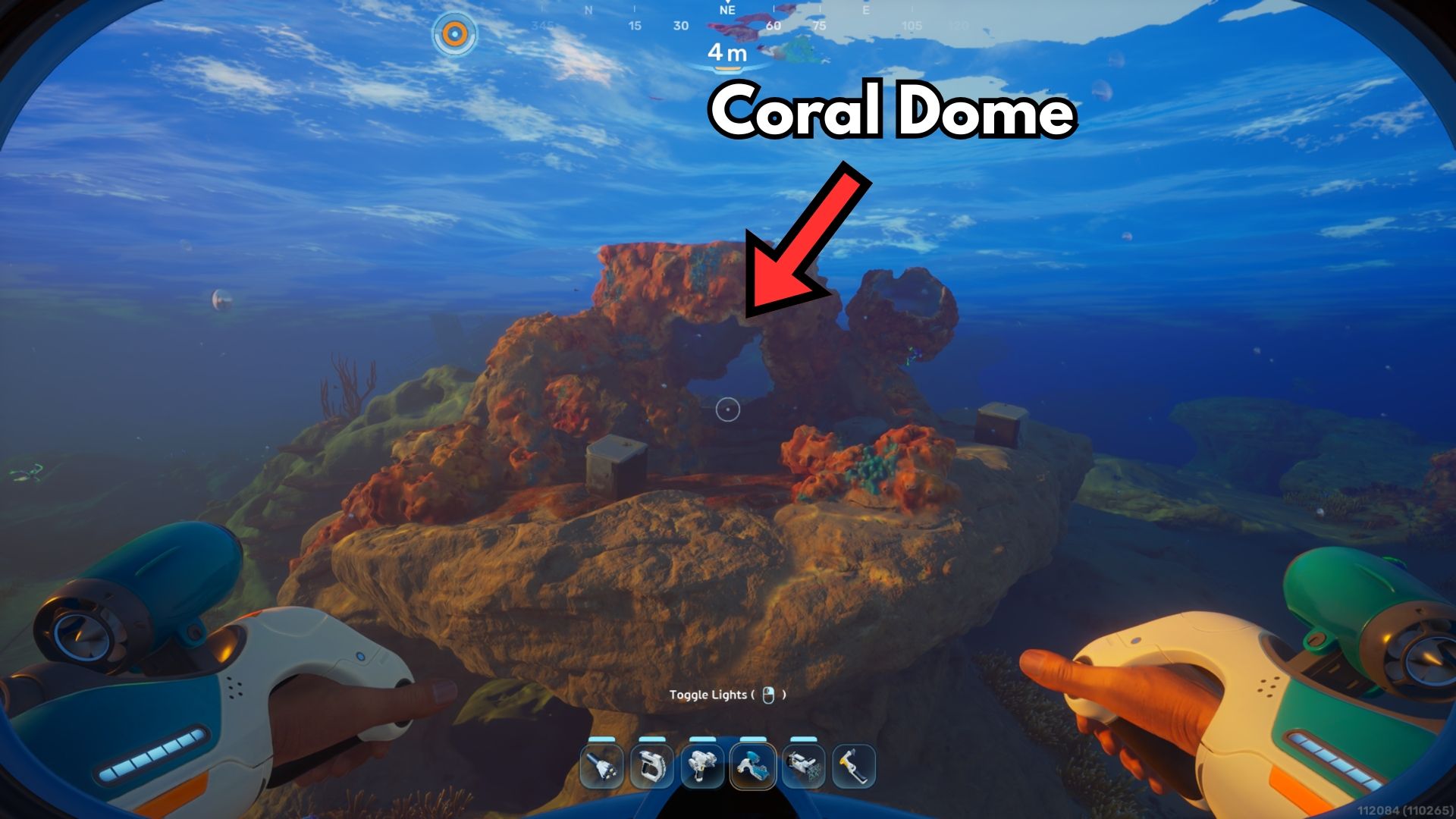
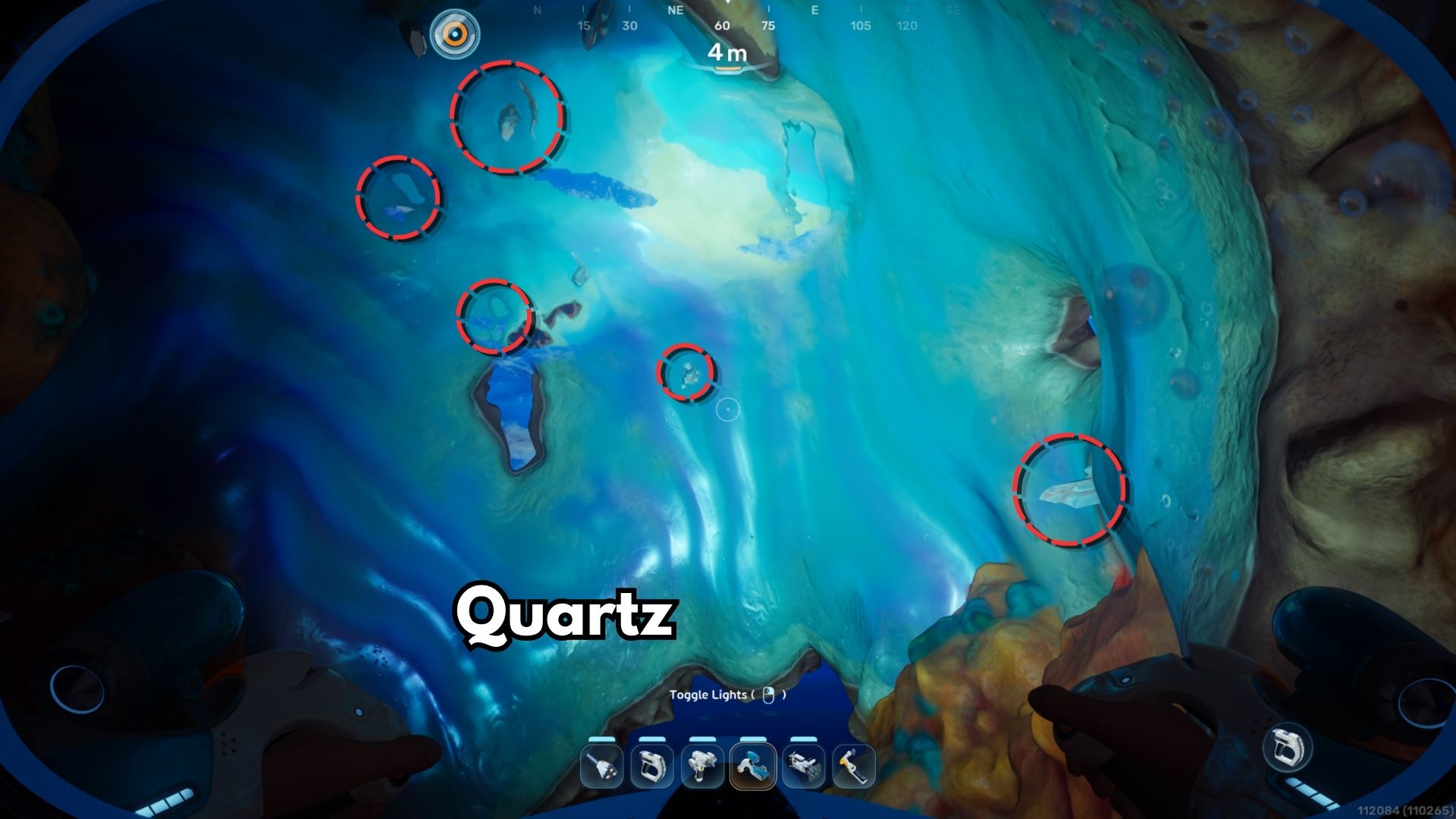
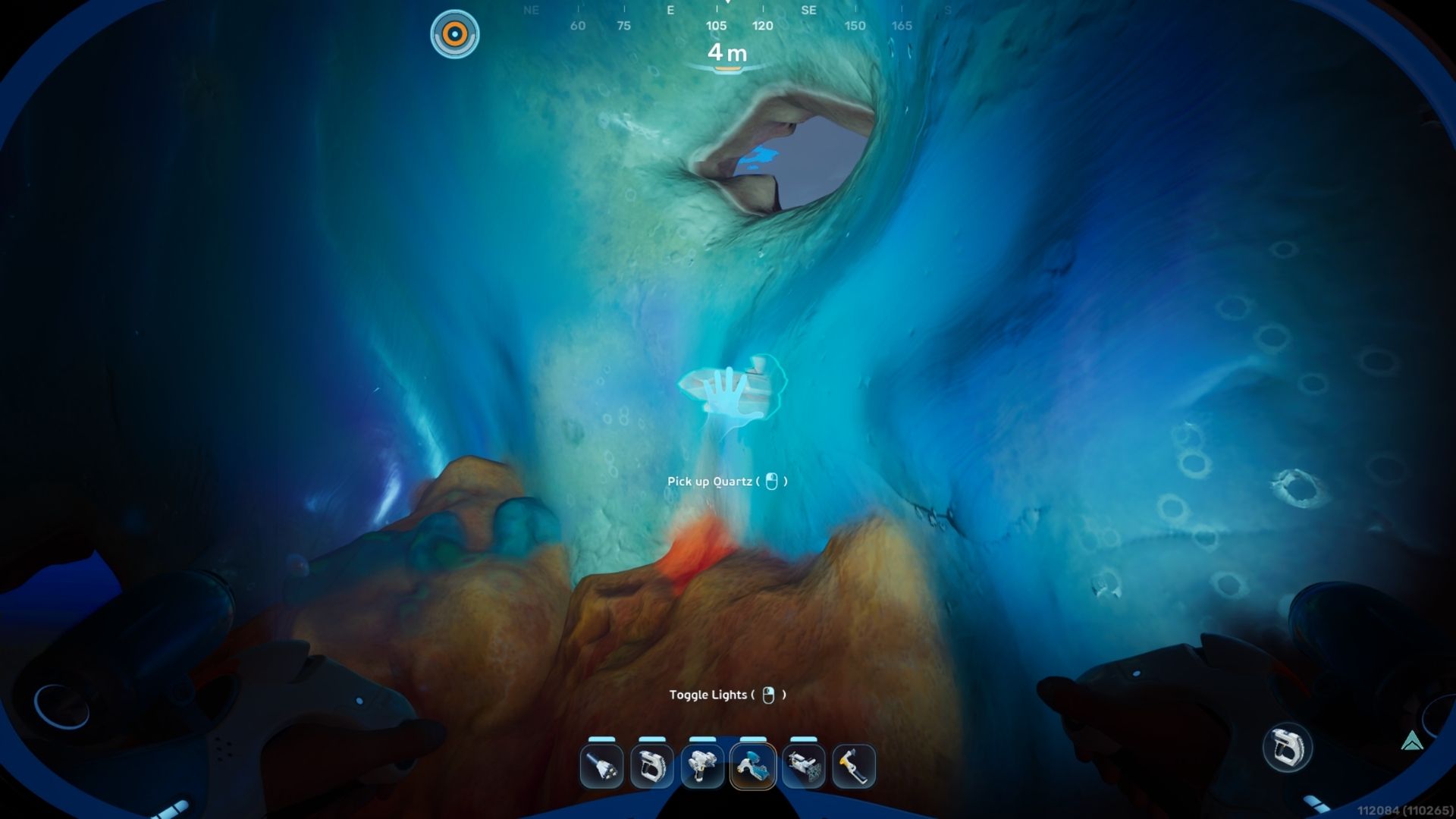
Early in the game, you can easily find Quartz inside Coral Domes. These are the big, round, orange coral structures often found in the shallow water near your Lifepod.
These corals always have some quartz inside, and larger ones contain a lot – enough to fill your inventory. You can find one of these coral structures just 30 meters east of the Lifepod.
Basic Battery
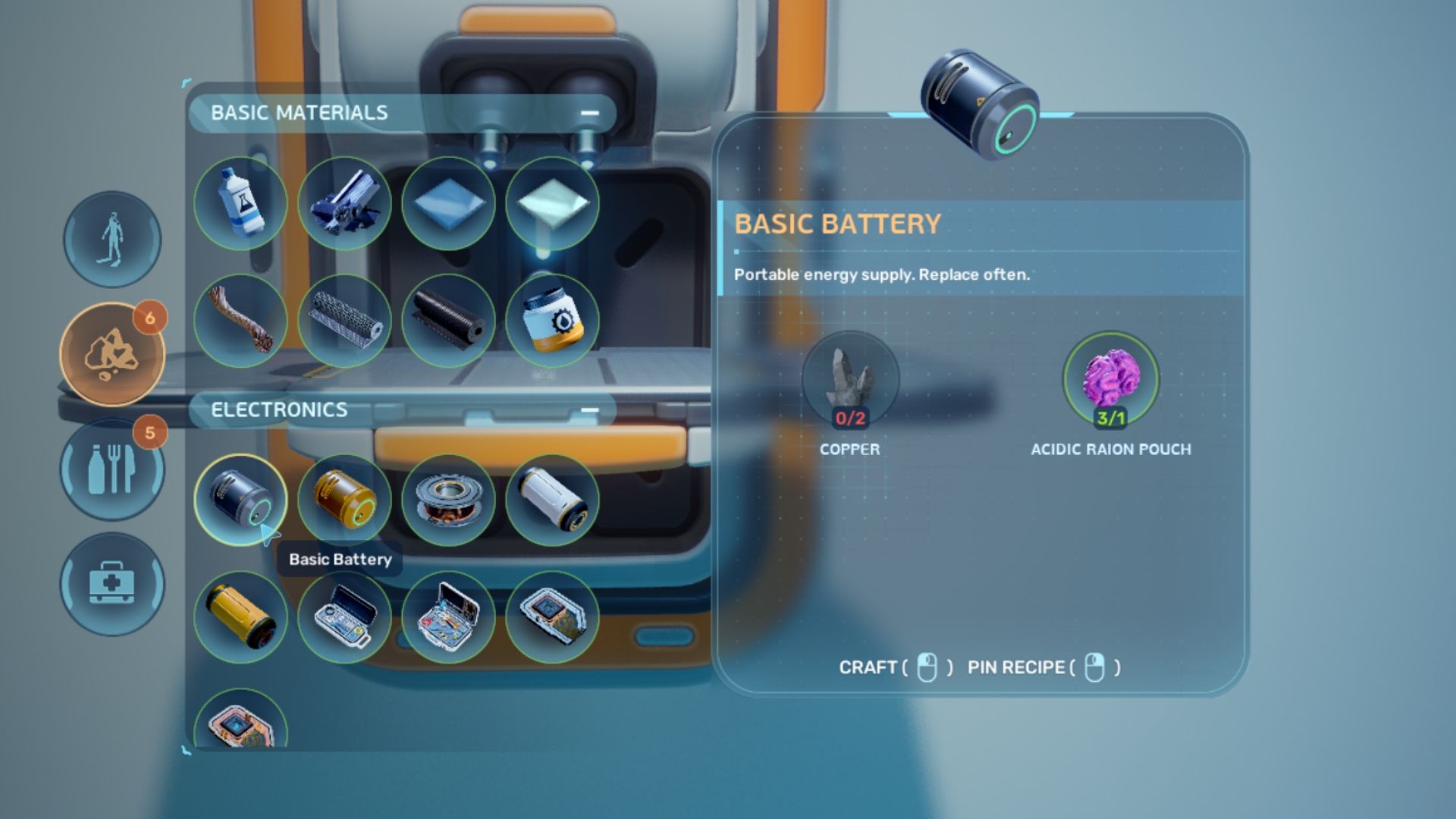
The Basic Battery can be crafted at a Fabricator using the following recipe:
- Copper x2
- Acidic Raion Pouch x1
You can find Copper lining the walls of underground caves. Acidic Raion Pouches come from harvesting Acid Raions – the purple, brain-shaped plants that also grow in caves. Both of these resources are located within a 30-meter radius of the Lifepod, in the shallow water area.
How to Recharge Scanner in Subnautica 2
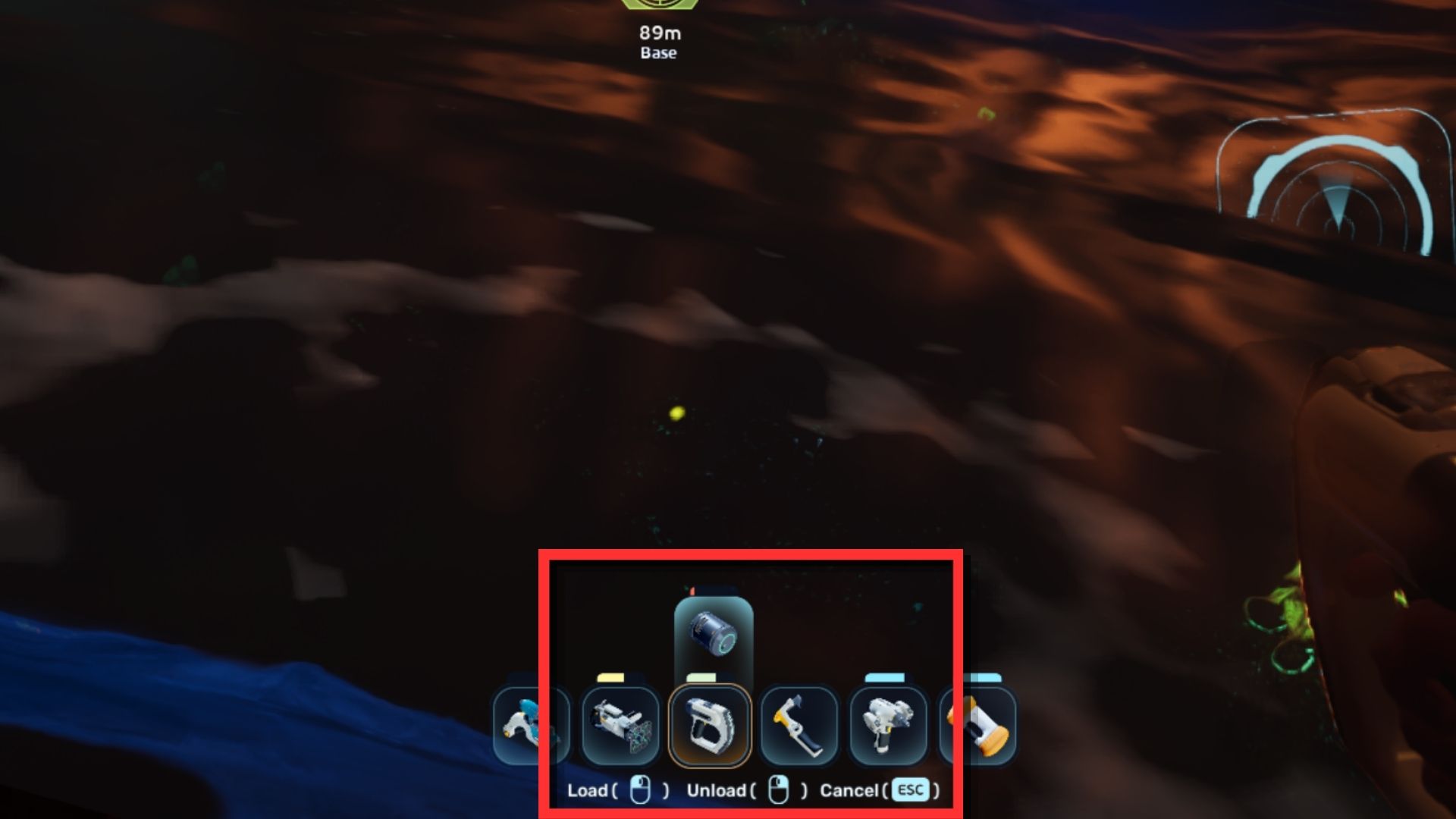
The Scanner runs on a limited battery. Every scan uses a bit of that power. You can see how much charge your Scanner (and other tools that need power) has left on the item icons in the quick slots bar at the top of the screen.
To power up your Scanner, you’ll need a power source. Early in the game, the easiest one to find is the Basic Battery – the very same one you used to create the Scanner! Here’s how it works:
- Place a charged Basic Battery in your inventory.
- Equip the Scanner in one of the quick slots.
- Press R to bring up the recharge menu.
- Press Left-Click to “Load” the Basic Battery’s charge in your Scanner.
The Basic Battery will lose its power after use, but you can recharge it at a Battery Terminal.
Read More
- Re:Zero Season 4, Episode 6 Release Date & Time
- NTE Drift Guide (& Best Car Mods for Drifting)
- How to Get the Wunderbarrage in Totenreich (BO7 Zombies)
- How to Beat Turbines in ARC Raiders
- Diablo 4 Best Loot Filter Codes
- Change Your Perspective Anomaly Commission Guide In NTE (Neverness to Everness)
- Top 8 UFC 5 Perks Every Fighter Should Use
- Brent Oil Forecast
- EUR CNY PREDICTION
- Danganronpa 2: A Complete Guide To Gifts
2026-05-14 19:09