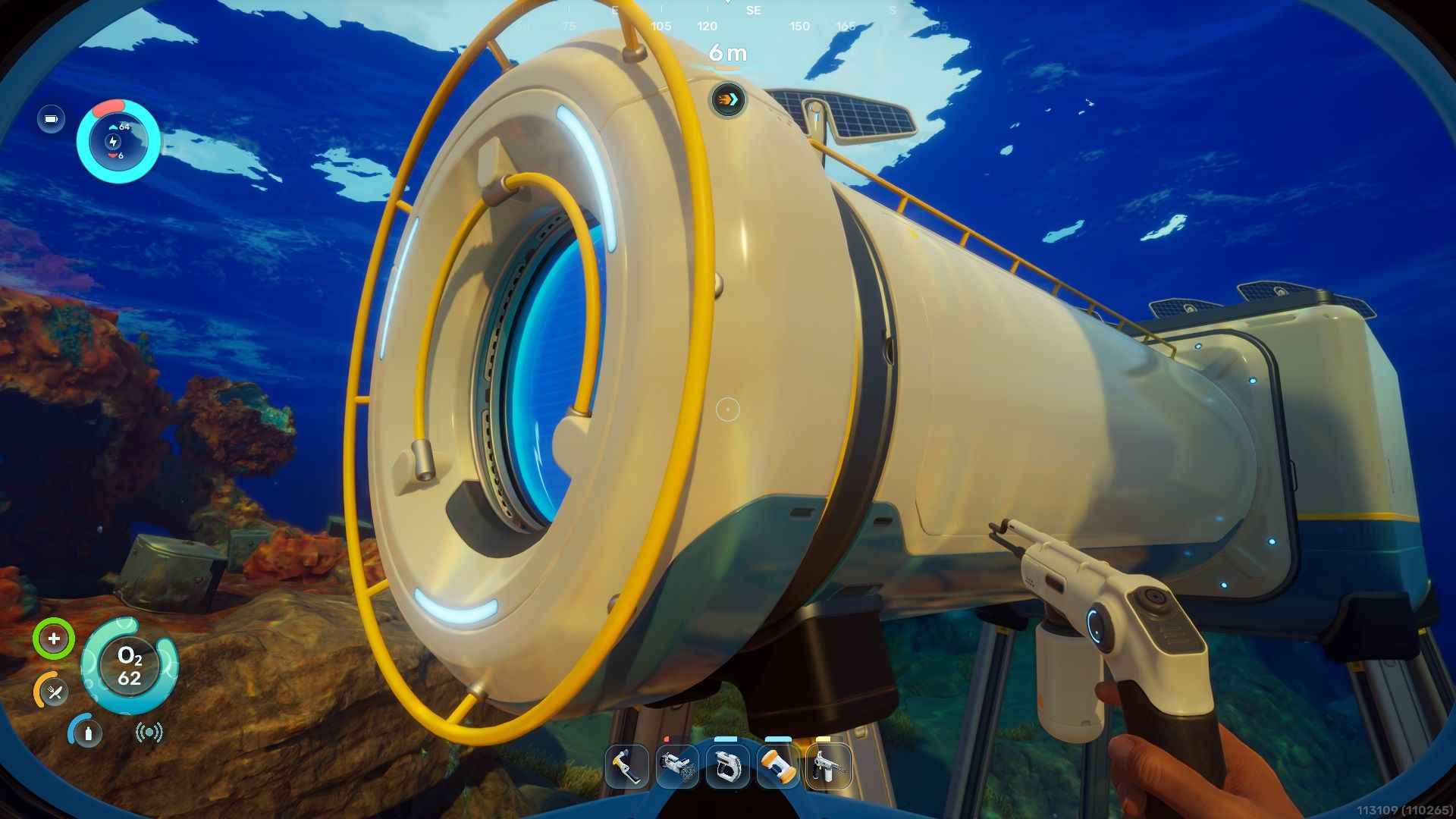
You won’t need the Repair Tool right away in Subnautica 2, but it’s a good idea to get it as soon as you can. It lets you fix parts of your base and repair broken devices you discover underwater!
To get a Repair Tool, you’ll need to find a Sonic Resonator first, because getting the necessary materials means traveling through very hot areas. You can find a map showing you where to go right here!
You need the Heat Tolerance trait to make Repair Tools, and we have a guide to help you find it!
How to Get the Repair Tool Blueprint in Subnautica 2
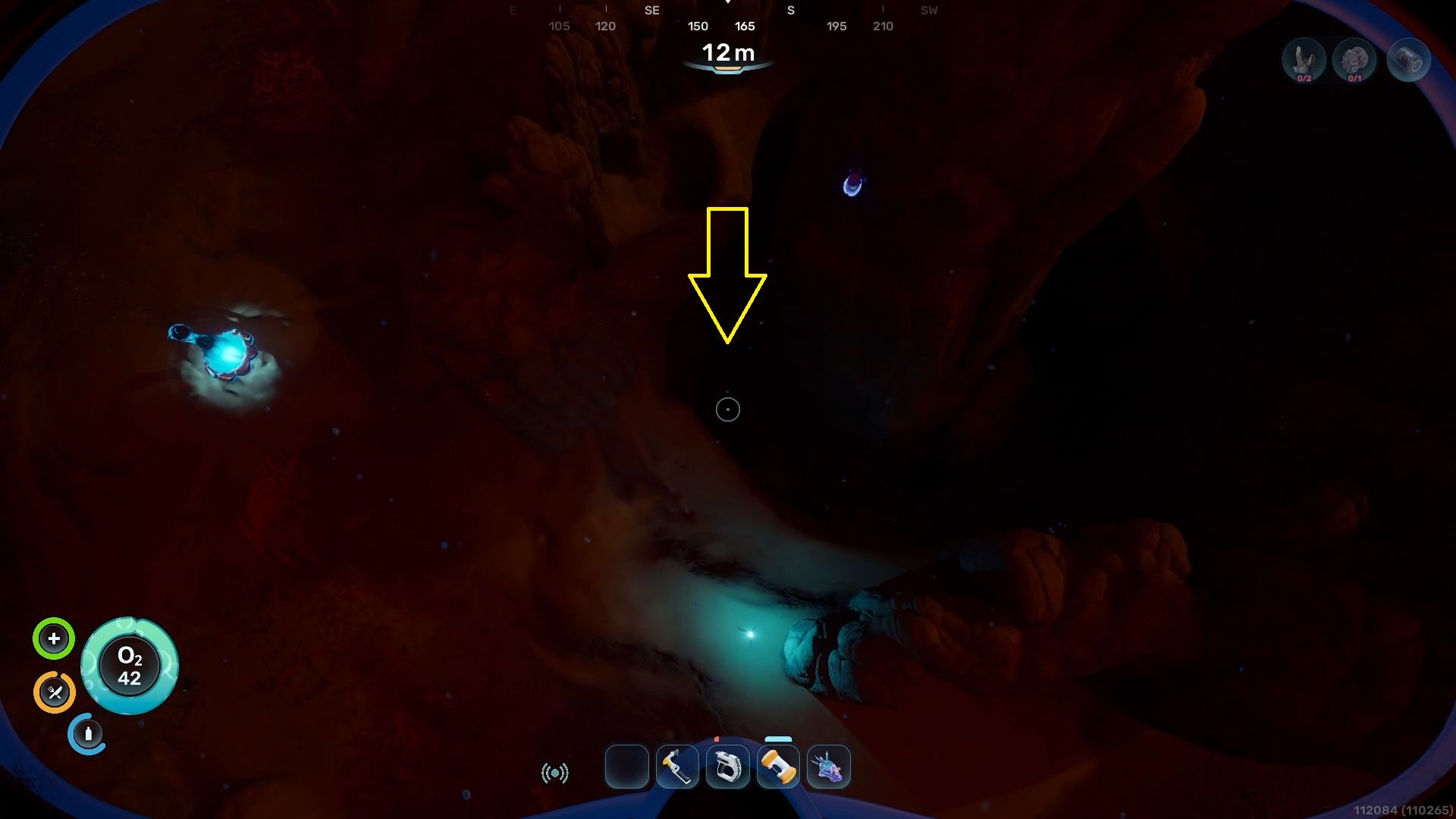
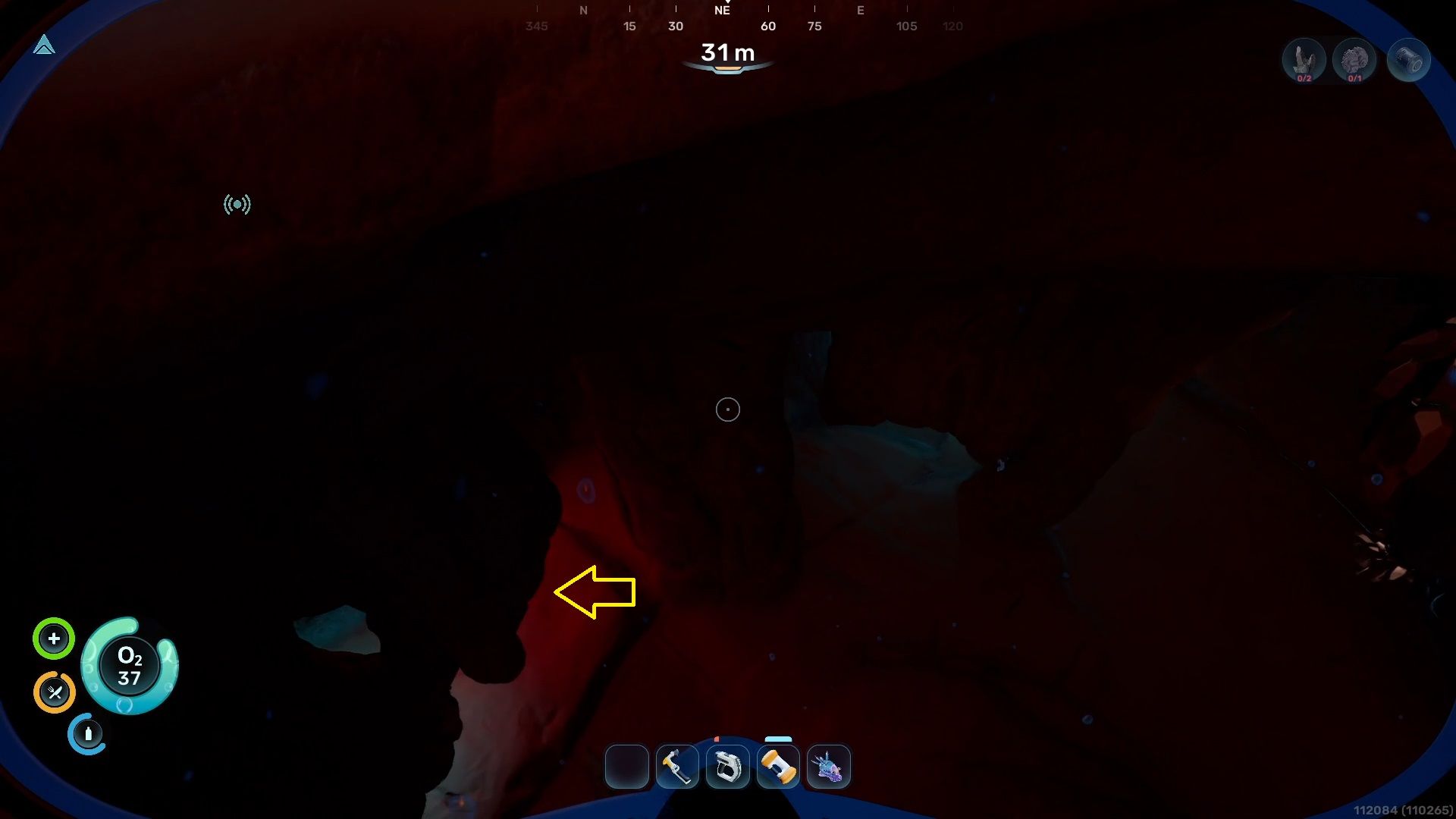
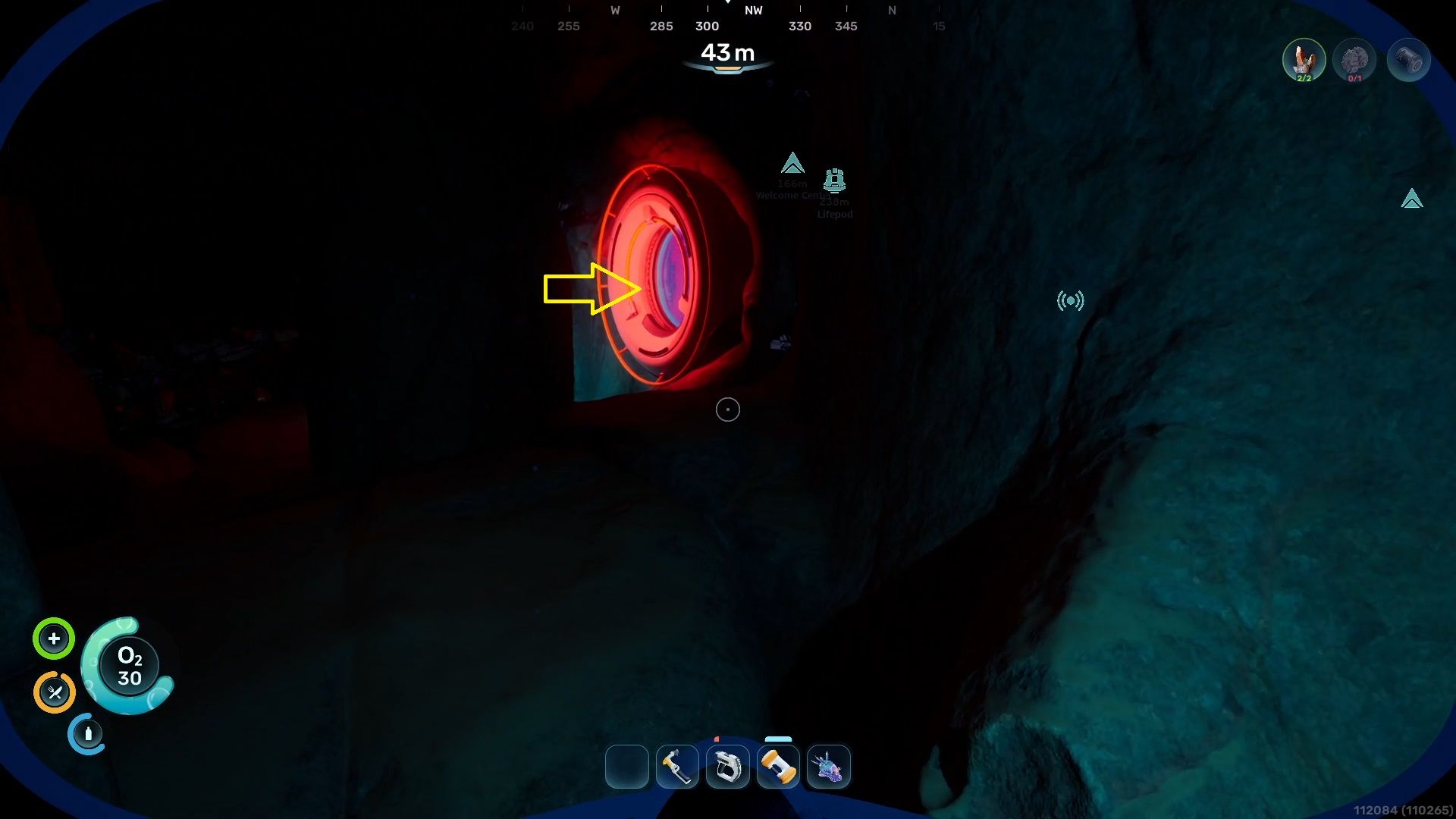
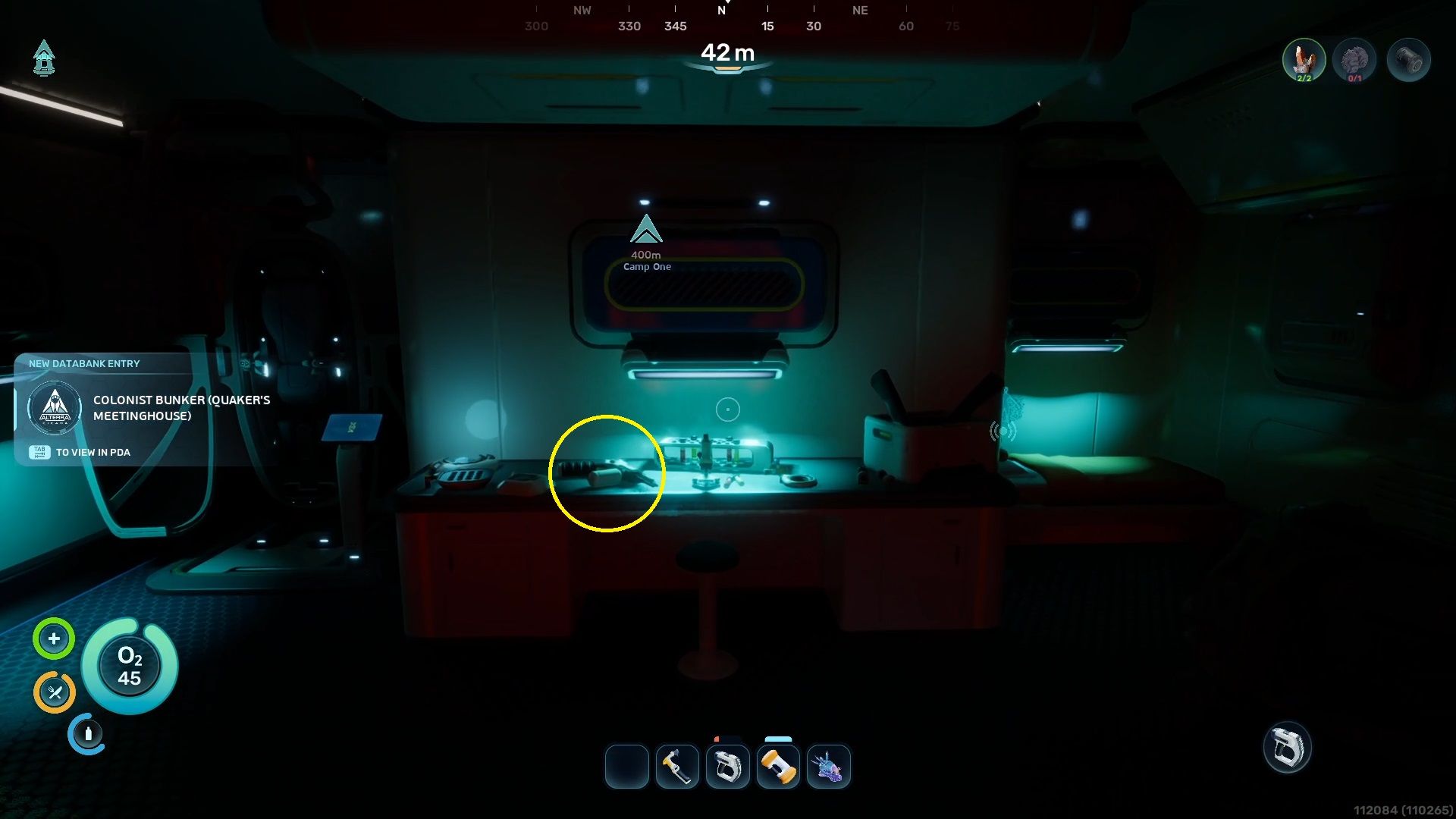
To craft the Repair Tool, you’ll need to scan three broken versions of it scattered throughout the ocean. We’ve marked their locations below.
- The first instance can be found in the small base where Chap’s signal is located.
- Start from the Lifepod and move towards the southeast.
- When you are 217 meters away from the Lifepod, look below, and you should be able to spot a long Obelisk-like pillar in the ocean.
- Around that pillar, there is a ring-like hole that leads inside the cave.
- Once you are inside the cave, look back towards the northwest, and you should see the hatch leading to Chap’s base.
- The Repair Tool is placed on a table inside the base. Scan it to get the first part of the blueprint.


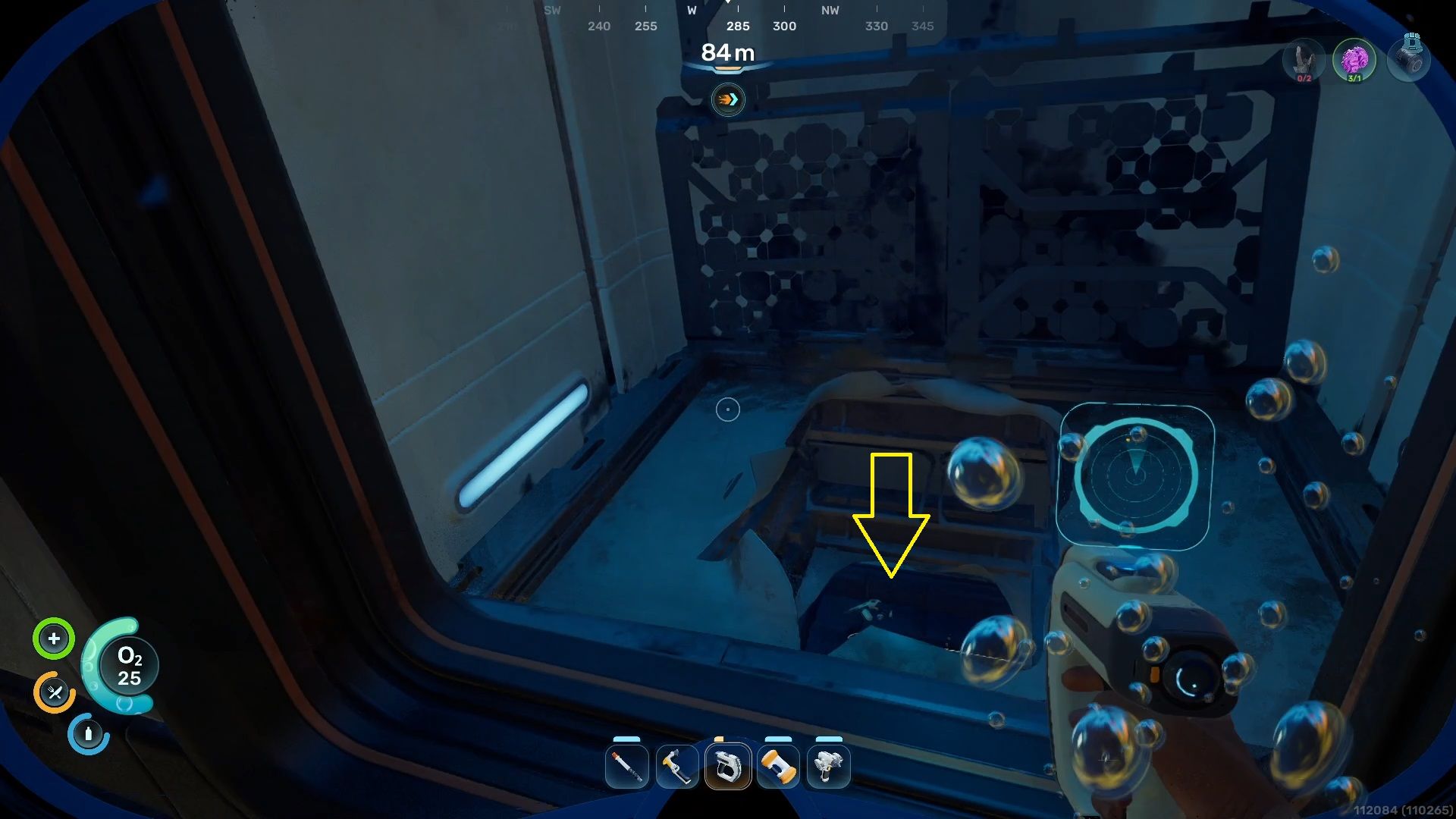
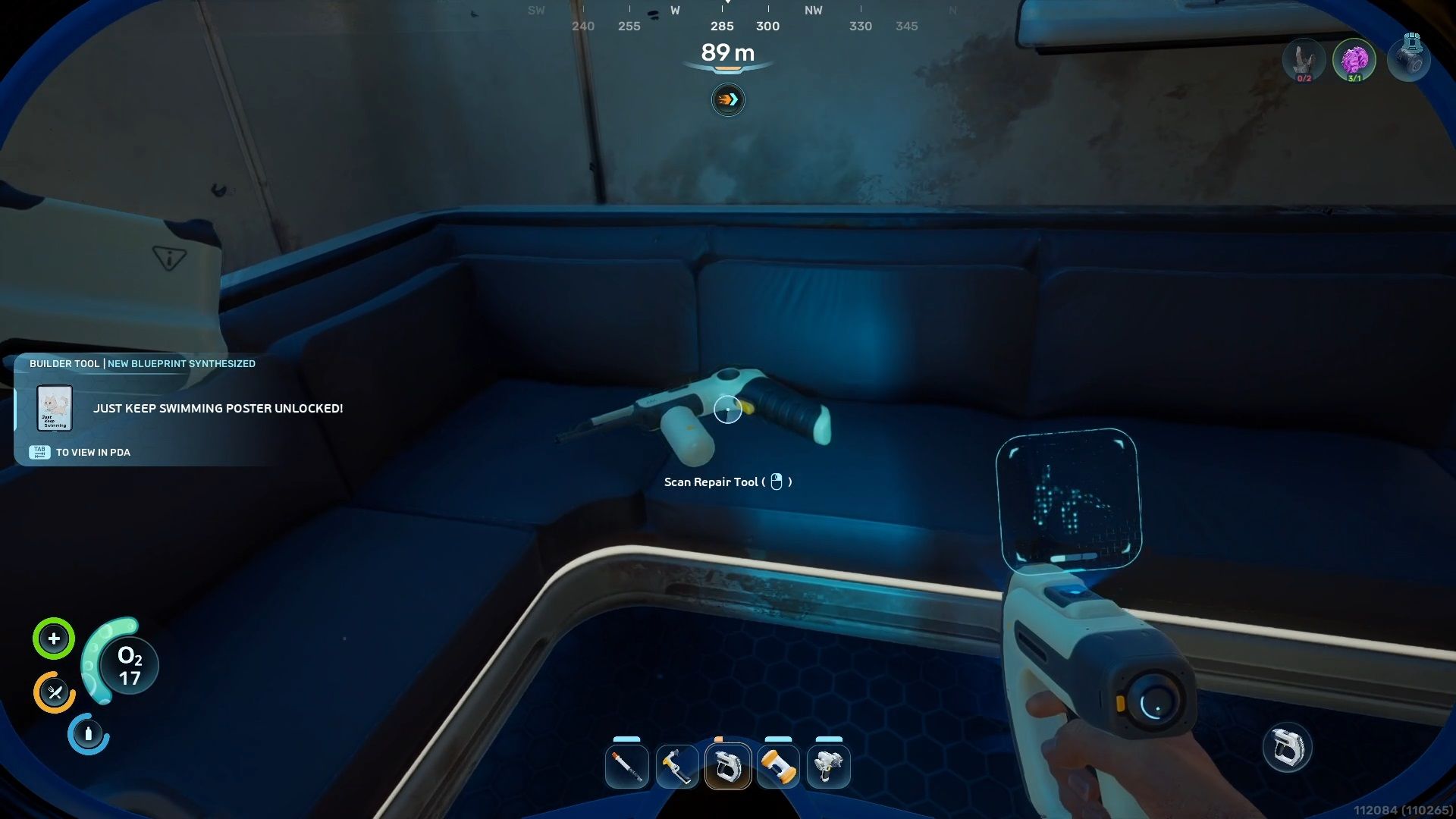
- The second instance is located inside a big, crashed base.
- Move south from the Lifepod until you are 270 meters away.
- Now, go under the water, and you should be able to spot a giant metal base.
- At one side of the base, near those tall rocky cliffs, you will find a small door.
- Head inside and take a left, where a cracked elevator is located.
- Move through the cracked floor of the elevator, and look at the sofa in the corner where the next Repair Tool is sitting.
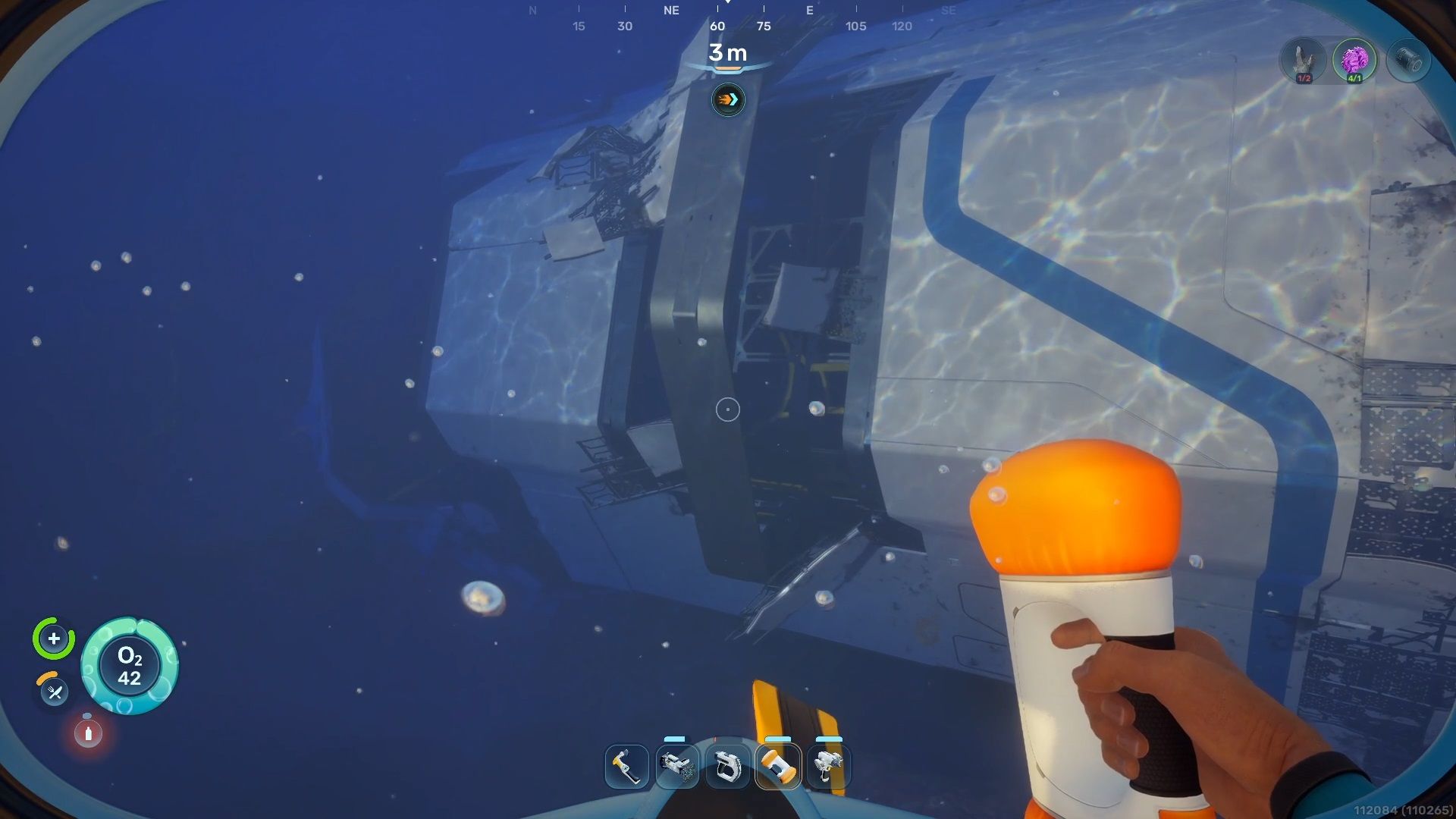
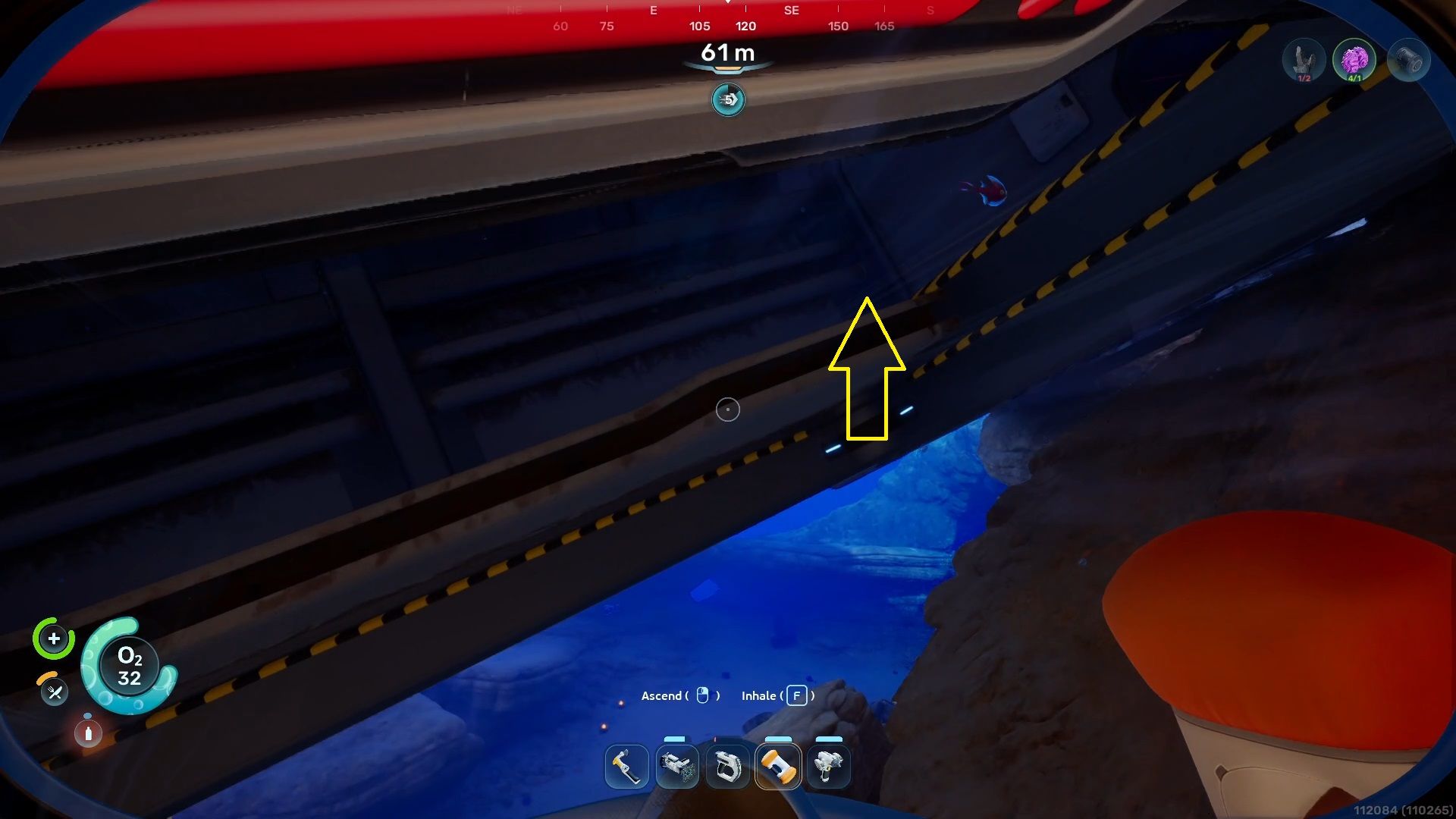
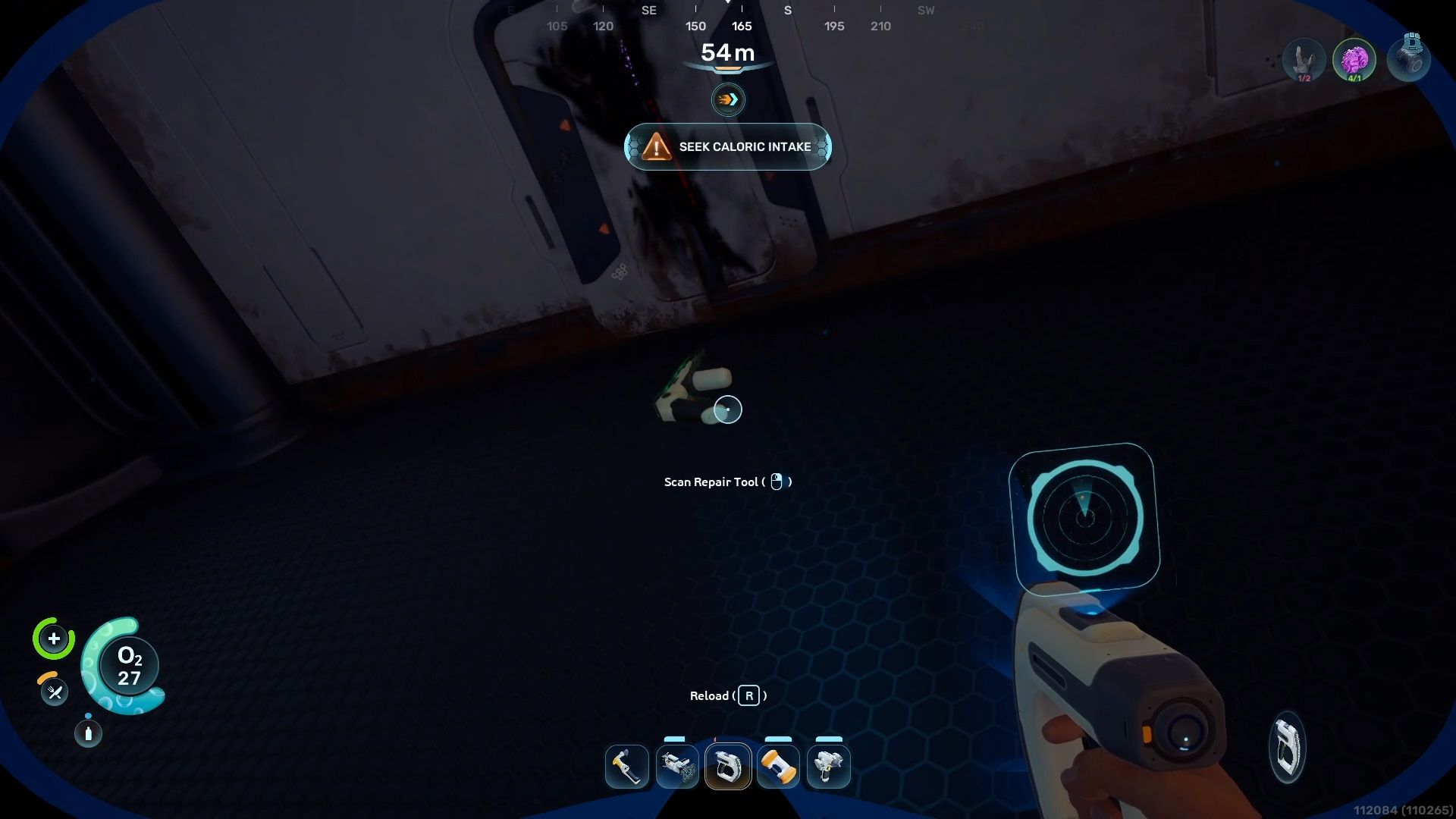
- The final instance of the Repair Tool is also in a giant base deep inside the ocean.
- For this one, swim north-east from the Lifepod and stop when you are 347 meters away.
- Now, dive under the water and get under the wrecked base, where you will find a big half-open door, leading to a big storage area.
- Near the window, you will find the third and final Repair Tool instance.
- Scan it to obtain the full version of the blueprint.
How to Craft a Repair Tool in Subnautica 2
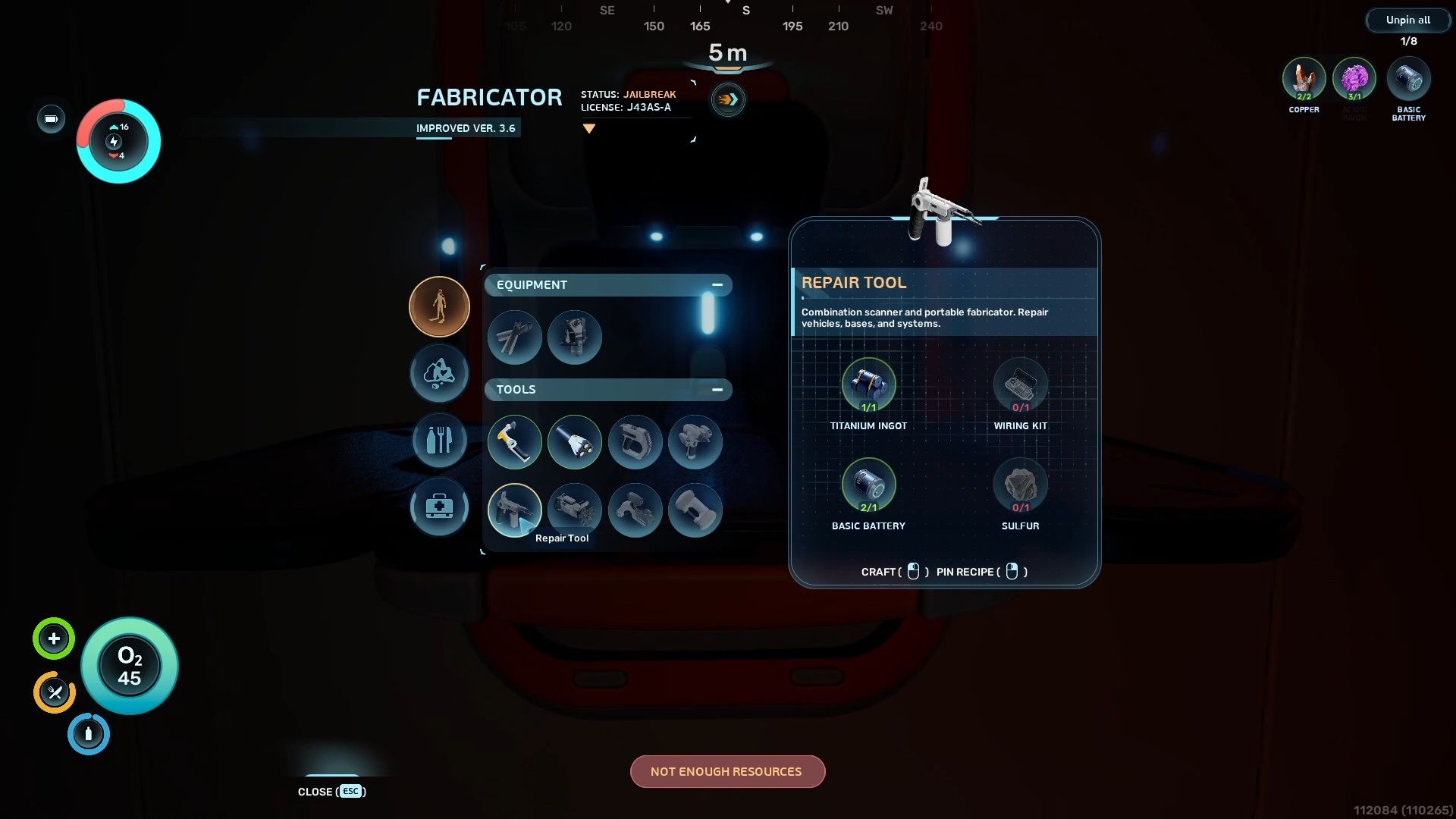
Now that you’ve scanned the third Repair Tool, head back to your base. Use the Fabricator to build it – you’ll need some materials first.
- x1 Titanium Ingot
- Collect Titanium Ore (6x) and then turn them into Ingots using a Processor.
- x1 Wiring Kit
- Crafted with Silver ore (1x) and Copper Wire (1x).
- x1 Basic Battery
- Crafted from Copper ore (2x) and Acidic Raion Pouch.
- x1 Sulfur
- Sulfur is only available in the high-temperature zone, east of the Lifepod. You won’t be able to collect it without getting the Heat Tolerance trait.
Like all tools, the Repair Tool needs battery power to work. When the battery dies, you’ll need to either recharge it or make a new one. We found that the Repair Tool doesn’t use up much battery life, particularly when you first start playing.
Read More
- Re:Zero Season 4, Episode 6 Release Date & Time
- NTE Drift Guide (& Best Car Mods for Drifting)
- How to Get the Wunderbarrage in Totenreich (BO7 Zombies)
- How to Beat Turbines in ARC Raiders
- Diablo 4 Best Loot Filter Codes
- Change Your Perspective Anomaly Commission Guide In NTE (Neverness to Everness)
- Top 8 UFC 5 Perks Every Fighter Should Use
- Brent Oil Forecast
- EUR CNY PREDICTION
- Danganronpa 2: A Complete Guide To Gifts
2026-05-14 21:37