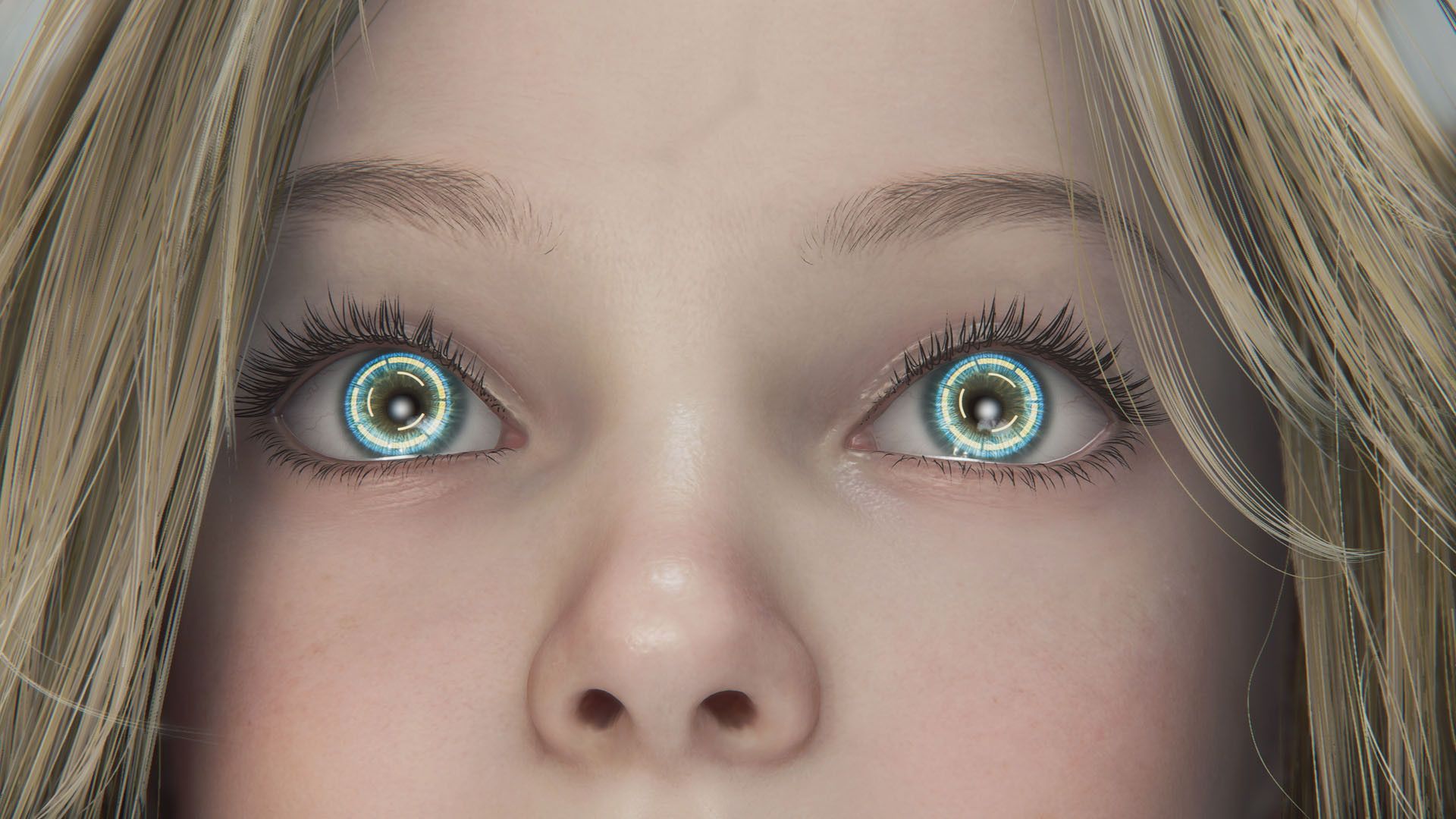
New tests show that some Capcom games perform better on the Nintendo Switch 2 if players use the GameChat feature in a specific way. It’s an unexpected trick, but it could help Switch 2 owners get smoother gameplay when playing these games.
The Nintendo Switch 2 is performing better than expected with newer games, including recent titles like Pragmata and Resident Evil Requiem. Mobile gaming has come a long way since the original Switch came out, with devices such as the Steam Deck and ROG Ally now capable of running many demanding games on the go. But if you’re looking for the best possible frame rates and a super smooth gaming experience, particularly with certain Capcom games, there are ways to boost the Switch 2’s performance.
GameChat Triggers Performance Improvement in Capcom Titles
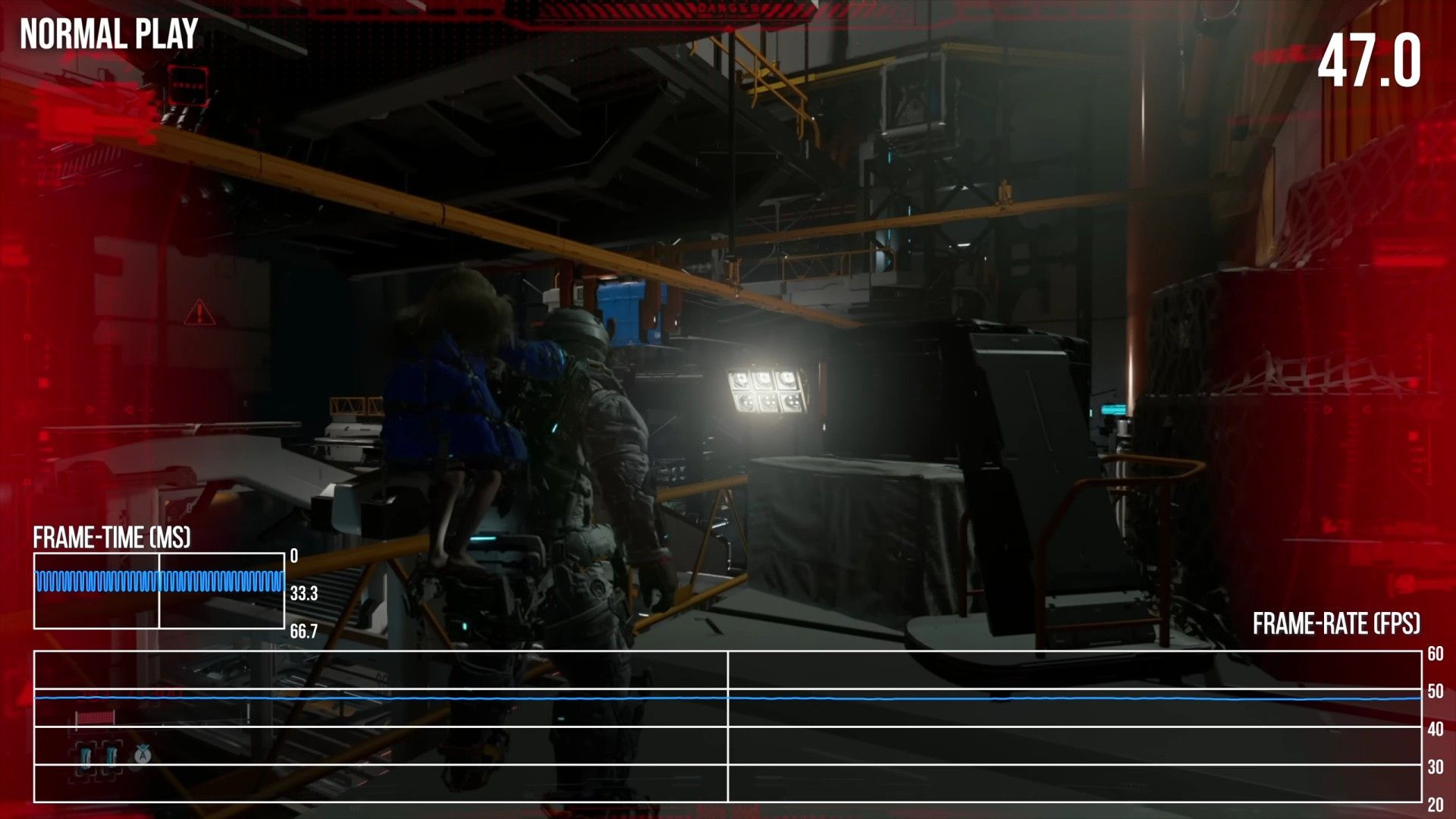
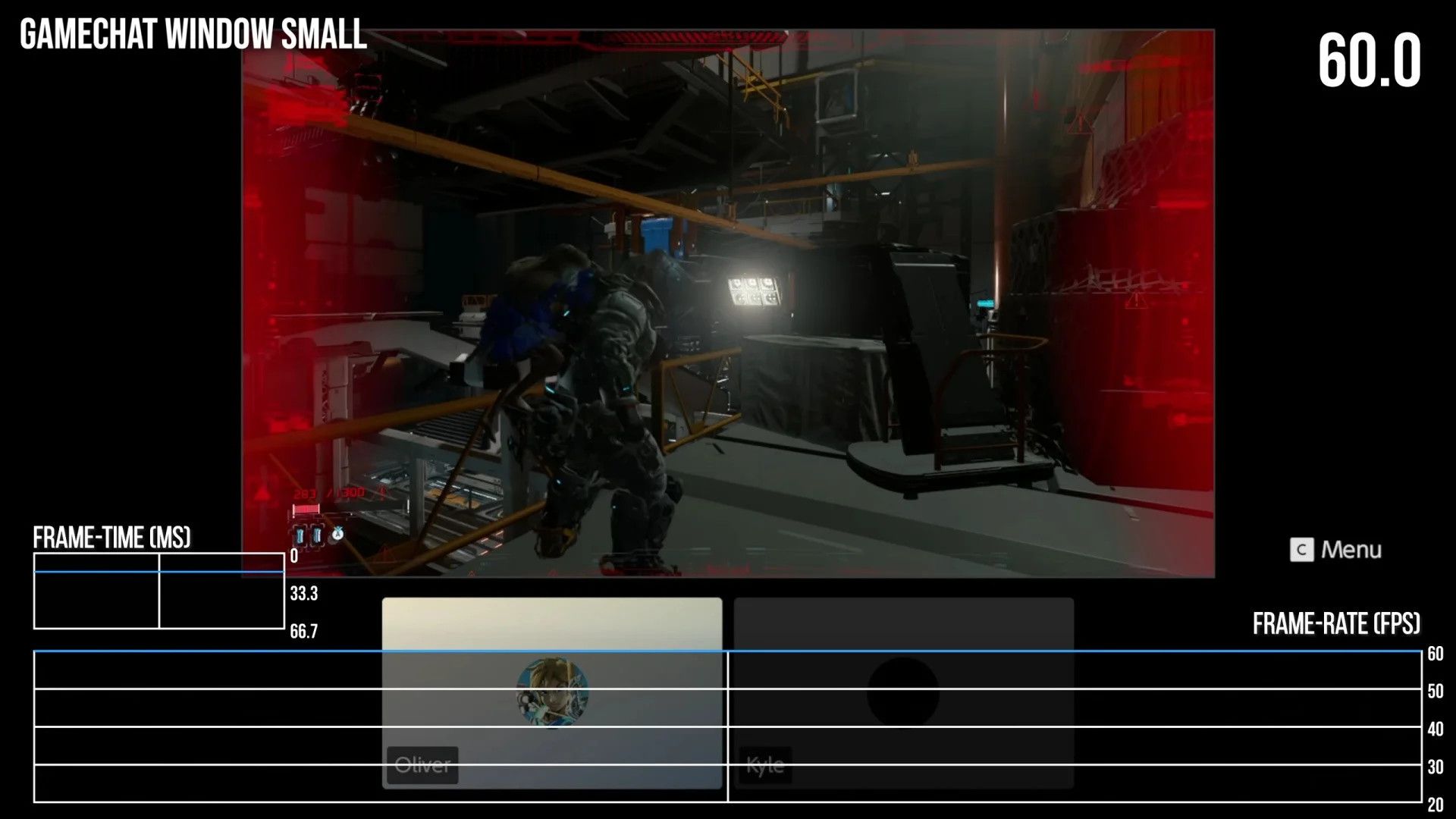


A strange quirk has been discovered in some Capcom games: turning on the GameChat feature can actually improve performance. Usually, GameChat slightly lowers frame rates because the console is handling both the game and the chat at the same time. However, Digital Foundry found that in the Pragmata demo, enabling GameChat in a small window boosted the frame rate from around 53 frames per second to a smooth 60. Kunitsu-Gami: Path of the Goddess showed a similar increase, leading Digital Foundry to believe that all games built with Capcom’s RE Engine may benefit from this unexpected performance boost.
This performance increase happens because of how games like Pragmata and Kunitsu-Gami use the GameChat feature. When we tested Pragmata with GameChat turned on, the game’s resolution dropped from 540p to 360p. However, we found that enabling even the smallest GameChat window could boost the frame rate from a low of 47 FPS back to a smooth 60 FPS. Using a medium-sized GameChat window also provided a slight improvement, bringing the frame rate to 58 FPS. Interestingly, the medium window also increased the resolution to 432p, compared to 360p with the smallest window, which might be a good balance for players looking for both performance and visual quality.

Although some players might notice the slightly lower image quality, the improved frame rate could be a real advantage. If a game is struggling to run smoothly, or during demanding moments like intense boss battles, enabling GameChat for a performance boost could be helpful. Digital Foundry didn’t specifically test these titles, but games like Resident Evil 7: Biohazard and Resident Evil Village could likely see similar improvements, since they all use the RE Engine.
 —
—
Results
Notice
Interestingly, turning on voice chat in games built with the RE Engine seems to have a similar effect to the ‘Performance Mode’ found on consoles like the PlayStation 5. On PS5 and Xbox Series X, players can prioritize smoother gameplay by lowering the visual quality. While most Switch 2 games don’t have a dedicated Performance Mode option—with Cyberpunk 2077 being a rare example—it’s possible future, more demanding games could include this feature to run well on the system.
Read More
- Re:Zero Season 4, Episode 6 Release Date & Time
- How to Get the Wunderbarrage in Totenreich (BO7 Zombies)
- NTE Drift Guide (& Best Car Mods for Drifting)
- How to Beat Turbines in ARC Raiders
- All Aswang Evidence & Weaknesses in Phasmophobia
- How to Get Necrolei Cyst & Strong Acid in Subnautica 2
- Diablo 4 Best Loot Filter Codes
- Conduit Crystal Location In Subnautica 2
- Best Where Winds Meet Character Customization Codes
- How to Craft Repair Tools in Subnautica 2
2026-05-19 06:04