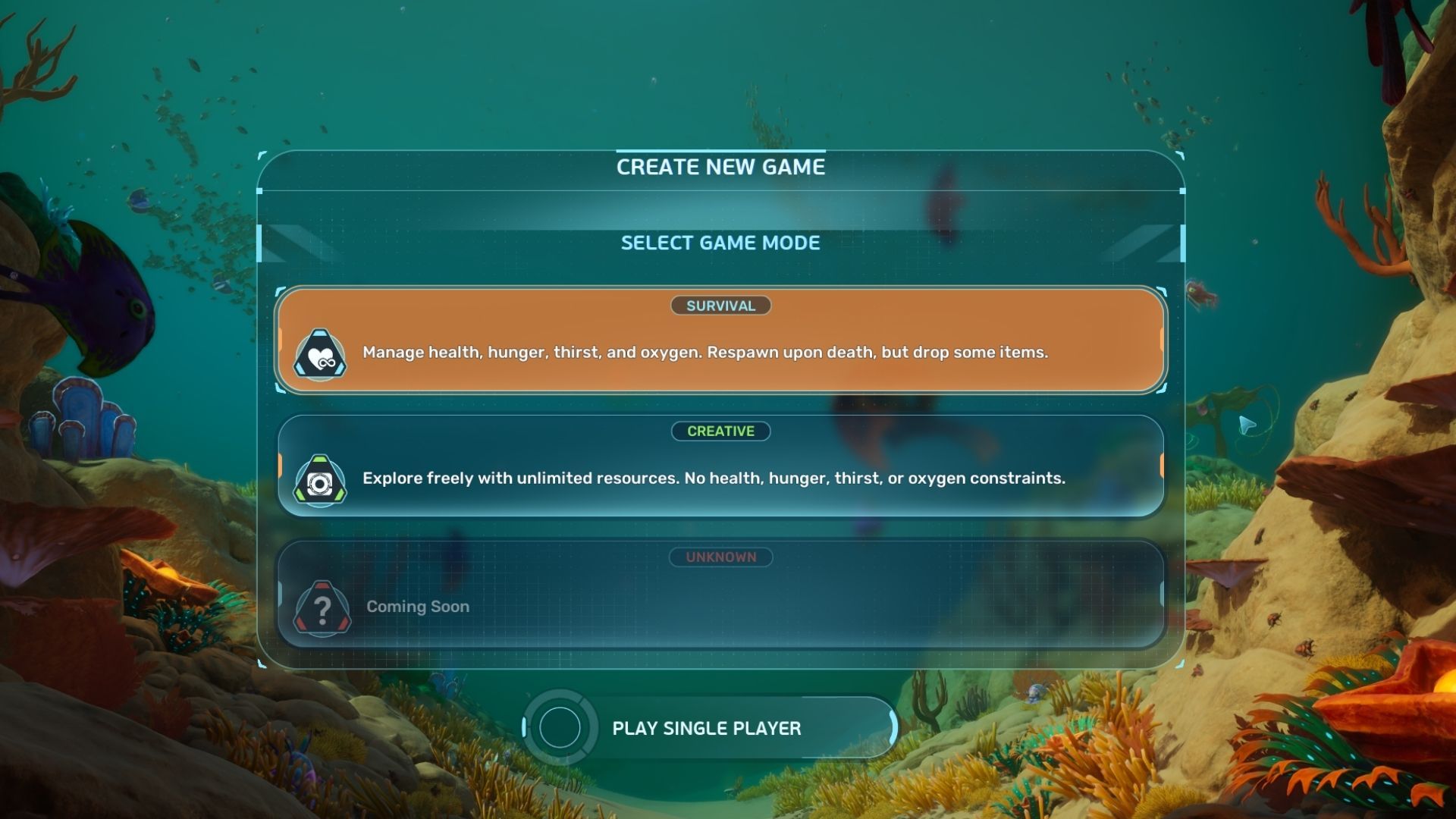
When players begin a new game of Subnautica 2, their first decision is selecting a game mode. They can choose Survival mode for the classic experience of building a base and managing resources – similar to the first game – or Creative mode, which offers unrestricted sandbox gameplay.
This guide explains the key differences between Survival and Creative modes, and details what players experience in each. Here’s a simple overview.
Survival and Creative Mode Differences in Subnautica 2
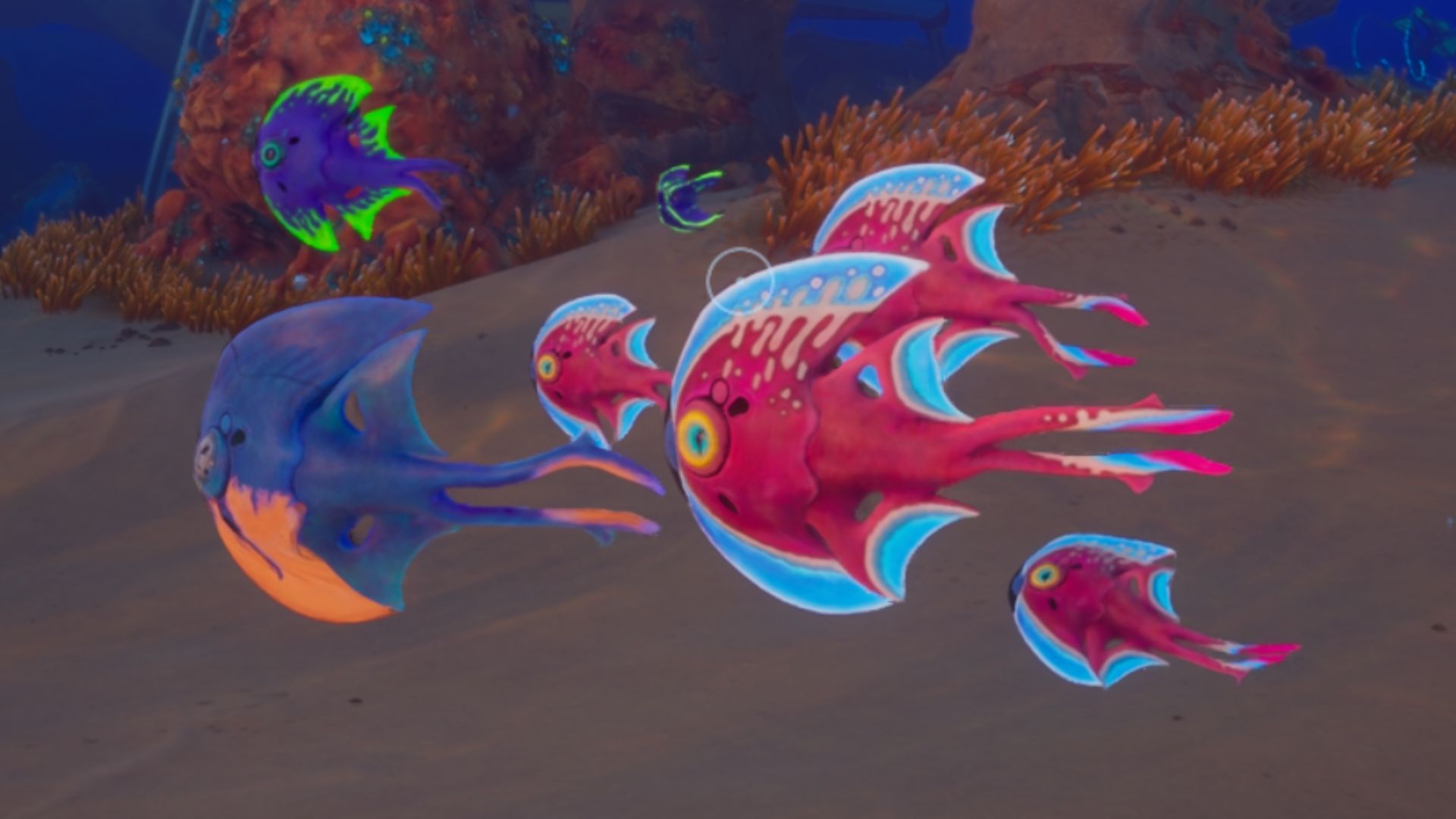
Here’s a breakdown of the key differences between Survival and Creative mode in Subnautica 2.
| Survival | Creative | |
|---|---|---|
| Oxygen, Food, and Water | Limited | Infinite |
| Base Power | Limited | Infinite |
| Powered Tools | Require battery charge to function | Infinite |
| Blueprints | Require finding and scanning Fragments | Unlocked by default |
| Sea Creatures | React to player presence | Do not react to player presence |
| Adaptations | Locked behind game progression | Unlocked by default |
| Base Modules | Require finding and scanning Fragments | Unlocked by default |
| Crafting | Requires materials | Does not require materials |
| Vehicles | Limited power and durability. Can be damaged. | Max power and durability. Cannot be damaged. |
What is Survival Mode in Subnautica 2?
Survival mode is how Subnautica 2 is meant to be played, and it’s the game’s standard setting. It offers a well-rounded experience, much like building a base and surviving in the original Subnautica.
- Limited Oxygen and gradually depleting hunger and thirst meters require players to get good at resource management and provide a much-needed sense of urgency to the gameplay.
- Blueprints and recipes need to be unlocked by finding and scanning the relevant Fragments in the world, providing players with tangible rewards for thorough exploration.
- Adaptations and biomods need to be unlocked through gameplay progression.
- Fish and other creatures in the sea react to the player’s presence, attacking if they are aggressive and swimming away if they’re skittish. As a result, players need to learn how to handle hostile creatures if they want to explore the depths of the ocean.
- Crafting tools, items, and upgrades is only possible by unlocking their recipes, collecting the raw materials, and fabricating them in the appropriate crafting stations. The same is the case with base pieces and modules.
- Bases require consistent power to function, which can be acquired by base modules like the Solar Panel, Bioreactor, and others. Vehicles run on Power Cells and tools on Basic Batteries.
- Exploration opens up gradually as you acquire new tools, upgrades, and adaptations. Some parts of the world are locked behind adaptations like Heat Tolerance, while others require an upgrade to your vehicle’s depth module.
What is Creative Mode in Subnautica 2?
Subnautica 2’s Creative mode lets players experiment with all the game has to offer without the challenges of Survival mode, making it a perfect space to test things out.
- There are no Oxygen, Food, or Water meters to keep an eye out for, meaning that for all intents and purposes, the player character is immortal.
- All blueprints and recipes are unlocked right from the start of the game, giving players complete freedom to craft anything they want from the get-go.
- Crafting items and tools or building bases requires no materials at all. Players are able to craft anything as long as they use the appropriate crafting station.
- Bases have infinite power, even if you don’t have a single base power source installed on your base. Vehicles like the Tadpole have infinite power and durability, and powered tools like the Scanner and Wakemaker never run out of batteries. Essentially, there is no power requirement of any kind.
- All adaptations, like Heat Tolerance, are unlocked right from the start of a playthrough, and you don’t even need to find any Angel Comb to unlock them.
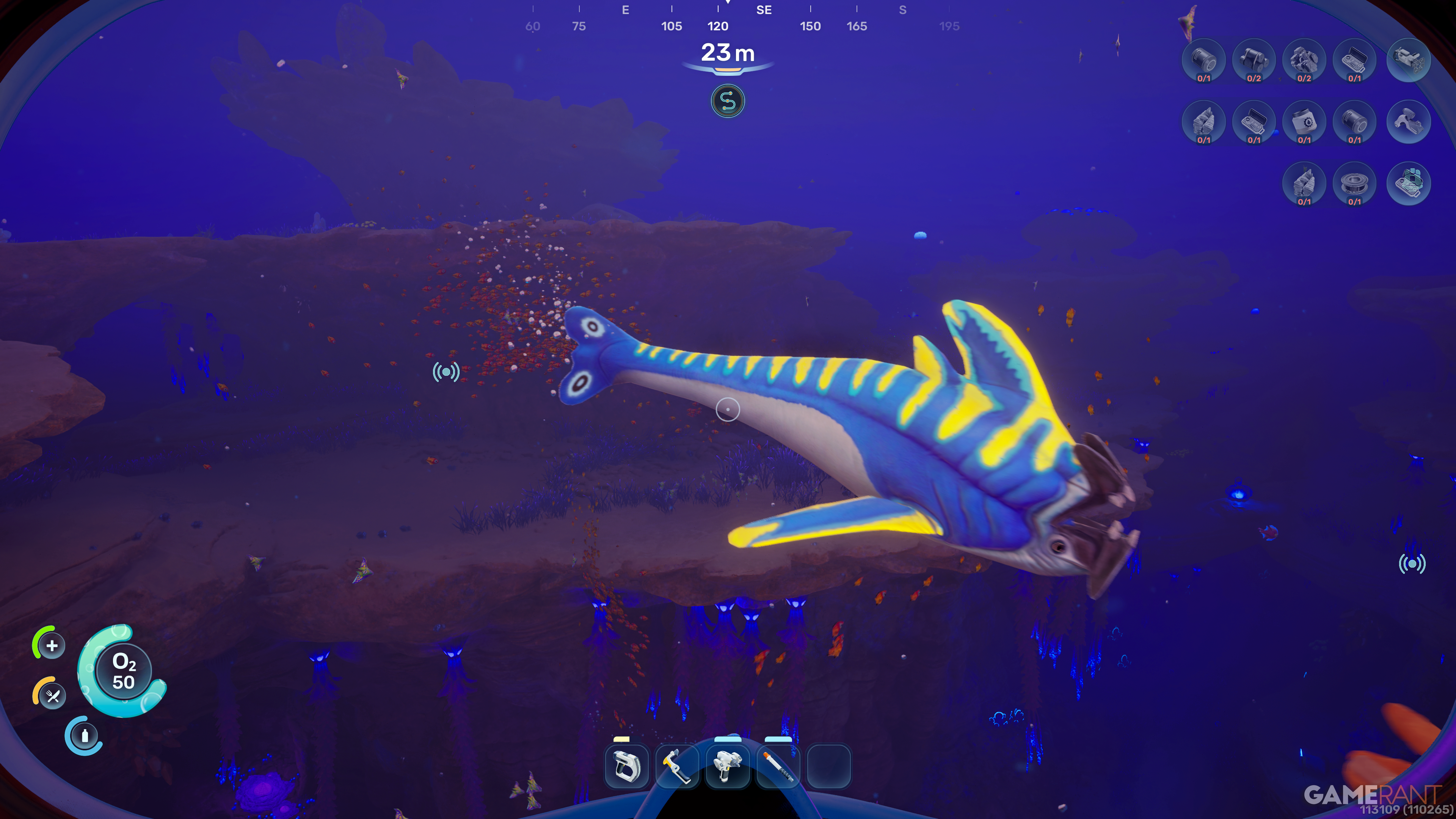
- All sea creatures are non-hostile and non-reactive, even the leviathans. You can swim up to any creature or organism in the world, and they will not react to your presence. You don’t need to worry about getting rammed by a Hammerhead or getting bitten by a Mango Nibbler.
Should You Choose Survival or Creative Mode in Subnautica 2
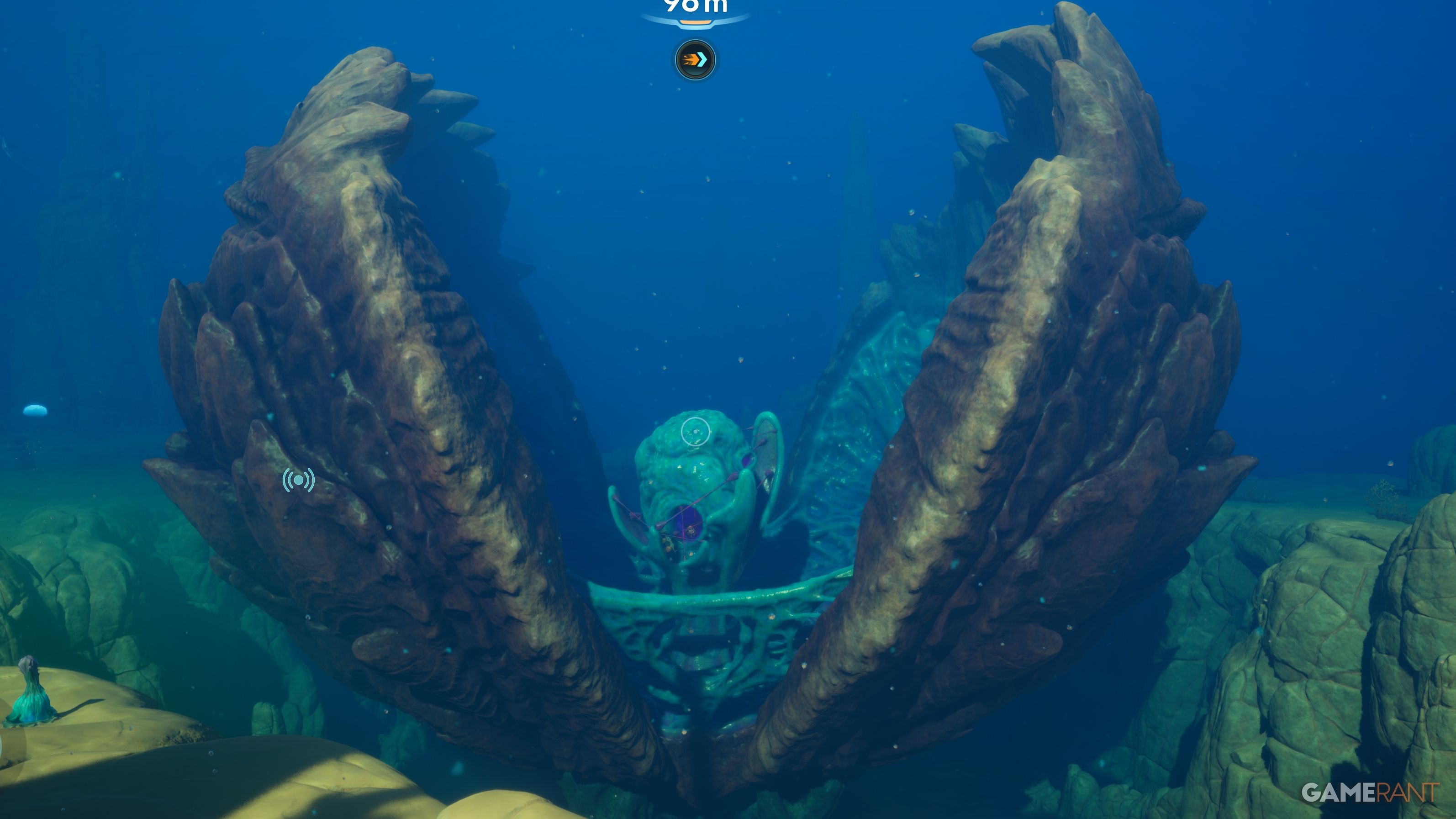
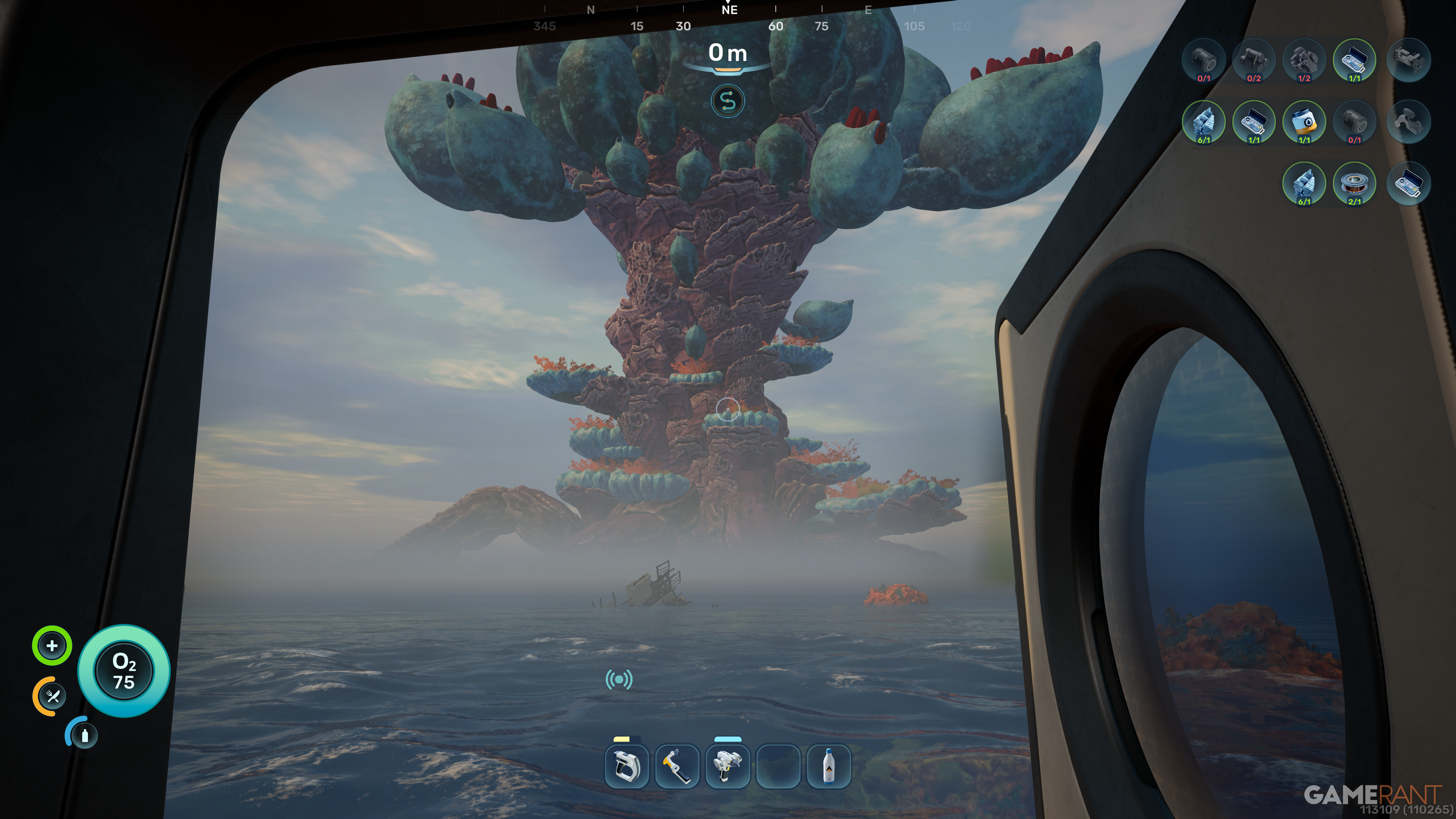
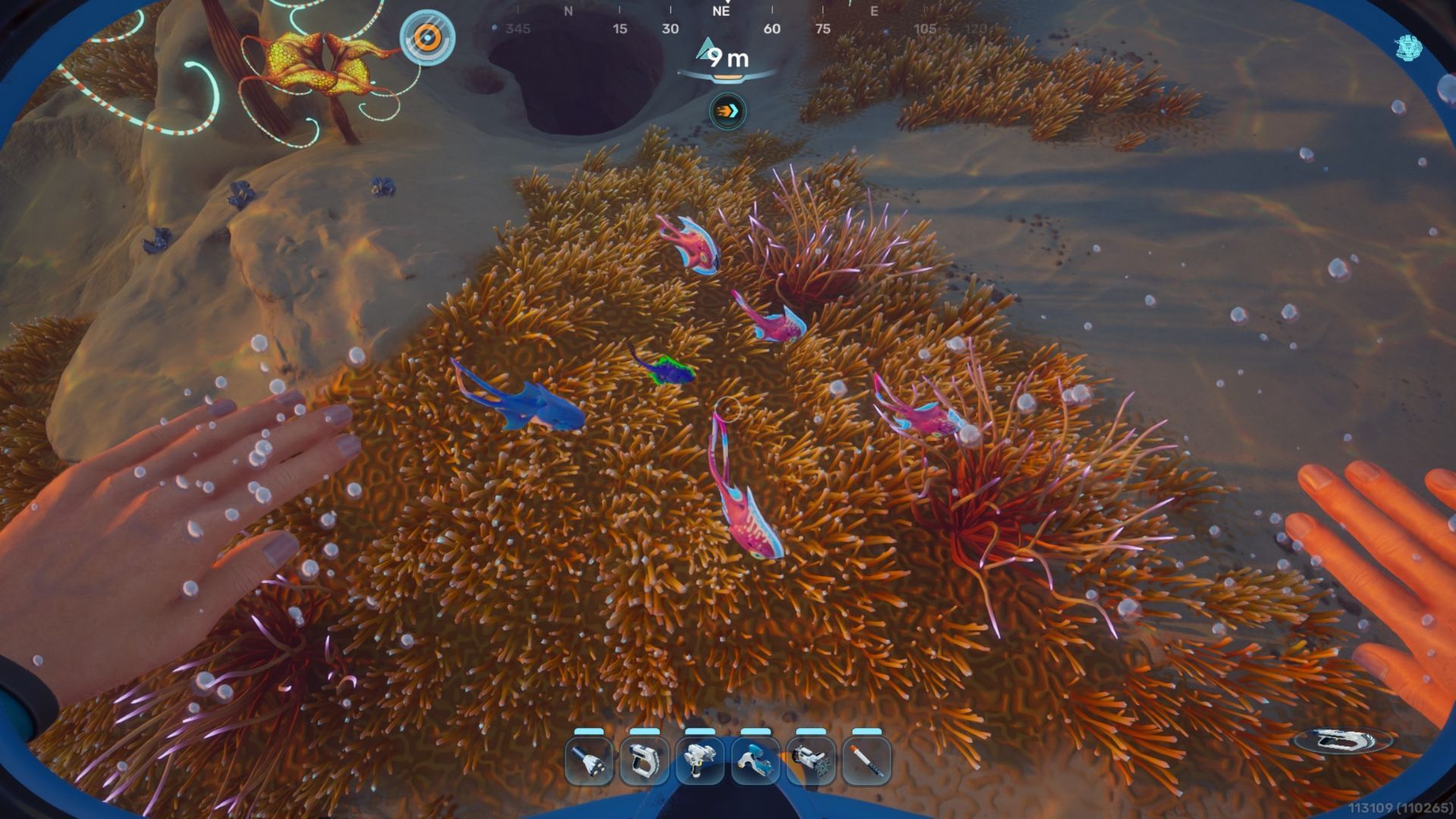
The core of what makes Subnautica 2 enjoyable is the thrill and satisfaction of facing challenges while exploring the ocean. Taking away the danger would eliminate that rewarding feeling of accomplishment. Therefore, for most players, playing in Survival mode will provide a much better experience than Creative mode.
Despite its differences, Creative mode still has value. It’s a great way to experiment with base designs without needing to gather resources like Titanium or Quartz. If you enjoy simply playing around with building pieces and trying out different layouts, Creative mode is perfect for you.
Creative mode lets you freely explore the world of Subnautica 2. You won’t have to worry about oxygen levels, so you can relax and enjoy the scenery.
Even so, I suggest completing a standard game in Survival mode before trying Creative. It’s hard to recapture that feeling of suspense and discovery when you know you’re safe from danger.
Seeing a Leviathan in Creative mode is pretty uneventful, but facing one in Survival mode is a truly memorable experience. Exploring everything in Creative mode before starting a Survival run actually takes away from the fun of discovering things for yourself later on.
Because Subnautica 2 is still in development, the creators frequently add new items, tools, and building parts. When playing in Creative mode, all recipes and blueprints are instantly available, letting players quickly see what’s been added in each update and what materials are needed to craft them. While it won’t show you where to find the blueprints in the game world, you can build and use anything you want without limitations.
To easily see what’s new in updates, I suggest starting a fresh game in Creative mode. Go to the Blueprints tab and click on every blueprint until the little yellow plus sign disappears. Save your game, then when an update comes out, open that save again. Any blueprint with a yellow plus sign is something that was added with the update.
Read More
- NTE Drift Guide (& Best Car Mods for Drifting)
- All Aswang Evidence & Weaknesses in Phasmophobia
- Diablo 4 Best Loot Filter Codes
- Conduit Crystal Location In Subnautica 2
- Where to Find Prescription in Where Winds Meet (Raw Leaf Porridge Quest)
- Boruto: Ikemoto Has Already Hinted At Sasuke’s New Eye After Return
- Best Burst & Full Auto Builds for the M16A4 in BF6
- USD RUB PREDICTION
- Deltarune Chapter 1 100% Walkthrough: Complete Guide to Secrets and Bosses
- Brent Oil Forecast
2026-05-21 15:44