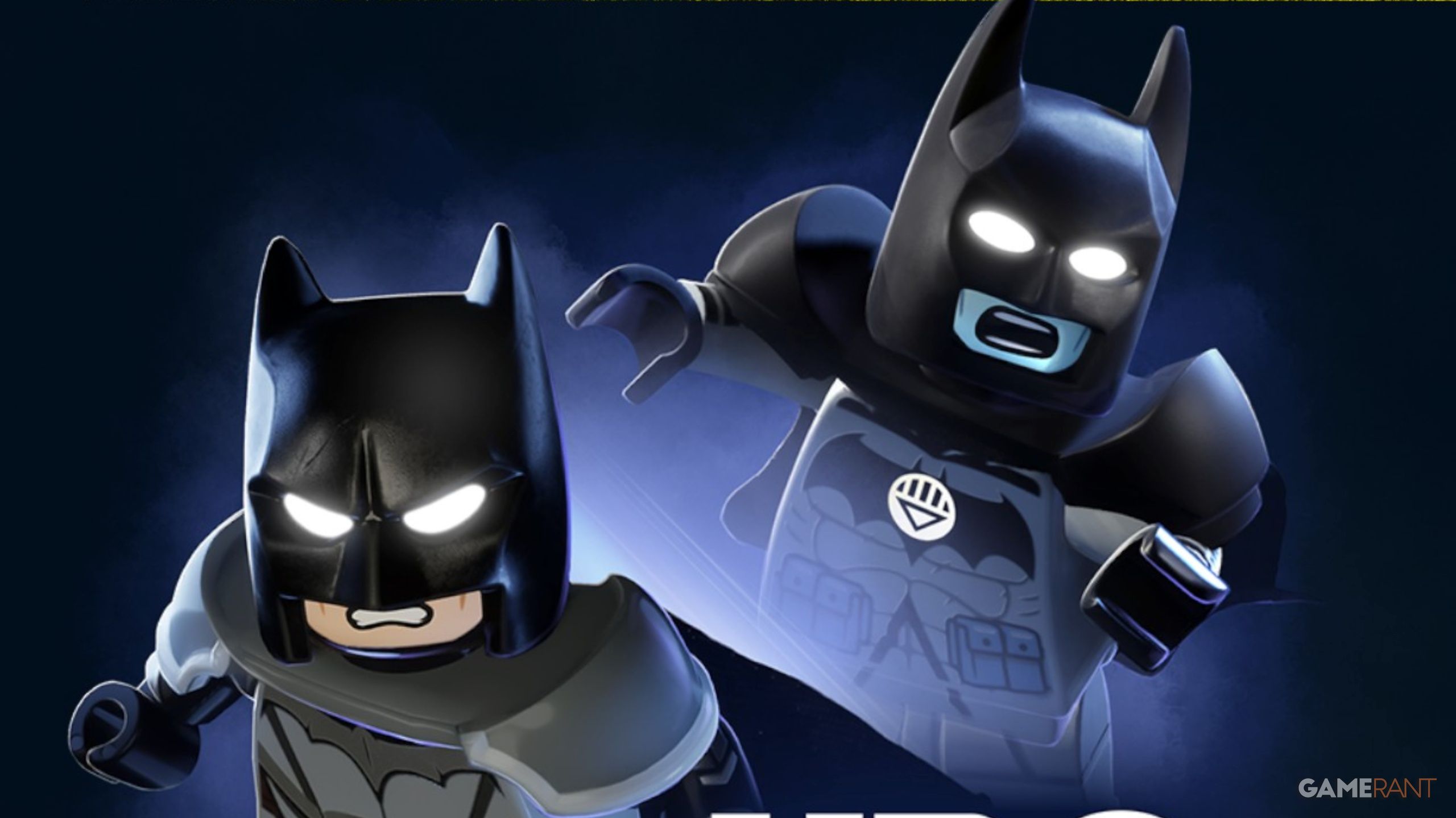
You can unlock two free character skins – The Dark Knight of Steel and Black Lantern Batman – in LEGO Batman: Legacy of the Dark Knight, but you’ll need an HBO Max account to get them.
Here’s a simple guide to unlocking the Black Lantern Suit in LEGO Batman: Legacy of the Dark Knight. We’ll walk you through everything, from getting HBO Max to linking it with your game and finally claiming your new Batman costumes.
How to Connect Your HBO Max Account & Get the Black Lantern Suit in LEGO Batman: Legacy of the Dark Knight
- If you do not have an HBO Max Account, then you can make one with the link provided.
- The cheapest subscription to HBO Max is Basic with Ads for $10.99/month, which can be canceled at any time.
- Once you have an HBO Max Account, head in-game for LEGO Batman: Legacy of the Dark Knight and navigate to the Extras Settings to click “HBO Max Account – Link Account”.
- From here, you can either scan the QR Code or click “Open Website” to be taken to your WB Games account, which will then ask you to log in and link your HBO Max Account.
- After you receive the “Account Link Complete” screen, all you have to do is return to the main menu in-game, and then enter your game again to find your 2 new batsuits in your wardrobe.
- You can now equip these suits by pressing Options, Characters, hovering over Batman, and selecting Square/X.
You’ll need an HBO Max subscription to unlock those specific outfits, but they aren’t essential to finishing the game. They’re downloadable content (DLC) skins, similar to the Golden Knight Batman skin – you can find a guide for that one here!
Read More
- NTE Drift Guide (& Best Car Mods for Drifting)
- All Aswang Evidence & Weaknesses in Phasmophobia
- Conduit Crystal Location In Subnautica 2
- Where to Find Prescription in Where Winds Meet (Raw Leaf Porridge Quest)
- Diablo 4 Best Loot Filter Codes
- How to Get Necrolei Cyst & Strong Acid in Subnautica 2
- How to Get the Wunderbarrage in Totenreich (BO7 Zombies)
- Best Burst & Full Auto Builds for the M16A4 in BF6
- Boruto: Ikemoto Has Already Hinted At Sasuke’s New Eye After Return
- USD RUB PREDICTION
2026-05-21 19:06