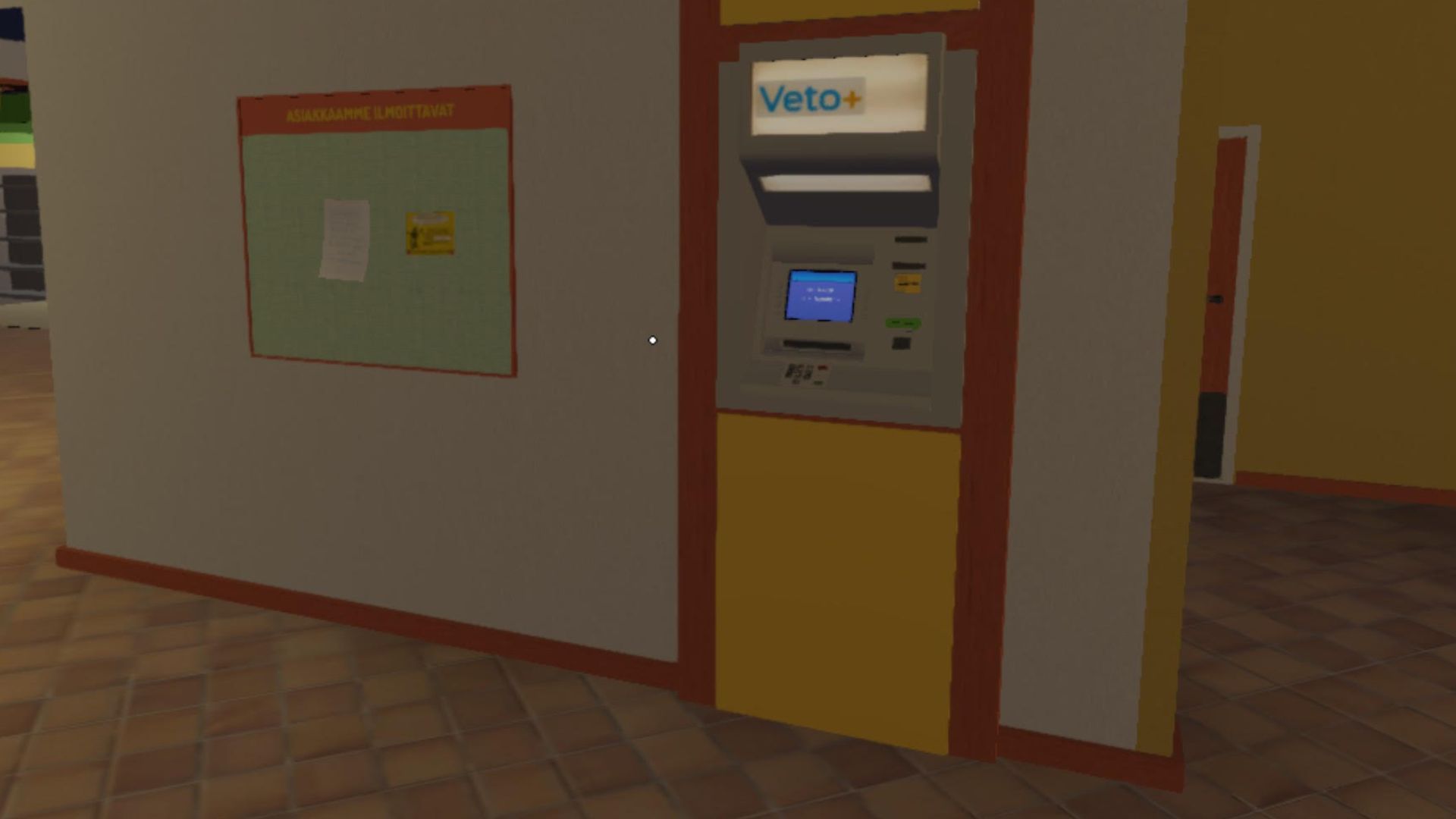
Nearly everything in the game My Winter Car is made to feel realistic, and that includes how money works. This is where the credit card system gets tricky. Instead of being straightforward, it often surprises players and ends up being more complicated than it needs to be.
My Winter Car doesn’t offer any explanation or guidance on how the credit card PIN system works. It doesn’t tell you what code to use, or even warn you that your initial entry permanently sets how the card will function. This guide will explain the credit card PIN system, helping you avoid future headaches and frustration.
How the Credit Card PIN Works in My Winter Car

In My Winter Car, there isn’t a default PIN. When you use a credit card for the first time, the game secretly asks you to create a PIN without letting you know. The numbers you enter at that moment are saved as your permanent PIN—there’s no confirmation, warning, or later reminder.
After you set it, the game will ask for the same PIN every time you use the card. You can choose any four-digit number you like – it could be easy to remember like 0000 or 1234, or something more personal like 6969 or 2222.
Once you’ve used the card for the first time, it functions just like a regular credit card. The very first PIN you enter will be your permanent PIN, so pick something memorable and avoid using random numbers.
If you enter an incorrect PIN, your transaction won’t go through. Unfortunately, if you forget your PIN, the game doesn’t provide any help or ways to get it back.
Currently, if you forget the PIN for your in-game credit card, there’s no way to change or recover it within the game itself. It’s important to remember the PIN you initially set – try to keep it easy to recall. If you have a save file from before you first used the card, you can load that and set a new PIN. Alternatively, more advanced users can try editing the save files directly.
How to Use ATMs in My Winter Car
You can use your credit card to get cash and view your account details at ATMs inside My Winter Car locations. Here’s how to use an ATM:
- Insert your credit card into the ATM.
- When prompted, enter your PIN using the keypad. If this is your first time using the card, the PIN you enter will be saved permanently.
- Select Otto if you want to withdraw cash, or Tapahtumat to view your transaction history.
- If withdrawing money, enter the amount you want to take out.
- Decide whether you want a receipt by selecting Ei kiitos to skip it or Näytölle to view it on screen.
- Remove your card from the ATM and collect your cash before walking away.
Read More
- Change Your Perspective Anomaly Commission Guide In NTE (Neverness to Everness)
- How to Get the Wunderbarrage in Totenreich (BO7 Zombies)
- All Nameless Hospital Endings Full Guide In NTE
- Beware! Phishing Emails Are Deceiving Robinhood Users in a Sneaky Plot!
- How to Beat Turbines in ARC Raiders
- Robinhood’s $75M OpenAI Bet: Retail Access or Legal Minefield?
- NTE Banners (Current, Next, And Upcoming Banners)
- NTE Drift Guide (& Best Car Mods for Drifting)
- NTE Fan Shows Off Mint Cosplay
- All the Free Games You Can Claim in May 2026
2025-12-31 23:04