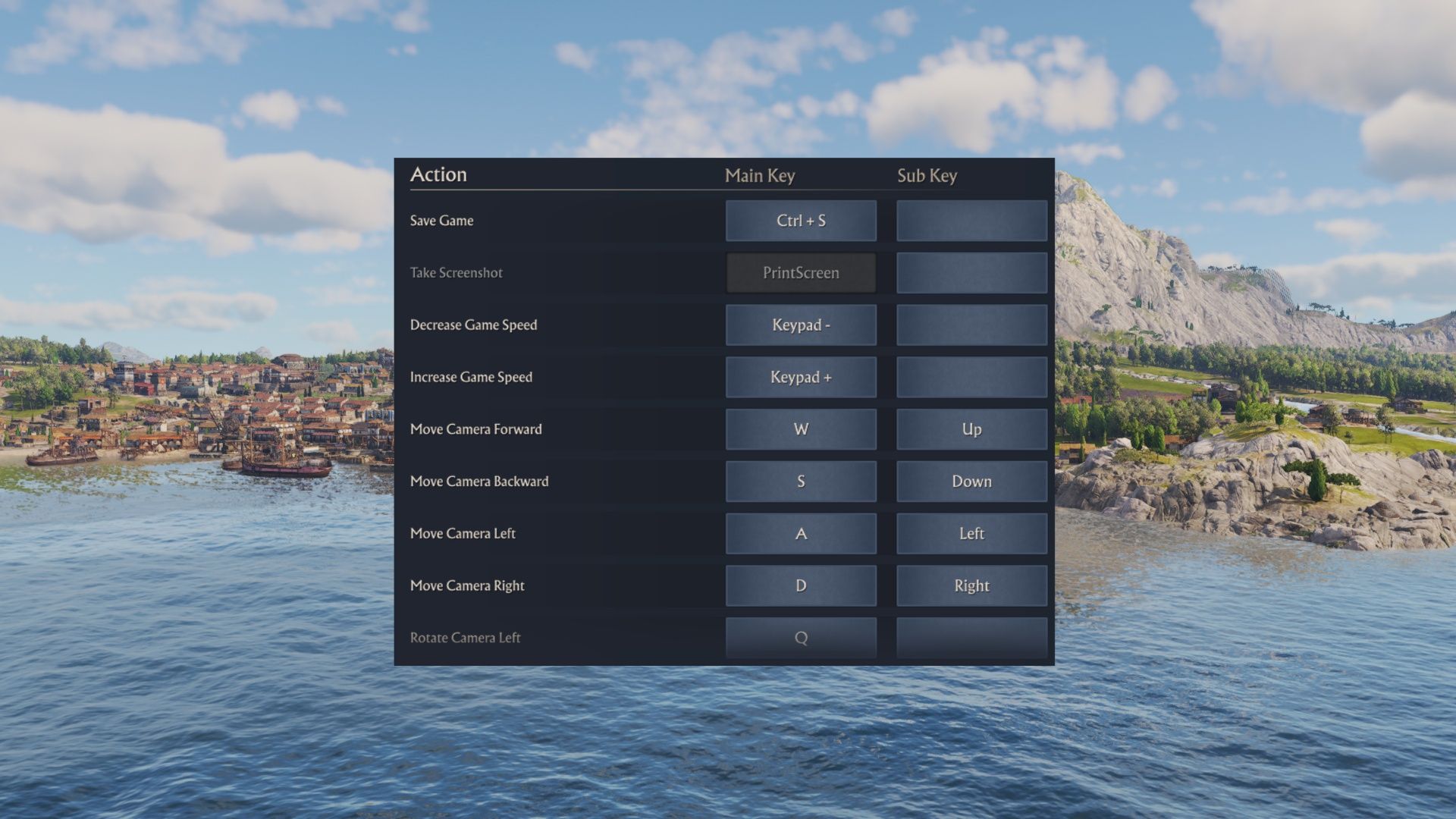
As a big fan of Anno 117: Pax Romana, I’ve found that while the game is beautiful and detailed, there’s a lot of clicking around. But learning a few key shortcuts really makes a difference! It seriously saves time and avoids frustration when you’re trying to find things. This guide covers what I think are the absolute best hotkeys to help you play Anno 117: Pax Romana more efficiently – though there are tons more out there for those who want to really master everything!
While you can use a controller to play Anno 117, most PC players will find the keyboard and mouse much better. That’s because important quick commands and shortcuts aren’t available when using a controller – the game uses a slower, radial menu system instead.
General Hotkeys For Anno 117: Pax Romana
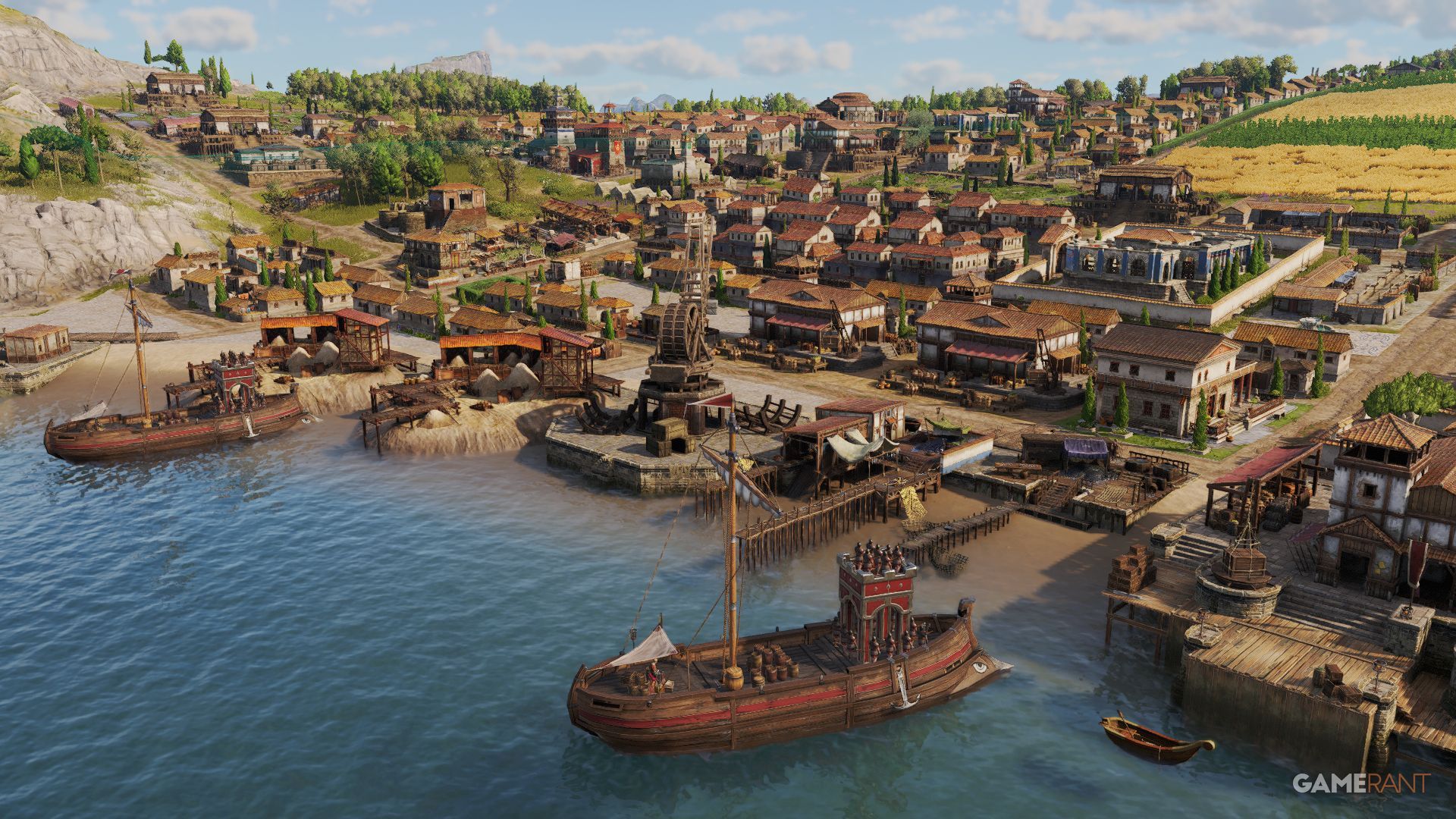
Here are some helpful keyboard shortcuts for Anno 117: Pax Romana. Some, like pausing and saving, are essential, while others can save you time by bypassing complicated menus. Take a look and learn the ones that will be most useful to you.
You can see and customize almost all of the keyboard shortcuts by going to Options, then Controls in the menus.
| Pause/Play | Spacebar |
| Save Game | CTRL + S |
| Increase Speed | Num. Pad + |
| Decrease Speed | Num. Pad – |
| Rotate Camera | Hold Scroll Button or Q/E |
| Open Research | CTRL + T |
| Open Religion | CTRL + R |
| Open Prestige | CTRL + Y |
| Open Trade Routes | T |
| Open Diplomacy | CTRL + D |
| Open Island Storage | K |
| Access Ships | N |
| Select Next Ship | TAB + SHIFT |
| Postcard View | F1 |
| Cinematic Shot | CTRL + F3 |
Anno 117 has two fantastic photo modes – Postcard View and Cinematic Shot – and given how beautiful the game looks, players will definitely enjoy using them to capture amazing images.
Building Hotkeys For Anno 117: Pax Romana
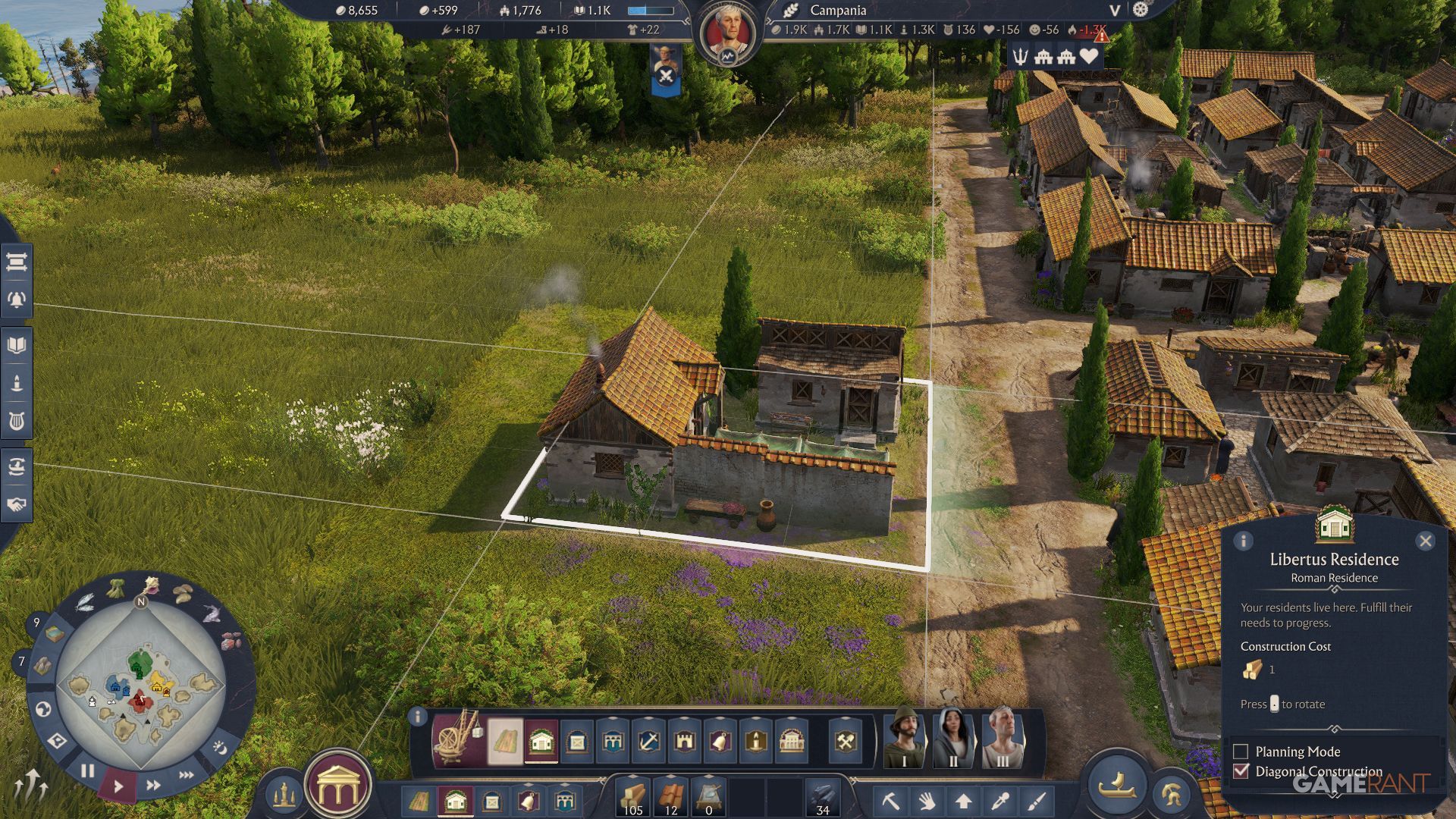
Players will spend a lot of time building, particularly roads and Libertus Residences, and thankfully there are convenient hotkeys to speed things up. Using these hotkeys is much faster than navigating the Construction Menu, which isn’t always open. The game also includes shortcuts for deleting, moving, and rotating buildings.
| Build Roads | R or 1 |
| Build Houses | H or 2 |
| Build Warehouse | L or 3 |
| Copy Building | C |
| Move Building | G |
| Demolish | X |
| Upgrade Building | U |
| Mass Upgrade | Shift + U |
| Rotate Building | , or . |
| Toggle Diagonal | CTRL + , |
| Construction Menu | B |
| Planning Mode | V |
Read More
- NTE Drift Guide (& Best Car Mods for Drifting)
- All Aswang Evidence & Weaknesses in Phasmophobia
- Where to Find Prescription in Where Winds Meet (Raw Leaf Porridge Quest)
- Conduit Crystal Location In Subnautica 2
- Diablo 4 Best Loot Filter Codes
- How to Get Necrolei Cyst & Strong Acid in Subnautica 2
- How to Get the Wunderbarrage in Totenreich (BO7 Zombies)
- Best Burst & Full Auto Builds for the M16A4 in BF6
- Boruto: Ikemoto Has Already Hinted At Sasuke’s New Eye After Return
- USD RUB PREDICTION
2025-11-13 03:04