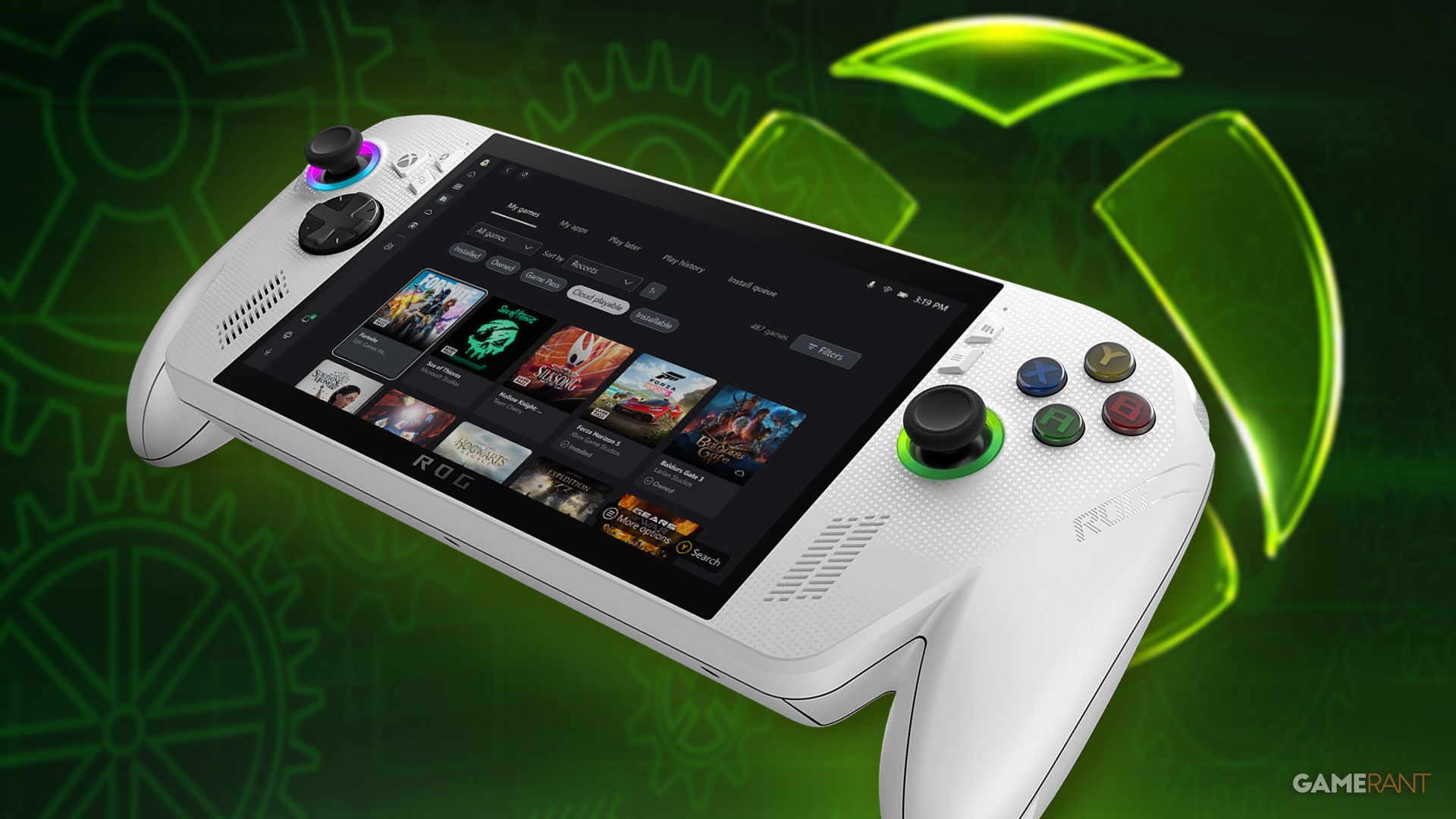
The ROG Xbox Ally is getting several improvements through a new update from Microsoft. These changes enhance how the device works and boost its performance. The ROG Xbox Ally, which launched in mid-October 2025, is similar to the Steam Deck in many ways. Since its release, ASUS and Microsoft have been working to refine the device and make Windows run more smoothly on it.
As the ROG Xbox Ally and the more powerful ROG Xbox Ally X get older, ASUS plans to keep refining the software experience over the long term. While Windows wasn’t ideal for handheld gaming when the Steam Deck first launched, it’s gotten much better since then. In fact, TIME magazine has already highlighted the ROG Xbox Ally X as a key device to watch in 2025, showing how versatile and useful these devices are for gamers.
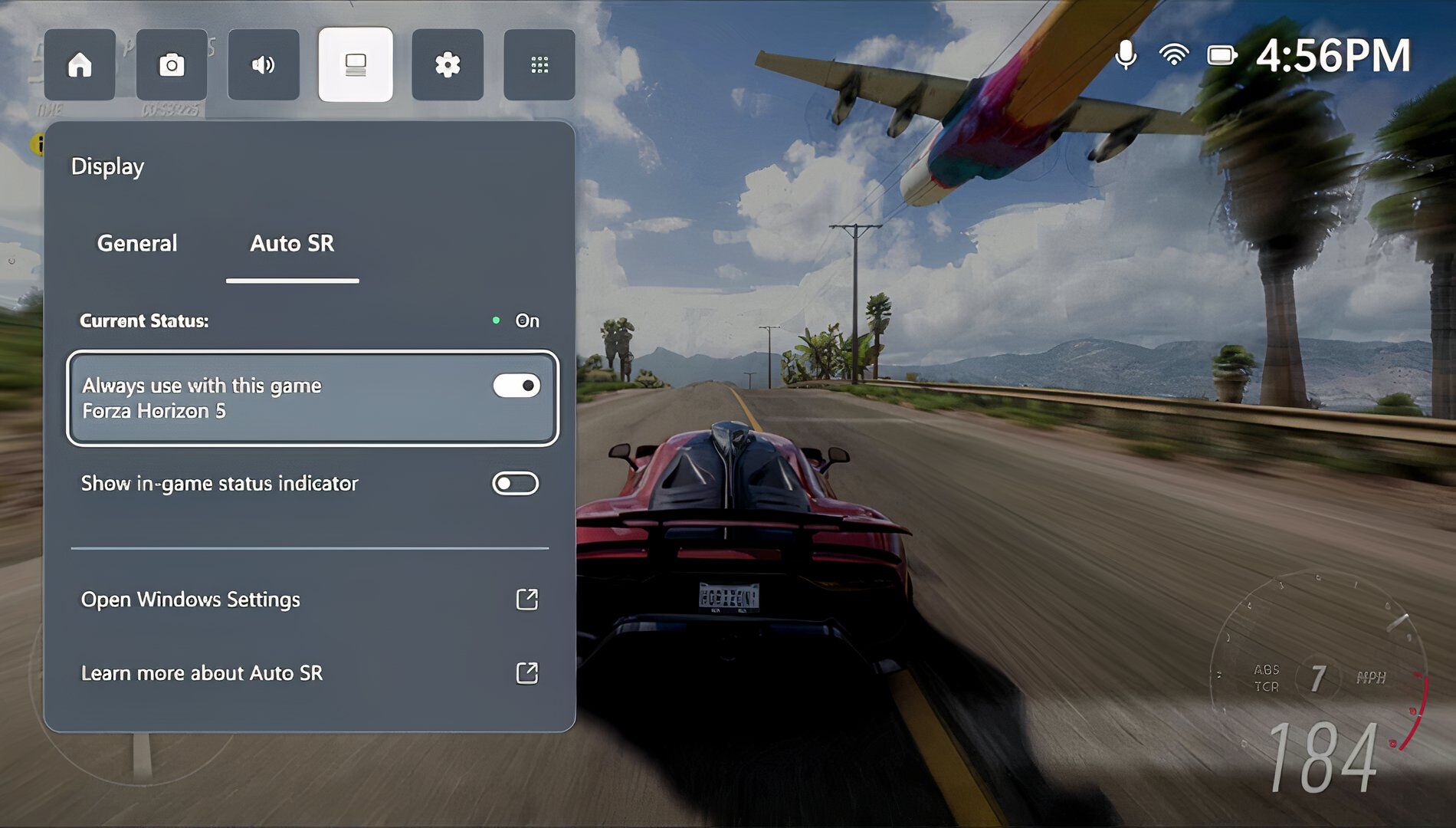
Microsoft recently shared a detailed update on improvements coming to the ROG Ally gaming handheld. Key upgrades include a better docking experience, the availability of Auto Super Resolution for sharper graphics, a new ‘Collective Library’ for visually appealing game collections, and enhanced vibration feedback. A standout feature is the Gamepad Cursor, which lets players use their controller like a mouse in games not designed for handhelds. With no official Xbox handheld currently planned, Microsoft is heavily investing in the ROG Ally, a device made by ASUS, to fill that gap.
TopMob Quiz
—
Results
—
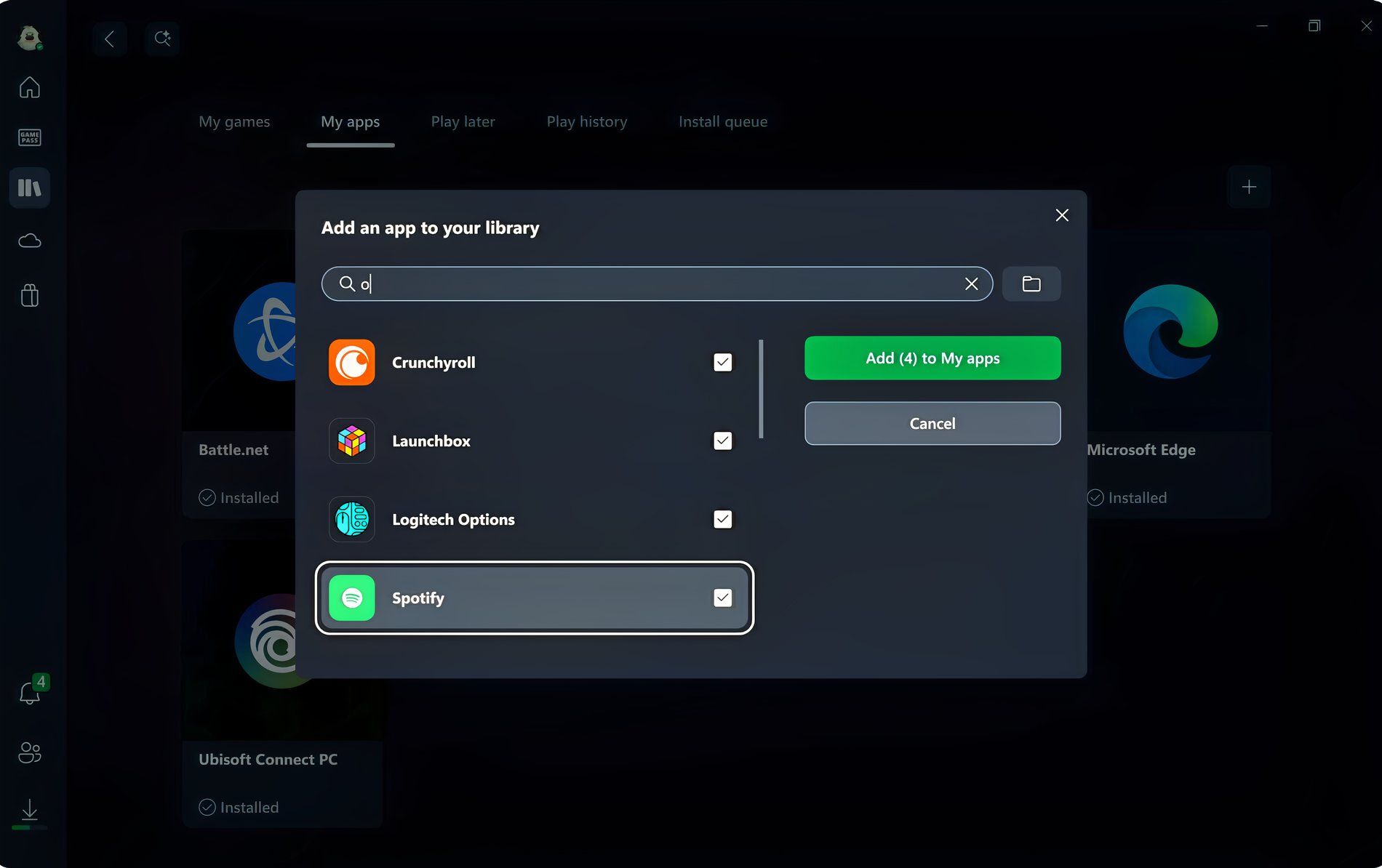
The updated Xbox PC app is a major benefit, and it also improves how games are shown on the Ally. This makes managing your games – adding, deleting, organizing, and launching them – much simpler on the handheld, even without the complete Xbox App experience. It’s practically essential for any serious Windows gaming device, and will be especially helpful for users who want to personalize their ROG Ally.
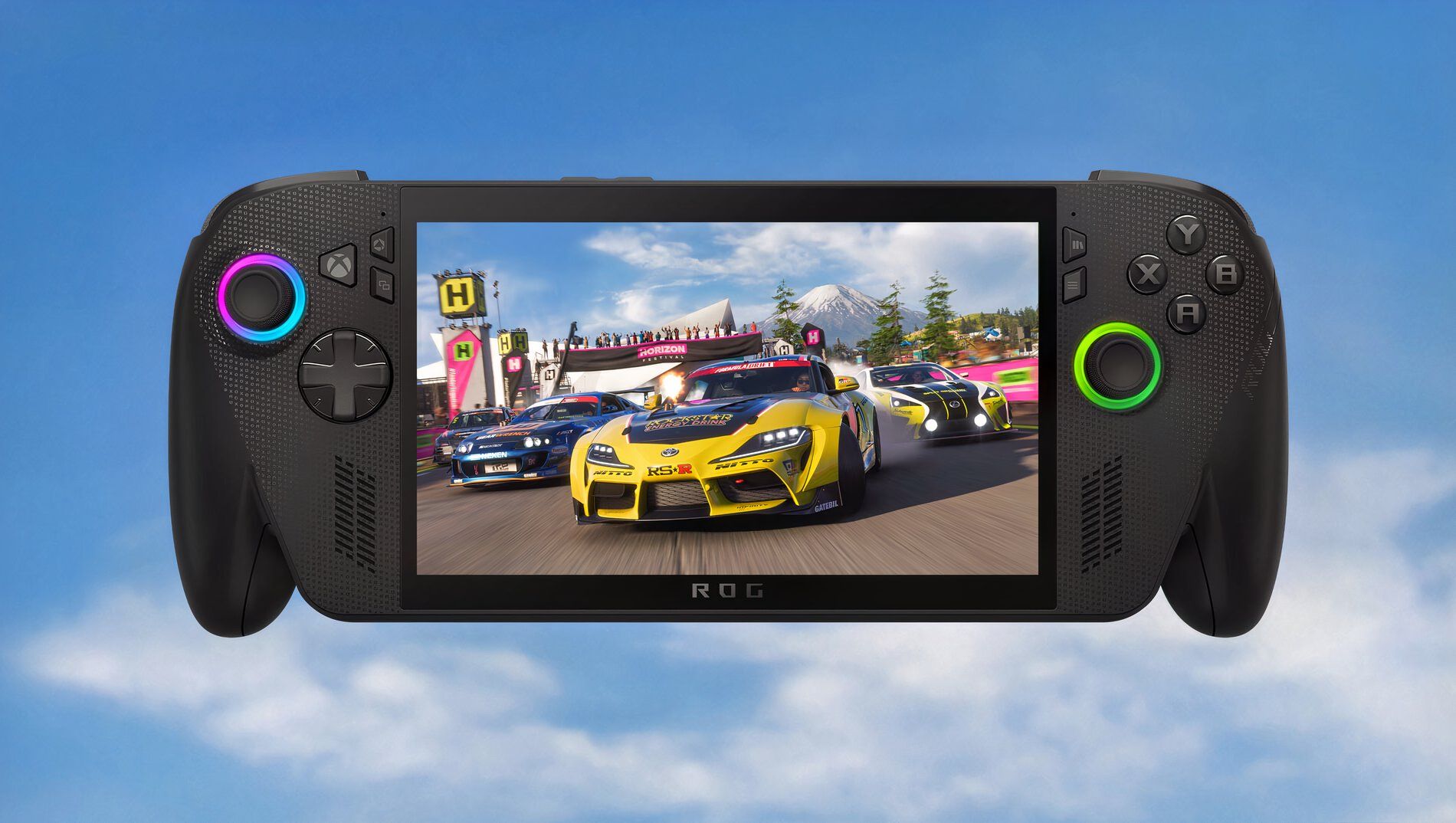
The ROG Ally receives updates faster than even the Steam Deck. Microsoft is clearly committed to ensuring Windows is the best platform for gaming, offering broad compatibility and avoiding issues with anti-cheat software – areas where SteamOS still faces challenges despite its growing appeal. If Microsoft hadn’t optimized Windows for handheld devices, the difference in user experience would have continued to widen, but thankfully, that hasn’t happened.
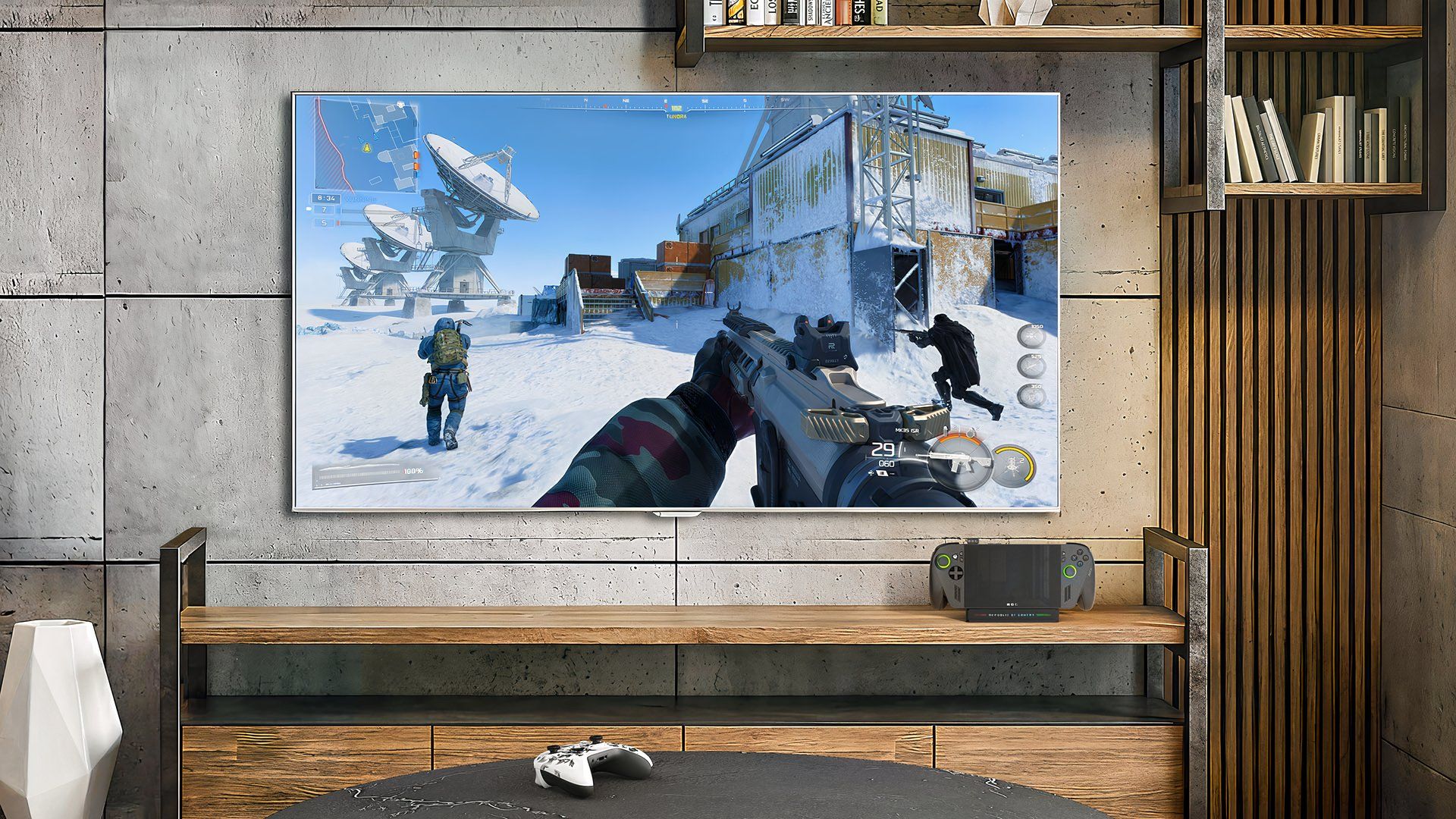
As a PC gamer, I’m really excited about all the updates the ROG Ally’s been getting. It’s not just good for Ally owners, though! Things like AutoSR, the upscaling tech, are coming to all Windows PCs. That means we’ll have another great option for boosting performance, alongside stuff like DLSS, XeSS, and FSR. Honestly, more competition between these technologies is awesome – it’s going to benefit everyone, no matter what graphics card we’re rocking.

Loadout Logic
Tap on a weapon to rotate it or press R while dragging.
Results
ROG Xbox Ally Patch Notes for April 2026
Docking Improvements
- Docked play now defaults to the TV display; handheld screen turns off automatically, with resolution, refresh rate, and HDR supported
- Smart TV gaming enhancements auto-enabled on Samsung, LG, and Vizio TVs (ALLM, Auto Game Mode, VRR via ROG Bulwark Dock, HDR10)
- New Display Widget in Game Bar lets you adjust display resolution, refresh rate, and projection mode without leaving a game
- Improved controller pairing: docking with a paired Xbox/Designed for Xbox controller automatically disables the built-in handheld controls
- Gamepad Cursor added, allowing controller navigation in experiences that don’t natively support gamepad input (browsers, music apps, third-party storefronts, etc.)
Auto Super Resolution (ROG Xbox Ally X / Xbox Insiders only)
- Auto SR is now available in preview
- Game Bar integration added so Xbox Insiders can control when Auto SR is applied per game
Audio
- Bluetooth LE Audio on Xbox Ally handhelds now streams in super wideband stereo voice fidelity
Haptics
- Enhanced Vibration delivers richer, smoother in-game haptic effects more consistent with the broader Xbox device lineup
Library / Xbox PC App
- Unified library consolidates installed games from all PC storefronts and launchers in one place
- New “+” button allows manually adding any game or app to the library, with the ability to customize names, images, launch targets, and command-line options
- Removing a manually added game from the library does not affect the original installation
Game Optimization (Ongoing)
- Over 1,000 PC games are now supported through the Handheld Compatibility program
- Default Game Profiles and Advanced Shader Delivery supported on both ROG Xbox Ally and ROG Xbox Ally X
- New titles added with all three features: Ninja Gaiden 4, Grounded 2, High on Life 2, The Outer Worlds 2, Ark: Survival Ascended, Monster Hunter Rise, Gears of War: Reloaded
- Forza Horizon 6 support incoming at launch.
Read More
- NTE Drift Guide (& Best Car Mods for Drifting)
- All Aswang Evidence & Weaknesses in Phasmophobia
- Diablo 4 Best Loot Filter Codes
- Conduit Crystal Location In Subnautica 2
- Where to Find Prescription in Where Winds Meet (Raw Leaf Porridge Quest)
- Forza Horizon 6: Find the Ohtani Treasure Chest Location
- Boruto: Ikemoto Has Already Hinted At Sasuke’s New Eye After Return
- Best Burst & Full Auto Builds for the M16A4 in BF6
- Starsand Island’s Rarest Achievements and How to Earn Them
- How to Unlock All Maps in Far Far West
2026-05-02 16:06