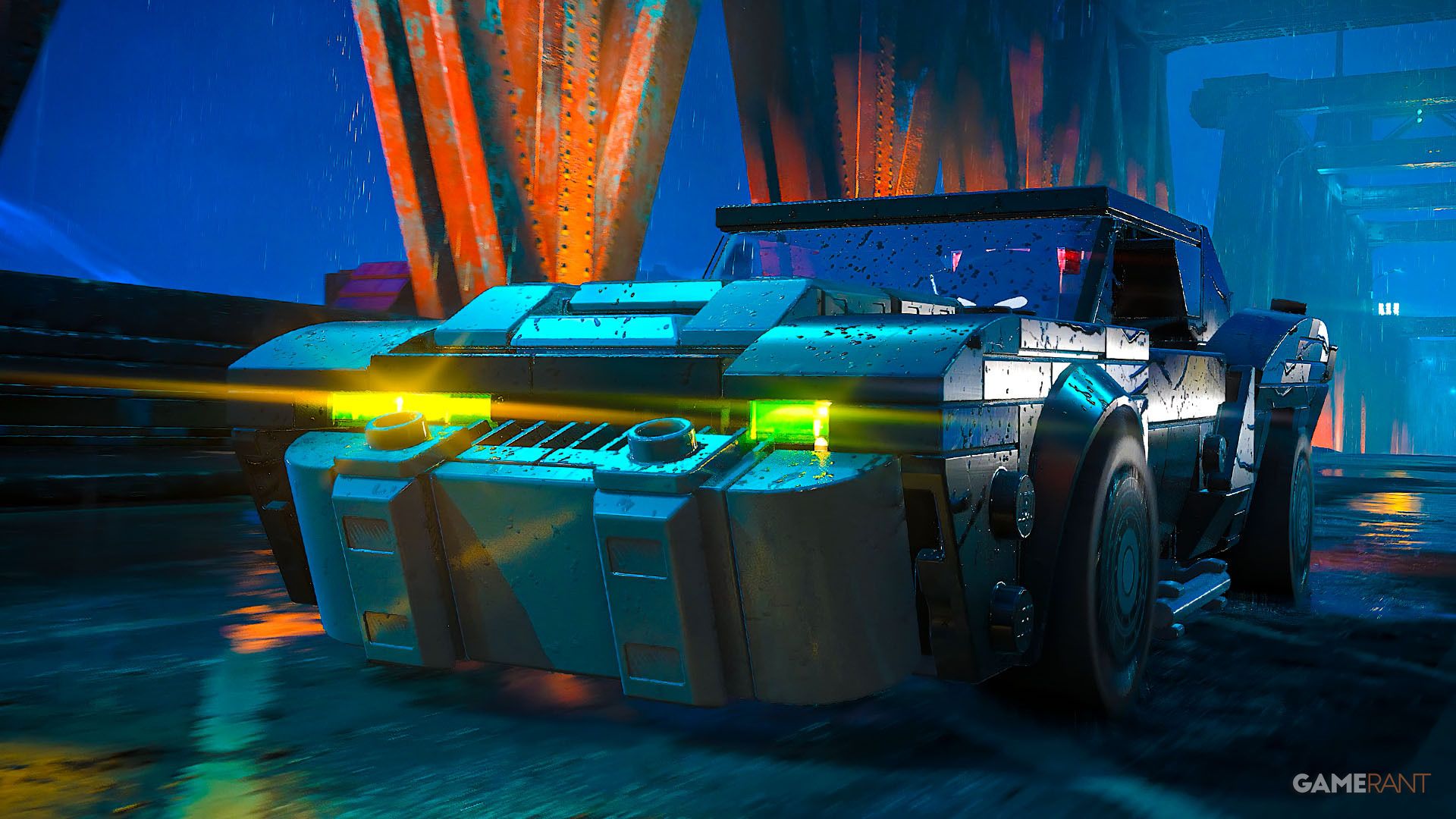
Over the years, the Batmobile has become a signature part of Batman’s arsenal, particularly after the Arkham games made driving and exploring Gotham City a key feature. LEGO Batman: Legacy of the Dark Knight continues this trend, with the Batmobile being central to both getting around and battling enemies. Players won’t have access to it right away, though.
This guide explains how to unlock the Batmobile, and details everything about upgrading, customizing, and using its extra features.
For help finding collectibles, see our LEGO Batman: Legacy of the Dark Knight collectibles hub.
How to Unlock the Batmobile in LEGO Batman Legacy of the Dark Knight?
You’ll unlock the Batmobile early in the game, during the first chapter. First, you’ll play a prologue where Bruce Wayne trains with the League of Assassins and masters ninja skills. Once that’s done, Bruce goes back to Wayne Manor and finds the Batcave. Then, the “Infiltration” mission begins, and you can start finding collectibles like surfboards as you explore.
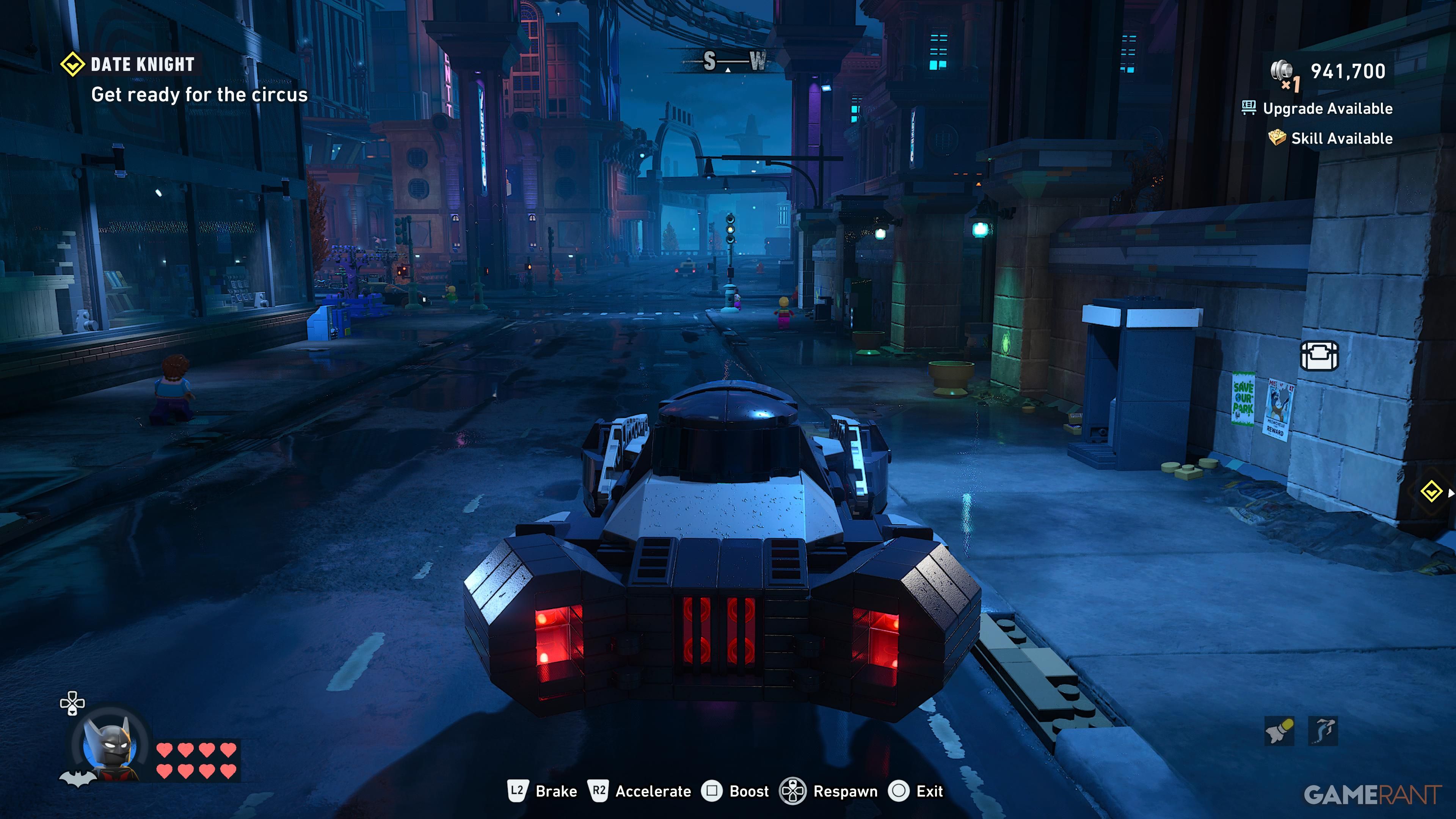
Once you finish this mission, you’ll unlock the Batmobile. This lets you drive around Gotham City and explore the streets. As you’re driving, you can smash things like lampposts, signs, and boxes to earn Studs.
You can also activate a boost for a significant speed increase, but it makes the Batmobile harder to control. If you get stuck on something or the environment, you can instantly reset the Batmobile’s position.
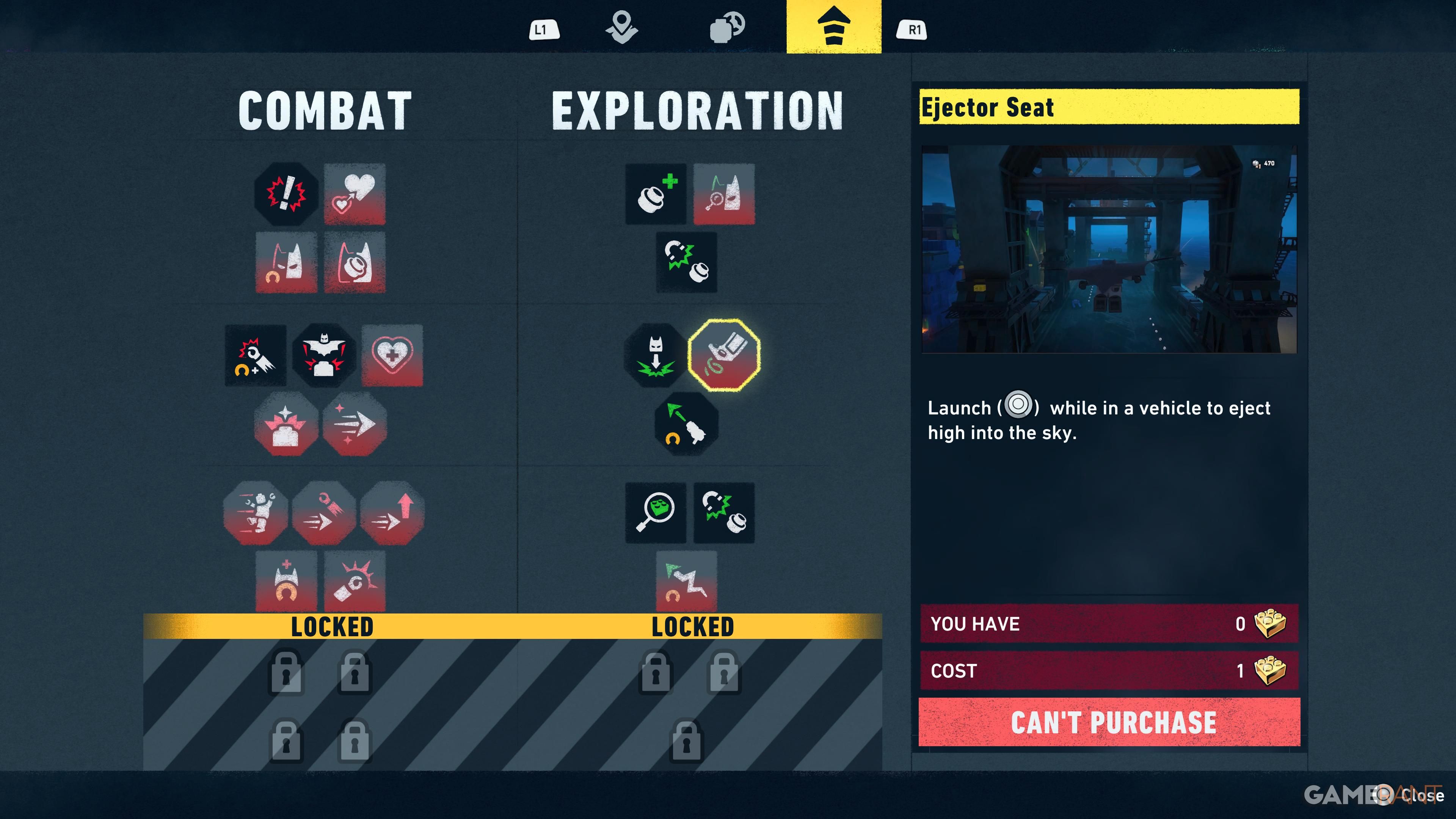
As you progress through the game, you’ll unlock new upgrades for your vehicle, either by completing story missions or using skill points. These upgrades let you do things like fire missiles at opponents, pull enemies behind you with a hook, and even launch the Batmobile upwards into a glide.
How to Change Vehicles?
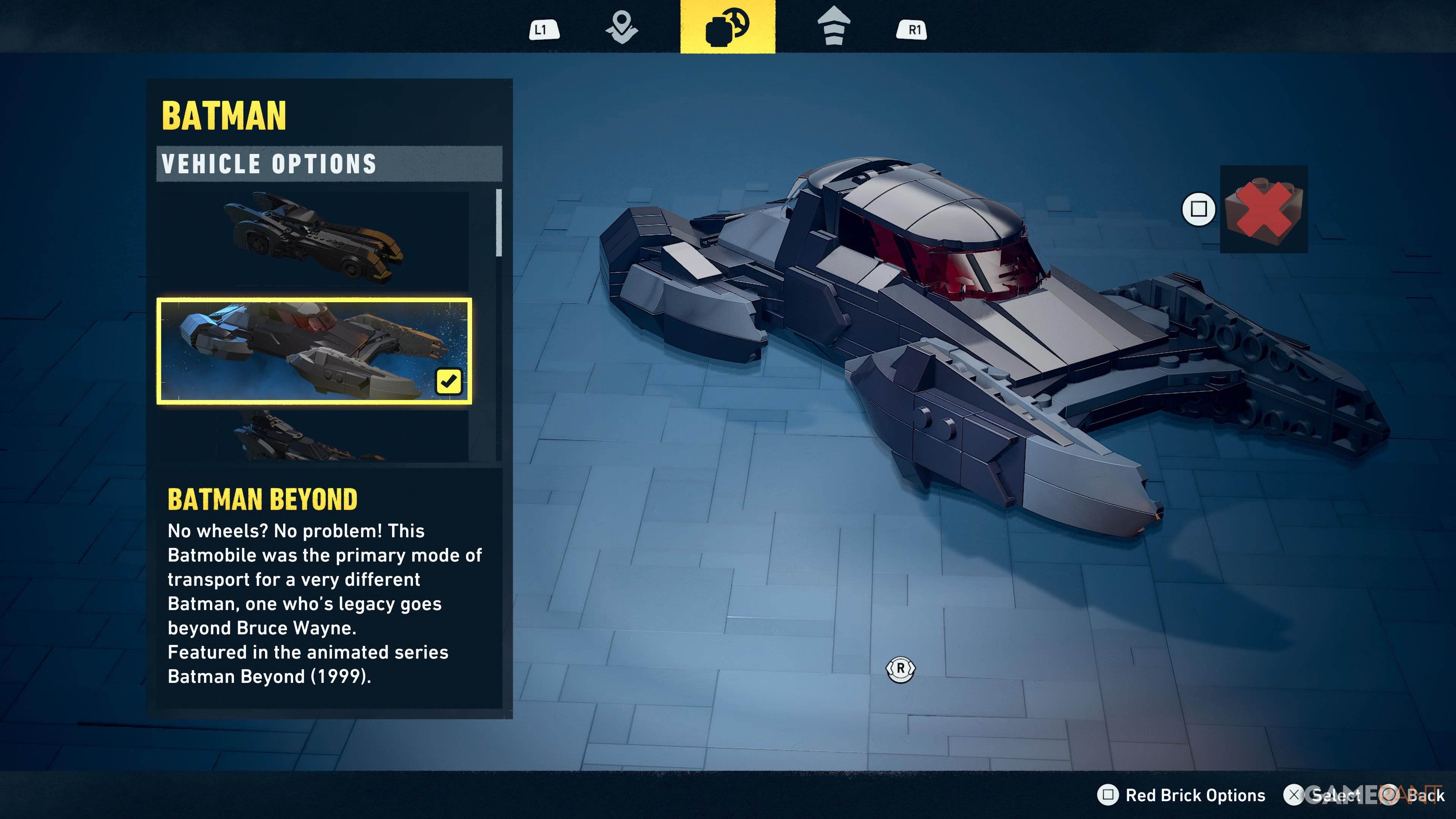
The Batmobile already has a cool design, but players can further customize how it looks. You can find the customization options in the character select menu – it’s next to the map. Press Triangle on PlayStation or Y on Xbox to access it. These options are available to players who have purchased the Deluxe upgrade.
If you don’t have the Deluxe Edition, just keep playing until you reach the beginning of Chapter 2. At that point, you’ll gain access to the Batcave, including the Garage. The Garage lets you buy and try out different vehicles.
Read More
- NTE Drift Guide (& Best Car Mods for Drifting)
- How to Get the Wunderbarrage in Totenreich (BO7 Zombies)
- All Aswang Evidence & Weaknesses in Phasmophobia
- How to Get Necrolei Cyst & Strong Acid in Subnautica 2
- Where to Find Prescription in Where Winds Meet (Raw Leaf Porridge Quest)
- Conduit Crystal Location In Subnautica 2
- Diablo 4 Best Loot Filter Codes
- Boruto: Ikemoto Has Already Hinted At Sasuke’s New Eye After Return
- Best Burst & Full Auto Builds for the M16A4 in BF6
- Best Where Winds Meet Character Customization Codes
2026-05-20 16:04