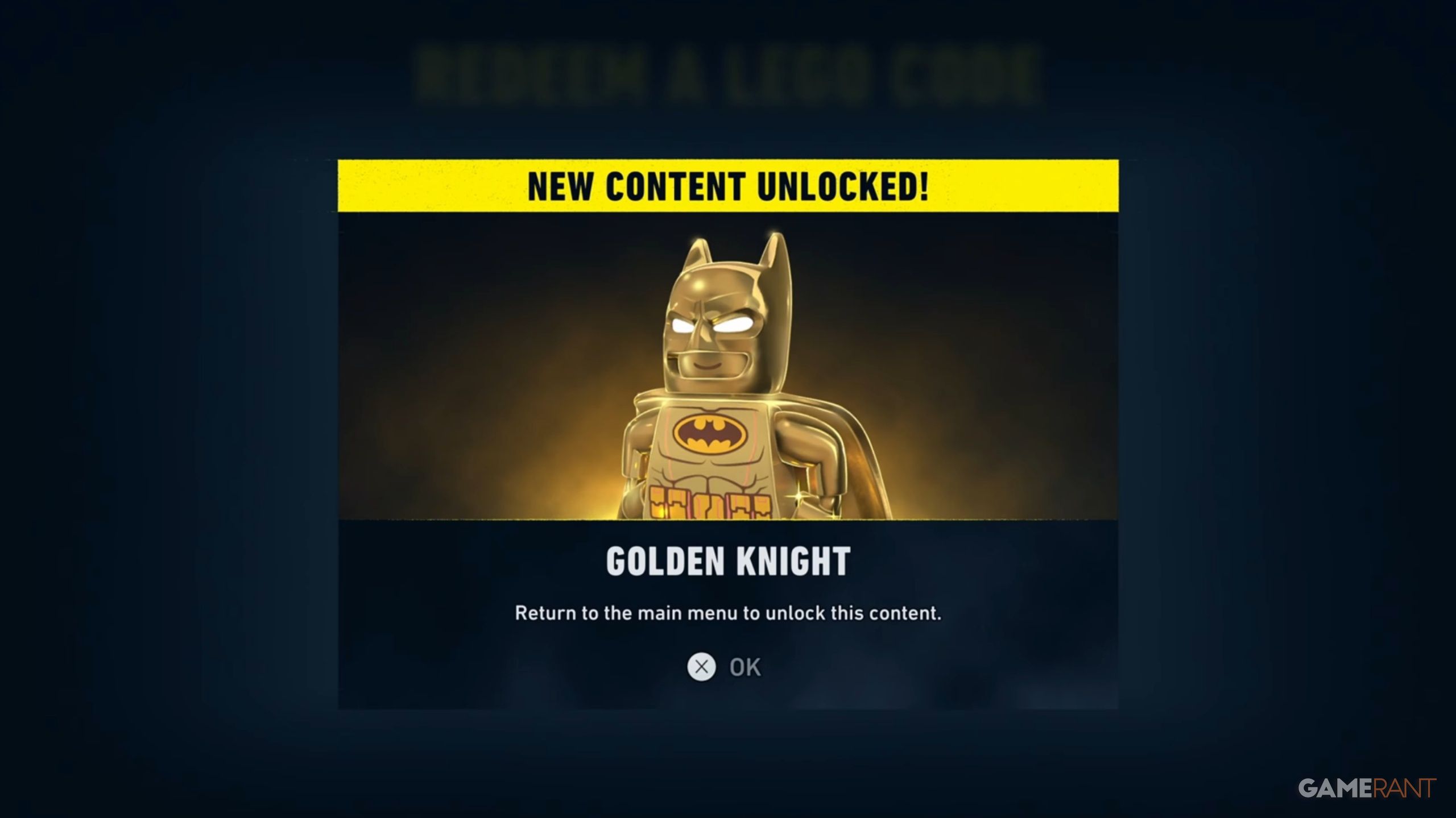
LEGO Batman: Legacy of the Dark Knight features a ton of different batsuits to collect, but the most special one – a gleaming gold suit – is only available to players who bought a particular LEGO set in the real world.
The Gold Suit isn’t available in the game unless you buy the Batman Logo LEGO set (number 76330), which usually costs $79.99. We’ll show you where to find the code for the Gold Suit inside that set and how to use it.
How to Get and Redeem the Gold Suit Batman in LEGO Batman: Legacy of the Dark Knight
- If you have purchased the Batman Logo #76330 (the link provided is from the official US LEGO store), you can open the box and grab the instruction manual.
- On the bottom right of the instruction manual, you will find a QR Code, which you can scan with your mobile device’s camera.
- This will take you to the LEGO Builder App (on Google Play or the App Store).
- You can now scroll to the bottom of the page that the QR Code opens up, and you can click “Claim code”.
- This will then open up a page where you will be given the Batskin – Gold Suit (you mustn’t share this code, as it’s a one-time activation code).
- Copy or make a note of your code, and then head in-game in LEGO Batman: Legacy of the Dark Knight.
- You can now head to the in-game Settings and click “Extras” where you can find the Redeem Code tab.
- Once you enter your exclusive code (don’t worry about capital letters), you will get the Golden Knight suit the next time you head in-game.
You don’t need to earn the Golden Knight Suit to fully finish LEGO Batman: Legacy of the Dark Knight because it’s considered downloadable content.
Read More
- NTE Drift Guide (& Best Car Mods for Drifting)
- All Aswang Evidence & Weaknesses in Phasmophobia
- Conduit Crystal Location In Subnautica 2
- Where to Find Prescription in Where Winds Meet (Raw Leaf Porridge Quest)
- Diablo 4 Best Loot Filter Codes
- How to Get Necrolei Cyst & Strong Acid in Subnautica 2
- How to Get the Wunderbarrage in Totenreich (BO7 Zombies)
- Best Burst & Full Auto Builds for the M16A4 in BF6
- Boruto: Ikemoto Has Already Hinted At Sasuke’s New Eye After Return
- USD RUB PREDICTION
2026-05-21 18:12