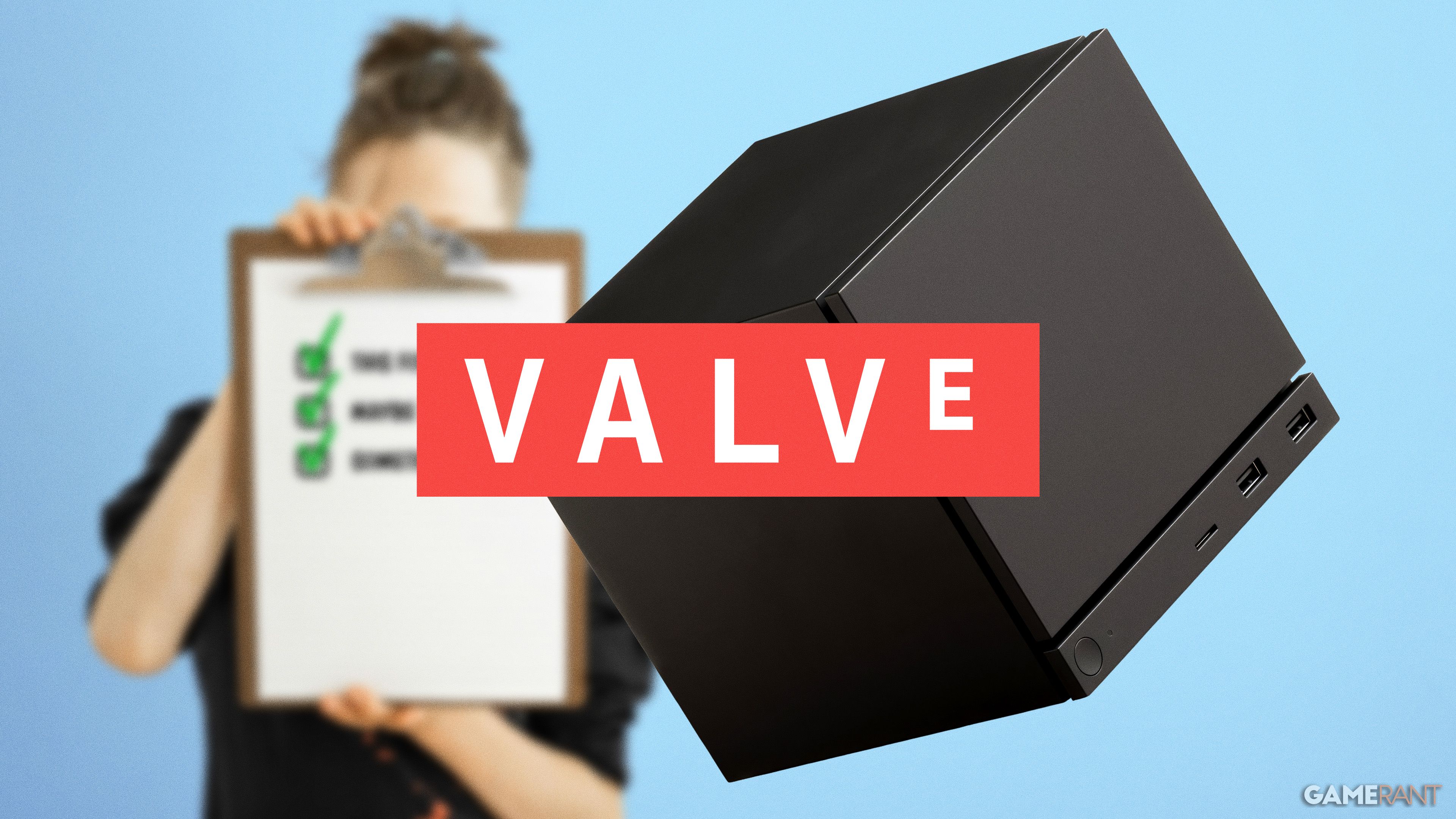
I’ve been switching from console to PC gaming over the past five years, and I’m really looking forward to the Steam Machine. I still use my PS5 and Switch, mainly because they’re easy to use when I just want to relax. But when I want the best performance, more options, and a wider range of games, I almost always choose my PC. The Steam Machine seems like it could give me the benefits of both consoles and PCs.
As a fan, I’ve been really impressed with what Valve has shown with the Steam Deck. It’s easily the best handheld PC I’ve used, and it gives me a good sense of what to expect from the new Steam Machine. The build quality feels solid, and SteamOS seems really promising. Plus, the Steam Controller proved they can definitely deliver on hardware. They’ve learned a lot since the first Steam Machine didn’t quite hit the mark, and I’m excited to see what improvements they make to really make the next one a winner.
A Reasonable Launch Price
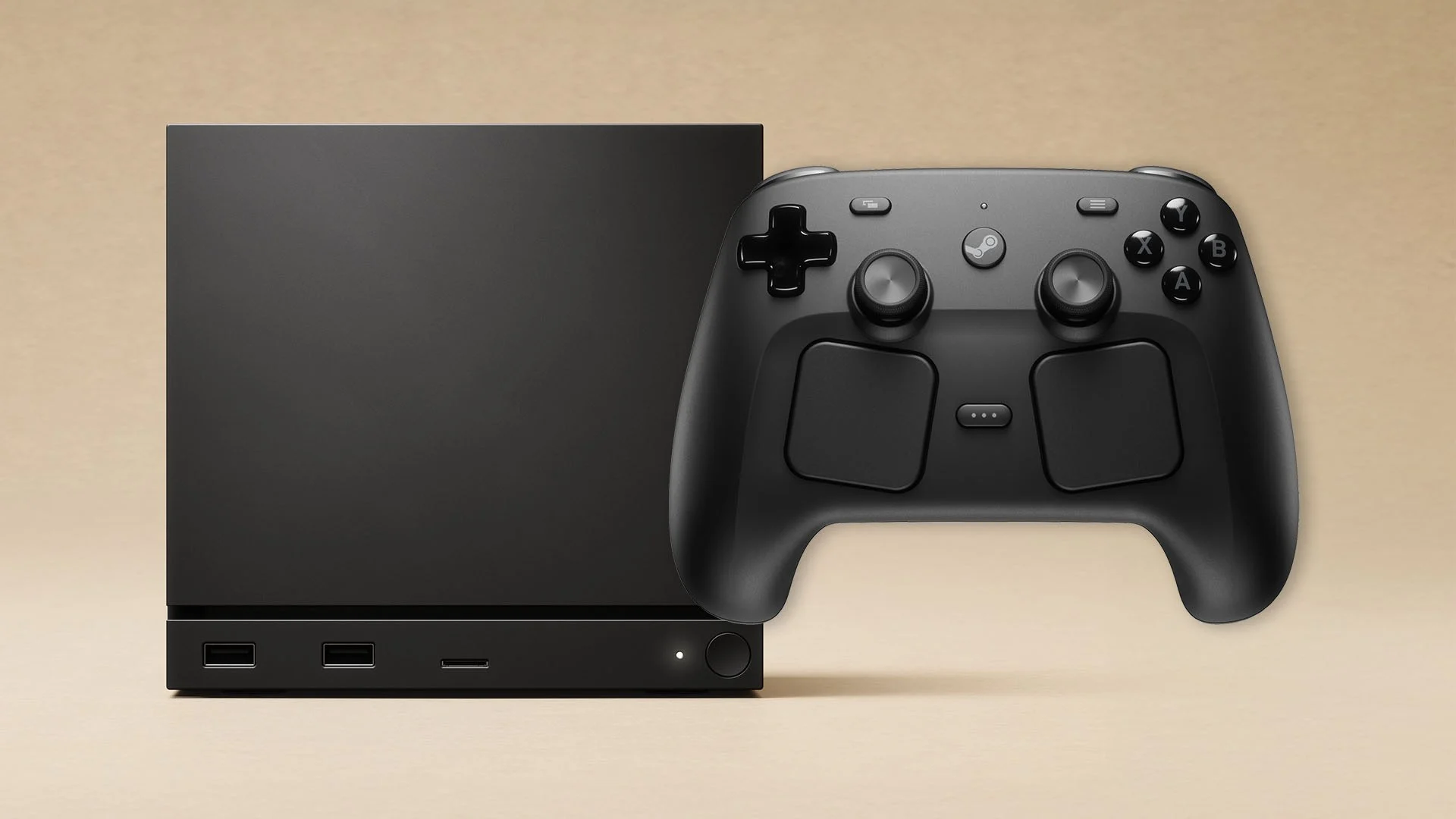
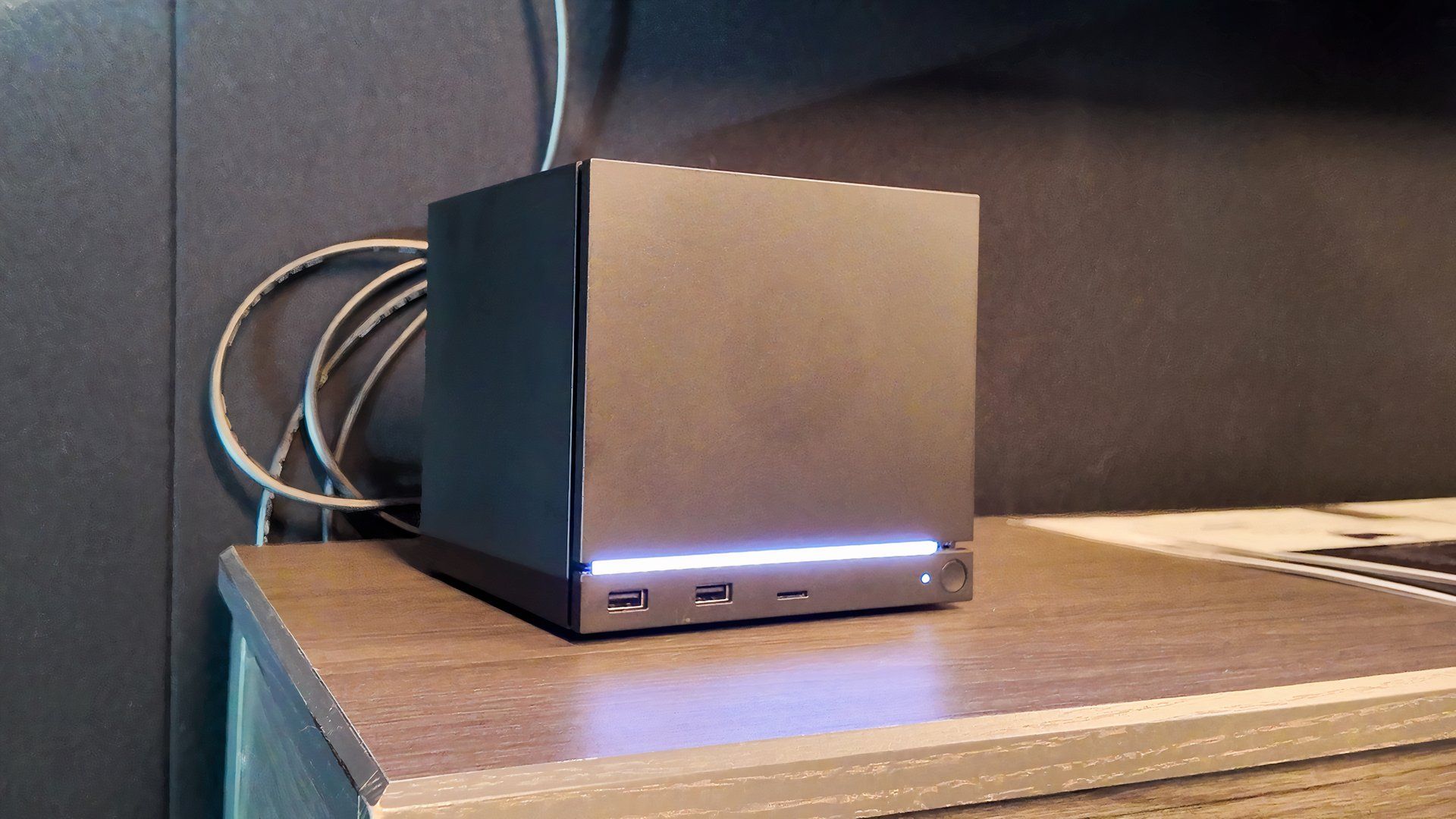
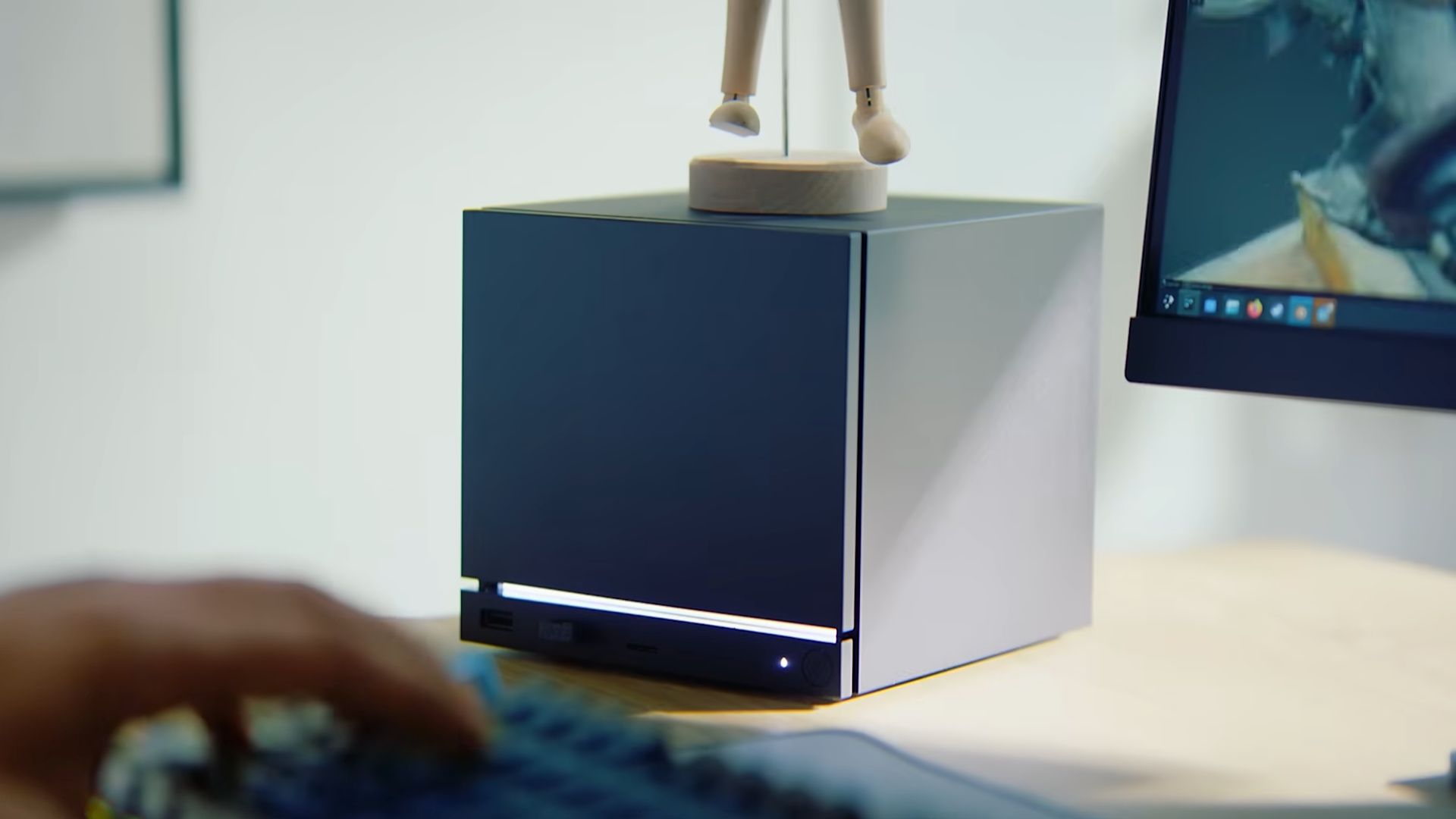
The biggest uncertainty about the upcoming Steam Machine – and a key reason it hasn’t been seen as a serious competitor to PlayStation and Xbox – is its price. Console costs have been rapidly rising, largely because of recent issues with memory and storage supplies, driven by advancements in artificial intelligence. Just recently, Sony increased the price of the PS5 Pro to a hefty $899.99.
If the Steam Machine is affordable – around $600 or less – it could be a strong competitor to consoles from Sony and Microsoft. Most people are more concerned with the price than technical details like processor speed. However, the Steam Machine is arriving quite late in the current console cycle, or very early in the next. Launching it at the same price as existing PlayStation, Xbox, and Nintendo consoles could make it hard to convince people to switch, especially after recent price increases.
Easier Windows Integration (Or Native Game Pass)
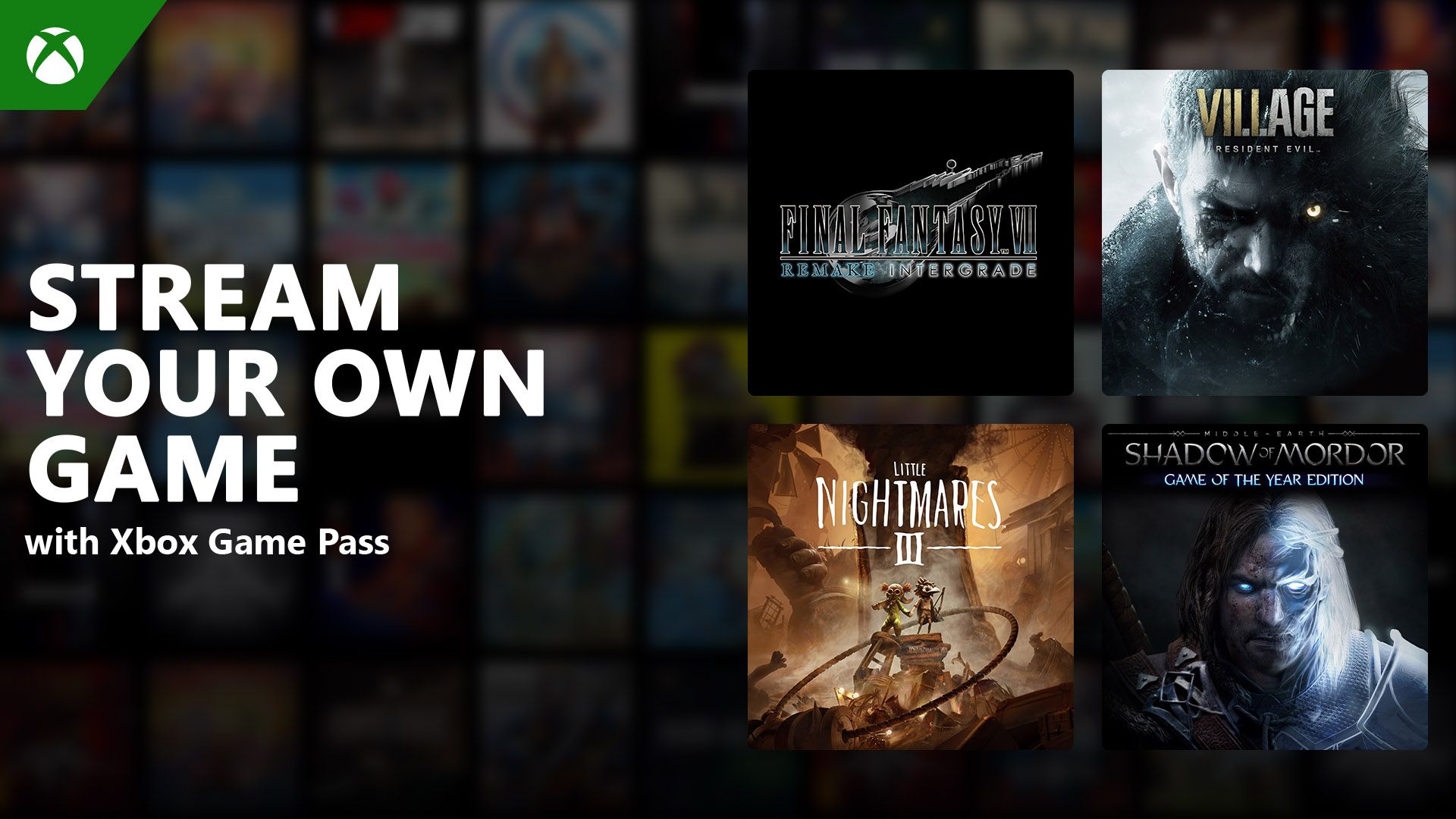
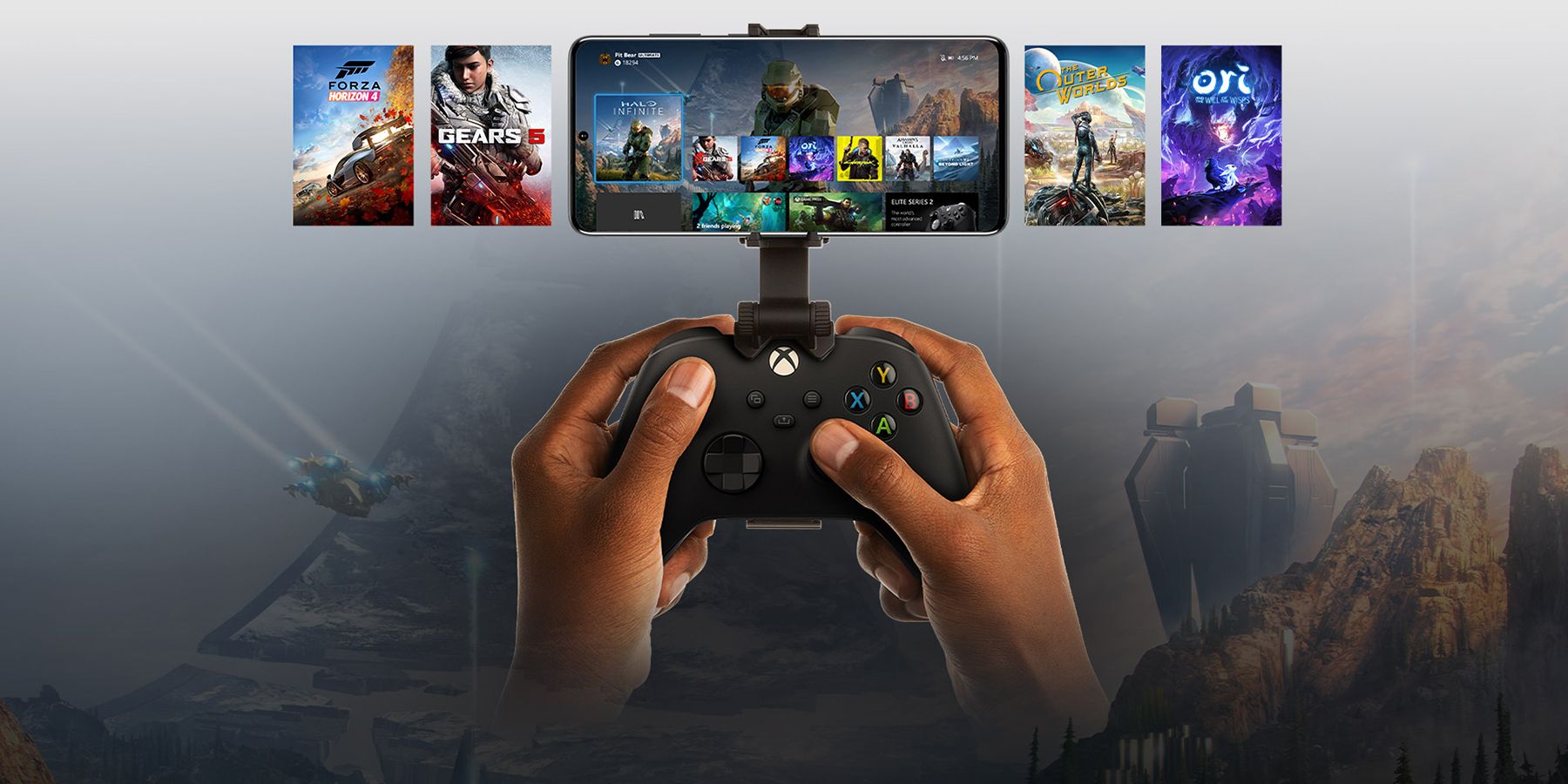
While it’s possible to use PC Game Pass on the Steam Deck, it’s not straightforward. Because the Steam Deck runs on a Linux-based system and Game Pass is designed for Windows, you’d have to stream the games. This isn’t ideal because it requires the more expensive Game Pass Ultimate subscription, and a reliable internet connection—which limits the Steam Deck’s benefit as a portable device.
The average consumer doesn’t care about GPU clock speed, but they do care about pricing.
While you can install Windows on the Steam Deck, it’s complicated and most people won’t go through the trouble. It would make the Steam Deck much better if Windows came pre-installed, or if Microsoft offered a Linux version of Game Pass. I don’t expect this to happen, especially with Xbox’s own hybrid PC project, but it’s a nice thought.
Better Compatibility with Non-Steam Apps
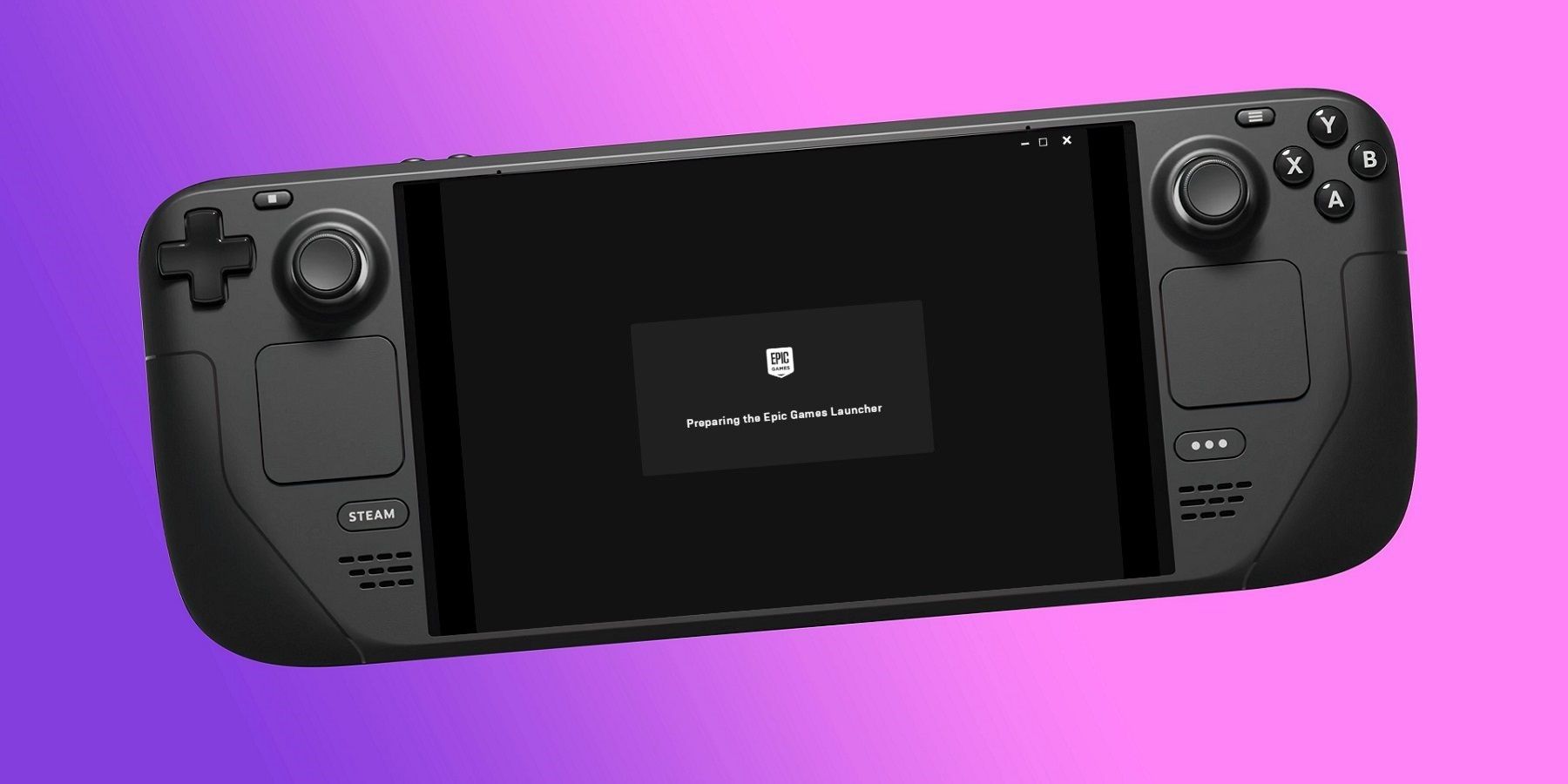
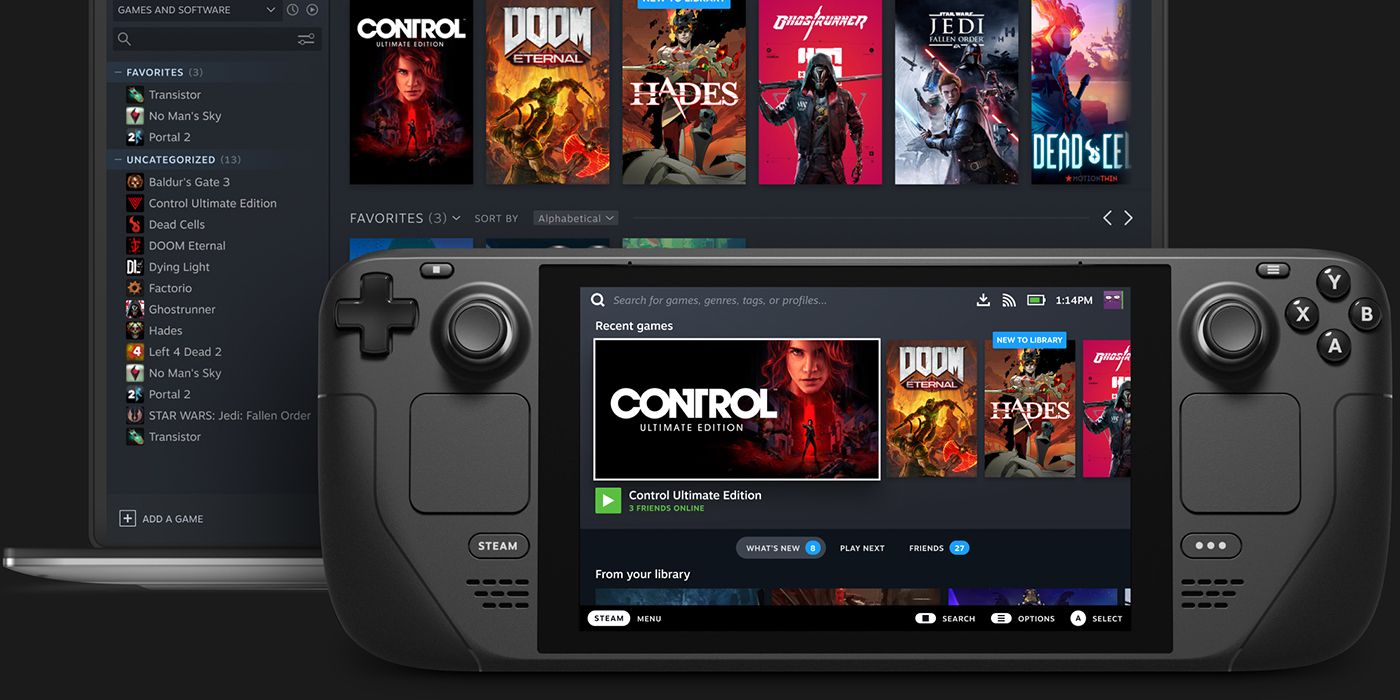
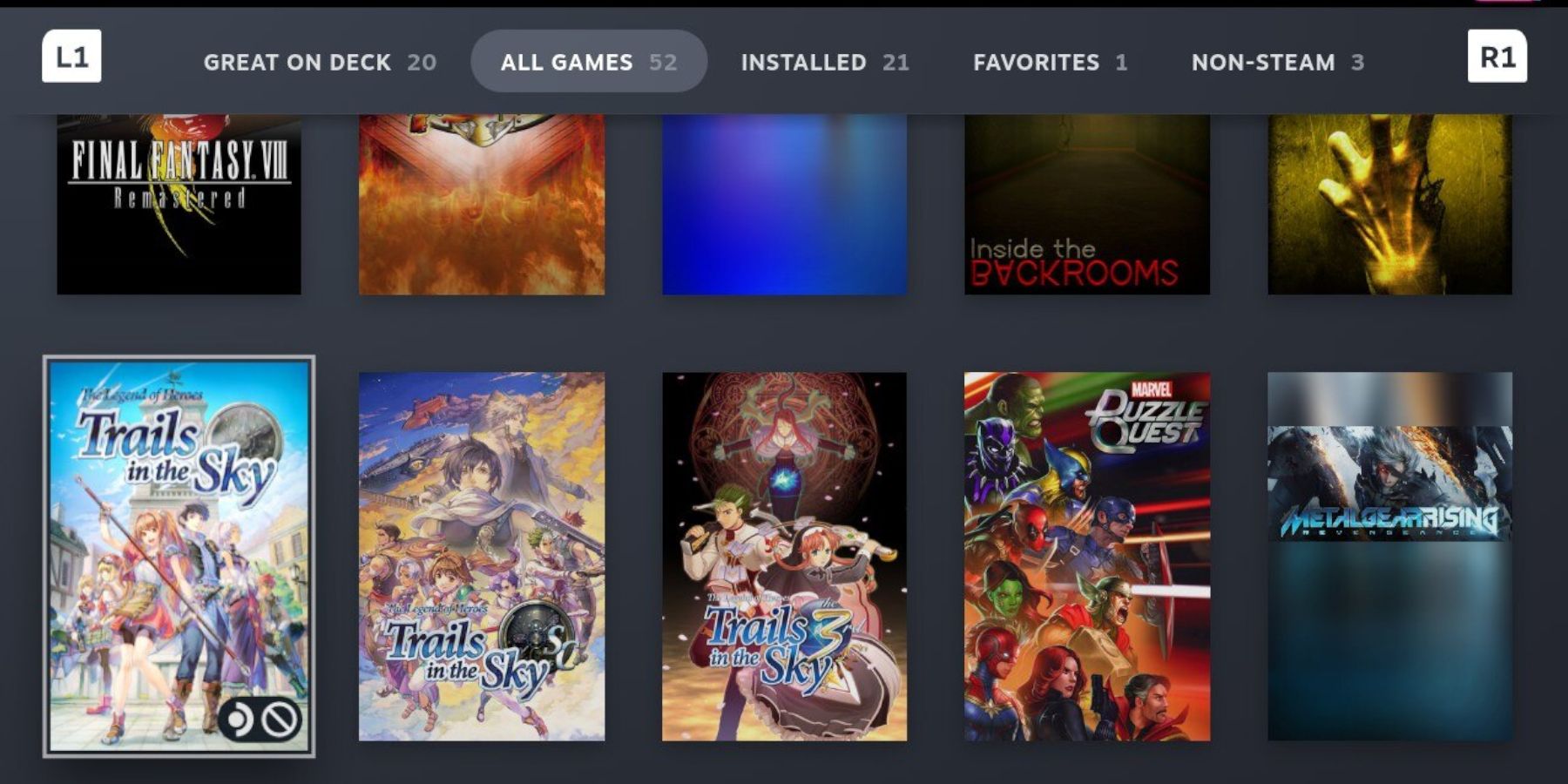
The Steam Machine would be even better if it could easily work with programs and games from outside of Steam. Because the Steam Deck is a Linux-based device, it can run any Linux-compatible software. For example, you can use emulators like EmuDeck and RetroArch and launch them right from the SteamOS menu. This is a major advantage of the Steam Deck, and hopefully, the Steam Machine will be just as good at running emulators.
While the Steam Deck excels at playing Steam games, running apps from other platforms isn’t always seamless. To use launchers like GOG or the Epic Games Store, you need a separate program called Heroic Launcher, which feels clunky and doesn’t fully utilize the Deck’s hybrid PC capabilities. Other handheld PCs, such as the Asus Rog Ally and Lenovo Legion GO, make it much easier to access these and other stores like the Microsoft Store. Adding non-Steam apps also requires switching to desktop mode, which might be confusing or annoying for users who aren’t very familiar with PCs. Ideally, the Steam Deck should allow adding apps and extensions directly without needing to use desktop mode whenever possible.
While getting applications to work well on Linux can be a general challenge, things are constantly improving. Specifically, allowing users to add apps directly from the SteamOS interface might be possible by including a built-in web browser and adjusting the user interface.
A New Valve Game Before Too Long



It may seem unlikely, but if Valve ever released Half-Life 3, Portal 3, or Team Fortress 3, the launch of the Steam Machine would be the ideal time. While those games would likely also be available on computers and other consoles, having them initially exclusive to Valve’s Steam Machine after such a long wait would generate a lot of excitement for the device. Excitement for the Steam Machine is already building, and this could push it over the top, potentially even making a higher price point more acceptable.
Let’s be realistic, Valve could really boost excitement by officially releasing Deadlock. This 6v6 MOBA has been in closed beta for nearly two years and already has a dedicated following. I’ve been playing it for a few months now, and I can say it’s genuinely fun and surprisingly easy for new players to pick up. I’m no MOBA pro, but I think Deadlock would be a big hit with Steam Machine users.
Honorable Mentions: What Would Take the Steam Machine Above and Beyond
I think certain features are essential for the Steam Machine, either from the start or eventually. Plus, there are a few reasonable improvements to SteamOS that I’d like to see on the more powerful models.
- Ongoing Steam Community Engagement
- Better CPU Scheduling
- Game Suspension
- Mod Loading in SteamOS
While Valve isn’t solely in charge of fostering a strong community, Steam’s community has always been a huge asset – from forum discussions and the Steam Workshop to user-created plugins and expansions. For example, people have already created custom themes for the Steam Deck using a community plugin, and if that kind of support continues with the Steam Machine, it will be a big benefit. One of my initial concerns with the Steam Deck was the CPU slowing down when downloading multiple games, sometimes making the device very sluggish. I’m hoping the Steam Machine avoids this same problem.
Being able to pause games would be a great feature, particularly for fans of idle games like Cookie Clicker. Currently, the Xbox Series X|S is the only popular console with this built-in, so offering it on the Steam Machine would be a significant advantage. SteamOS also supports mod loading and management, similar to how it handles other non-Steam applications. While you can add mod managers through desktop mode, it’s currently a bit complicated and could be made much easier. (Note that the popular Vortex mod manager doesn’t work natively with SteamOS.)
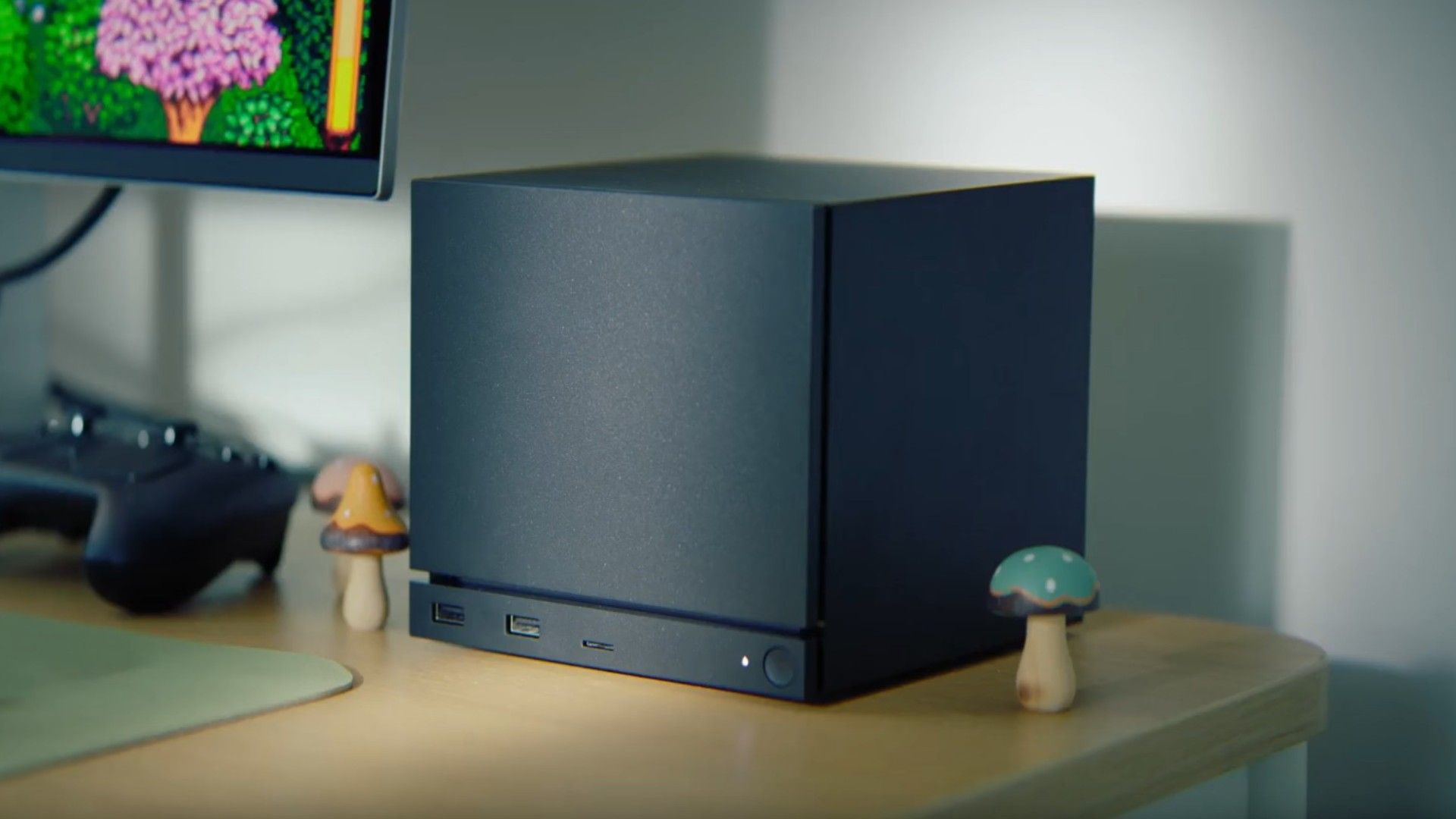
Modding, similar to emulation, is a key element of what makes PC gaming special. It’s not necessarily about being ‘better’ than other parts of gaming, but about offering experiences you simply can’t find elsewhere. While PlayStation, Xbox, and Nintendo rely on exclusive games to attract players, Valve is unlikely to do the same – its priority is supporting the broader PC gaming community, which is more important than any single device like the Steam Machine. Conversely, Sony, Microsoft, and Nintendo will probably never fully embrace emulation or modding on their consoles. This is where the Steam Machine, as a blend of PC and console, has a unique advantage, and it’s something Valve should focus on.
Lots of gamers are saying consoles are a thing of the past, and while that might sound dramatic, there’s a reason for the pessimism. People aren’t as impressed with the latest generation of consoles because the improvements don’t seem as significant as they used to be. However, the Steam Machine could signal a change – maybe consoles aren’t dying, but evolving into something more complicated, where things like exclusive games and brand loyalty aren’t as important. After years of competition between console makers, that sounds like a welcome shift.
Read More
- NTE Drift Guide (& Best Car Mods for Drifting)
- How to Get the Wunderbarrage in Totenreich (BO7 Zombies)
- How to Beat Turbines in ARC Raiders
- Re:Zero Season 4, Episode 6 Release Date & Time
- Change Your Perspective Anomaly Commission Guide In NTE (Neverness to Everness)
- Diablo 4 Best Loot Filter Codes
- Brent Oil Forecast
- Danganronpa 2: A Complete Guide To Gifts
- Top 8 UFC 5 Perks Every Fighter Should Use
- All Fish & How to Catch Them in NTE
2026-05-13 06:05