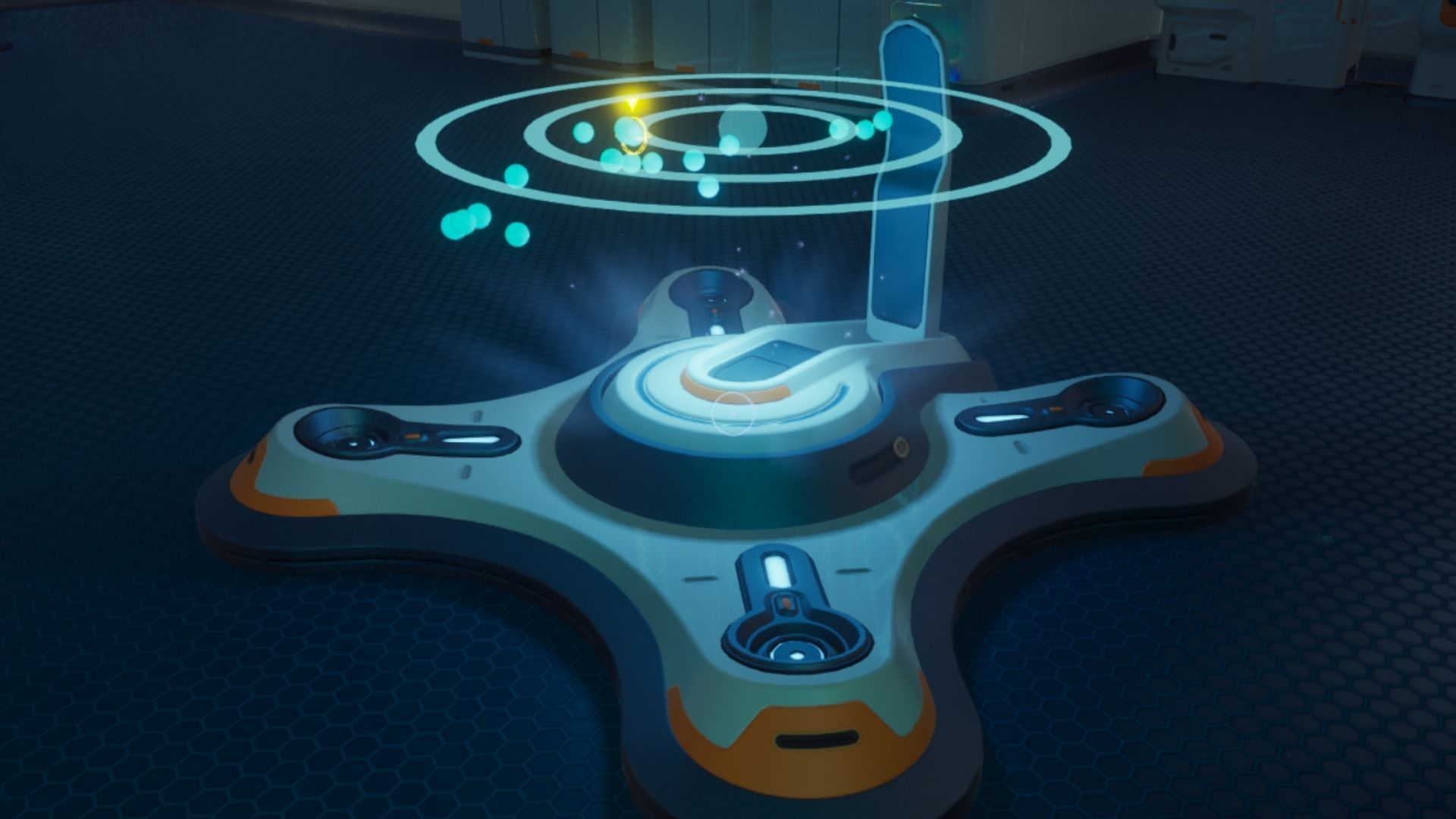
In Subnautica 2, the Scanner Station is a base module you can unlock to locate and keep track of valuable resources such as ores, creature habitats, and shipwrecks.
Once installed, this module helps players easily find what they’re looking for, improving their overall experience throughout the game.
How to Unlock Scanner Station in Subnautica 2
In Subnautica 2, you need to find and scan a single Scanner Station Fragment to activate the Scanner Station. These fragments are scattered around various locations in the game, and you can use any one you find. However, the fragment closest to your Lifepod is the easiest to reach.
Scanner Station Fragment Location
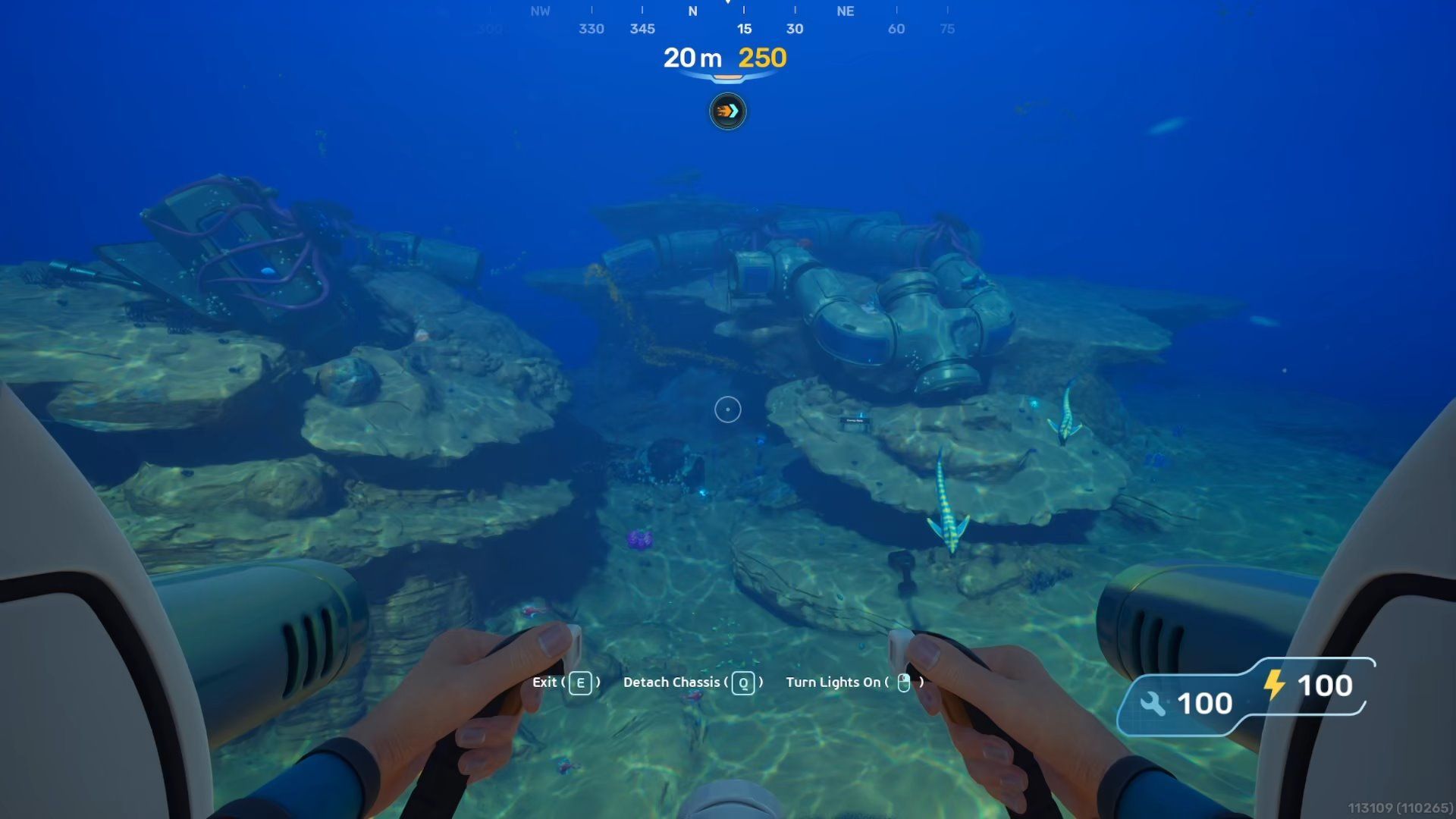
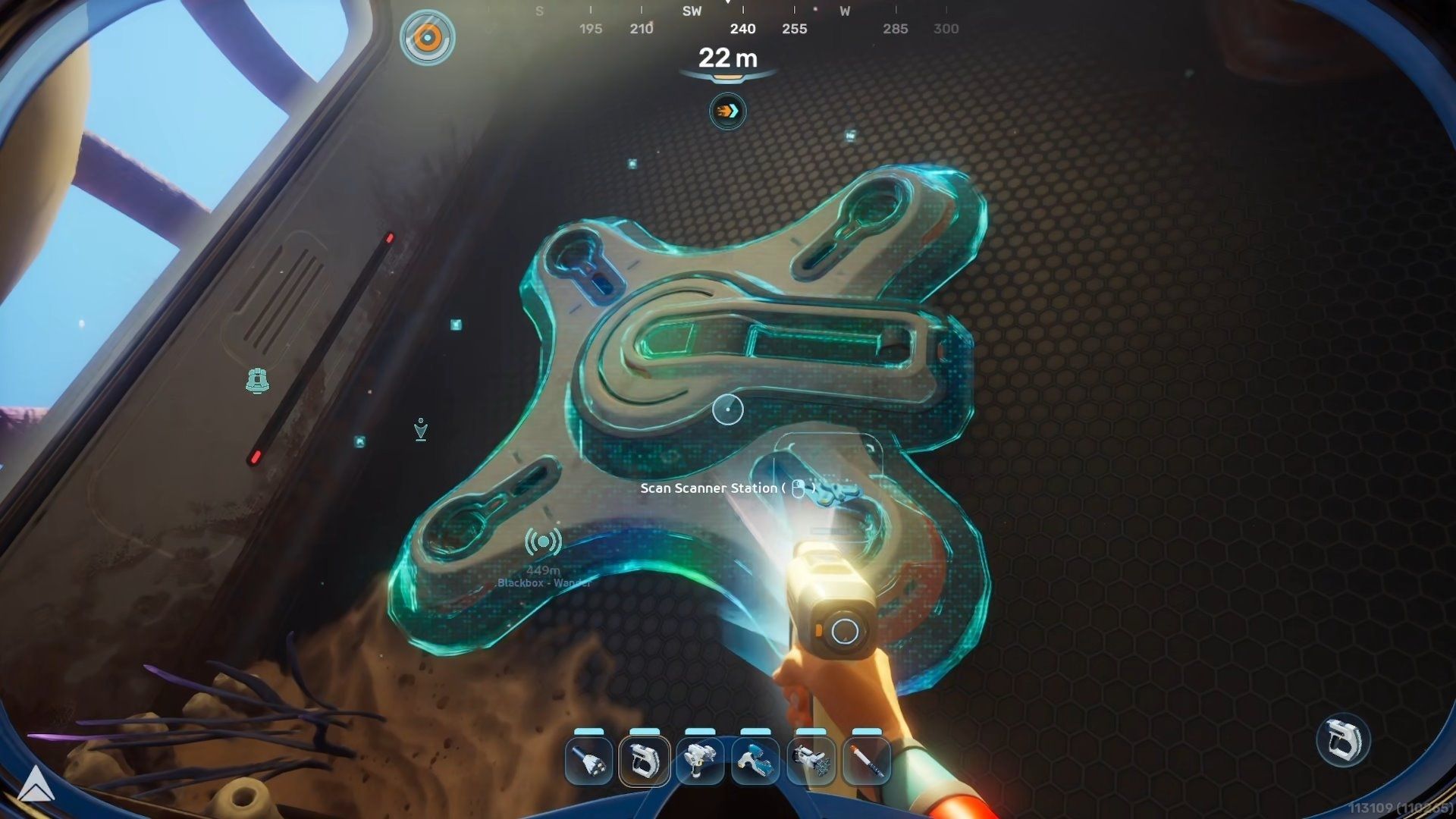
You can find a piece of a Scanner Station inside Camp One, a dilapidated colonist camp. This camp is a network of connected hallways located approximately 240 meters northeast of your Lifepod.
To get to this location and find the Scanner Station, here’s what you need to do:
- Float directly underneath the Lifepod and face the NE direction, keeping the compass HUD’s arrow on the 60 marker.
- Swim in a straight line for 240m and look down to find Camp One.
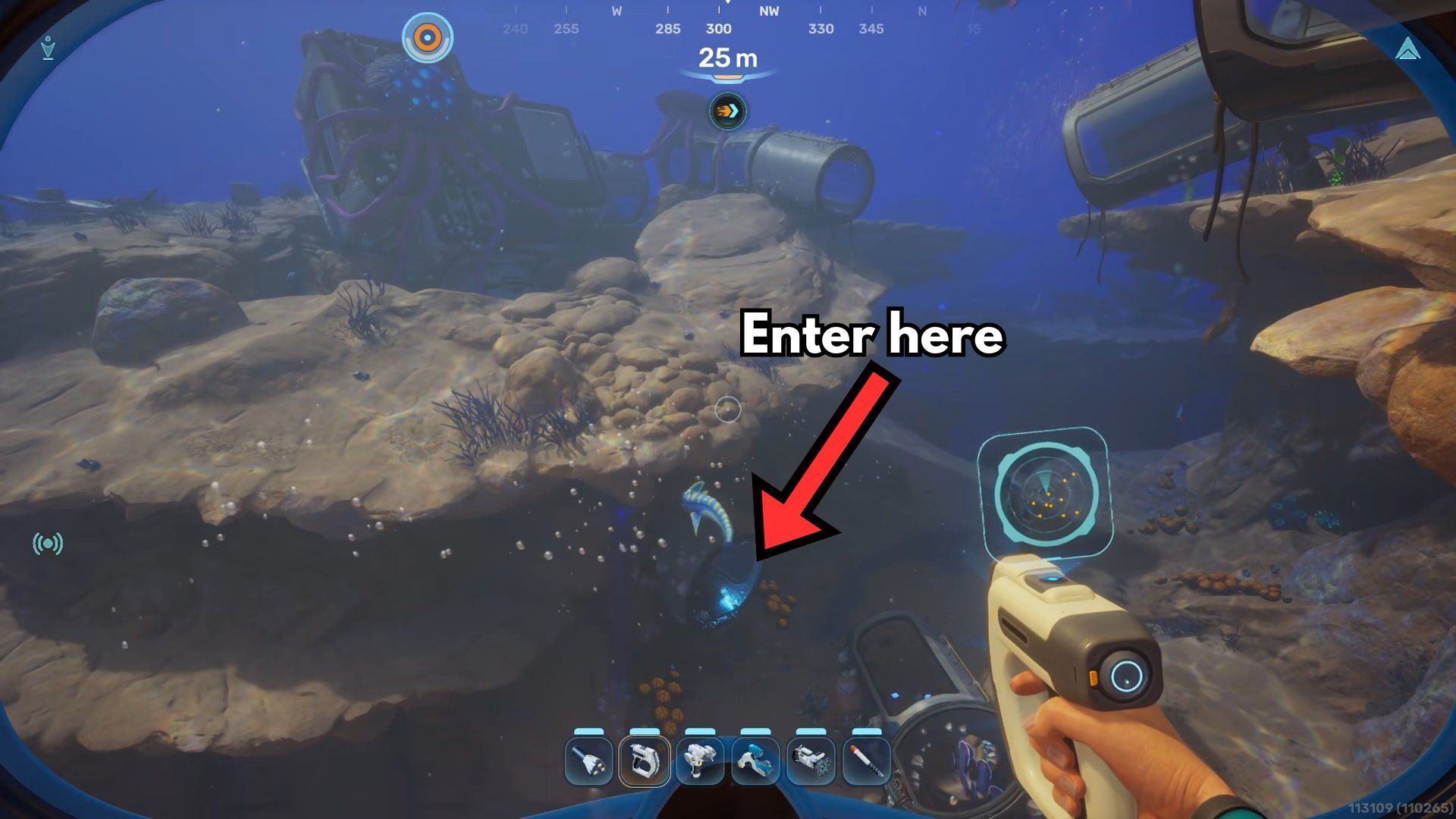
- Enter Camp One from the hatch near the seafloor level, the one shown in the screenshot above.
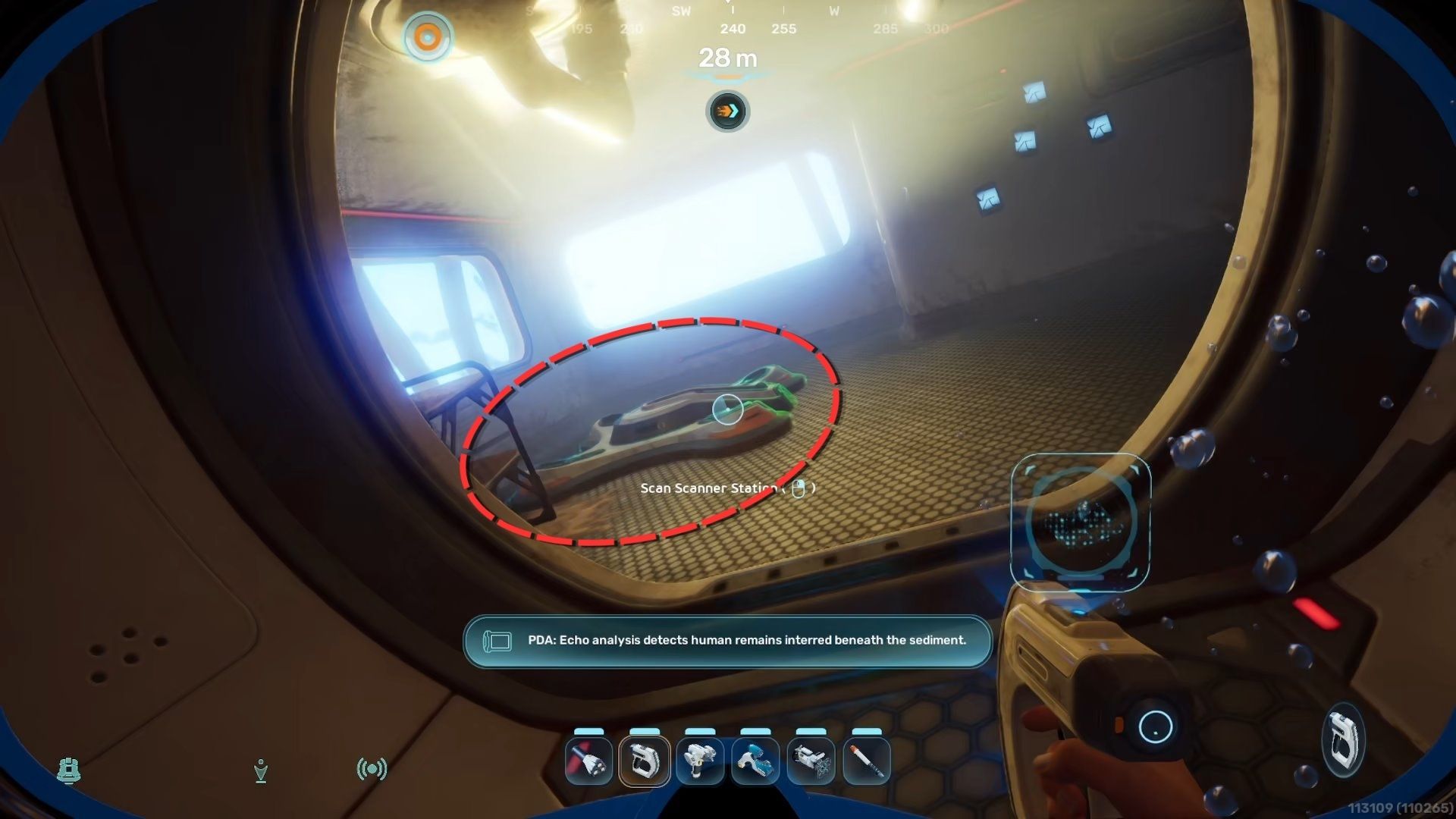
- Swim upward through the vertical corridor, and you’ll find the Scanner Station Fragment attached to the floor in the room that’s tilted almost 80 degrees on its axis.
- Scan the Scanner Station Fragment using the Scanner to unlock the blueprint.
How to Build the Scanner Station in Subnautica 2
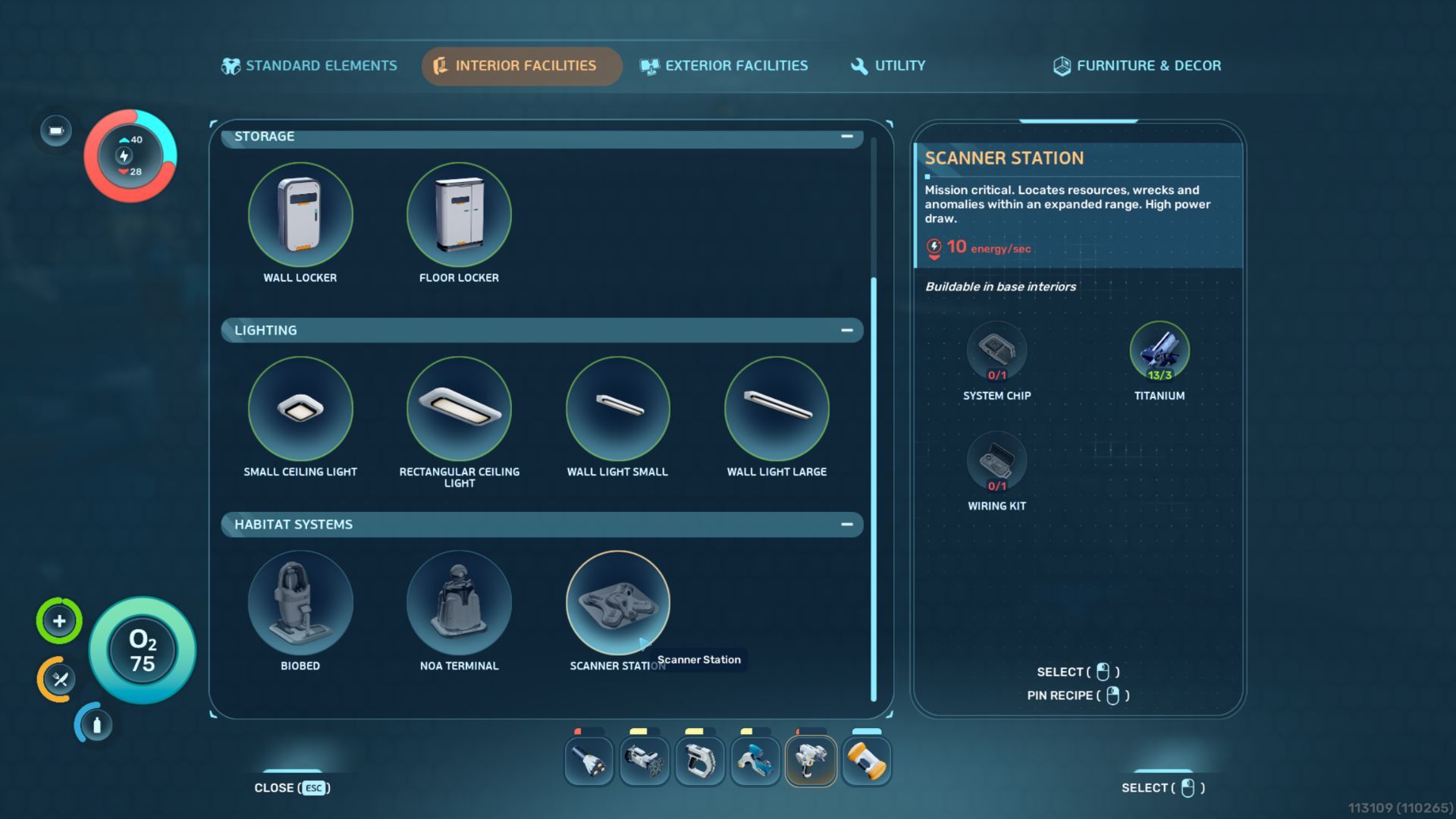
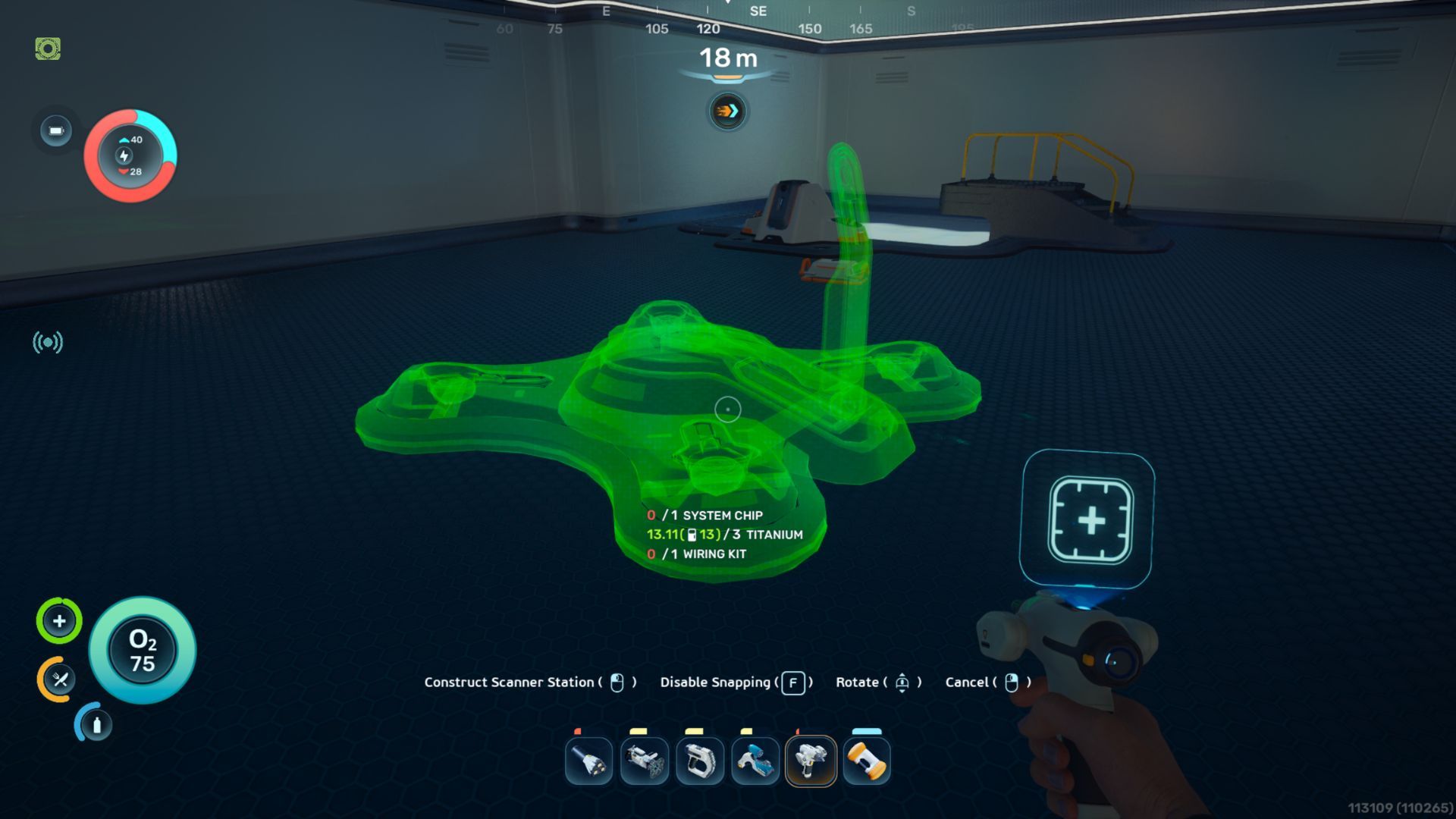
| Base Module | Building Tool | Materials |
|---|---|---|
| Scanner Station | Habitat Builder |
|
- Titanium is easy to find in the caves and on the surface in the shallow waters biome near the Lifepod.
- Wiring Kit can be made at a Fabricator using Silver x1 and Copper x1. Silver is found in caves that start appearing roughly 200m N of the Lifepod, whereas Copper is abundant in the starting zone, just like Titanium.
- System Chip can be made at a Fabricator using Wiring Kit x1 and Quartz x1. You’ll find Quartz growing on the insides of the Coral Domes in the starting zone.
How to Track Resources With Scanner Station in Subnautica 2
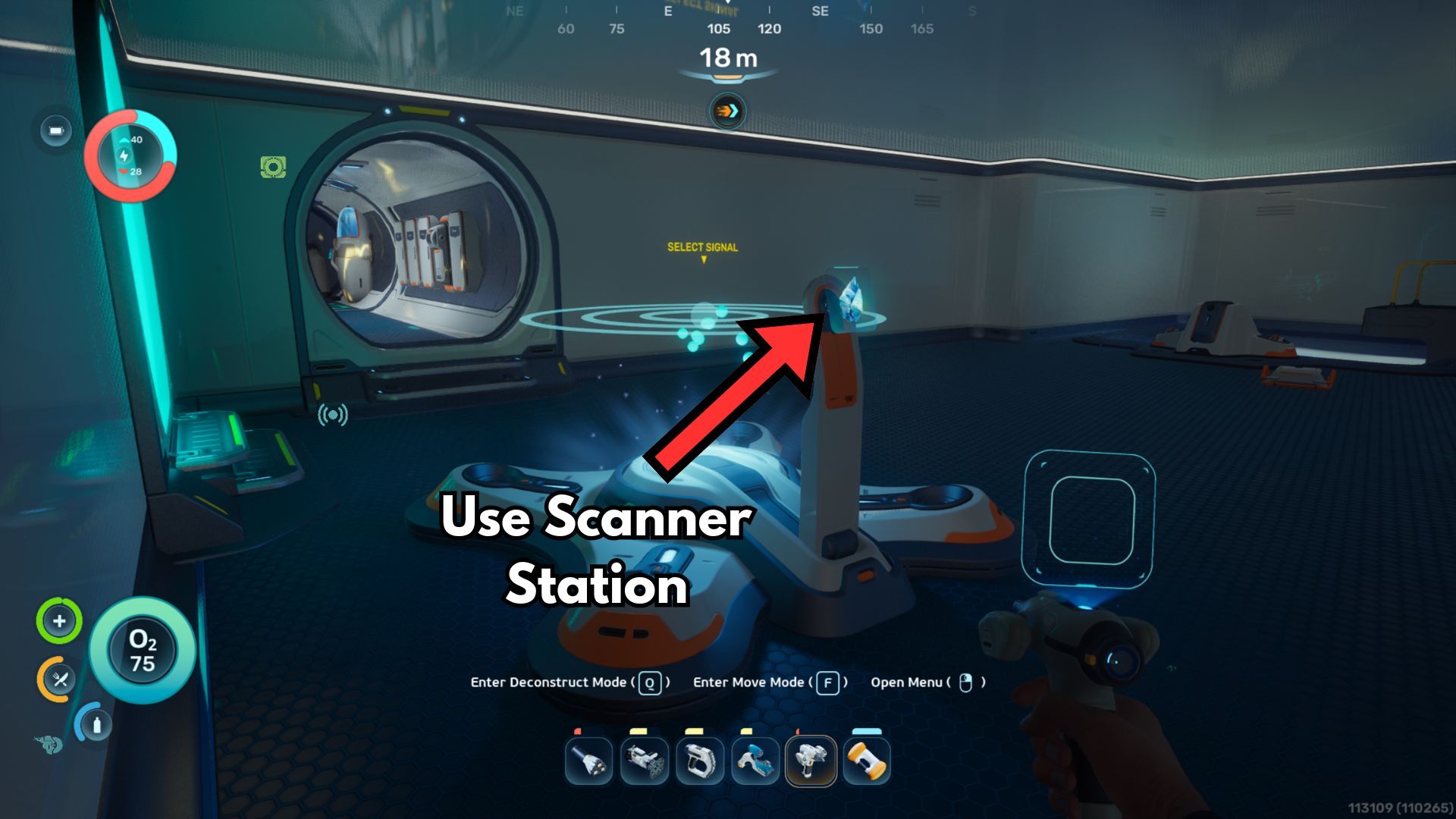
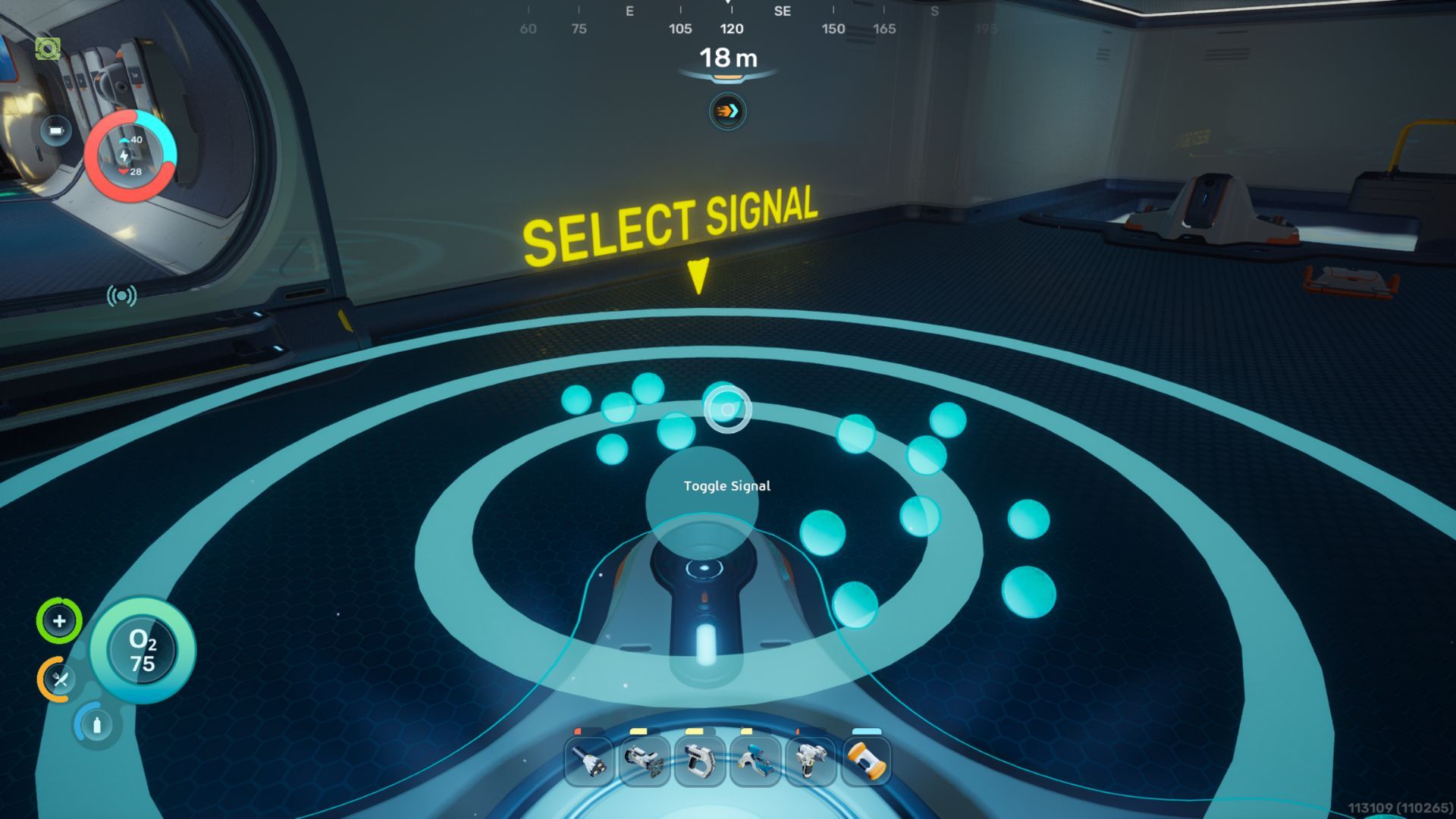
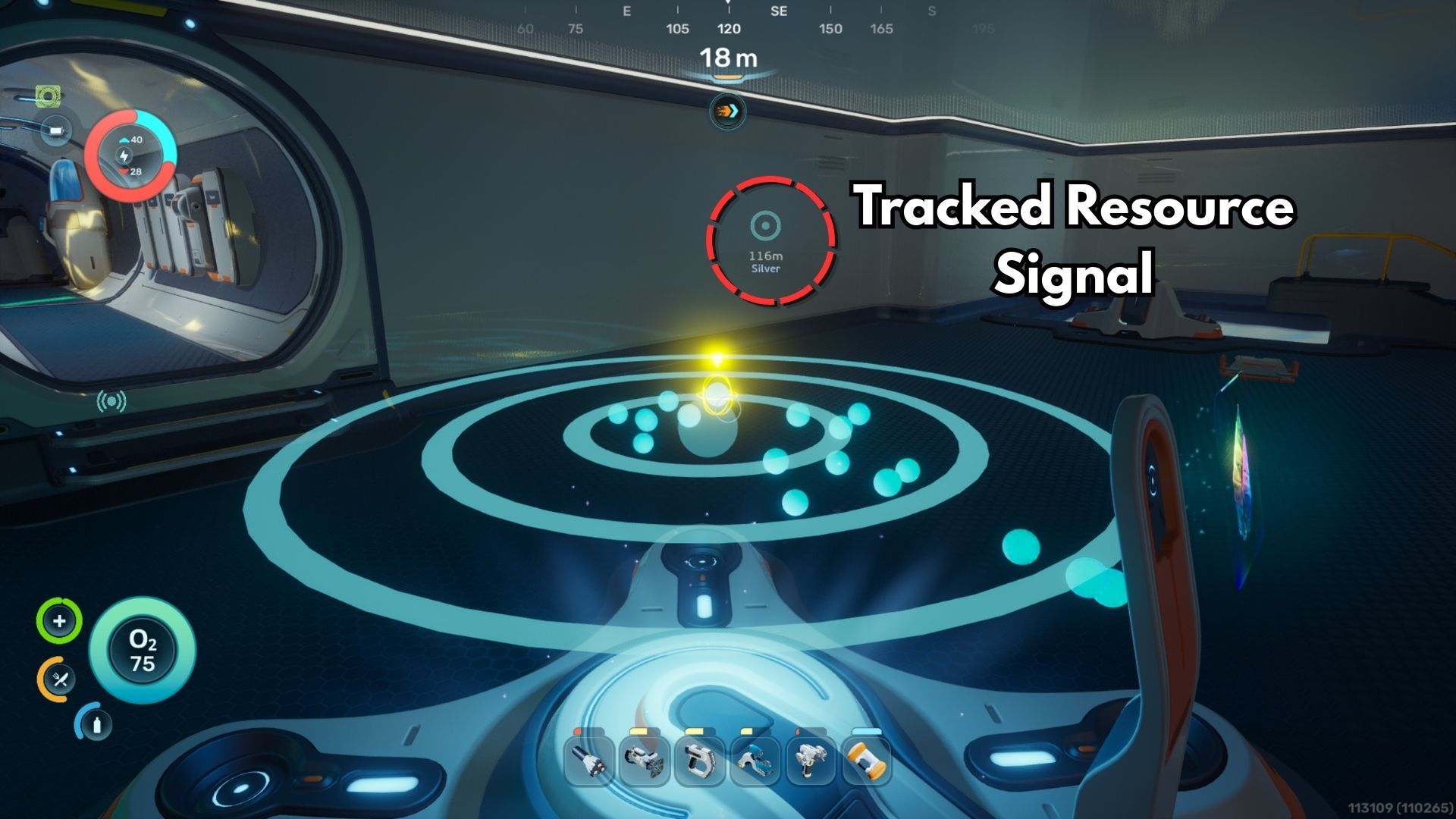
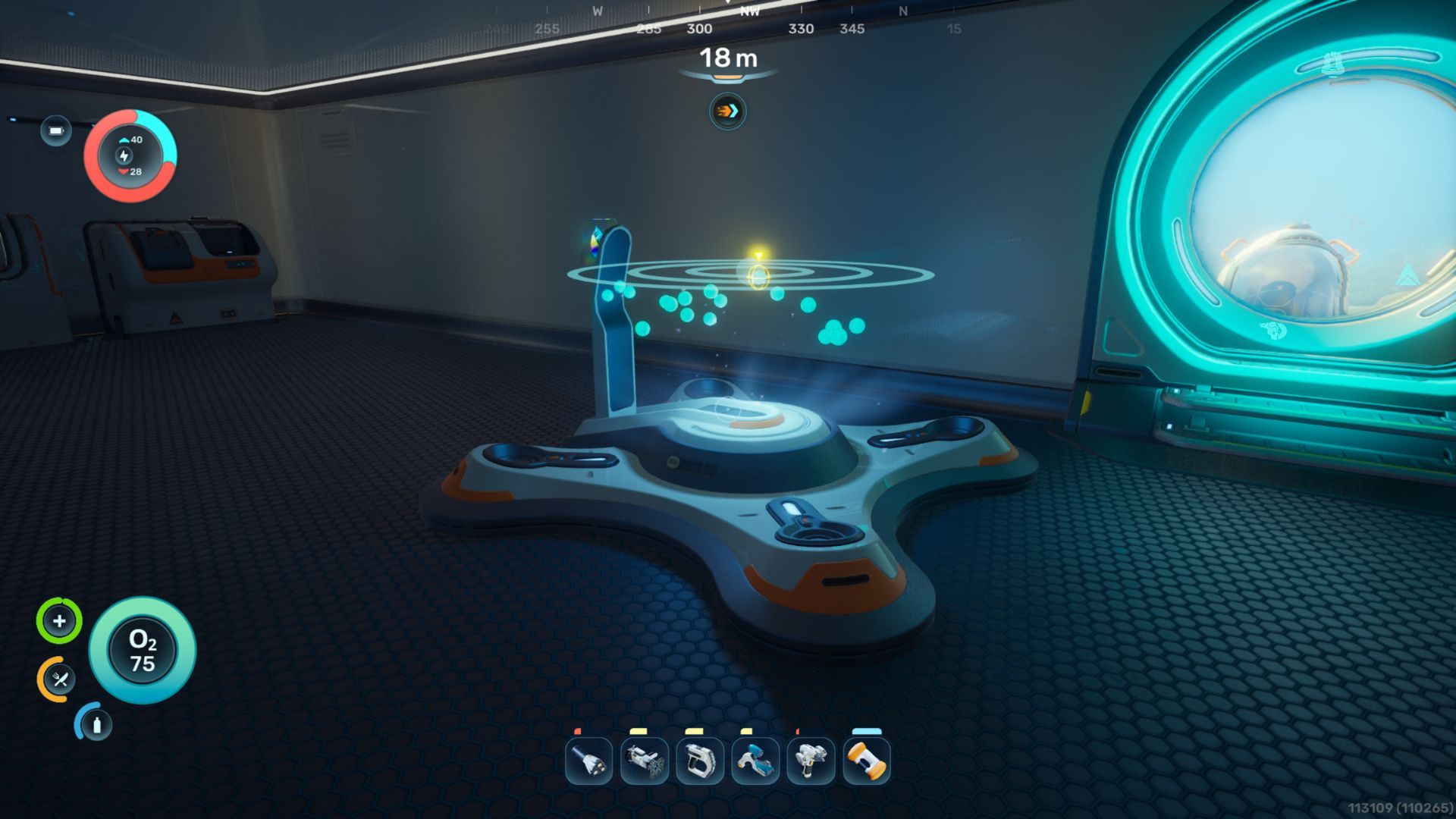
Once you construct a Scanner Station at your base, it will reveal the location of nearby resources like ore, as well as key structures like the Alterra Base, the Cicada Wreck, Bloom Infestations, and Anomalies. The Scanner Station has a range of 300 meters, effectively creating a 600-meter wide area around your base where everything is visible.
You can find resources and materials by using the Scanner Station. Simply select the “Use Scanner Station” option, choose the resource you’re looking for, and a holographic display will show you where it is. Click on any of the glowing orbs in the hologram to see its exact location marked on your screen.
- Once something is tracked, it becomes a signal in the world you can see by pointing your camera in its general direction. You can freely toggle or edit these floating markers from the Signals menu.
- One Scanner Station can only track one resource at a time. Each time you change the tracked resource, the previous signal disappears.
- Multiple Scanner Stations can track multiple resources at the same time since each signal functions independently. However, it’s generally not worth it to place more than one in the same base.
- Every Scanner Station requires 10 energy/second to work. Make sure your base has enough power, or this module will not function.
Read More
- Re:Zero Season 4, Episode 6 Release Date & Time
- NTE Drift Guide (& Best Car Mods for Drifting)
- How to Get the Wunderbarrage in Totenreich (BO7 Zombies)
- How to Beat Turbines in ARC Raiders
- Diablo 4 Best Loot Filter Codes
- Change Your Perspective Anomaly Commission Guide In NTE (Neverness to Everness)
- Top 8 UFC 5 Perks Every Fighter Should Use
- Brent Oil Forecast
- EUR CNY PREDICTION
- Danganronpa 2: A Complete Guide To Gifts
2026-05-14 20:39