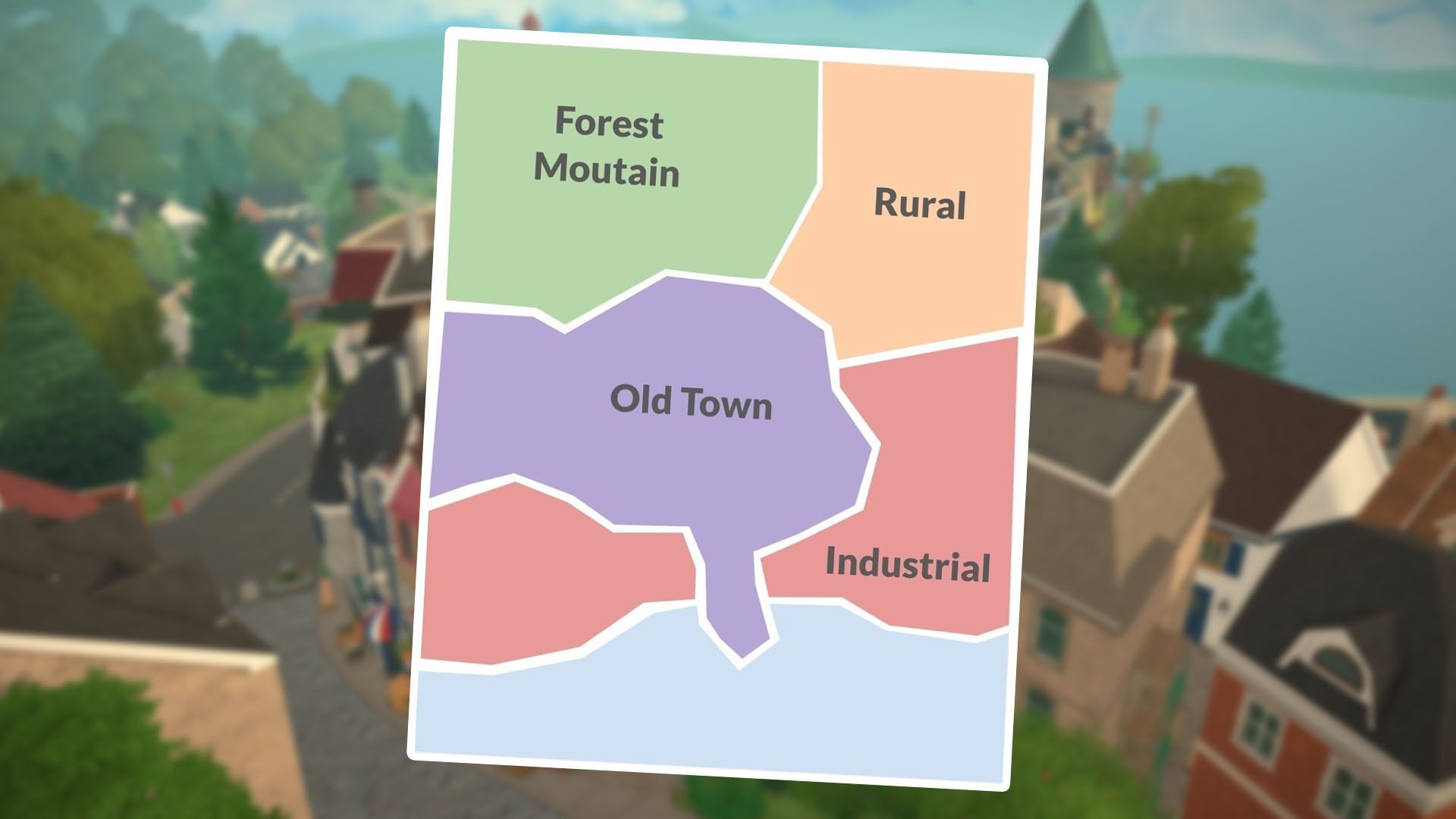
In Paralives, you’ll spend a lot of time designing your Parafolks’ perfect home, but there’s a whole town to explore beyond those walls! You can visit different shops, attractions, and meet other characters to befriend or even start a romance with. When you first begin, the town can feel a little overwhelming because there’s so much to see, especially if you’re not familiar with the layout. Luckily, the game provides a town map and lets you investigate each building, helping you get your bearings as you start playing.
How to View the Town Map in Paralives
You can see the town map by pressing the ‘M’ key, scrolling down with your mouse wheel, or pressing the minus (-) key. This will zoom the camera out. When zoomed out completely, you’ll get an overhead view of the area, with buildings and important locations clearly marked, like in the image below.
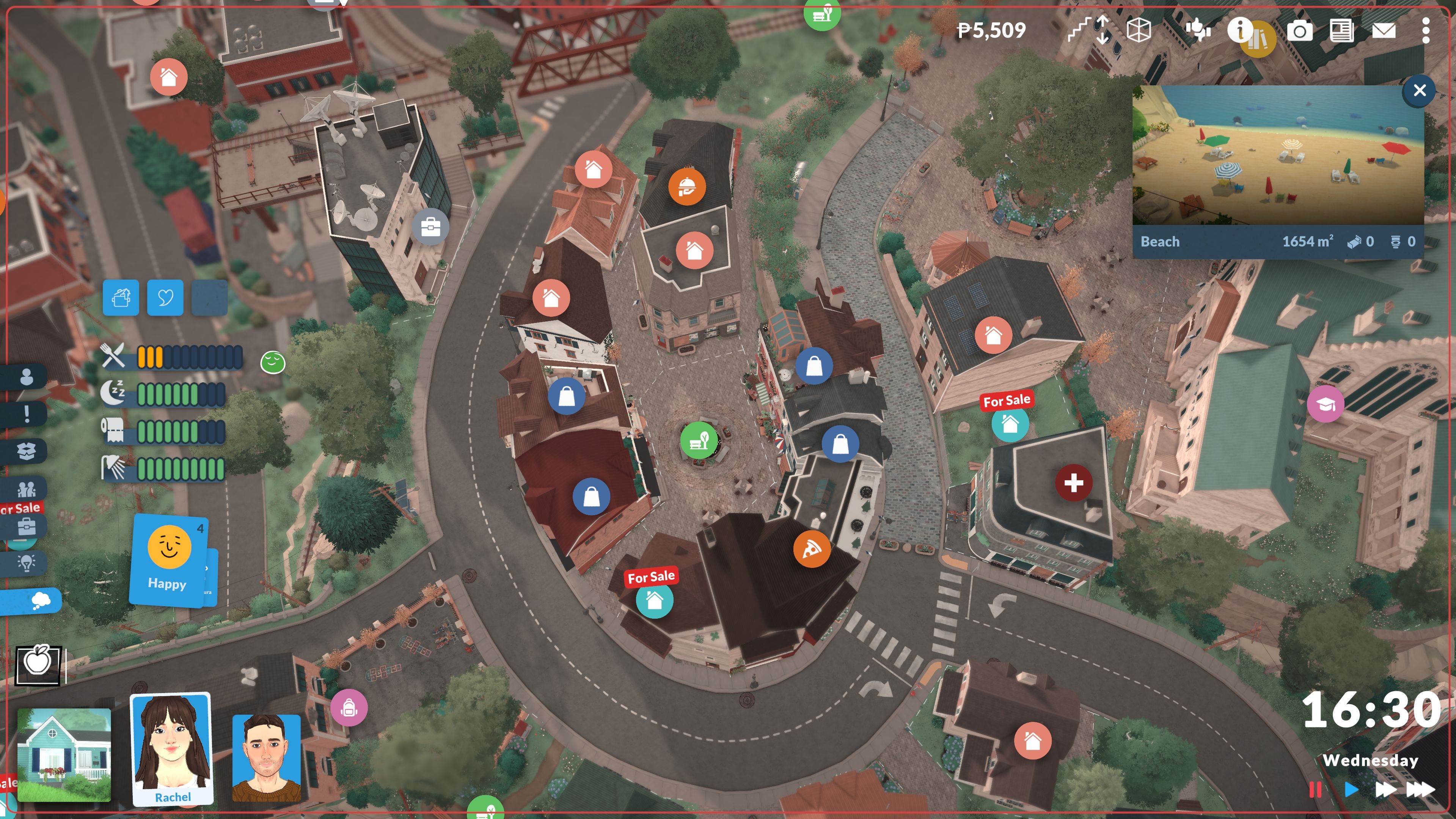
So, if I want to know more about a building, all I have to do is hover over it and click. There are tons of places to check out – shops where I can buy stuff, restaurants to grab a bite, even a museum and a community center. And of course, all the office buildings where my Parafolks head to work each day.
I’ve included a full list of different building types in the town below:
- Houses
- Office Spaces
- Gym
- Restaurants
- Shops
- Community Center
- Museum
- Parks
- Health Center
- Elementary School
- High School
- Castle Plaza
- Townhall & Library
- Train Station
- Beach
When you’re looking at the town map, it’s a good idea to pause time using the button in the bottom right corner. This lets you get familiar with the town layout and buildings without your Parafolks getting bored or losing valuable time they could be using to develop their skills!
Read More
- NTE Drift Guide (& Best Car Mods for Drifting)
- How to Get the Wunderbarrage in Totenreich (BO7 Zombies)
- All Aswang Evidence & Weaknesses in Phasmophobia
- How to Get Necrolei Cyst & Strong Acid in Subnautica 2
- Where to Find Prescription in Where Winds Meet (Raw Leaf Porridge Quest)
- Conduit Crystal Location In Subnautica 2
- Diablo 4 Best Loot Filter Codes
- Boruto: Ikemoto Has Already Hinted At Sasuke’s New Eye After Return
- USD RUB PREDICTION
- Best Burst & Full Auto Builds for the M16A4 in BF6
2026-05-20 20:03